



15 Essential Real Estate Forms & Templates Every Agent Needs in 2026
The real estate industry generated over $1.8 trillion in transactions in 2025, yet many agents still lose leads because of slow, clunky paperwork. According to the National Association of Realtors, 97% of home buyers now start their property search online — and they expect instant, professional digital experiences from the very first interaction.
The difference between a top-producing agent and an average one often comes down to systems. Smart digital forms eliminate manual data entry, capture leads 24/7, and create a seamless client experience that builds trust from day one. In this guide, you’ll find the 15 forms every real estate professional needs, with ready-to-use Dashform templates you can deploy in minutes using the AI form builder.
Looking for ready-to-use templates? Browse our real estate form templates or try the AI form generator to create custom forms in seconds.
Why Digital Forms Are Non-Negotiable for Real Estate Agents
Real estate moves fast. A buyer who fills out an inquiry at 11 PM expects a response by morning — not a week later when you finally process a stack of paper forms.
Digital forms solve three critical problems:
- Speed to lead: Instant notifications mean you respond in minutes, not days. Agents who respond within 5 minutes are 21x more likely to qualify a lead.
- Data accuracy: No more illegible handwriting or missing fields. Required fields and validation ensure you capture complete, usable information every time.
- Automation: Forms integrate directly with your CRM, email marketing, and transaction management tools, eliminating double data entry.
Lead Capture & Prospecting Forms
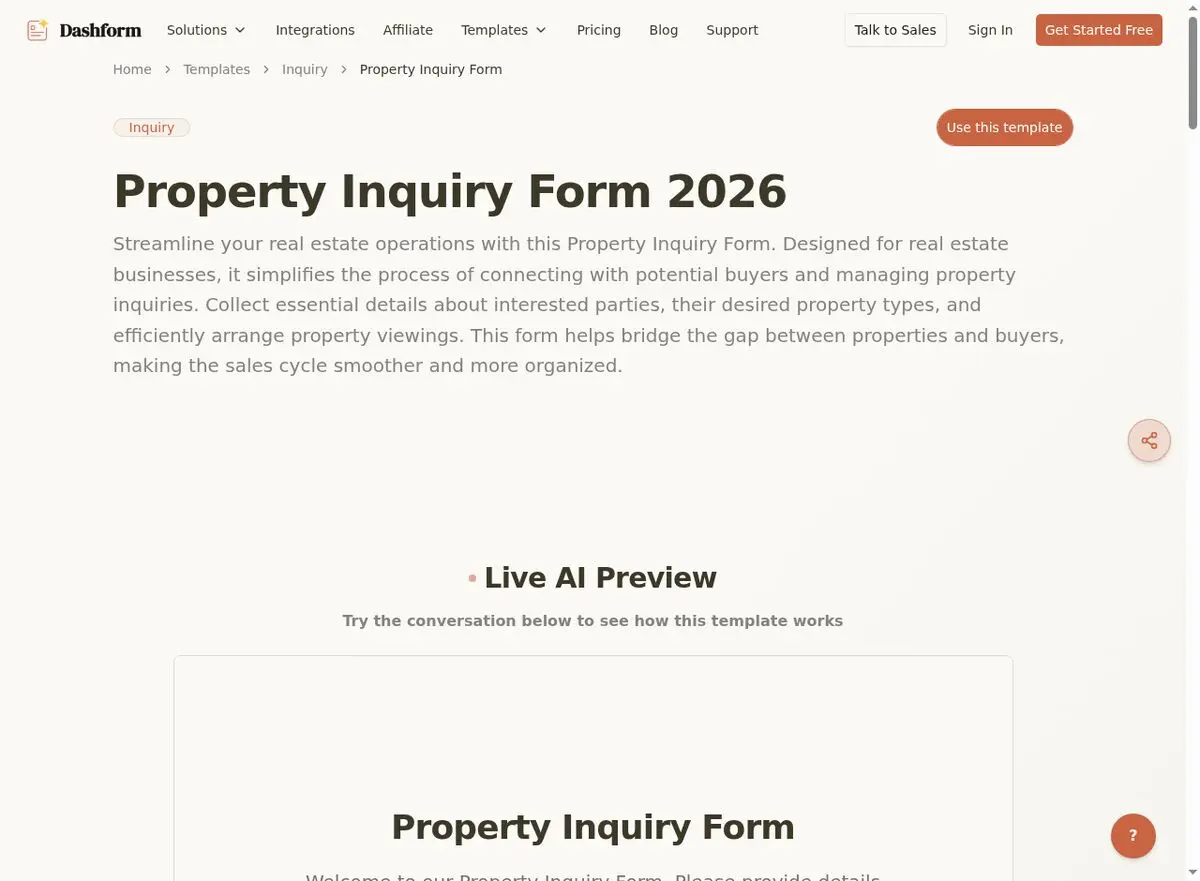
1. Property Inquiry Form
The foundation of your lead generation funnel. This form captures prospects who are interested in a specific listing or general area. It should collect:
- Name
- Phone
- Property preferences (bedrooms, budget range, location)
- Timeline
Why it matters: A well-designed property inquiry form can convert 15–25% of website visitors into leads — compared to just 2–3% for a generic "contact us" page.
Use this Property Inquiry Form template →
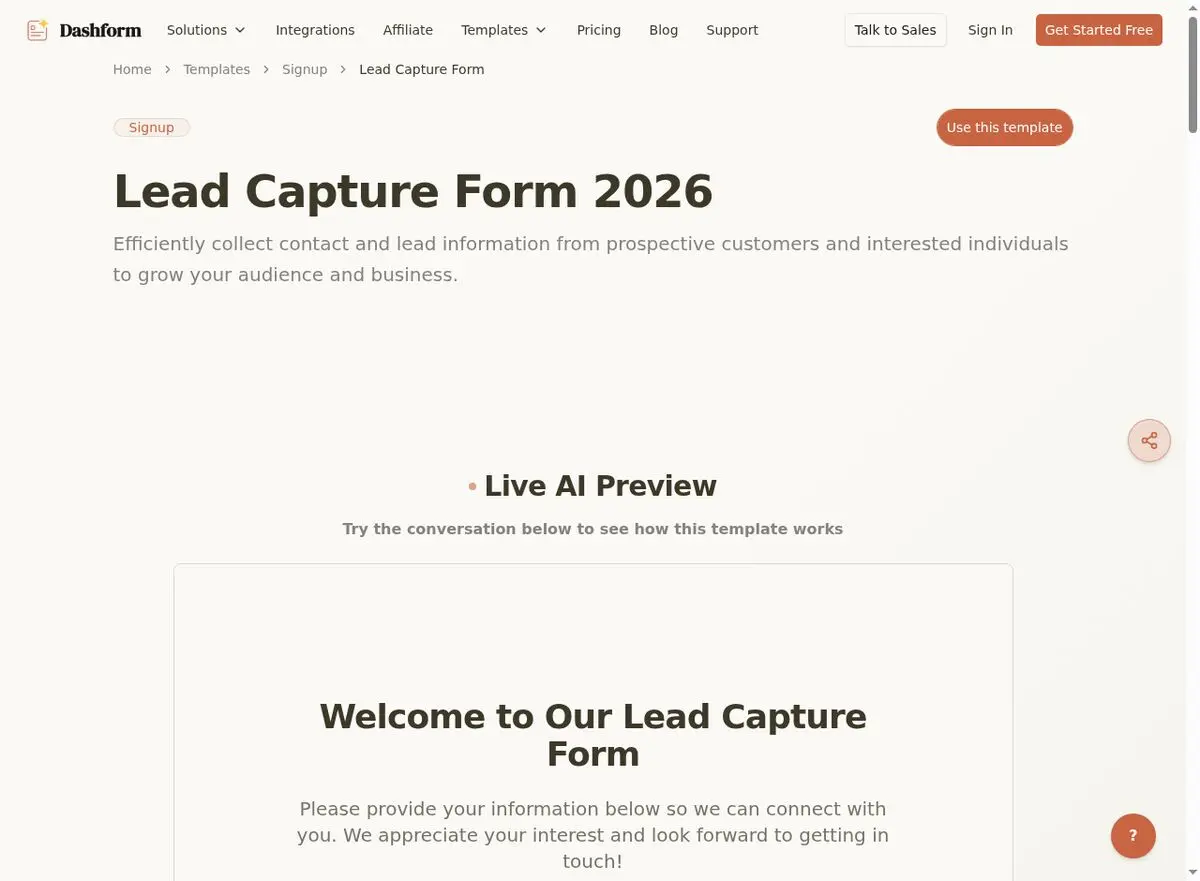
2. General Lead Capture Form
Not every visitor knows exactly what they want. A broad lead capture form with a compelling offer (free market report, neighborhood guide, home valuation) casts a wider net.
Keep it short — 3–5 fields maximum for top-of-funnel leads, such as:
- Name
- Phone
- Primary goal (buy, sell, invest)
Use this Lead Capture Form template →
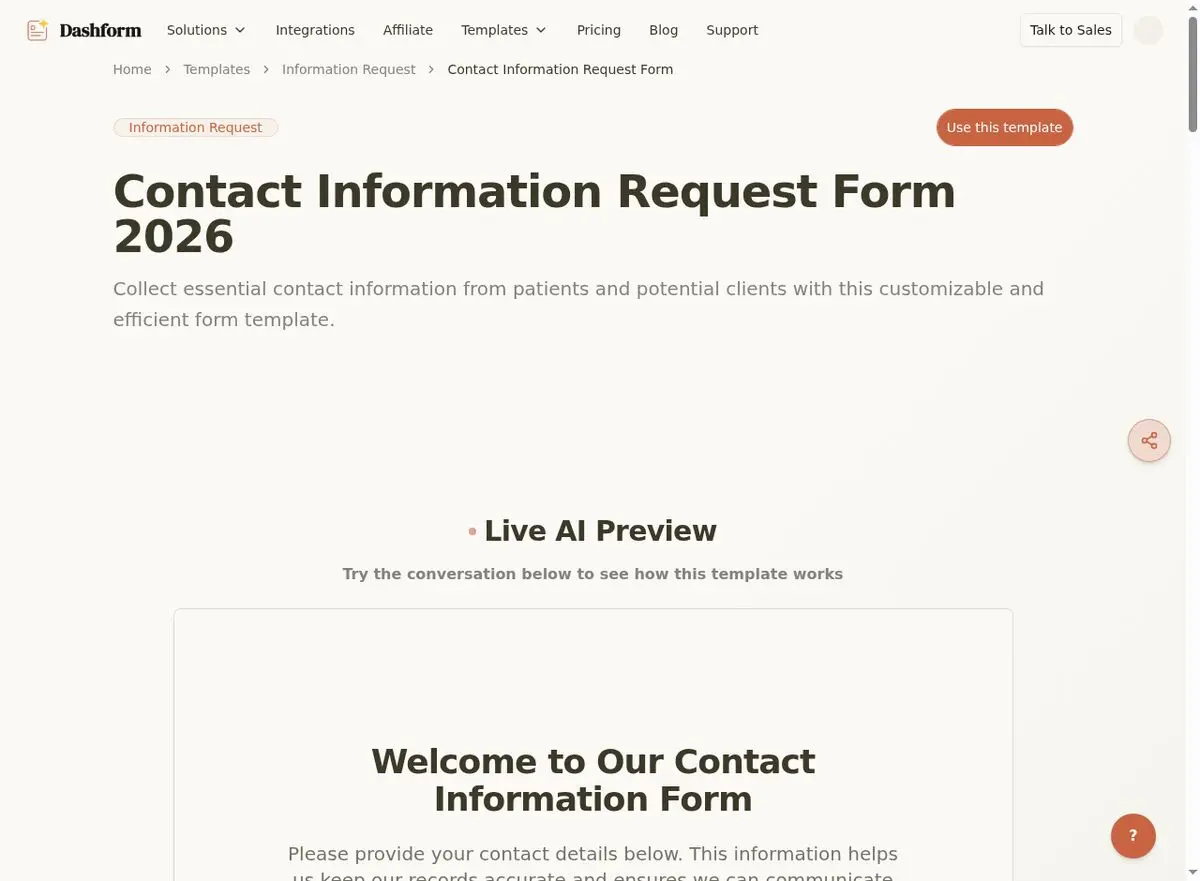
3. Contact Information Request Form
For agents running paid advertising or social media campaigns, a simple contact form with UTM tracking helps you attribute leads to specific campaigns.
Include:
- Name and contact details
- Property interest or service type
- Preferred contact method
- "How did you hear about us?" dropdown
Use this Contact Information Request Form template →
Buyer-Focused Forms
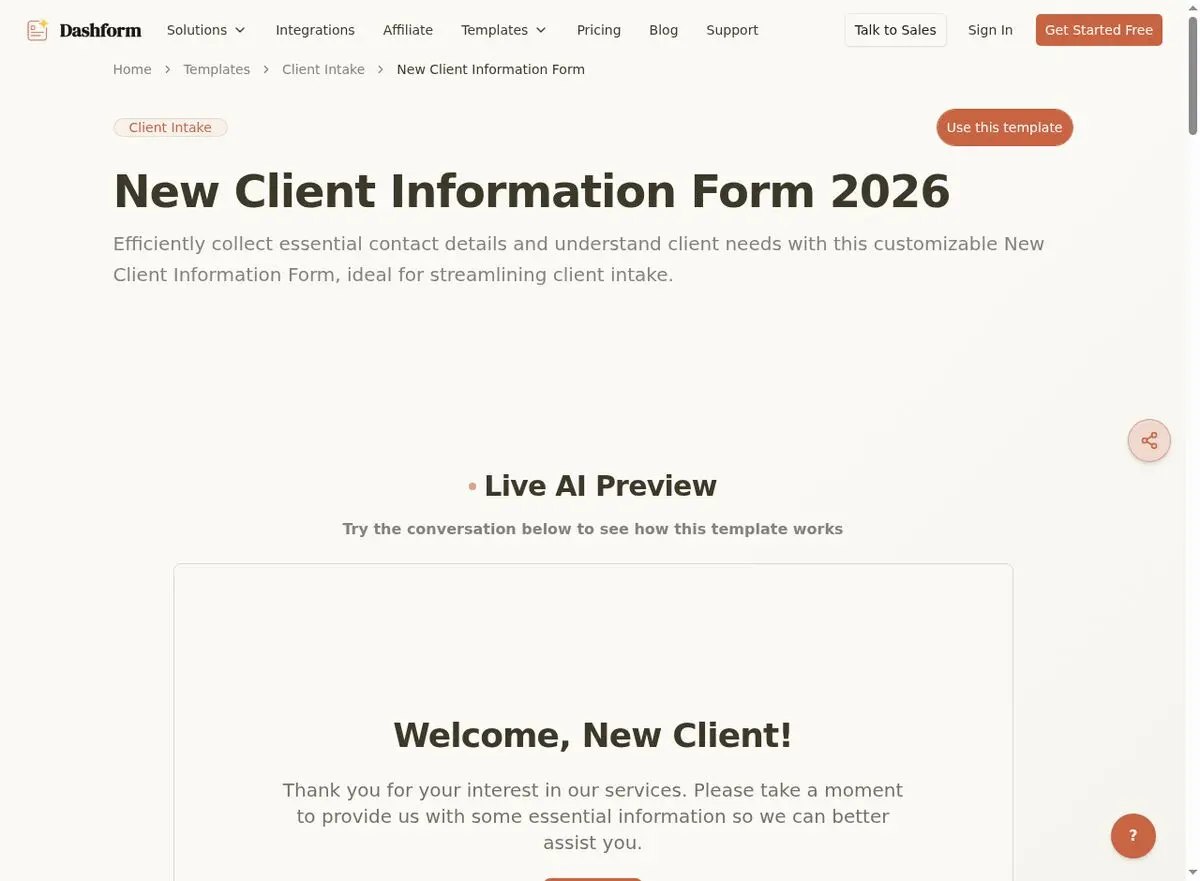
4. New Client Information Form (Buyer Intake)
Once a lead converts, you need comprehensive intake data to serve them effectively. This form captures:
- Financial readiness (pre-approval status, budget)
- Lifestyle preferences (school districts, commute requirements)
- Must-haves vs. nice-to-haves
- Timeline urgency
- Buyer type (first-time, investor, relocation, move-up)
Pro tip: Use Dashform's conditional logic to show different questions based on whether the buyer is a first-timer, investor, or relocation client.
Use this New Client Information Form template →
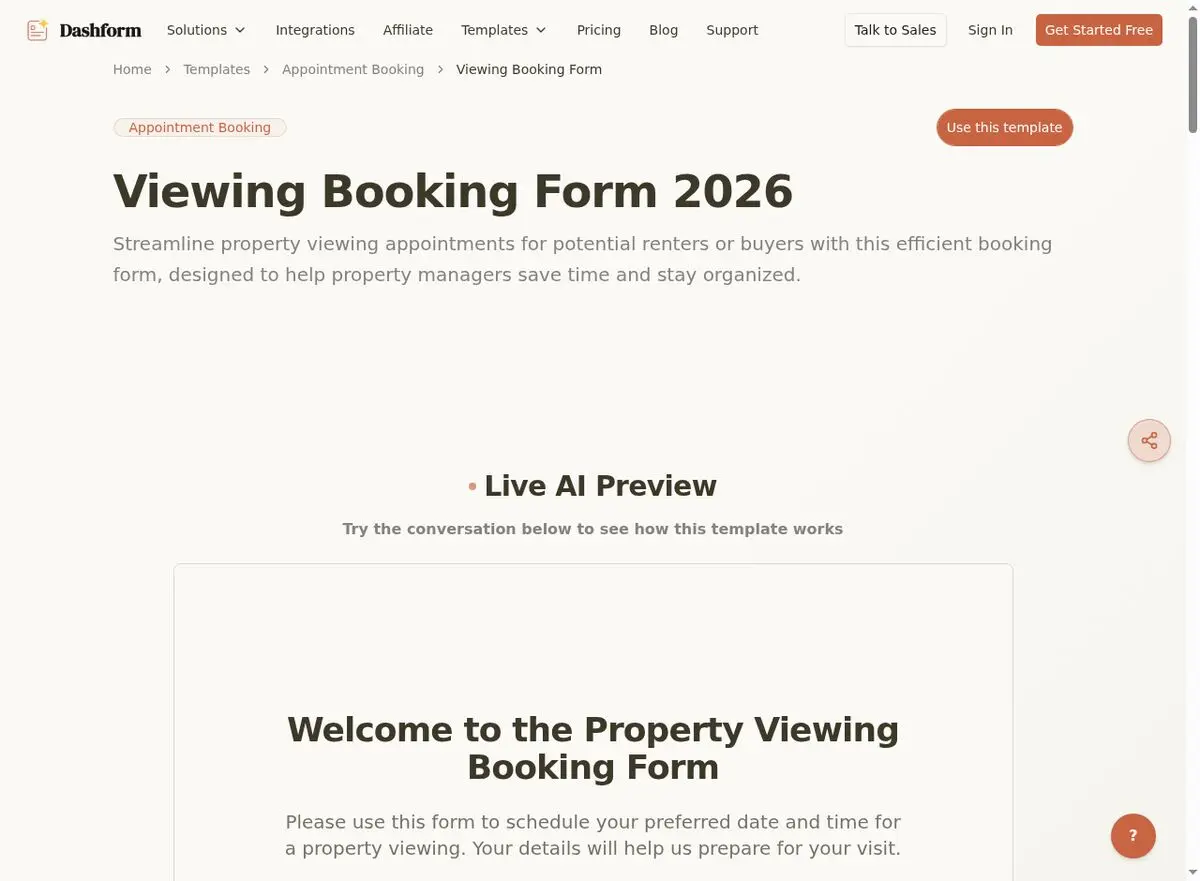
5. Viewing Booking Form
Let buyers self-schedule property viewings instead of playing phone tag.
Include fields for:
- Property address or MLS number
- Preferred date and time (with available time slots)
- Number of attendees
- Any accessibility requirements or special notes
Automated confirmation and reminder emails save you hours of back-and-forth.
Use this Viewing Booking Form template →
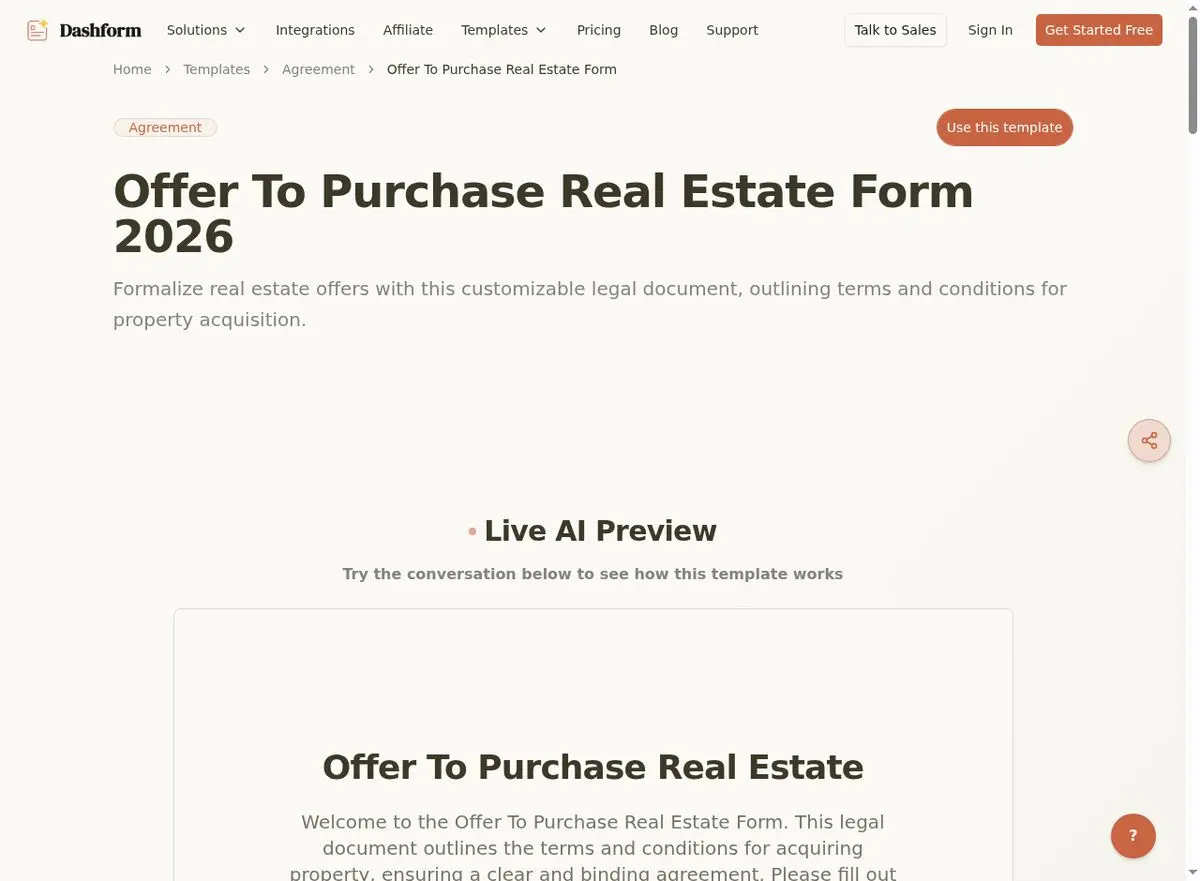
6. Offer to Purchase Real Estate Form
While formal offers require legal documentation, a digital pre-offer form helps you gather initial terms quickly and accurately:
- Proposed purchase price
- Contingencies (inspection, appraisal, loan, sale of current home)
- Desired closing date
- Earnest money amount
- Financing details
Use this Offer to Purchase Real Estate Form template →
Seller-Focused Forms
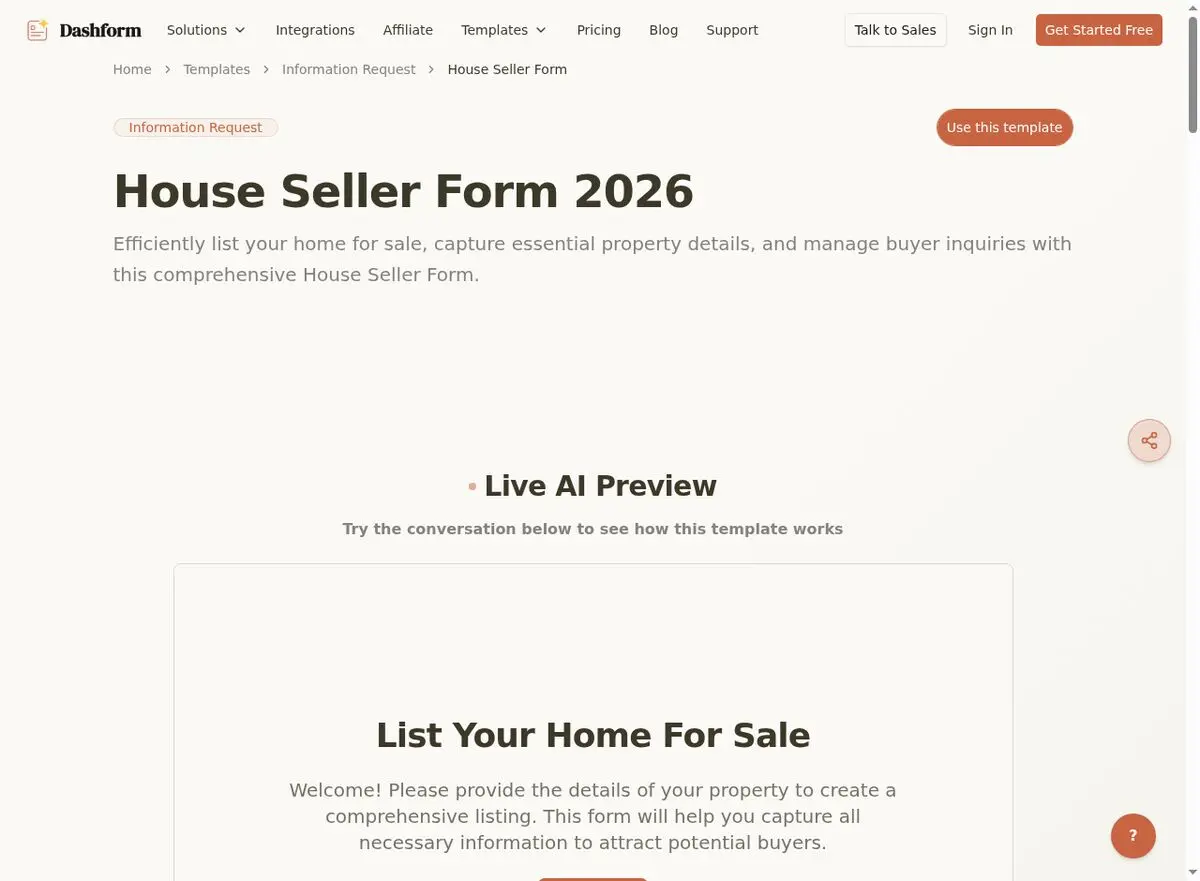
7. House Seller Form (Listing Intake)
Before listing a property, you need comprehensive details from the seller: property condition, upgrades and renovations, HOA information, known defects or issues, reason for selling, desired timeline, and pricing expectations. This form also captures the seller’s disclosure requirements, which vary by state.
Pro tip: Use this during your listing presentation to demonstrate professionalism and thoroughness. Sellers are more likely to sign with an agent who has a structured process.
Use this House Seller Form template →
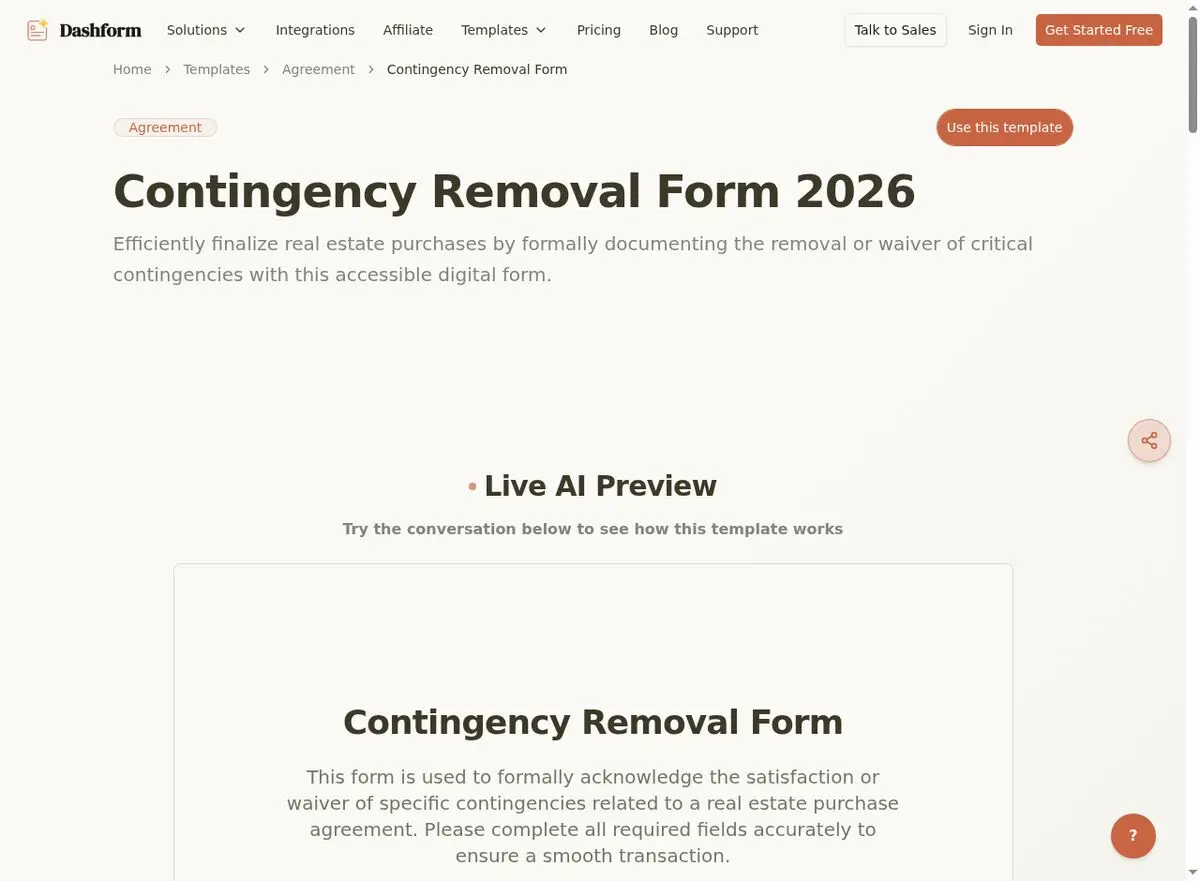
8. Contingency Removal Form
Once a buyer completes their inspections, appraisal, or loan approval, contingencies need to be formally removed. This form documents which contingency is being removed, the date of removal, and acknowledgment from both parties. It’s a critical step that keeps the transaction on track.
Use this Contingency Removal Form template →
Transaction Management Forms
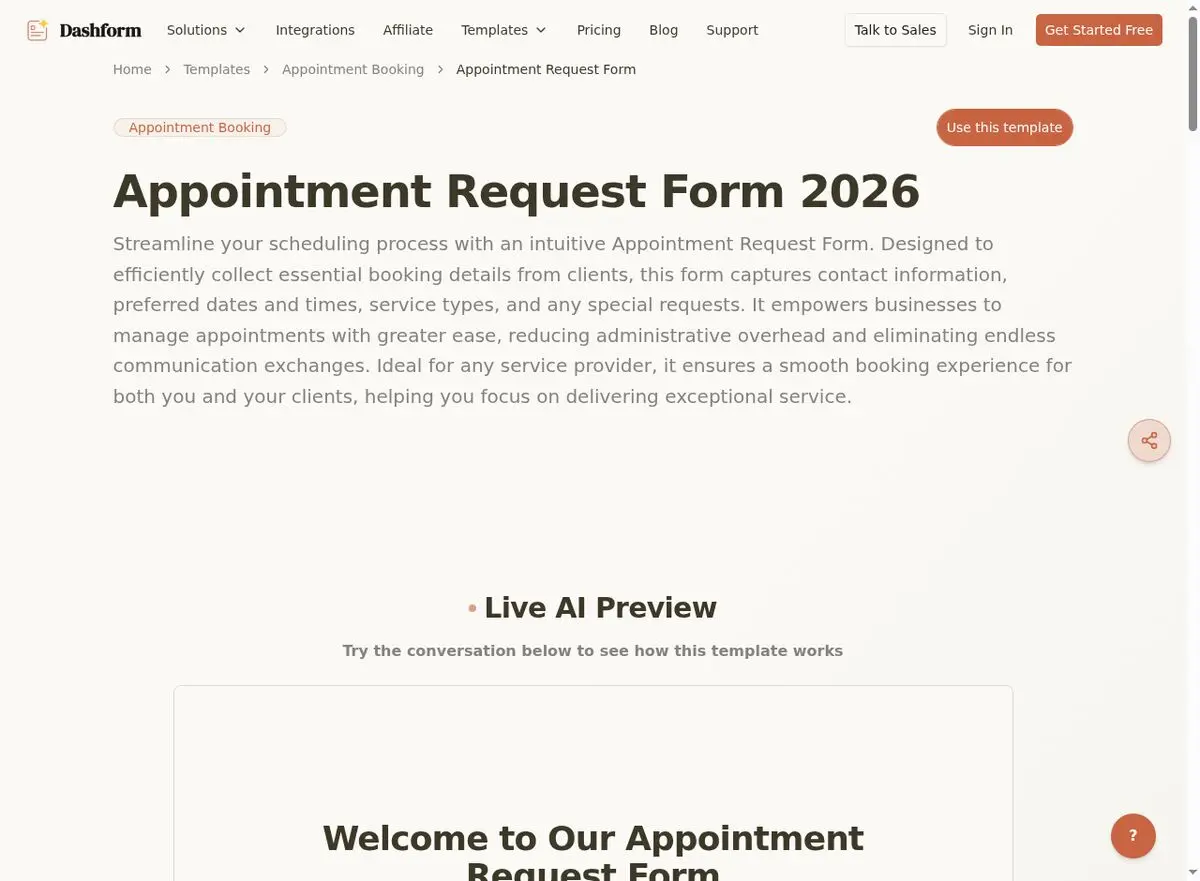
9. Appointment Request Form
Whether it’s a buyer consultation, listing presentation, or closing meeting, a standardized appointment request form eliminates scheduling friction. Include fields for service type, preferred date/time, meeting format (in-person, virtual, phone), and a brief description of what the client wants to discuss.
Use this Appointment Request Form template →
Client Experience & Feedback Forms
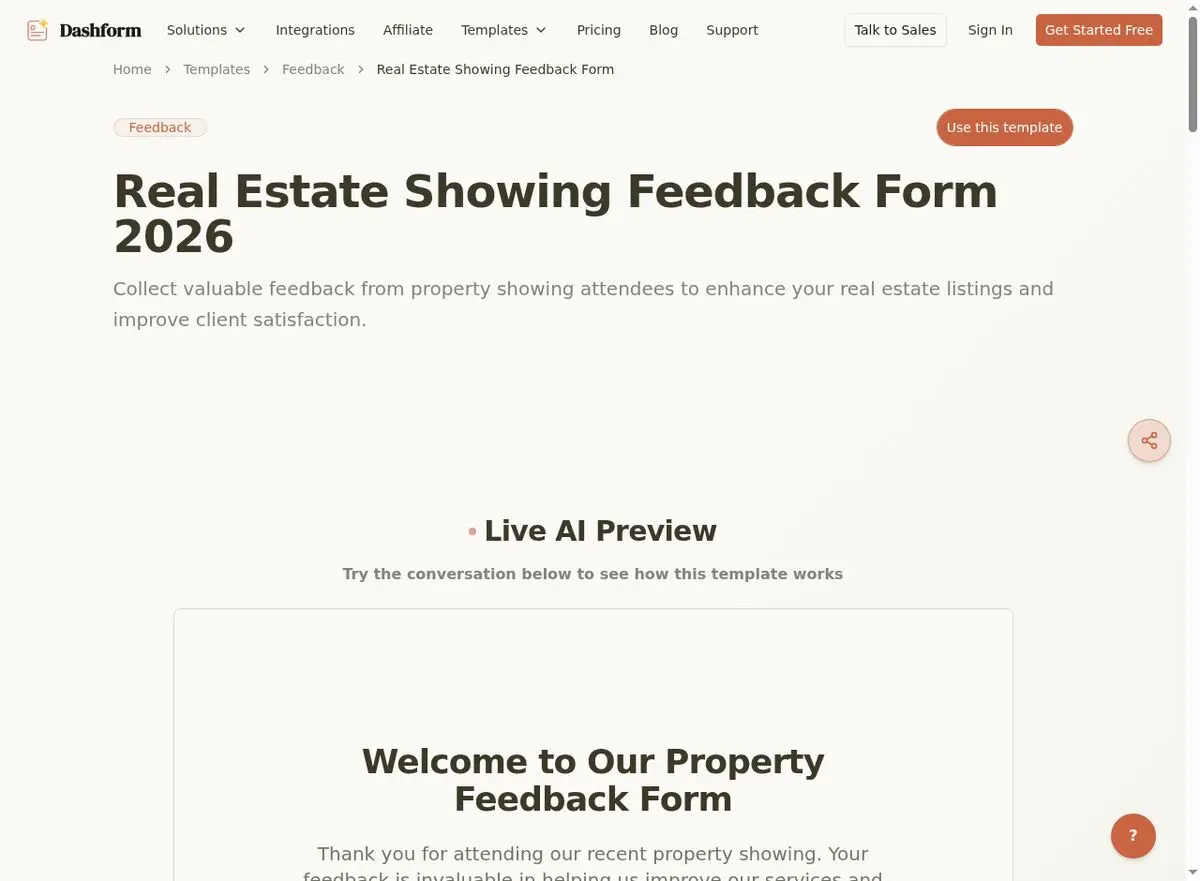
10. Real Estate Showing Feedback Form
After every showing, collect structured feedback from buyers: overall impression, price perception, condition assessment, likelihood of making an offer, and specific likes or concerns. This data helps sellers make informed pricing decisions and helps you identify serious buyers.
Why it matters: Agents who systematically collect showing feedback close listings 23% faster because they can advise sellers on necessary adjustments early.
Use this Real Estate Showing Feedback Form template →
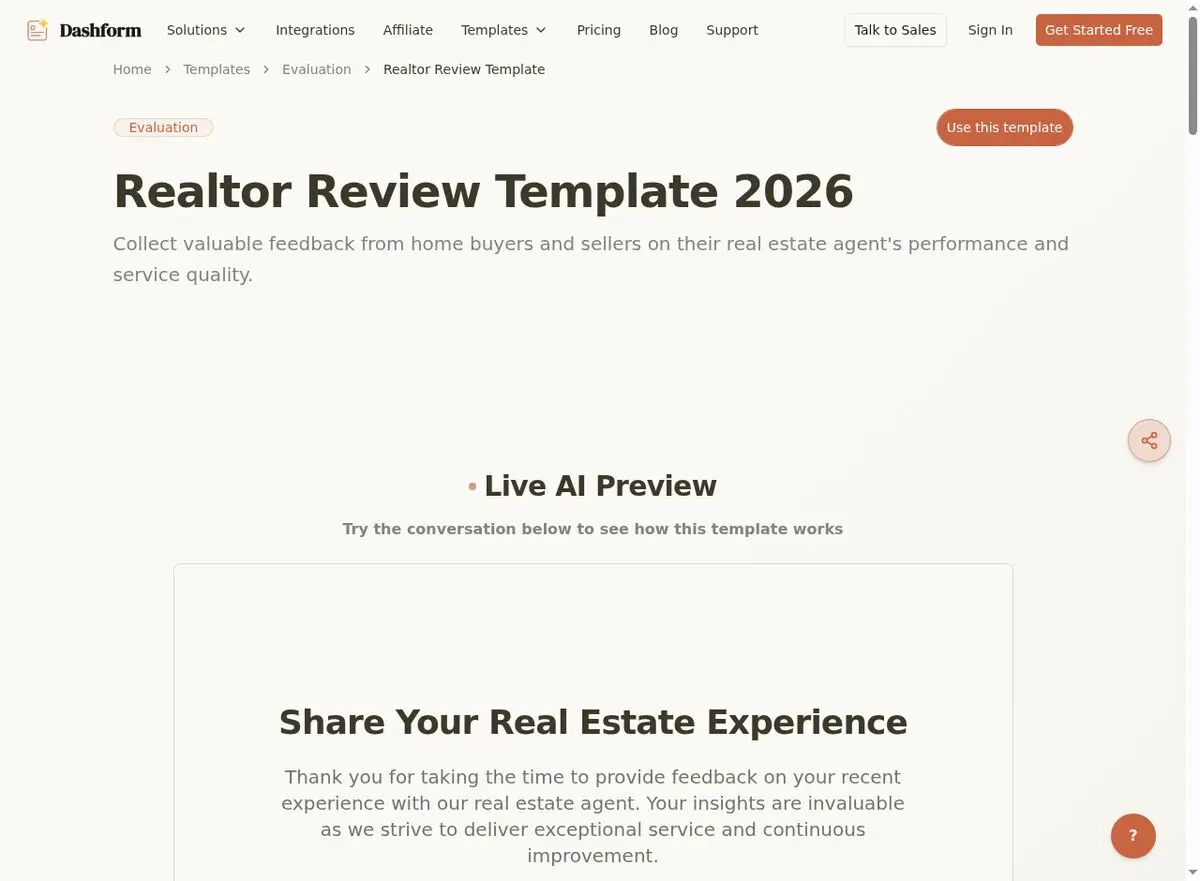
11. Realtor Review Template
Online reviews are the new word-of-mouth. After closing, send clients a structured review request that makes it easy for them to leave detailed, positive feedback. Include rating scales for communication, market knowledge, negotiation skills, and overall satisfaction, plus an open text field for a testimonial.
Use this Realtor Review Template →
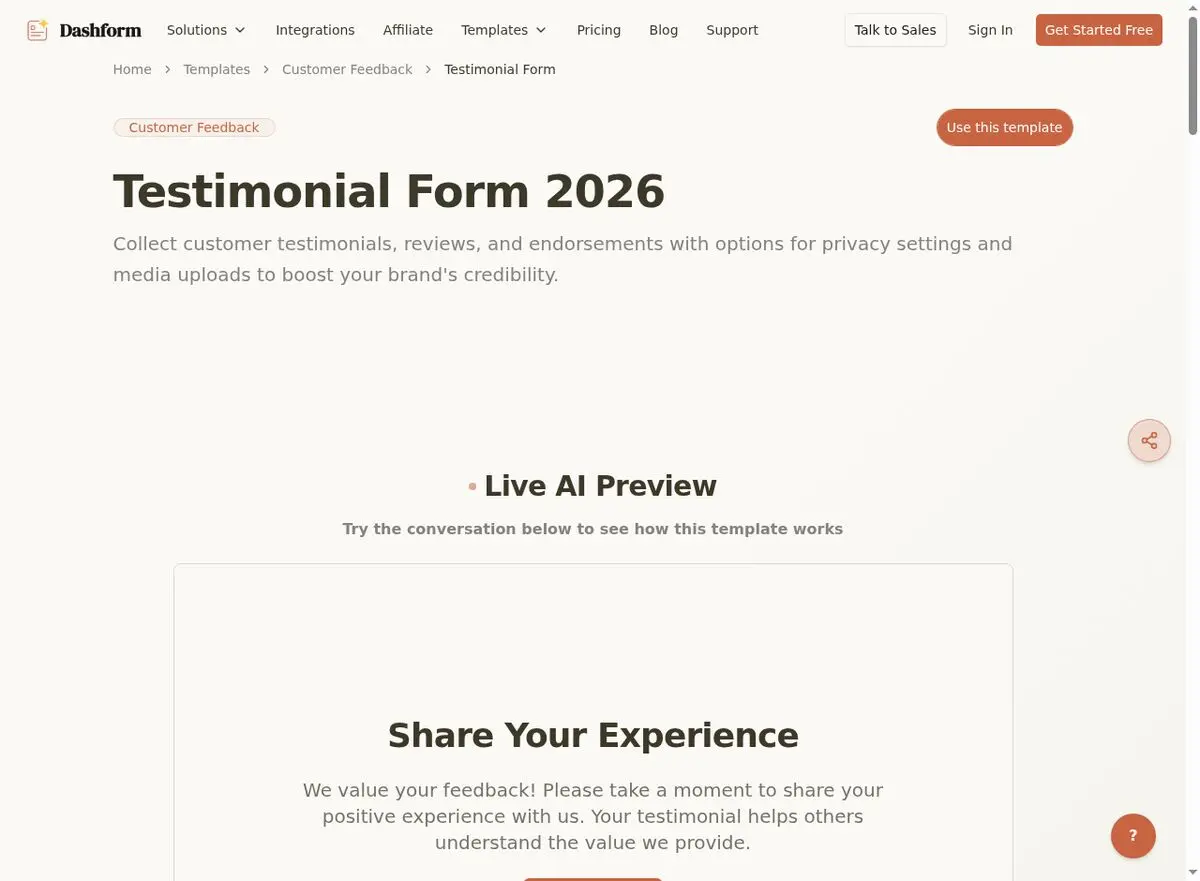
12. Testimonial Collection Form
Similar to the review template but focused on longer, story-driven testimonials for your website and marketing materials. Ask clients to describe their situation before working with you, the process, and the outcome. Include a photo/video upload option and a consent checkbox for marketing use.
Use this Testimonial Form template →
Investment & Financial Forms
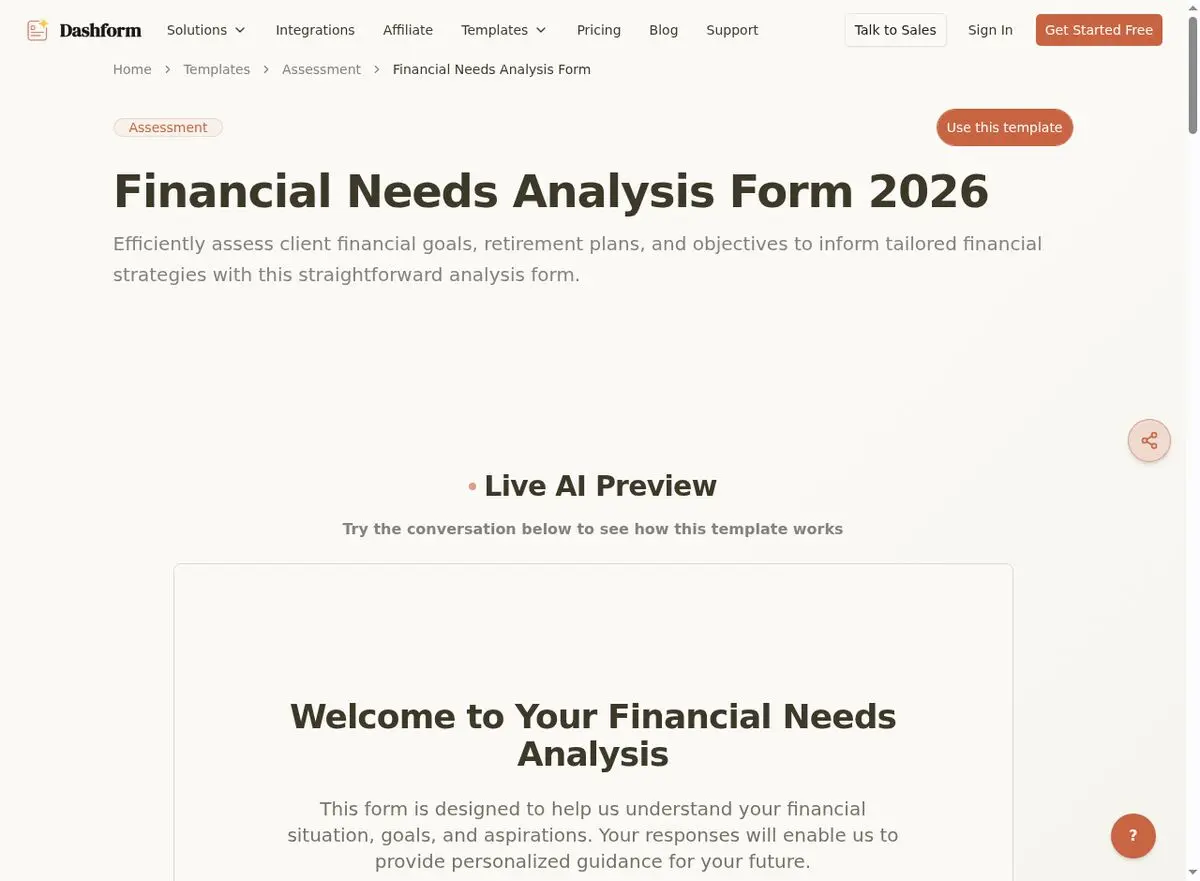
13. Financial Needs Analysis Form
For agents who partner with mortgage brokers or financial advisors, this form captures a client’s complete financial picture: income sources, current debts, assets, credit score range, and financial goals. It helps you connect clients with the right lending products and demonstrates your commitment to a holistic service approach.
Use this Financial Needs Analysis Form template →
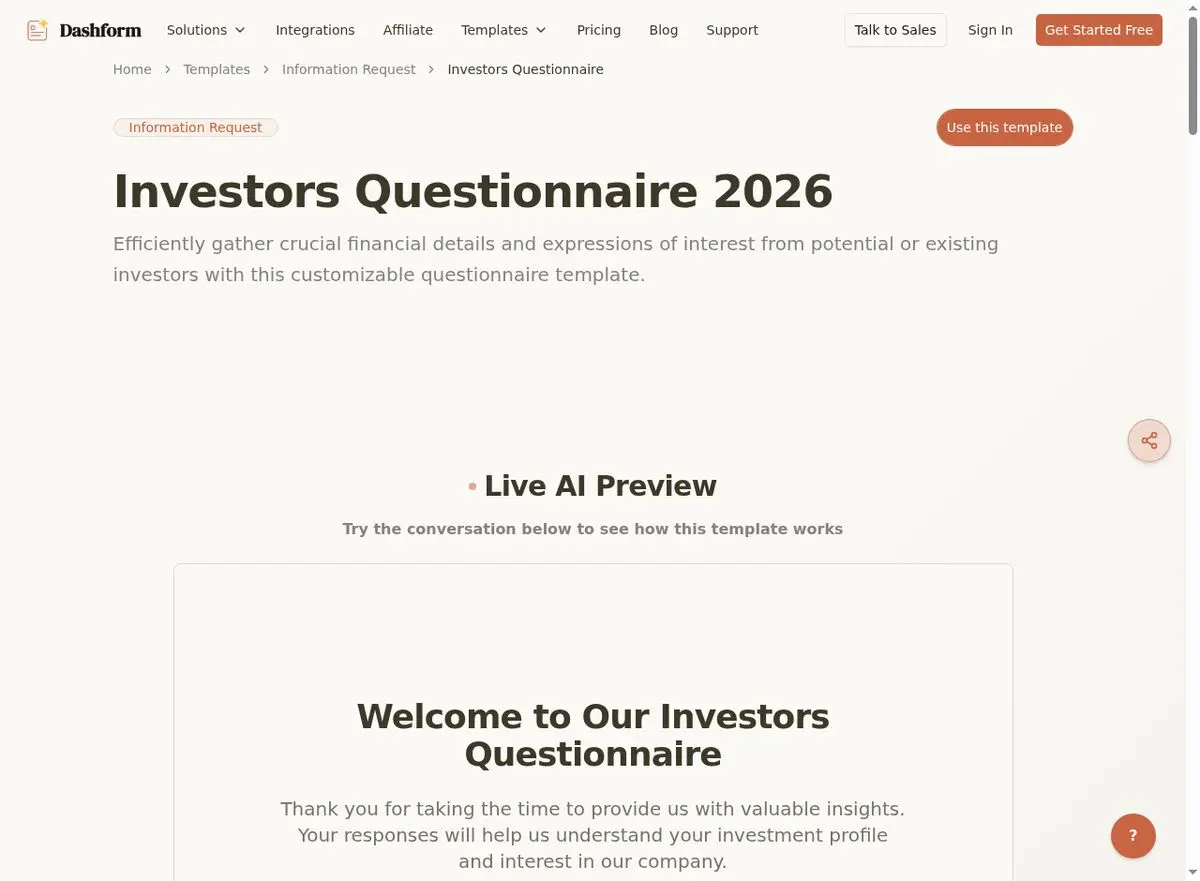
14. Investor Questionnaire
Real estate investors have unique needs: they’re evaluating cap rates, cash-on-cash returns, and 1031 exchange opportunities rather than school districts. This questionnaire captures investment experience, portfolio goals, risk tolerance, target property types, and preferred markets to help you match investors with the right opportunities.
Use this Investor Questionnaire template →
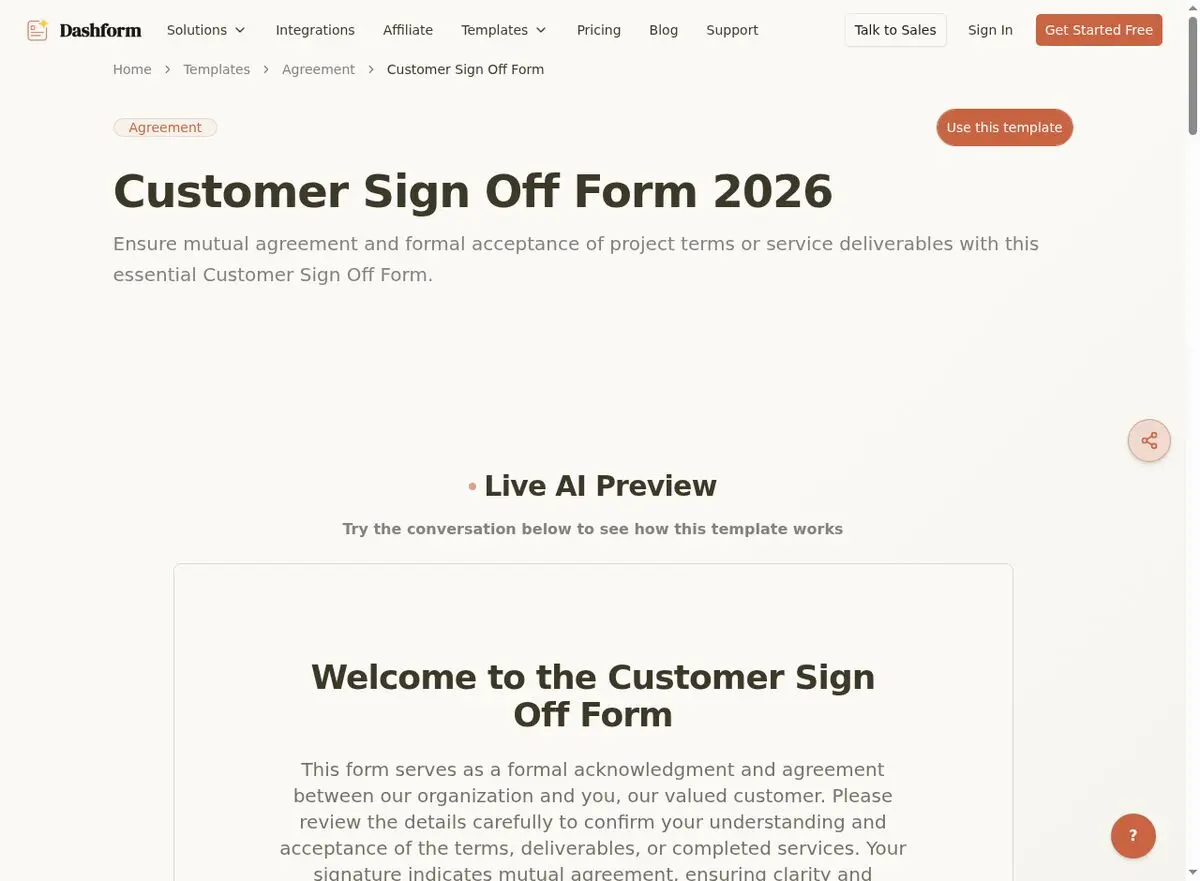
15. Customer Sign-Off Form
The final step in any transaction: formal client sign-off confirming that all services have been delivered satisfactorily. This protects you from future disputes and creates a natural transition to requesting reviews and referrals. Include a satisfaction rating, confirmation of completed deliverables, and a referral request.
Use this Customer Sign-Off Form template →
Related real estate resources: OpenClaw + Real Estate AI | Real Estate Lead Capture Forms | Property Management Form Templates.
Frequently Asked Questions
What makes a good real estate form?
A good real estate form is mobile-friendly, collects only essential information, uses clear language (no jargon), includes validation to prevent errors, and integrates with your existing tools. It should also look professional and match your branding.
How many forms does a real estate agent actually need?
At minimum, every agent needs 5 core forms: a lead capture form, buyer intake form, seller intake form, showing feedback form, and review request form. As your business grows, add specialized forms for specific transaction types, investor clients, and referral programs.
Can I customize these templates for my brokerage?
Absolutely. Every Dashform template is fully customizable. Add your brokerage logo, adjust colors to match your brand, modify fields, add or remove questions, and set up custom notification rules. You can also duplicate and modify templates for different property types or markets.
Are digital real estate forms legally binding?
Digital forms for lead capture, intake, and feedback are not typically legal documents. For contracts and offers, consult your state’s requirements. Many states accept electronic signatures under ESIGN and UETA laws, but formal purchase agreements should always be reviewed by a real estate attorney.
According to the National Association of Realtors' 2025 Technology Survey, 97% of home buyers now start their search online. For lead conversion benchmarks, see Zillow's Agent Resources.
Build Your Real Estate Form Library Today
The best agents don’t just sell homes — they build systems. These 15 forms create a professional, automated workflow that captures more leads, serves clients better, and frees up your time to do what you do best: close deals.
Browse all Dashform templates to find the right starting point, or create a custom form with the AI form generator in seconds. Your next client is filling out someone’s form right now — make sure it’s yours.





