

The Property Inquiry Form opens by collecting a name and email address to identify the prospective buyer or renter, then asks for an optional phone number so an agent can choose the most convenient way to follow up. From there, it moves into property preferences — type (from house to commercial property), preferred locations, budget range, and bedroom count — giving the agent everything needed to shortlist relevant listings before making contact. The final three questions let the respondent optionally request a visit and specify a preferred date, time, and any extra requirements, so a showing can be arranged without a back-and-forth. After submitting, respondents see a confirmation screen letting them know a representative will review the inquiry and be in touch shortly.
Try the conversation below to see how this template works
Trusted by over 10,000 customers and growing
Conversations Started
Questions Answered
Forms Created
Relies on the "What type of property are you interested in?" and "What are your preferred locations or neighborhoods?" questions to pre-qualify leads and route them to the right agent before first contact.
Uses the "How many bedrooms are you looking for?" and "What is your estimated budget range?" questions to match prospective buyers to the right unit type within a development.
Relies on the visit scheduling questions — preferred date and preferred time — to let interested tenants propose a showing slot without any back-and-forth messaging.

AI builds and refines your form through natural conversation no templates, no complex logic, no coding. From a simple text prompt or URL, Dashform generates intelligent flows that adapt automatically.
Dashform turns traditional form-filling into a two-way dialogue. The AI understands intent, remembers context, and asks relevant follow-up questions just like a real human conversation.
Every response is transformed into structured, meaningful, and ready-to-use data. Integrate with your favorite tools.
Everything you need to create amazing forms
Everything you need to know about this template
Don't see exactly what you need? Use our AI Form Generator to create a custom form in seconds. Just describe what you want, and AI will build it for you.
Explore more templates to find the perfect fit
 Tracking Log
A structured timesheet for home care staff to log patient name, visit date, start and end times, duration, and services provided.
 Evaluation
Collect honest remote work feedback across setup, connectivity, satisfaction, and productivity in one short form.
 Survey
A seven-question survey to document a homeschooled student's academic performance, attendance, and subject strengths.
 Registration
Register your family for a homeschool co-op by sharing contact details, your child's info, and subject interests.
 Patient Feedback
Rate hospice care quality across five key dimensions and share open-ended suggestions for improvement.
 Assessment
A structured nursing assessment form for capturing hospice patients' symptoms, pain, function, nutrition, and emotional well-being.
Learn how to get the most out of your forms and templates

Looking for a smarter alternative to Specific.app? Dashform AI Survey offers adaptive logic, AI-generated follow-ups, and flexible workflows designed for teams that need deeper insights and better decision-making.
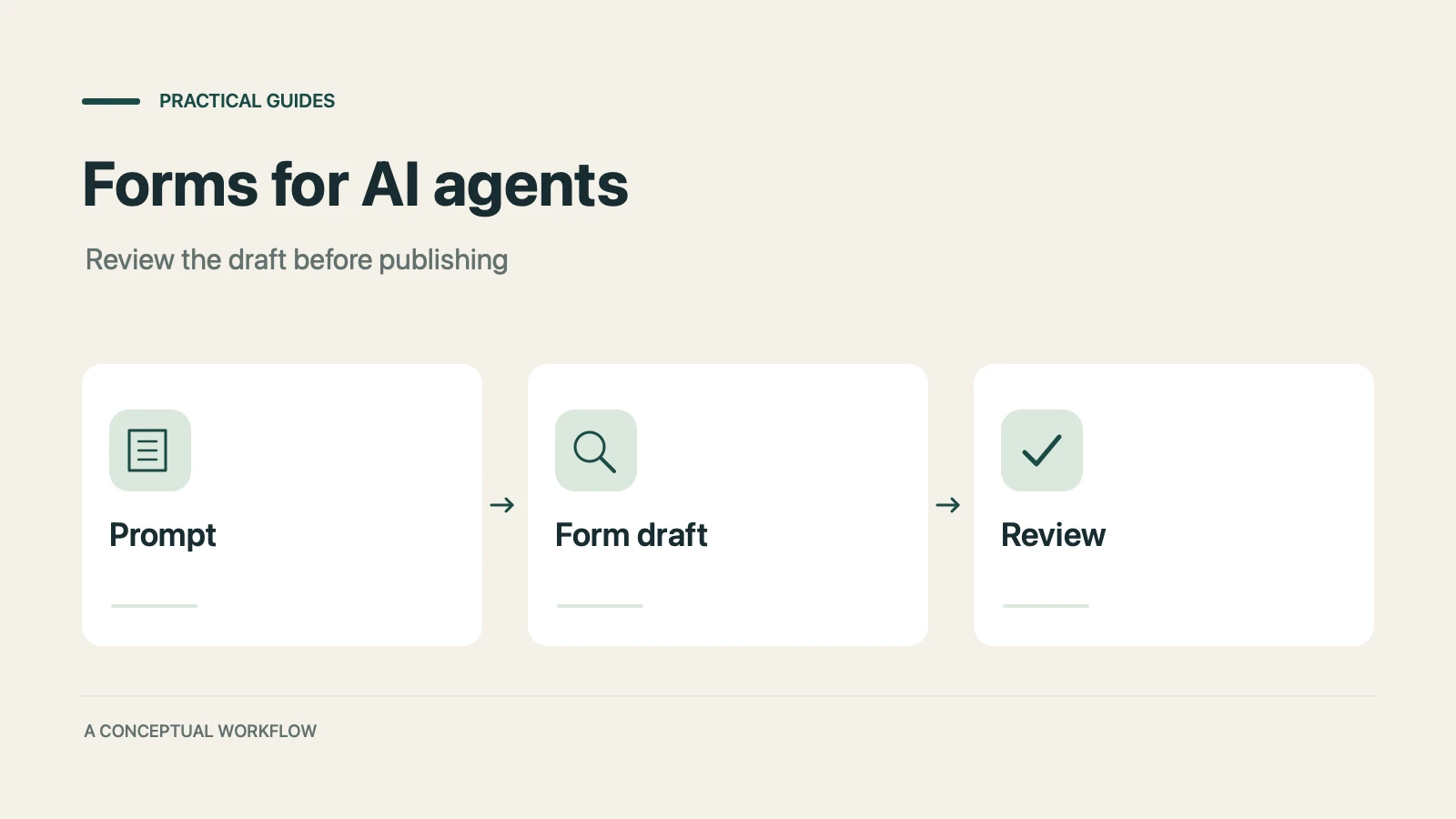
A practical guide to evaluating terminal-based Dashform workflows, checking current commands, reviewing drafts, and publishing with explicit authorization.

Use Dashform's MCP connection in a compatible AI client to draft and edit forms, review the saved result, and publish when ready.
Try the world's first AI-native form and turn every response into action instantly.