Powerful AI forms in seconds — free, fast, and AI-powered. Describe what you need and Dashform decides which fields are conditional, which are required, where the form splits into steps, and where submissions should route.
Half the tools in this category just translate your prompt into a list of fields. That isn't generation — it's autocomplete, and it leaves all the real decisions to you.
A real generator has to decide which fields are conditional, which are required, what the validation rules look like, and where the form should split into multiple steps.
Without a confirmation path or routing, every submission lands in the same undifferentiated inbox — qualified leads and junk treated exactly alike.
AI Form Generator creates your form instantly — questions, choices, logic, and layout — from a short description.
Type a short prompt describing the form you want to launch. One sentence is enough to start.
Dashform generates smart questions, choices, conditional follow-ups, validation, and layout suggestions automatically.
Adjust tone, design, and logic. Tune which fields are required, reorder questions, and refine the validation rules.
Share via a link or embed the form anywhere, and route qualified submissions to one inbox and the rest to a nurture list.
A multi-step form with logic and routing is drafted from your description, so you start by editing rather than dragging fields.
From a single description, Dashform picks the conditional fields, validations, and step breaks — the work most generators leave to you.
Use it when you're still figuring out the form's shape, or when your case doesn't map cleanly to a specialized template — both end up in the same editor.
From one sentence, Dashform drafts the fields, validations, and step breaks, ready to edit instead of building from scratch.
Branching, conditional follow-ups, gating questions, and multi-step flows are proposed automatically based on your prompt.
Required-field rules and validation that filters obvious junk submissions are generated and fully editable afterward.
Share via links or embeds anywhere, and route qualified leads to one inbox while everyone else goes to a nurture list.
Step-by-step articles for this workflow
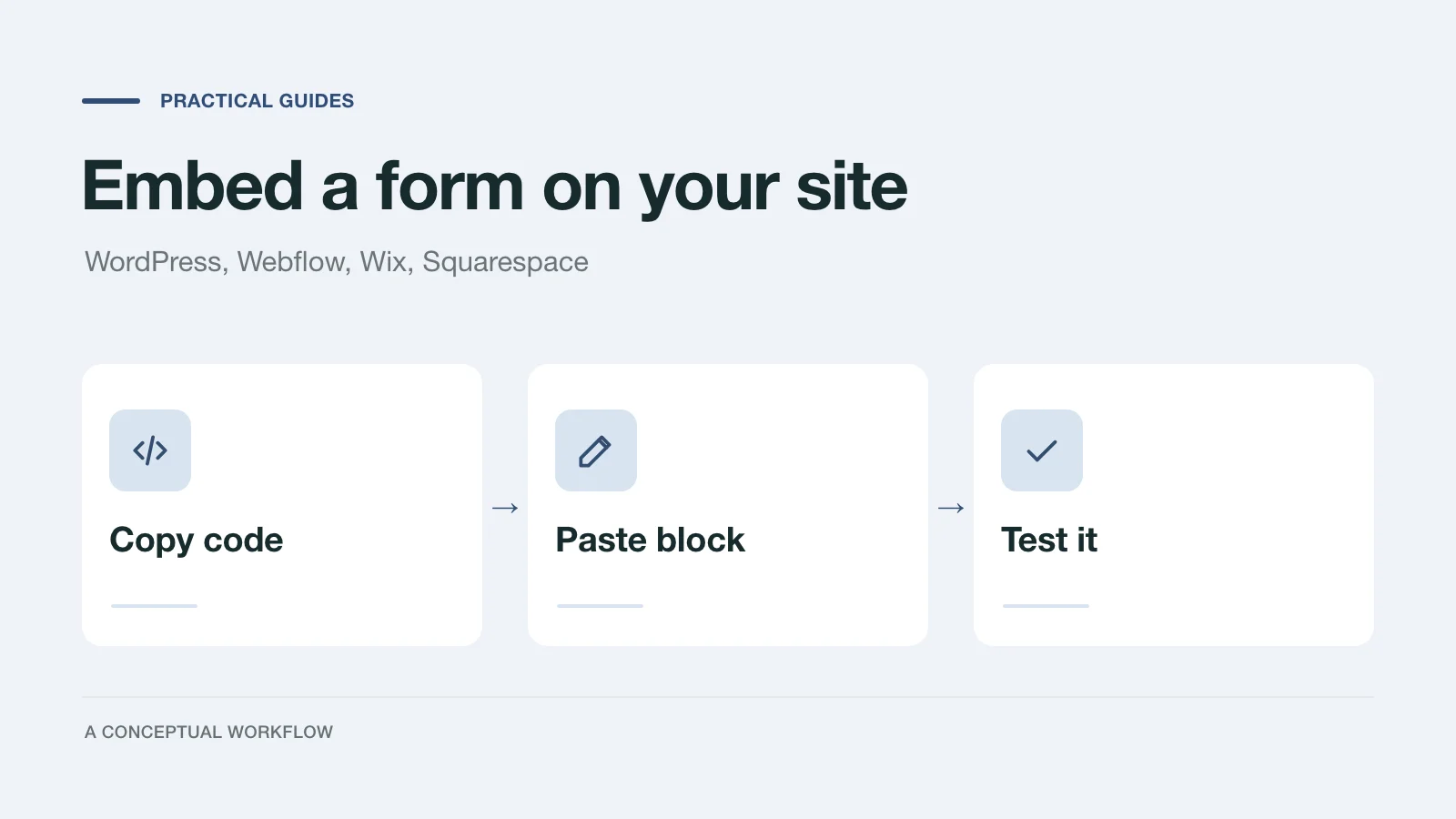
Exact steps to embed a form on WordPress, Webflow, Wix and Squarespace: which block to add, where to paste the code, plan limits, and a test checklist.
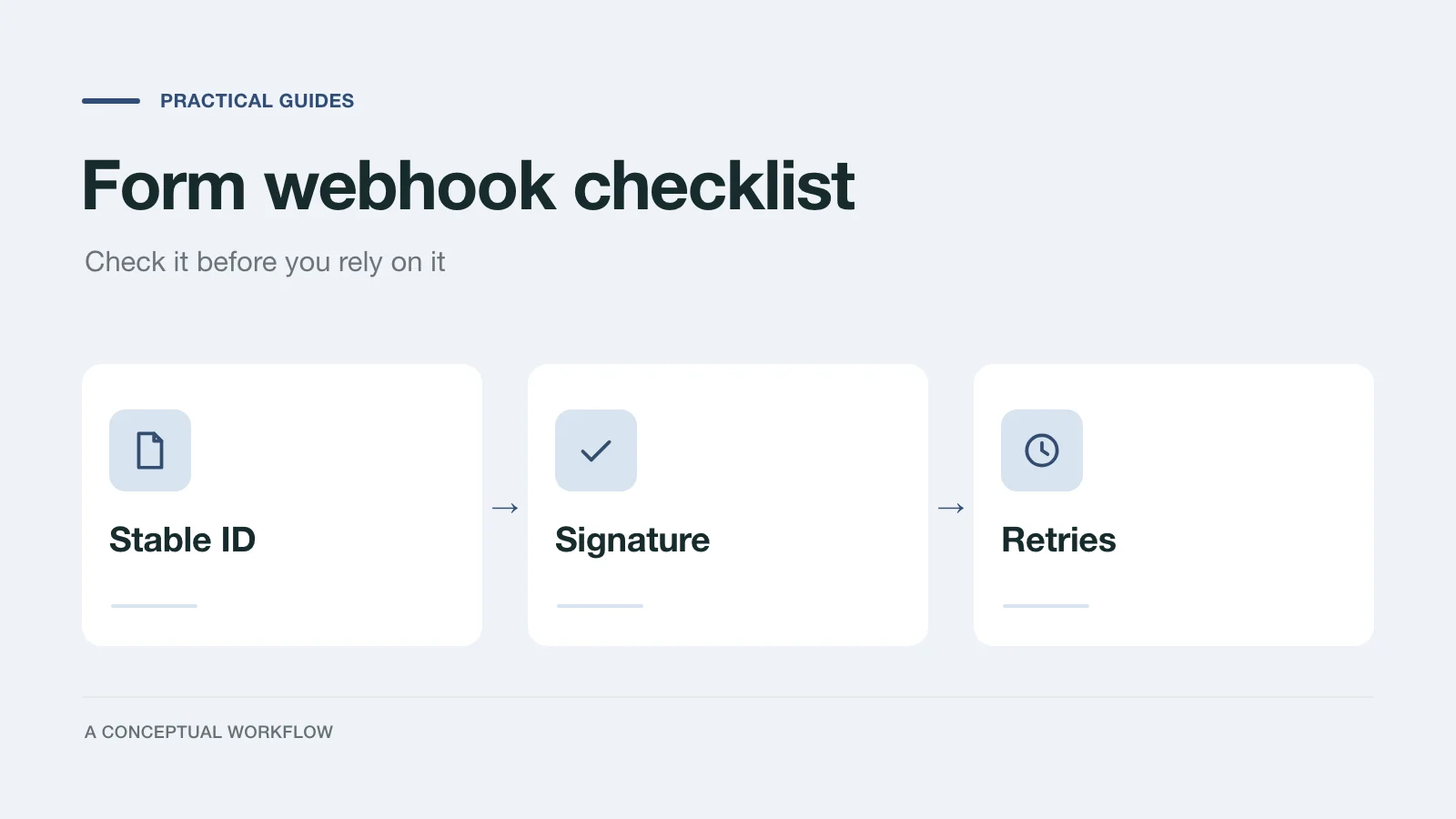
A copyable checklist for any form webhook: stable submission IDs, idempotency keys, signature checks, retries, replay, versioning, and file deletion.
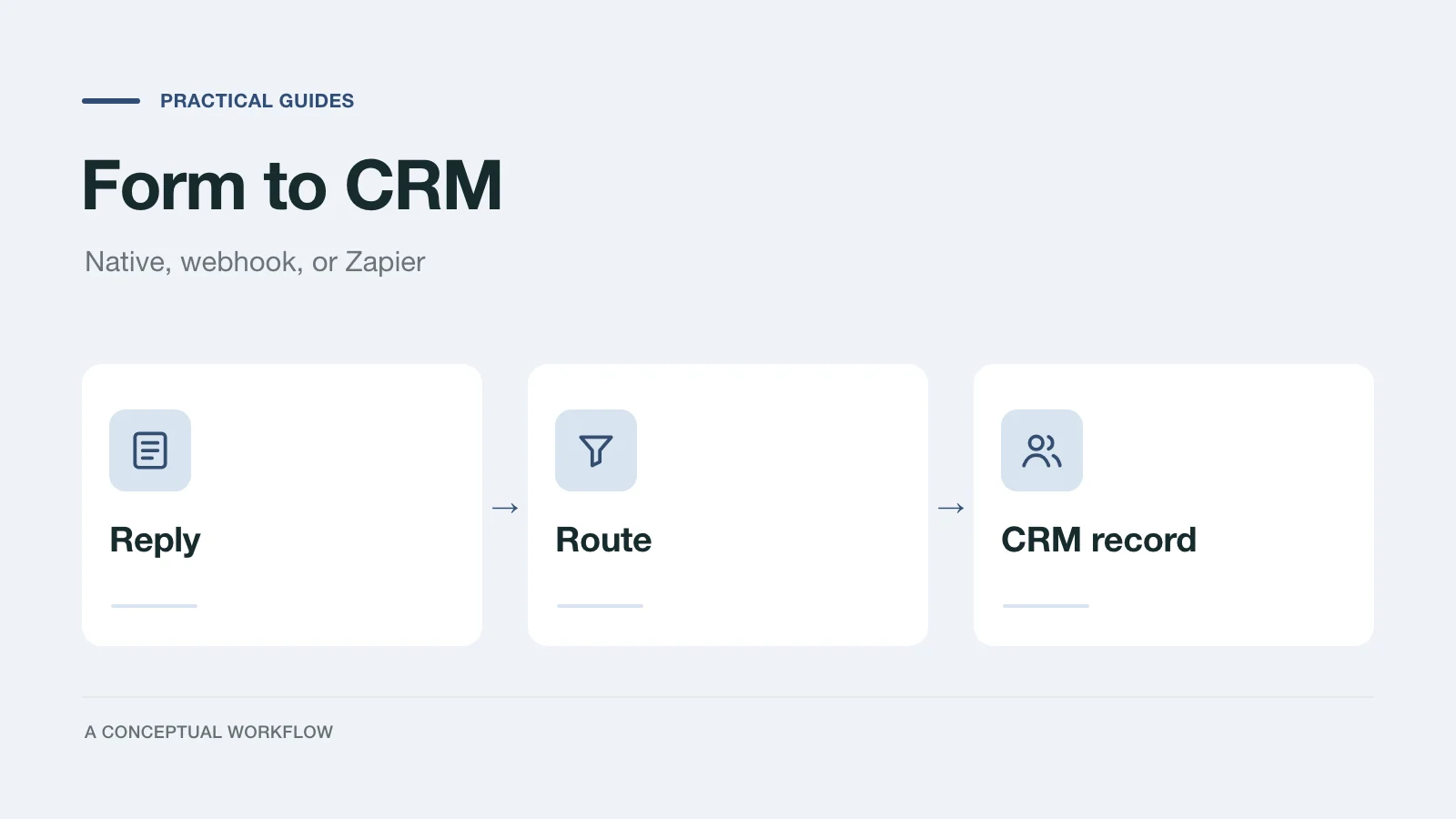
Compare three ways to send form submissions to your CRM (native, webhook, Zapier) by setup, failures, and duplicates, with two worked HubSpot builds.
Describe your goal and get a working draft with fields, logic, and steps already decided. Start without a credit card.
Free plan stays free · no card · no chatbot to babysit

