This lead capture form opens with a short welcome message and collects a visitor's full name and email address first — the two details required to follow up — before optionally asking for a phone number and company name to help route the inquiry. The "What are you most interested in?" question then lets the respondent self-select from four intents (product demo, service inquiry, general information, or partnership opportunities), so the right team member can respond. Finally, the "How did you hear about us?" question gathers optional attribution data across five channels. After submitting, respondents see a confirmation message letting them know their information has been received and that someone will be in touch shortly.
Try the conversation below to see how this template works
Trusted by over 10,000 customers and growing
Conversations Started
Questions Answered
Forms Created
Relies on the "What are you most interested in?" question to route each lead to the right rep or pipeline stage before the first call is even made.
Uses the "How did you hear about us?" question to attribute new leads to specific channels and measure which campaigns are generating interest.
Depends on the "What is your email address?" and "What is your full name?" questions to build a simple, actionable contact list without any extra tooling.

AI builds and refines your form through natural conversation no templates, no complex logic, no coding. From a simple text prompt or URL, Dashform generates intelligent flows that adapt automatically.
Dashform turns traditional form-filling into a two-way dialogue. The AI understands intent, remembers context, and asks relevant follow-up questions just like a real human conversation.
Every response is transformed into structured, meaningful, and ready-to-use data. Integrate with your favorite tools.
Everything you need to create amazing forms
Everything you need to know about this template
Don't see exactly what you need? Use our AI Form Generator to create a custom form in seconds. Just describe what you want, and AI will build it for you.
Explore more templates to find the perfect fit
 Consent
Collect clear, documented photo and media consent from individuals or parents and guardians of minors.
 Professions
Request a photography session by sharing your session type, date, location, group size, and any special requirements.
 Consent
A six-question health screening form that checks key physical activity risk factors before someone joins a class.
 Upload
A 3-minute physical therapy intake covering contact details, pain area, duration, goals, payment method, referral, and a preferred first appointment date.
 Course Registration
Register for an upcoming physics course by sharing your contact details, academic background, and preferred course level.
 Patient Feedback
Collect patient ratings on experience, therapist quality, and facility comfort, plus treatment effectiveness and likelihood to recommend.
Learn how to get the most out of your forms and templates
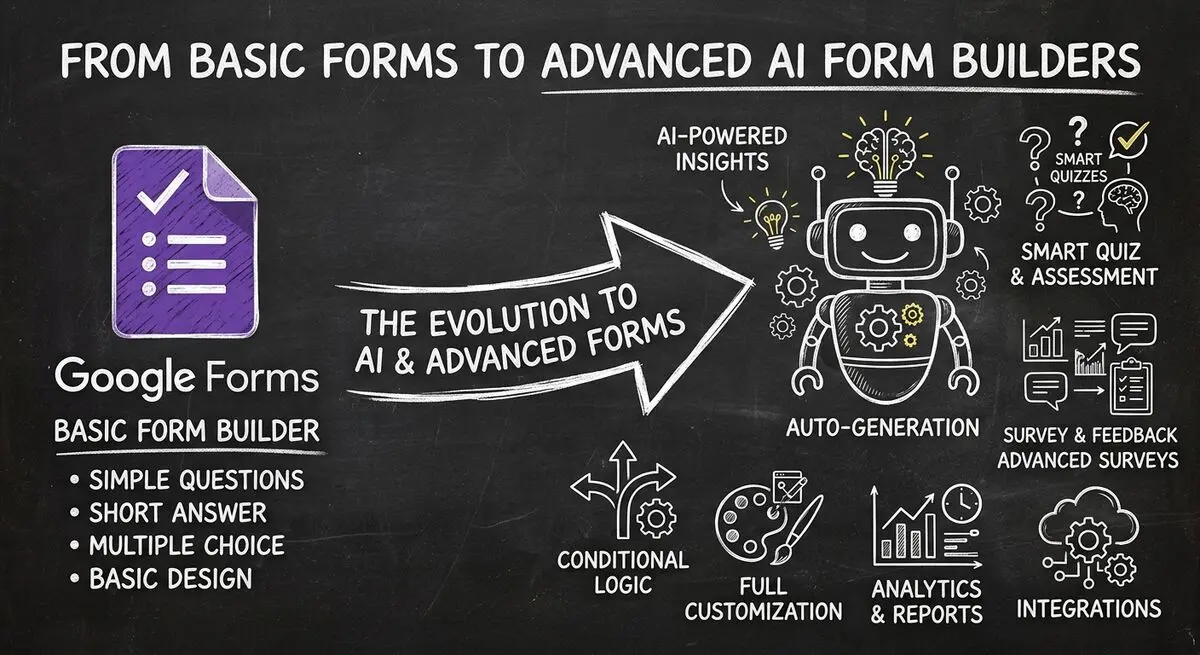
View Google Form responses, link a Google Sheet, enable email notifications, and export a CSV. Compare these workflows with Dashform Reply review.
A guide to sharing and closing Google Forms, checking the controls available in your account, and comparing Dashform sharing workflows.
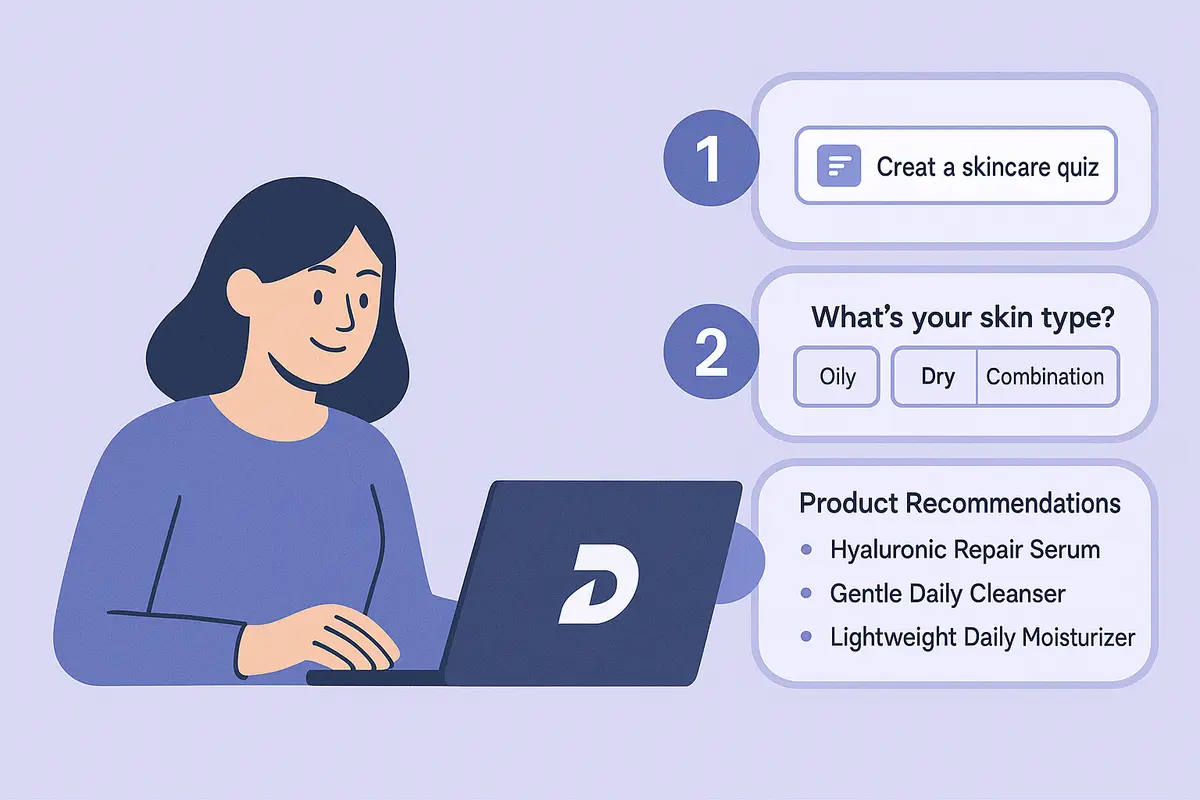
Build a high-converting AI product recommendation quiz in Dashform, with conditional logic, branding, and CRM integrations. A step-by-step guide, no code.
Try the world's first AI-native form and turn every response into action instantly.

