The Contact Information Request Form opens with a welcome screen explaining that the details collected help keep records accurate and enable effective communication. It then asks seven questions: first, full legal name, primary email address, and a reliable phone number — all required — to establish the core contact details the owner needs to reach a respondent with confidence. Four optional address fields follow (street address, city, state or province, and zip or postal code), letting respondents share their physical location only if relevant to their situation. After submitting, respondents see a confirmation screen telling them their details have been successfully received.
Try the conversation below to see how this template works
Trusted by over 10,000 customers and growing
Conversations Started
Questions Answered
Forms Created
Relies on the "Please enter your full legal name." and all four address questions to build accurate employee or contractor records from day one.
Uses the required name, email, and phone questions to ensure every attendee or vendor can be reached quickly before, during, and after an event.
Depends on the "Please provide a reliable phone number where you can be reached." and address questions to schedule appointments and dispatch staff to the right location.

AI builds and refines your form through natural conversation no templates, no complex logic, no coding. From a simple text prompt or URL, Dashform generates intelligent flows that adapt automatically.
Dashform turns traditional form-filling into a two-way dialogue. The AI understands intent, remembers context, and asks relevant follow-up questions just like a real human conversation.
Every response is transformed into structured, meaningful, and ready-to-use data. Integrate with your favorite tools.
Everything you need to create amazing forms
Everything you need to know about this template
Don't see exactly what you need? Use our AI Form Generator to create a custom form in seconds. Just describe what you want, and AI will build it for you.
Explore more templates to find the perfect fit
 Payroll
Gather employee, pay-period, deduction, net-pay, and delivery-method details for a receipt reviewed and issued by payroll staff.
 Consent
Authorize medical treatment for a minor by providing guardian details, the child's health history, and formal consent.
 Client Intake
Collect foot concerns, health conditions, and polish preferences before a pedicure appointment.
 Education
Collect scored, structured peer feedback on a group project team member's contribution, communication, and reliability.
 Performance Evaluation
Anchor performance feedback to an employee and review period, then assess strengths, development needs, communication, and teamwork.
 Performance Evaluation
Document employee performance counseling sessions with structured fields for issues, expectations, and follow-up actions.
Learn how to get the most out of your forms and templates
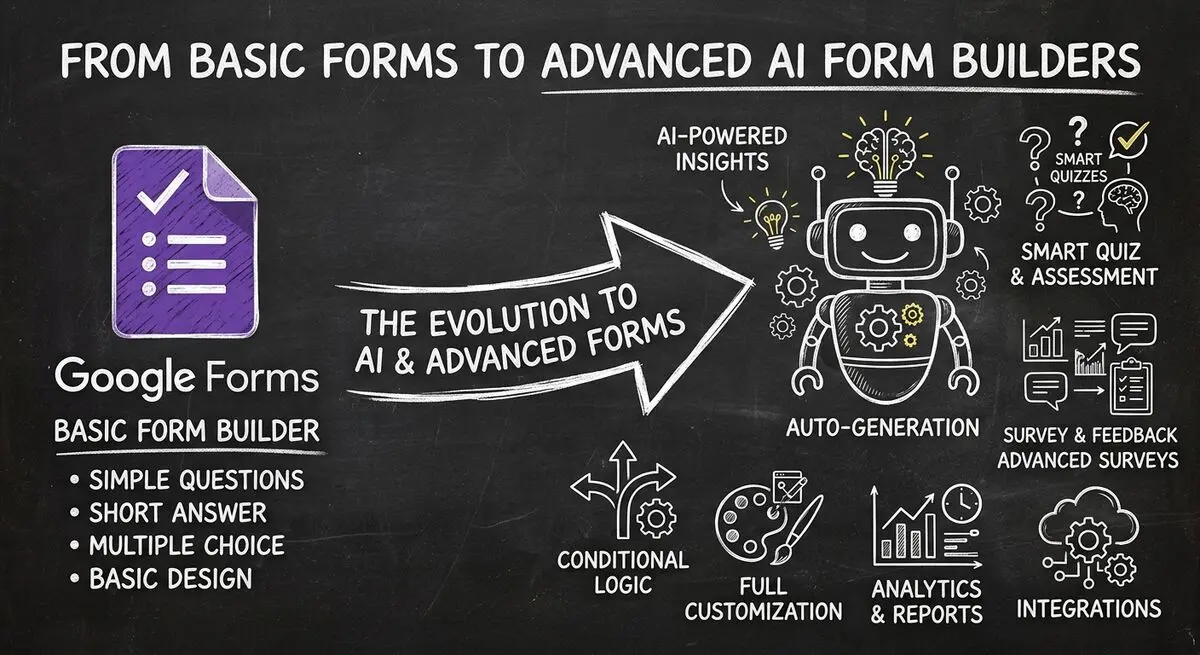
Set up a Google Forms quiz, configure answer keys and grade release, test the respondent experience, and evaluate alternatives for other quiz workflows.
View Google Form responses, link a Google Sheet, enable email notifications, and export a CSV. Compare these workflows with Dashform Reply review.
A guide to sharing and closing Google Forms, checking the controls available in your account, and comparing Dashform sharing workflows.
Try the world's first AI-native form and turn every response into action instantly.

