



Here's a reality check for real estate agents: your website gets traffic, but most visitors leave without ever reaching out. The industry average conversion rate for real estate websites is just 2.4%, meaning 97 out of 100 visitors disappear. The culprit? Generic, uninspiring contact forms that give people zero reason to share their information.
AI-powered form builders like Dashform are changing this equation. By using intelligent field logic, personalized experiences, and conversion-optimized design, agents are achieving 10–25% form conversion rates — 5 to 10x the industry average. In this guide, you'll see exactly how to build real estate lead capture forms that actually convert, with practical templates you can deploy today.
Looking for ready-to-use templates? Browse our real estate form templates or try the AI form generator to create custom forms in seconds.
Why Most Real Estate Lead Forms Fail
Too Many Fields
Every additional field reduces your conversion rate by approximately 4%. A form with 10 fields will convert at roughly half the rate of one with 5 fields. Yet many agents ask for mailing address, employment details, and pre-approval status before a prospect has even expressed real interest.
No Value Exchange
Would you give your phone number to a stranger who offers nothing in return? Neither will your prospects. The best lead forms offer something valuable — a free CMA, market report, neighborhood guide, or instant property alerts — in exchange for contact information.
Bad Mobile Experience
Over 73% of real estate searches happen on mobile devices. Forms with tiny fields, hard-to-tap buttons, or horizontal scrolling lose mobile visitors immediately.
No Follow-Up Automation
Capturing a lead without instant follow-up is like catching a fish and throwing it back. Leads contacted within 5 minutes are 21x more likely to convert than those contacted after 30 minutes.
The AI Advantage: How Smart Forms Convert Better
Dashform's AI form builder addresses every failure point above with intelligent features that optimize in real time.
Intelligent Field Suggestions
Describe what your form needs to accomplish, and AI generates the optimal field structure. For a buyer lead form, it might suggest: name, email, phone, budget range, preferred neighborhoods, and timeline — exactly the right fields to qualify without overwhelming.
Conditional Logic That Adapts
Smart forms show or hide fields based on previous answers. A prospect who selects "First-time buyer" sees different follow-up questions than someone who selects "Investor." This keeps the experience relevant and reduces friction for everyone.
Conversational Form Flow
Instead of a wall of fields, AI-powered forms present questions one at a time in a natural, conversational flow. This approach consistently achieves 40–60% higher completion rates than traditional forms.
Instant Lead Routing
When a form is submitted, automations can instantly notify the right agent, add the lead to your CRM, trigger a welcome email sequence, and create a follow-up task — all without manual intervention.
7 High-Converting Real Estate Lead Capture Form Templates
1. Buyer Lead Capture Form
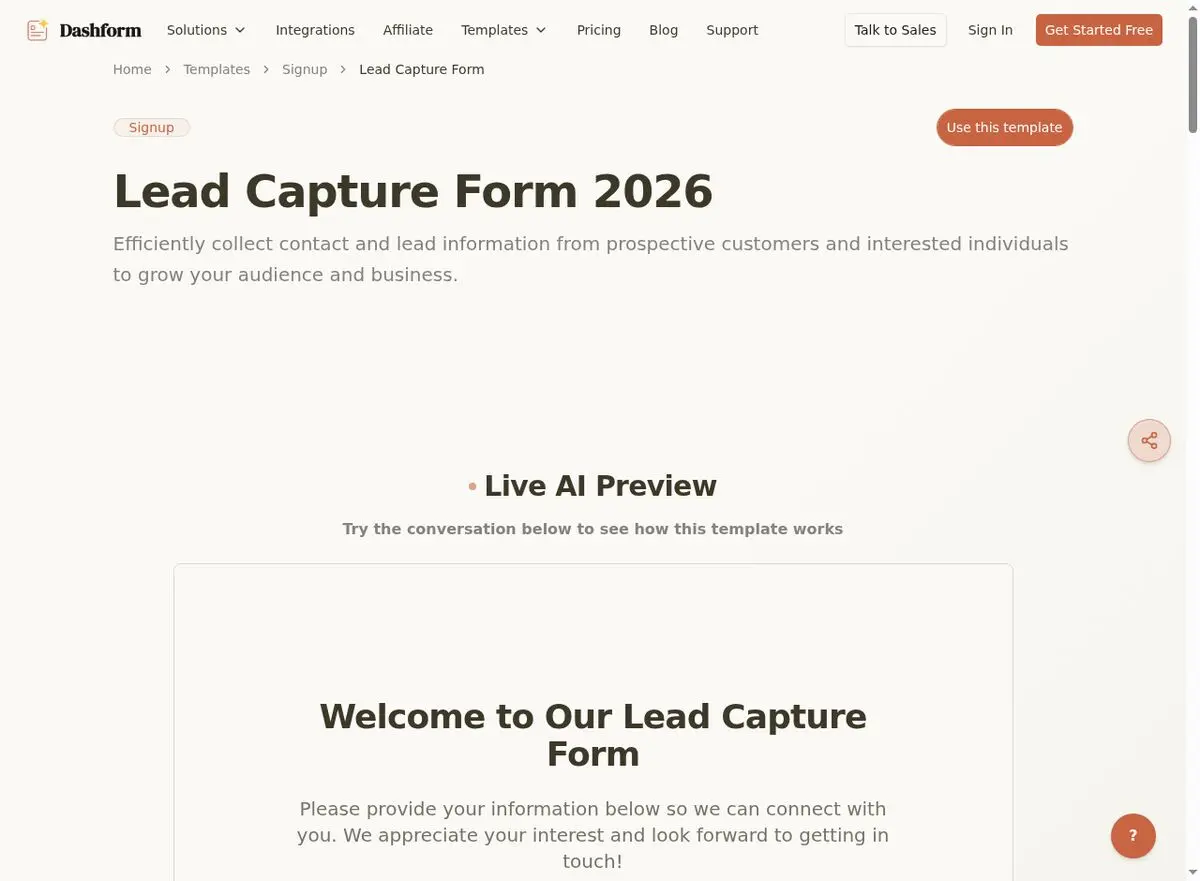
The most versatile form in your arsenal. Use it on listing pages, landing pages, and social media ads. Essential fields include name, email, phone, budget range, preferred area, and timeline. Offer a free home buyer's guide or market report as a lead magnet to position the form as the gateway to valuable information.
Use this Lead Capture Form template →
2. Property-Specific Inquiry Form
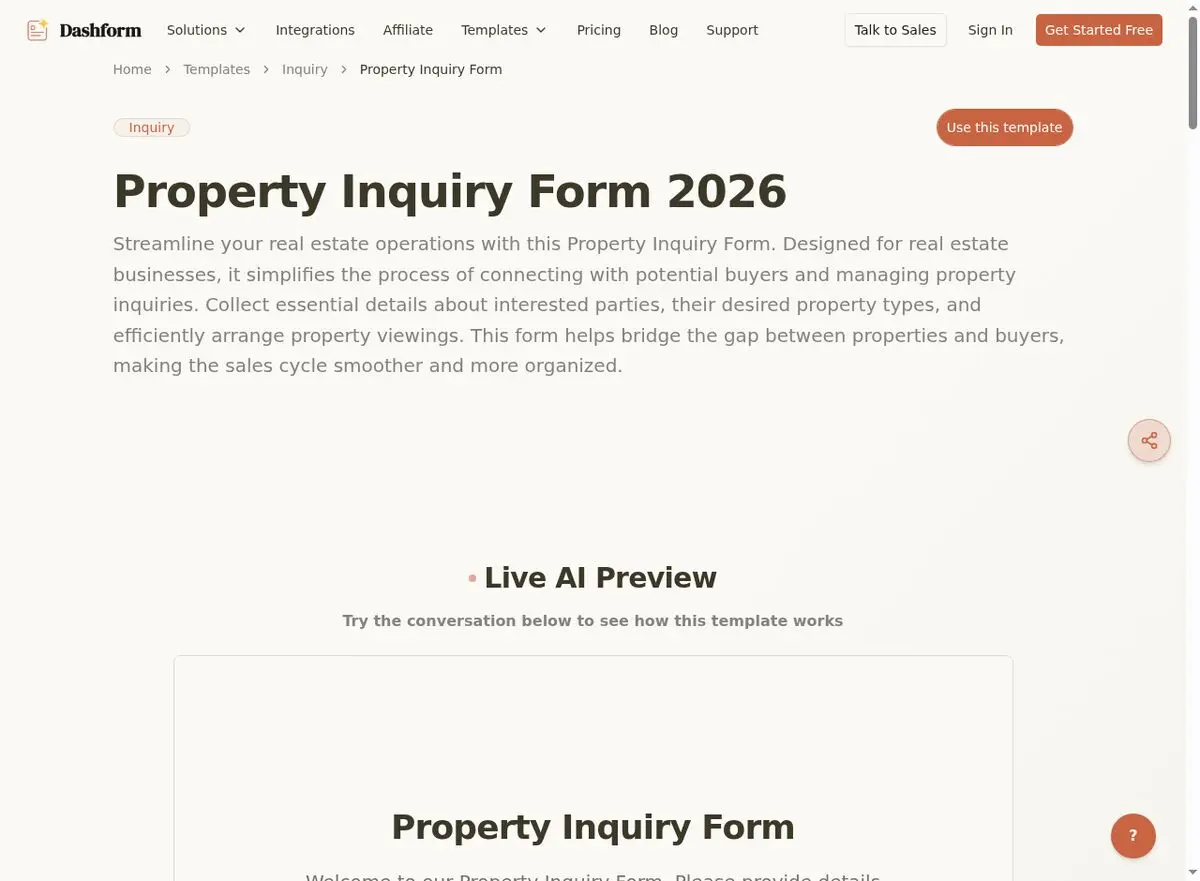
Embed this on individual listing pages. When a visitor is already looking at a specific property, the form should be pre-populated with the property address and focused on scheduling a viewing. Include fields for name, contact info, what interests them about the property, preferred viewing time, and pre-approval status.
Use this Property Inquiry Form template →
3. Home Valuation Request Form
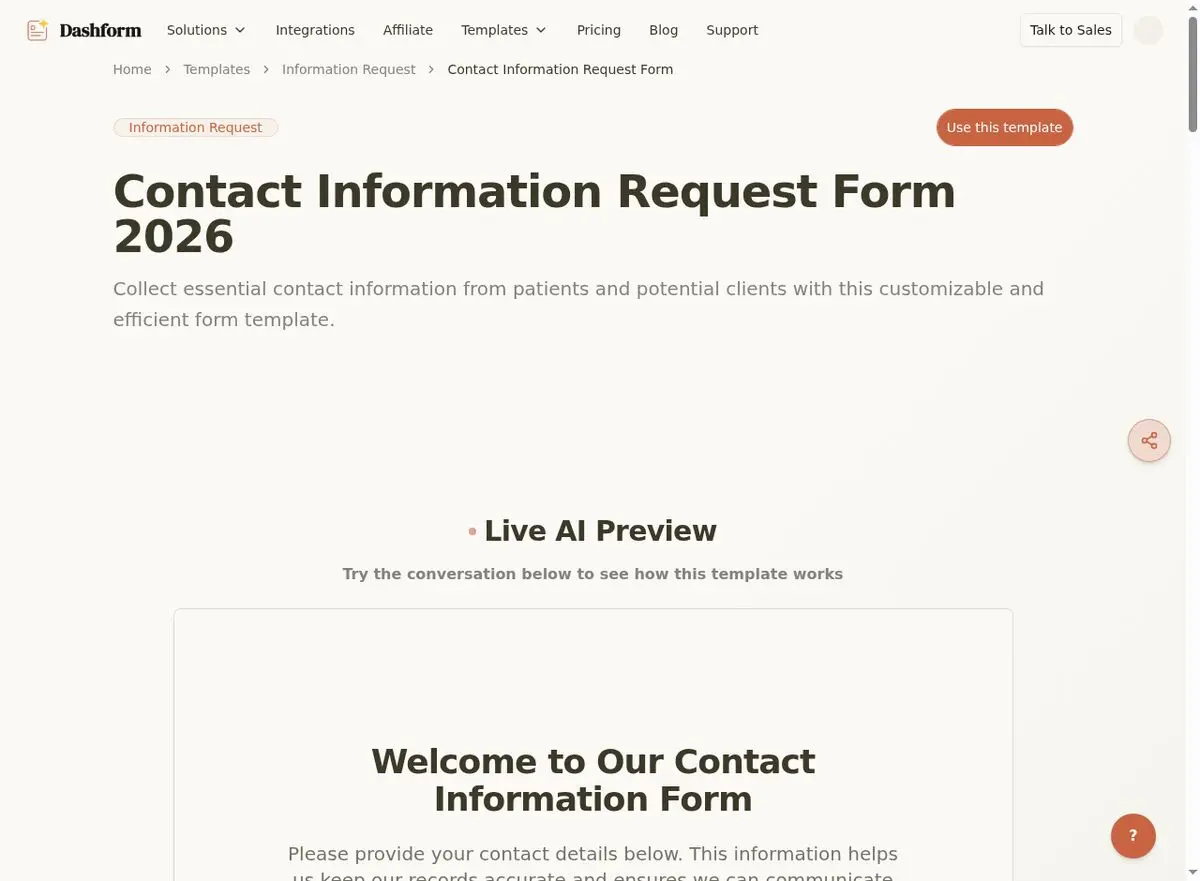
Seller leads are the most valuable leads in real estate. A "What's my home worth?" form is the #1 seller lead generator. Capture property address, bedrooms/bathrooms, square footage, year built, recent renovations, contact info, and reason for valuation. Promise a personalized CMA within 24 hours — the human touch is your competitive advantage.
Use this Contact Information Request Form template →
4. Appointment Booking Form
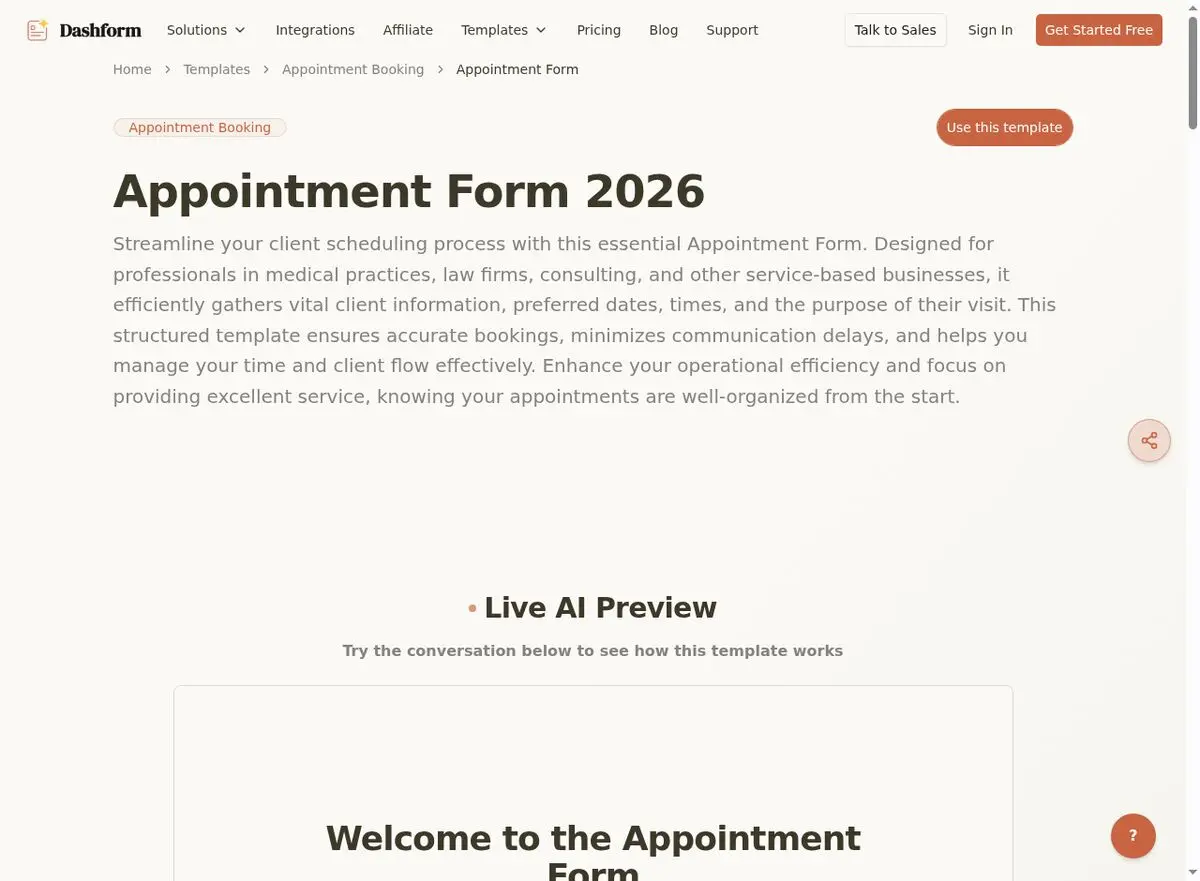
Eliminate the back-and-forth of scheduling. Let prospects self-book consultations, viewings, or listing presentations. Include fields for contact info, service type, preferred date/time, location preference, and a brief description of needs.
Use this Appointment Form template →
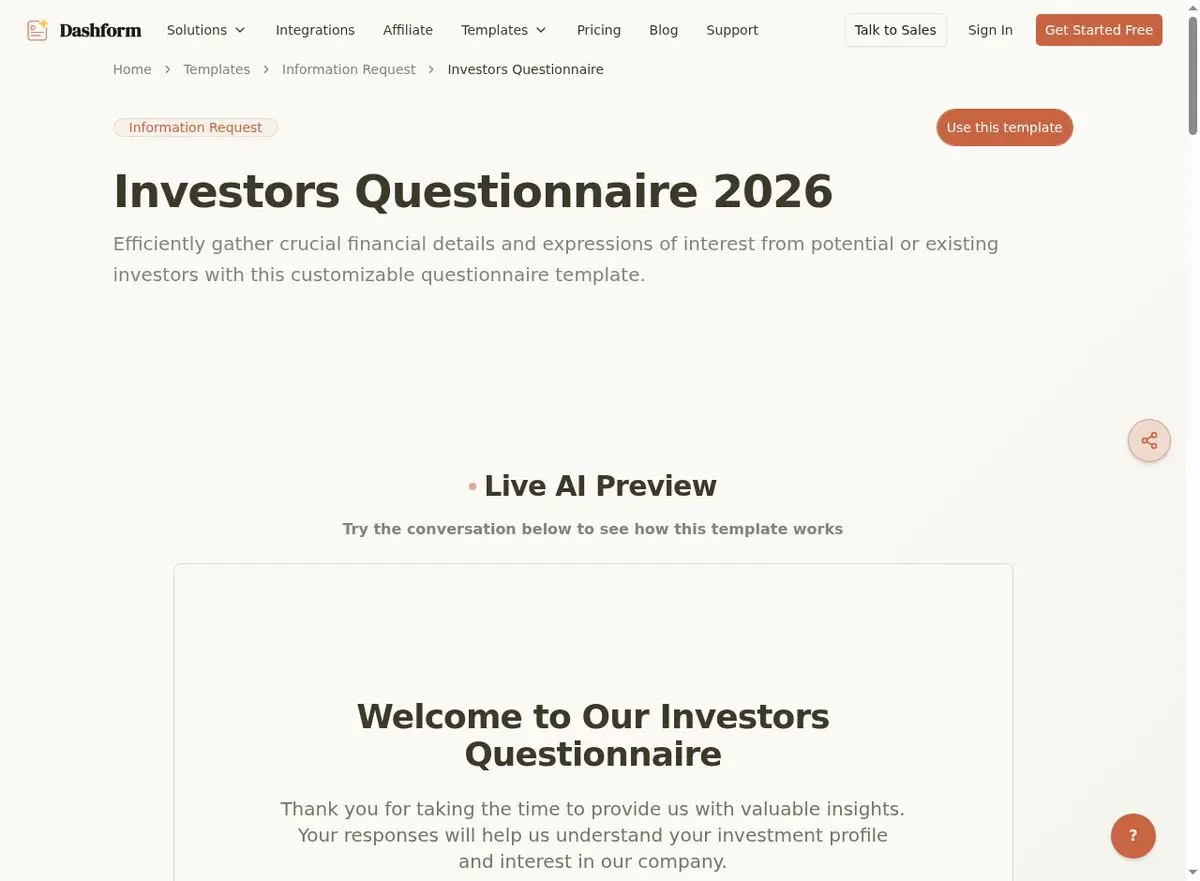
5. Real Estate Investor Intake Form
Investor leads have different criteria than traditional buyers. A specialized form captures investment experience, goals (cash flow, appreciation, flip, BRRRR), target property types, budget range, and target market. This pre-qualifies investors and helps you match them with appropriate opportunities.
Use this Investor Questionnaire template →
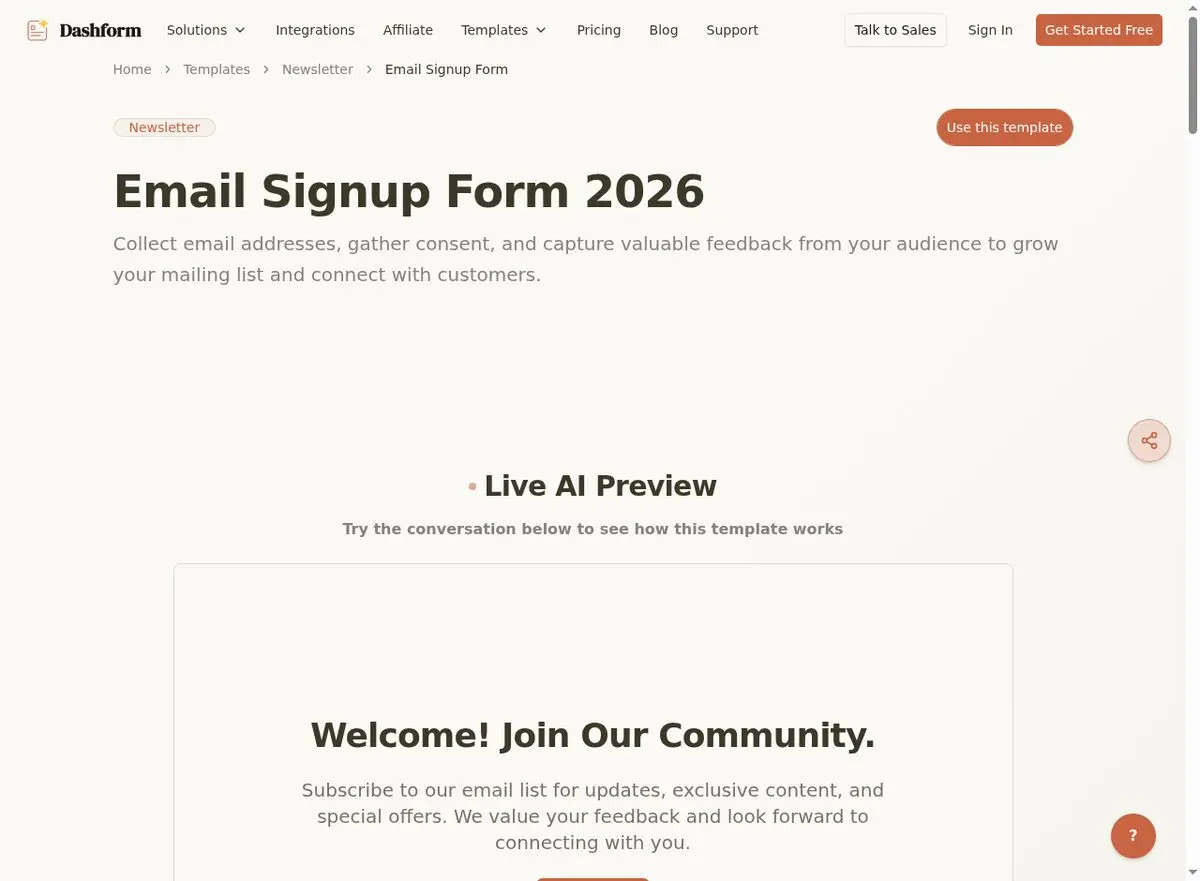
6. Newsletter/Market Update Signup Form
Not every visitor is ready to buy or sell today. A newsletter signup captures top-of-funnel leads who are 6–12 months out. Keep it minimal: name, email, neighborhoods of interest, and interest type. Nurture them with market data and listing alerts until they're ready.
Use this Email Signup Form template →
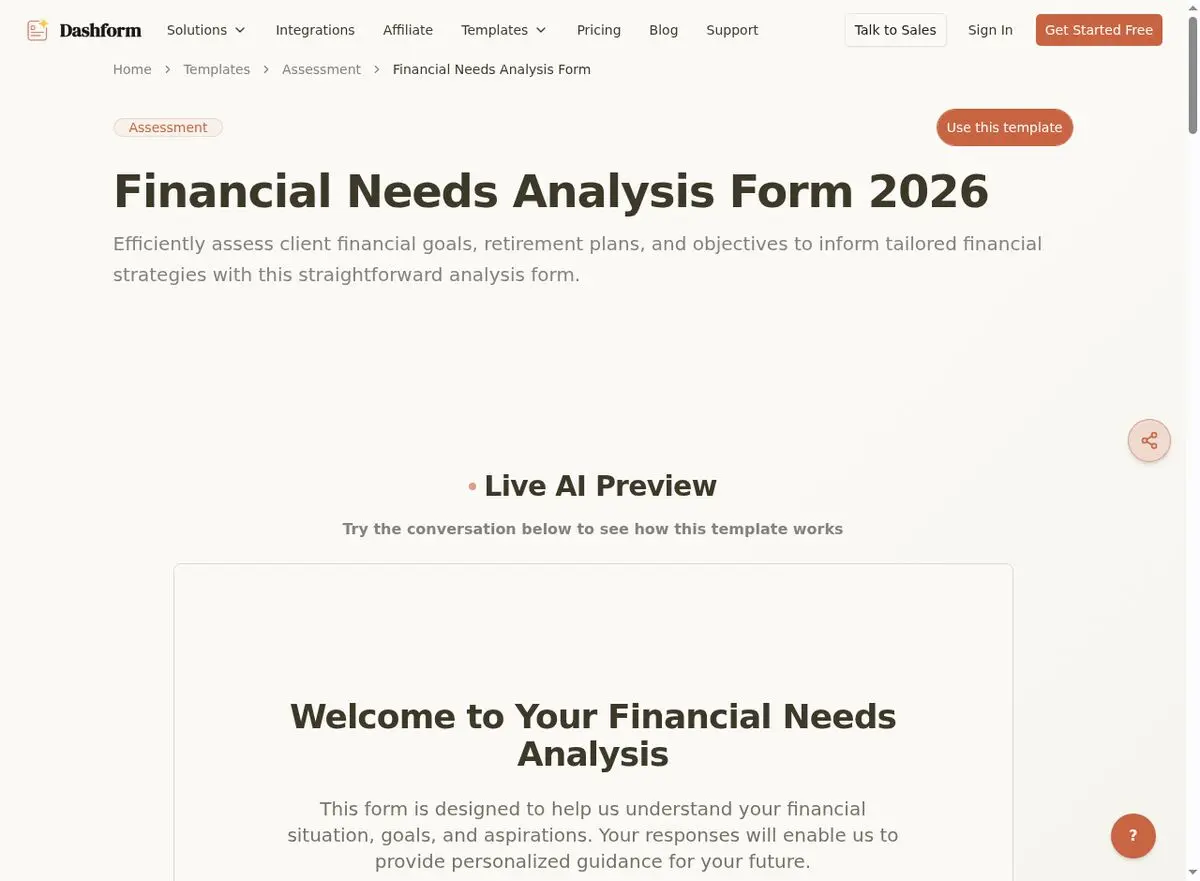
7. Financial Pre-Qualification Form
For agents who work closely with mortgage professionals, a pre-qualification form helps identify serious buyers early. Capture income range, employment type, credit score range, down payment availability, and current housing situation to connect prospects with the right lending partner.
Use this Financial Needs Analysis Form template →
Step-by-Step: Building Your First AI Lead Capture Form
Step 1: Choose Your Template
Start with one of the Dashform templates above. Each template includes pre-built fields, validation rules, and mobile-responsive layouts.
Step 2: Customize with AI
Use the AI form generator to modify the template. Describe your specific use case — for example, "I need a luxury buyer lead form for properties above $2M in Miami Beach" — and AI will adjust the fields, language, and flow accordingly.
Step 3: Add Your Branding
Upload your logo, choose brand colors, and customize the confirmation message. Consistent branding builds trust and reinforces professionalism.
Step 4: Set Up Automations
Configure what happens after submission: instant email notification to you or your team, auto-responder to the lead with a thank-you message and promised resource, CRM integration to automatically create a new contact and deal, and calendar booking link in the confirmation for immediate next steps.
Step 5: Embed and Promote
Place your form strategically: on your website (listing pages, homepage sidebar, dedicated landing pages), social media (link in bio, Stories), email (signature links, newsletter CTAs), and print (QR codes on business cards, flyers, and yard signs).
Optimization Tips for Maximum Conversions
- A/B test headlines: The form title matters. "Get Your Free Home Valuation" outperforms "Contact Us" by 3–5x.
- Add social proof: "Trusted by 500+ homeowners in [Your City]" near the submit button increases conversions by 15–20%.
- Use progress indicators: For multi-step forms, show "Step 1 of 3" to reduce abandonment.
- Minimize required fields: Only mark truly essential fields as required. Let prospects share additional info voluntarily.
- Test on mobile first: Design for the thumb. Large tap targets, vertical layouts, and smart keyboard types.
Related real estate resources: OpenClaw + Real Estate AI | 15 Essential Real Estate Forms | Property Management Form Templates.
Frequently Asked Questions
How many fields should a real estate lead capture form have?
For top-of-funnel leads (ads, social media), stick to 3–5 fields. For mid-funnel (listing pages, landing pages), 5–7 fields is optimal. For bottom-of-funnel (appointment booking, pre-qualification), 7–10 fields is acceptable because the prospect's intent is higher.
What's the best position for a lead capture form on a listing page?
Place the form above the fold on desktop (right sidebar) and after the key property details on mobile. The form should always be visible without scrolling on desktop. On mobile, use a sticky "Inquire" button that scrolls with the user.
How do I avoid getting spam submissions?
Dashform includes built-in spam protection. You can also add honeypot fields (invisible to real users, caught by bots), use CAPTCHA for high-traffic forms, and require phone number verification for high-value lead forms.
Can I integrate my lead capture form with my CRM?
Yes. Dashform integrates with popular CRMs, email marketing platforms, and automation tools via Zapier or direct API connections. This means leads flow directly into your existing workflow — no manual data entry, no missed follow-ups.
What's the difference between a contact form and a lead capture form?
A contact form is passive: "Tell us about yourself." A lead capture form is strategic: it offers value in exchange for information, uses conversion-optimized design, includes lead qualification fields, and triggers automated follow-up sequences. The difference in conversion rate is typically 3–10x.
How quickly should I follow up with form submissions?
Within 5 minutes if possible, and no longer than 1 hour. The odds of qualifying a lead decrease by 10x if you wait longer than 5 minutes. Set up instant notifications and auto-responders to bridge the gap until you can personally respond.
According to the National Association of Realtors' 2025 Technology Survey, 97% of home buyers now start their search online. For lead conversion benchmarks, see Zillow's Agent Resources.
Start Converting More Leads Today
Every day without optimized lead capture forms is a day of lost opportunities. The math is simple: if your website gets 1,000 monthly visitors, improving your form conversion from 2% to 10% means going from 20 leads to 100 leads per month — without spending an extra dollar on advertising.
Start with a Dashform template, customize it with AI in minutes, and watch your lead pipeline grow. Your competitors are already doing it — the question is whether you'll join them or keep losing leads to a generic "Contact Us" page.





