This house seller form opens by asking for the property's full address, then works through eight questions to build a complete listing from the ground up. It collects property type, bedroom and bathroom counts, and standout features — from a garage or swimming pool to waterfront access — so buyers can filter and compare at a glance. Sellers then state their asking price, write a free-text description highlighting unique selling points and neighbourhood amenities, and choose whether they prefer to be reached by email, phone call, or text message. After submitting, sellers see a confirmation that their listing details have been received and that the team will follow up if anything else is needed.
Try the conversation below to see how this template works
Trusted by over 10,000 customers and growing
Conversations Started
Questions Answered
Forms Created
Agents rely on the address, property type, and feature-selection questions to gather everything needed to draft and publish a listing without chasing sellers for missing details.
Property managers use the bedroom, bathroom, and asking price questions to quickly triage and categorise new seller enquiries coming in at volume.
Private sellers depend on the free-text description question to tell their property's story in their own words, and on the contact-preference question to stay in control of how they're reached.

AI builds and refines your form through natural conversation no templates, no complex logic, no coding. From a simple text prompt or URL, Dashform generates intelligent flows that adapt automatically.
Dashform turns traditional form-filling into a two-way dialogue. The AI understands intent, remembers context, and asks relevant follow-up questions just like a real human conversation.
Every response is transformed into structured, meaningful, and ready-to-use data. Integrate with your favorite tools.
Everything you need to create amazing forms
Everything you need to know about this template
Don't see exactly what you need? Use our AI Form Generator to create a custom form in seconds. Just describe what you want, and AI will build it for you.
Explore more templates to find the perfect fit
 Registration
Collect student name, date of birth, grade level, parent contact details, and emergency contact in one tidy form.
 General Request
Collect student details, optional email-address preferences, and agreement or clarification needs about institutional IT policies.
 Survey
Collect student feedback on classroom satisfaction, engagement, material clarity, and instructor support.
 Agreement
Collect student housing details, emergency contacts, and formal agreement acceptance in one streamlined form.
 Agreement
Collect signed handbook acknowledgments from students and parents at the start of the school year.
 Survey
A five-question survey that uncovers why students stay or leave, covering satisfaction, support, social life, and key retention factors.
Learn how to get the most out of your forms and templates
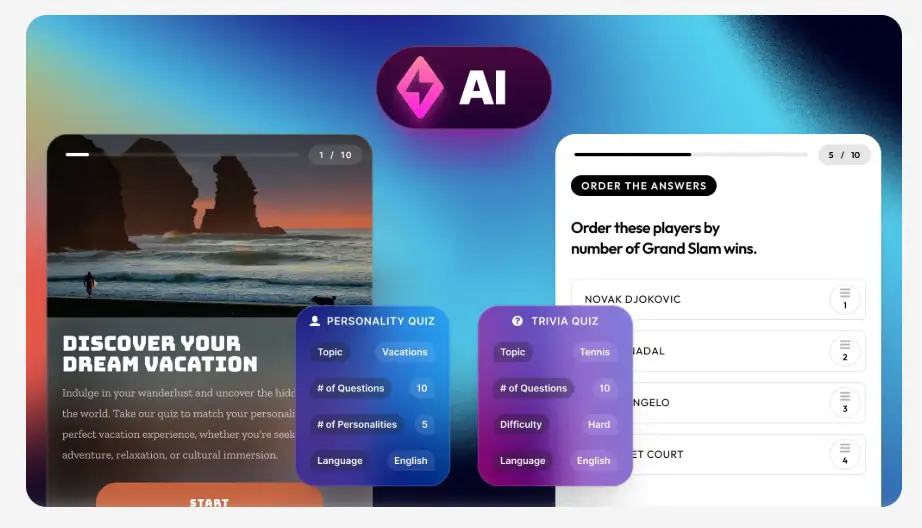
Evaluate Dashform and Riddle for quiz drafting, question logic, result content, branding, and publishing with a practical workflow checklist.

Want a Specific.app alternative? Dashform AI Survey offers adaptive logic, AI-generated follow-ups, and flexible workflows for teams seeking more insight.
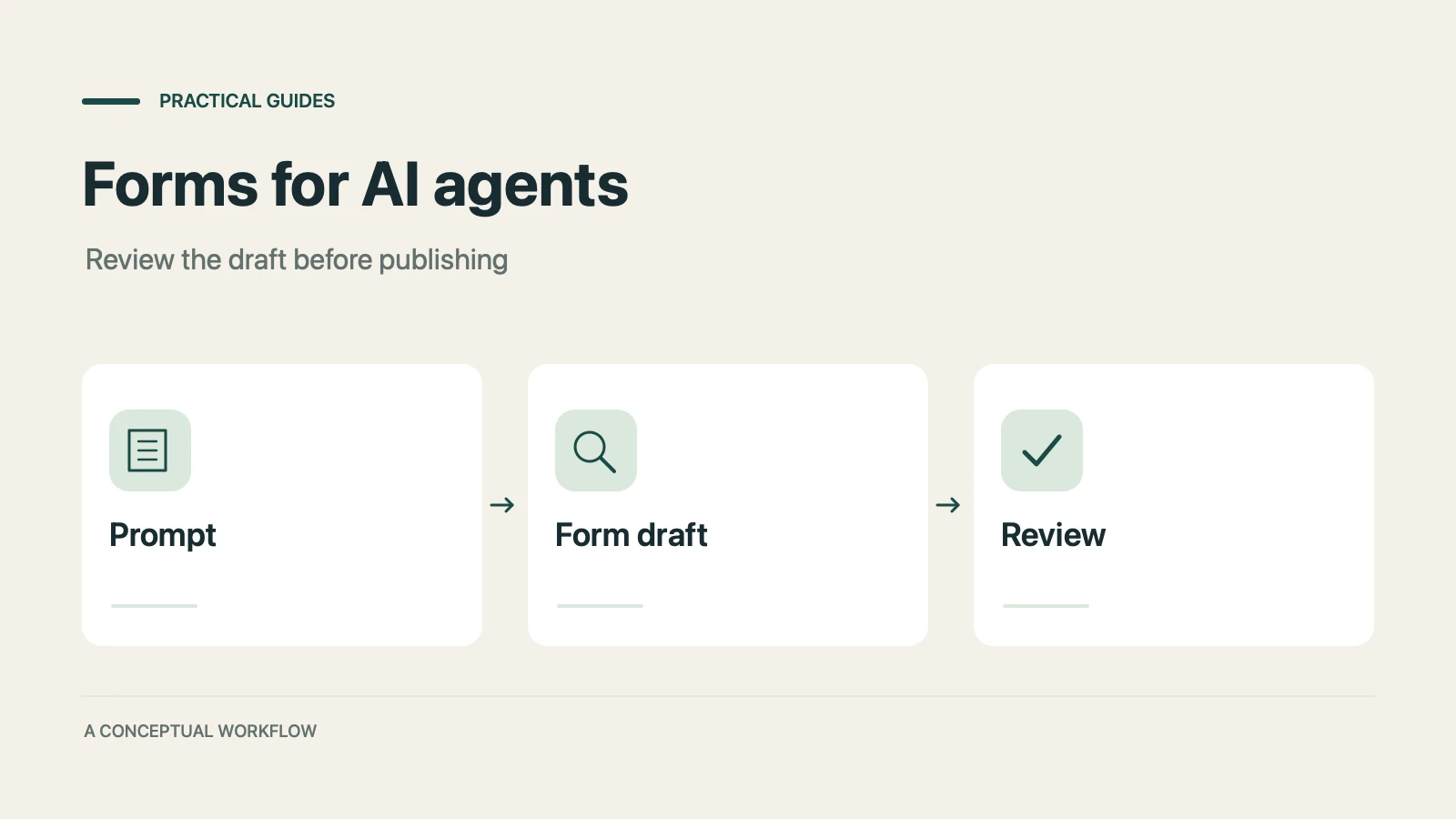
A practical guide to evaluating terminal-based Dashform workflows, checking current commands, reviewing drafts, and publishing with explicit authorization.
Try the world's first AI-native form and turn every response into action instantly.

