Collect structured responses, uncover intent, and turn survey answers into useful action. Dashform builds your entire survey from a brief description, with adaptive questions and real-time scoring that qualify leads automatically as responses come in.
Input forms capture answers but skip the motivations, pain points, and context that explain what respondents actually want from you.
Without real-time scoring you can't tell who is just browsing from who is ready to move, so high-intent leads slip past unnoticed.
Exporting and reconciling raw responses by hand turns every survey into a spreadsheet chore instead of a source of fast, confident decisions.
A modern survey is a connected, guided experience. Dashform keeps collection, analysis, and export in one workflow from the first question to the final sync.
Introduce the survey purpose, set clear expectations for timing and value, and build respondent trust before the first question appears.
Adaptive questions ask about goals, blockers, and preferences, and real-time scoring flags the respondents showing buying intent.
Confirm the reply, display personalized thank-you messaging, and communicate next actions based on each respondent's qualification level.
Read response patterns in built-in analytics and sync high-intent respondents to your CRM, Google Sheets, or Airtable.
Describe what you want to learn and AI drafts the full question flow, ready for you to edit and publish.
Real-time scoring reveals who is evaluating versus ready to move forward, so your team prioritizes high-intent respondents the moment answers land.
Analyze, segment, and export survey data automatically through deep integrations that sync straight to your CRM, Google Sheets, or Airtable.
Track responses and completion rates over a survey's life, so you can tell when it is too long and trim it.
Monitor engagement shifts across daily, weekly, and monthly windows to measure how campaigns and distribution channels impact response volume and quality.
Open-ended answers get a positive, neutral, or negative read automatically, so you can see the themes without tagging every reply by hand.
See which questions get thoughtful answers and which get skipped, and refine the survey with each round.
Start from a generator or a ready-made form for this workflow
Step-by-step articles for this workflow
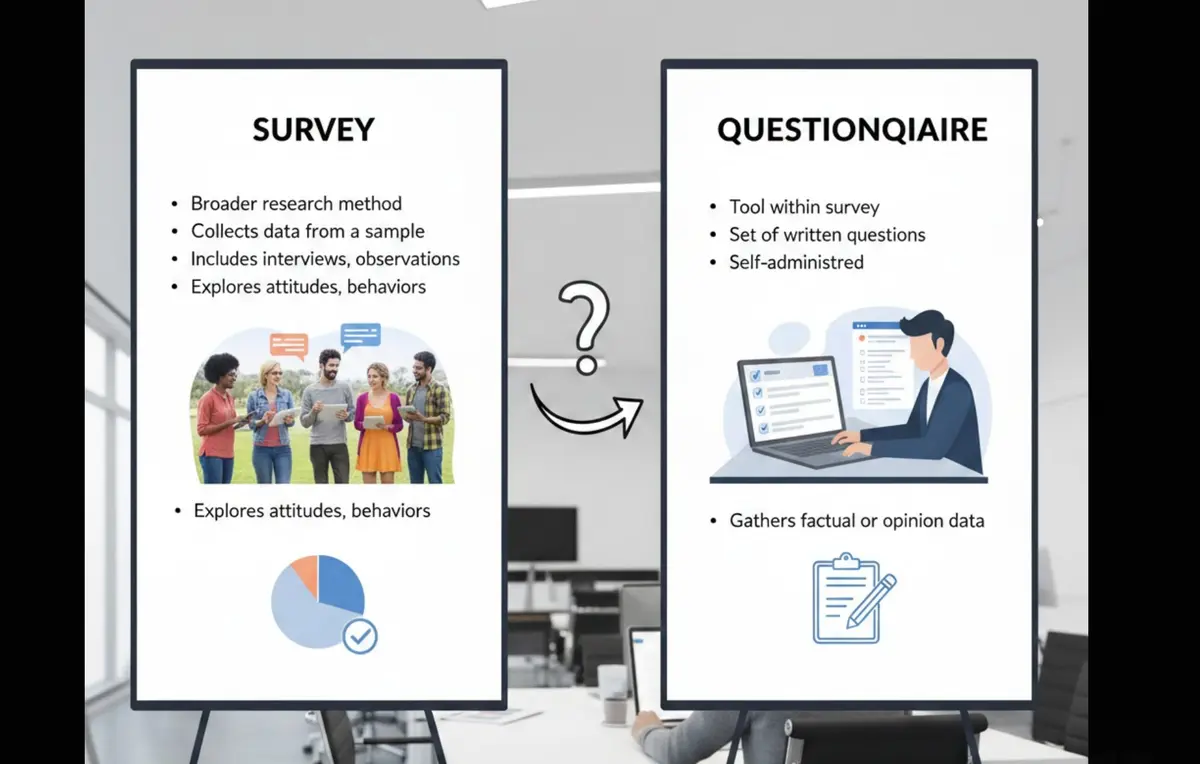
Survey vs questionnaire: the key differences, use cases, and a decision framework for picking the right one for research, feedback, or internal workflows.
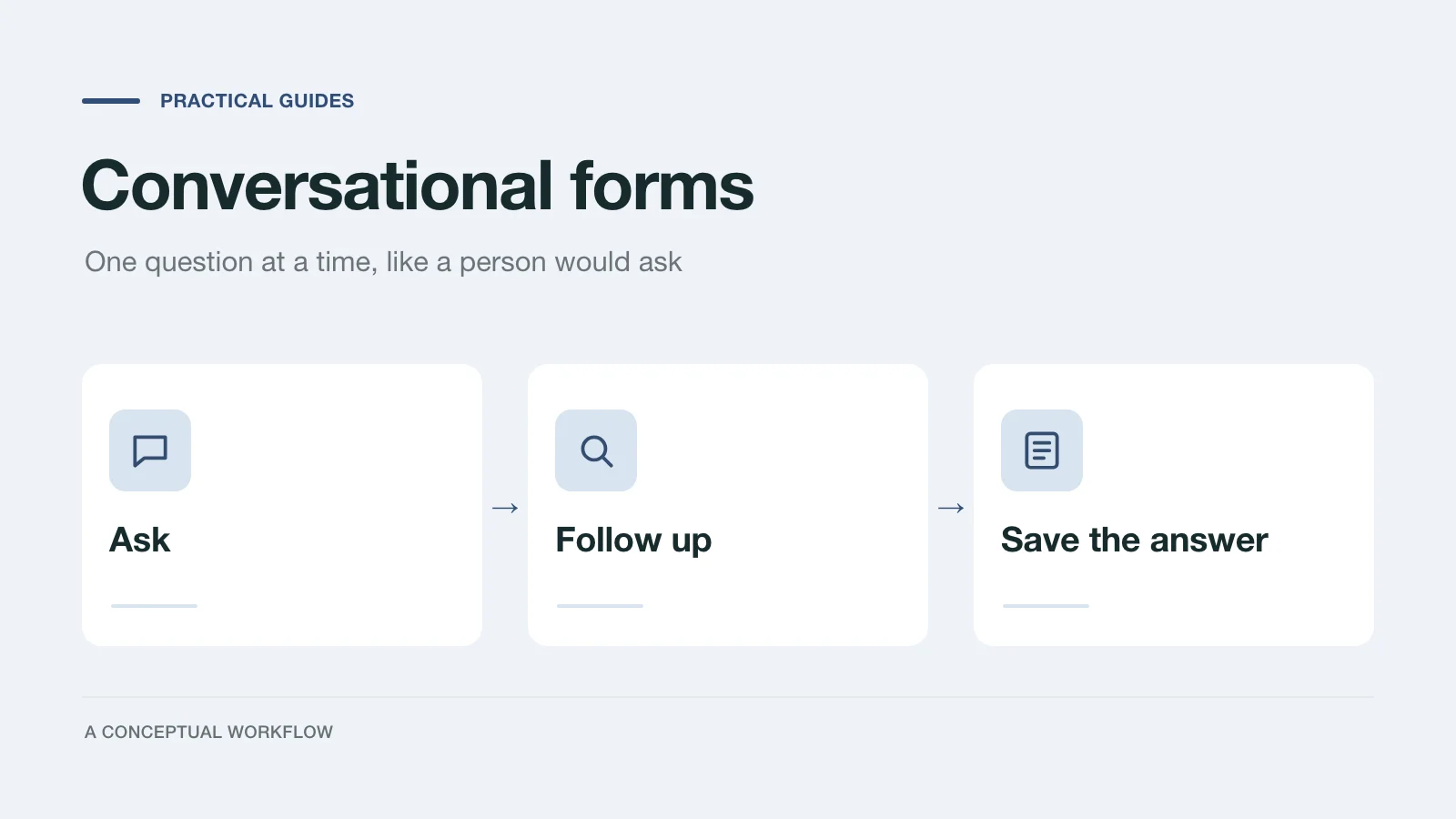
A conversational form asks one question at a time, like a person would. The three kinds, worked examples, and when they beat a regular form or don't.
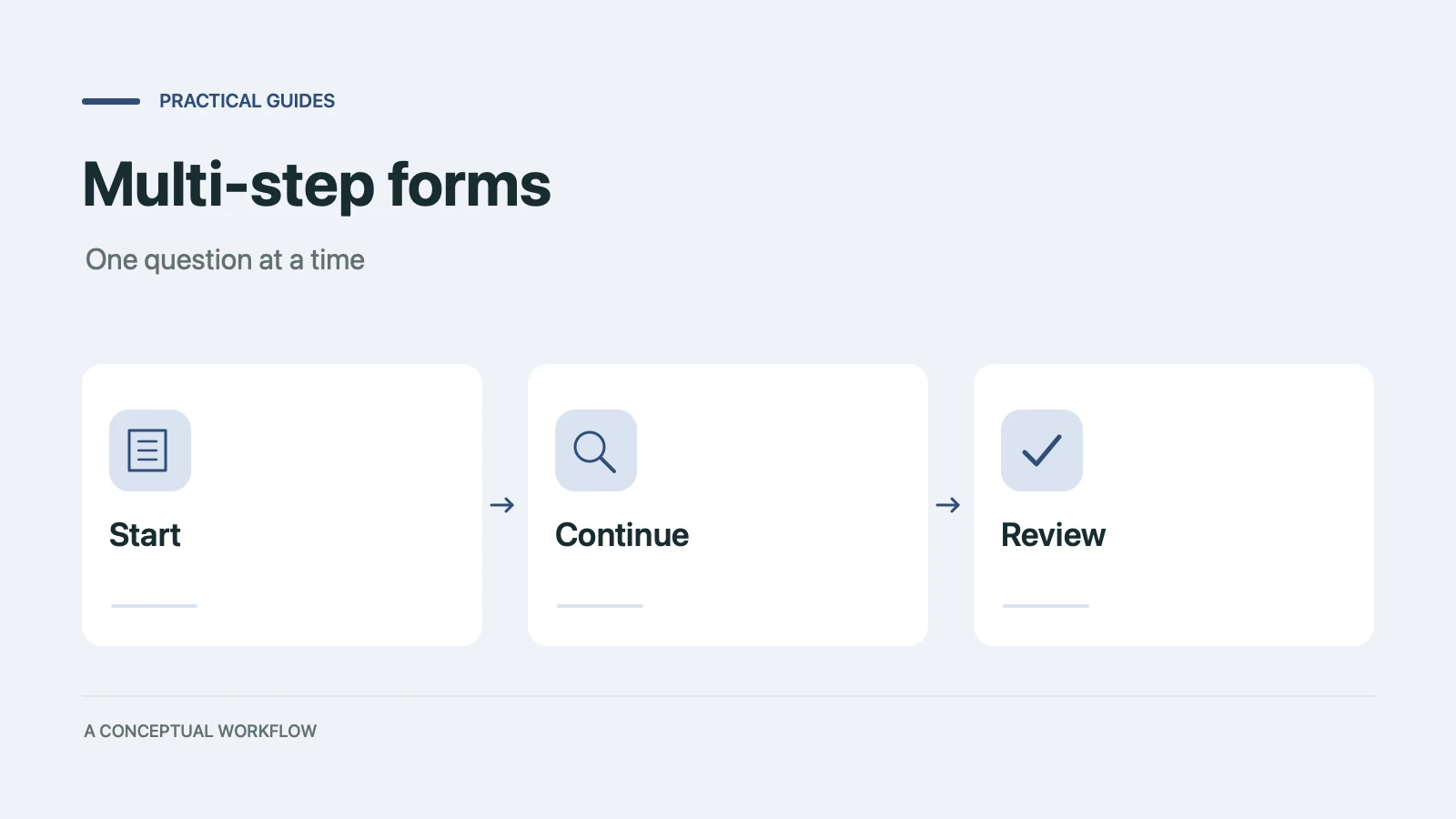
When splitting a form into steps helps conversion and when it doesn't, the research and psychology behind it, and a playbook to build one in any builder.
Launch your survey today and start collecting high-quality, structured feedback. Dashform builds your entire survey from a short description in minutes, with AI-powered scoring, adaptive questions, and deep integrations to your existing tools.
Free plan stays free · no card · no chatbot to babysit

