

This appointment request form opens with a brief, reassuring welcome before walking respondents through seven questions in a logical order: personal contact details first (name, email, and an optional phone number), then the specifics of the visit (service, preferred date, and preferred time), and finally an optional notes field for any special requests. Collecting contact information upfront means the business can follow up on any unclear details before confirming. The date and time questions sit together so staff can check availability in one glance. After submitting, respondents see a confirmation message letting them know their request has been received and that the business will be in touch to confirm the booking.
Try the conversation below to see how this template works
Trusted by over 10,000 customers and growing
Conversations Started
Questions Answered
Forms Created
Relies on the "Which service are you interested in booking?" question to capture exactly what's needed without locking offerings into a fixed list that would need constant updating.
Uses the "What is your preferred appointment date?" and time questions together so front-desk staff can check a single request against the schedule before confirming.
Depends on the "Do you have any additional notes or specific requests for your appointment?" question to gather on-site details — like gate codes or pet warnings — before the technician arrives.

AI builds and refines your form through natural conversation no templates, no complex logic, no coding. From a simple text prompt or URL, Dashform generates intelligent flows that adapt automatically.
Dashform turns traditional form-filling into a two-way dialogue. The AI understands intent, remembers context, and asks relevant follow-up questions just like a real human conversation.
Every response is transformed into structured, meaningful, and ready-to-use data. Integrate with your favorite tools.
Everything you need to create amazing forms
Everything you need to know about this template
Don't see exactly what you need? Use our AI Form Generator to create a custom form in seconds. Just describe what you want, and AI will build it for you.
Explore more templates to find the perfect fit
 Event Registration
Collect student contact details, mailing address, and course choice in one straightforward registration form.
 Self Assessment
A daily COVID-19 health screening that checks symptoms, recent exposure, and travel before staff or visitors enter a facility.
 Waiver
A five-step electronic waiver collecting COVID-19 symptom self-certification, contact history, risk acknowledgement, and a typed signature.
 Client Intake
Transfers COVID-19 patient records between acute and post-acute care facilities, capturing identity, status, and physician details.
 Application
Apply for financial relief scholarship support by describing your COVID-19 academic and financial impact.
 Tracking Log
A post-discharge health check for patients to report symptoms, well-being, and follow-up needs after leaving hospital with a COVID-19 vaccination.
Learn how to get the most out of your forms and templates
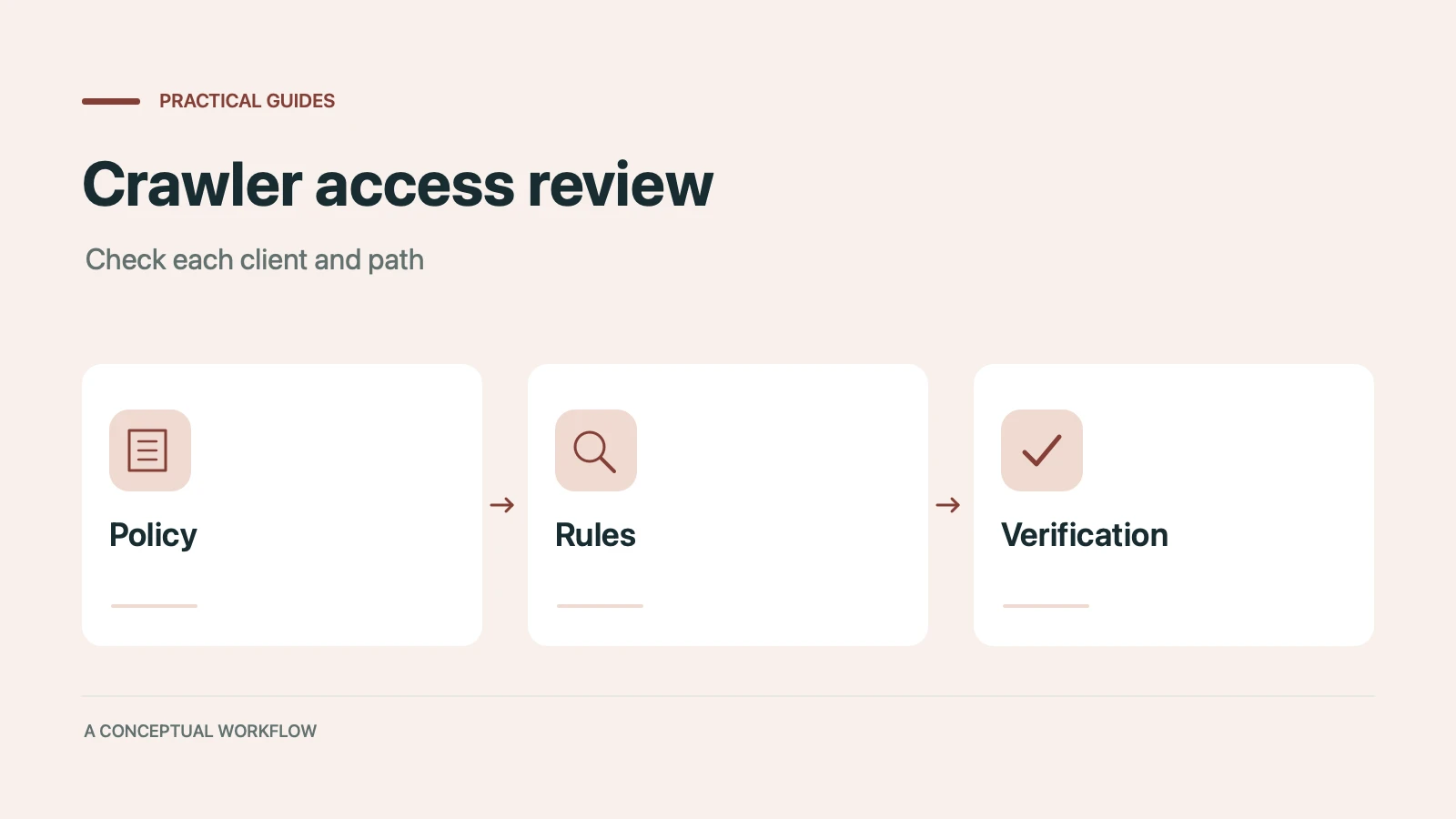
Many websites block AI crawlers without knowing it. Which 12 AI bots visit your site, how to check your robots.txt, and copy-paste fixes to become visible to ChatGPT, Claude, and Gemini.
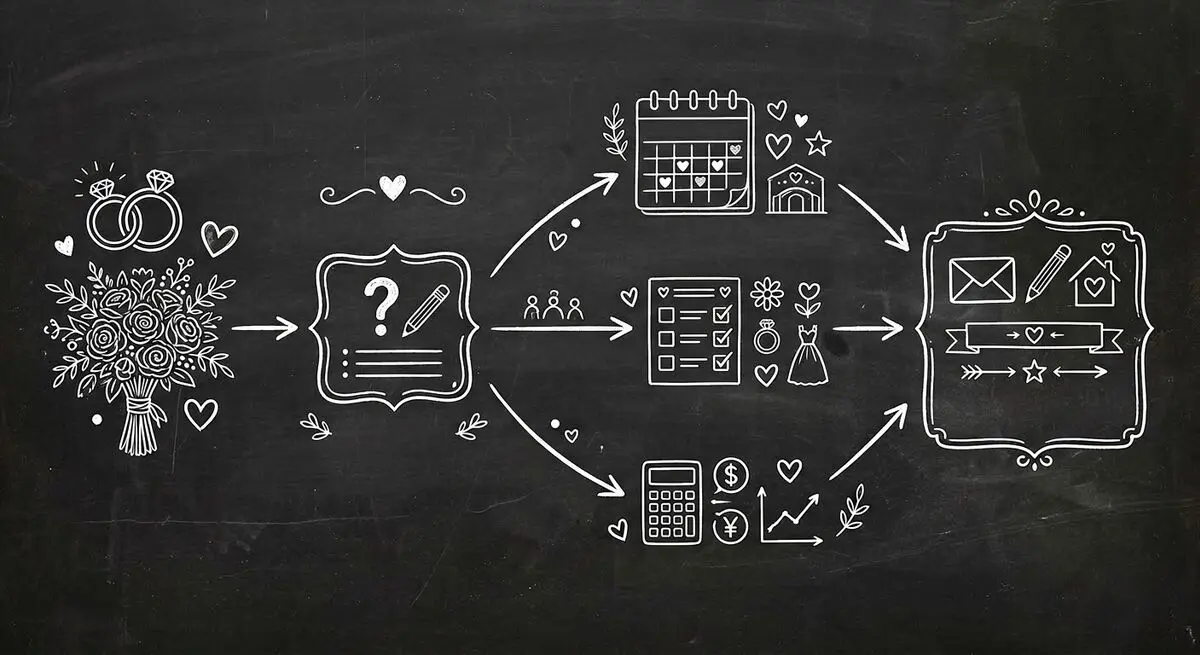
How wedding planners can use AI quiz funnels to attract and qualify couples online by style, budget, and timeline, and walk into consultations prepared. Step-by-step implementation guide.

A conversational form asks one question at a time, like a person would. The three kinds, worked examples, when they beat a regular form, and when they don't.
Try the world's first AI-native form and turn every response into action instantly.