

The Investors Questionnaire opens by collecting a respondent's name and email address, then moves through three questions that build a financial profile: self-rated experience level, investment goals (with six options to choose from), and risk comfort on a five-point scale. The form then asks directly whether the respondent is interested in investing in the company, and — if so — what their estimated investment range is, keeping that question optional so it doesn't pressure those still making up their minds. A final open-ended question invites any additional context or queries before the respondent submits. After submitting, they see a thank-you screen acknowledging that their input will feed directly into the company's strategic planning.
Try the conversation below to see how this template works
Trusted by over 10,000 customers and growing
Conversations Started
Questions Answered
Forms Created
Relies on the "Are you currently interested in investing in our company?" and "If yes, what is your estimated investment range?" questions to gauge real appetite and prioritise which prospective investors to approach first.
Uses the "How would you describe your investment experience level?" and "On a scale of 1 to 5, with 1 being very low and 5 being very high, how would you rate your comfort level with investment risk?" questions to tailor follow-up communications to each investor's background.
Depends on the "What are your primary goals for investing? (Select all that apply)" question to align pitch materials with the specific goals — such as 'Long-term Growth' or 'Social Impact' — that their prospective investors care about most.

AI builds and refines your form through natural conversation no templates, no complex logic, no coding. From a simple text prompt or URL, Dashform generates intelligent flows that adapt automatically.
Dashform turns traditional form-filling into a two-way dialogue. The AI understands intent, remembers context, and asks relevant follow-up questions just like a real human conversation.
Every response is transformed into structured, meaningful, and ready-to-use data. Integrate with your favorite tools.
Everything you need to create amazing forms
Everything you need to know about this template
Don't see exactly what you need? Use our AI Form Generator to create a custom form in seconds. Just describe what you want, and AI will build it for you.
Explore more templates to find the perfect fit
 Attendance
Enter participant, event, organizer, and attendance-hour details for separate certificate preparation.
 Rsvp
RsvpTrack attendance across events, training sessions, or workplaces with a single, straightforward form.
 Assessment
Capture audit scope, findings, compliance status, recommendations, and priority level in one structured report.
 Request
Collect customer contact info, vehicle details, and repair descriptions to log auto body service requests in one place.
 Assessment
Eight questions that map your B2B sales funnel from lead generation to conversion and surface your biggest process gaps.
 Rsvp
RsvpPlan desired baby items and quantities, note gift preferences and items already owned, and share optional registry links.
Learn how to get the most out of your forms and templates
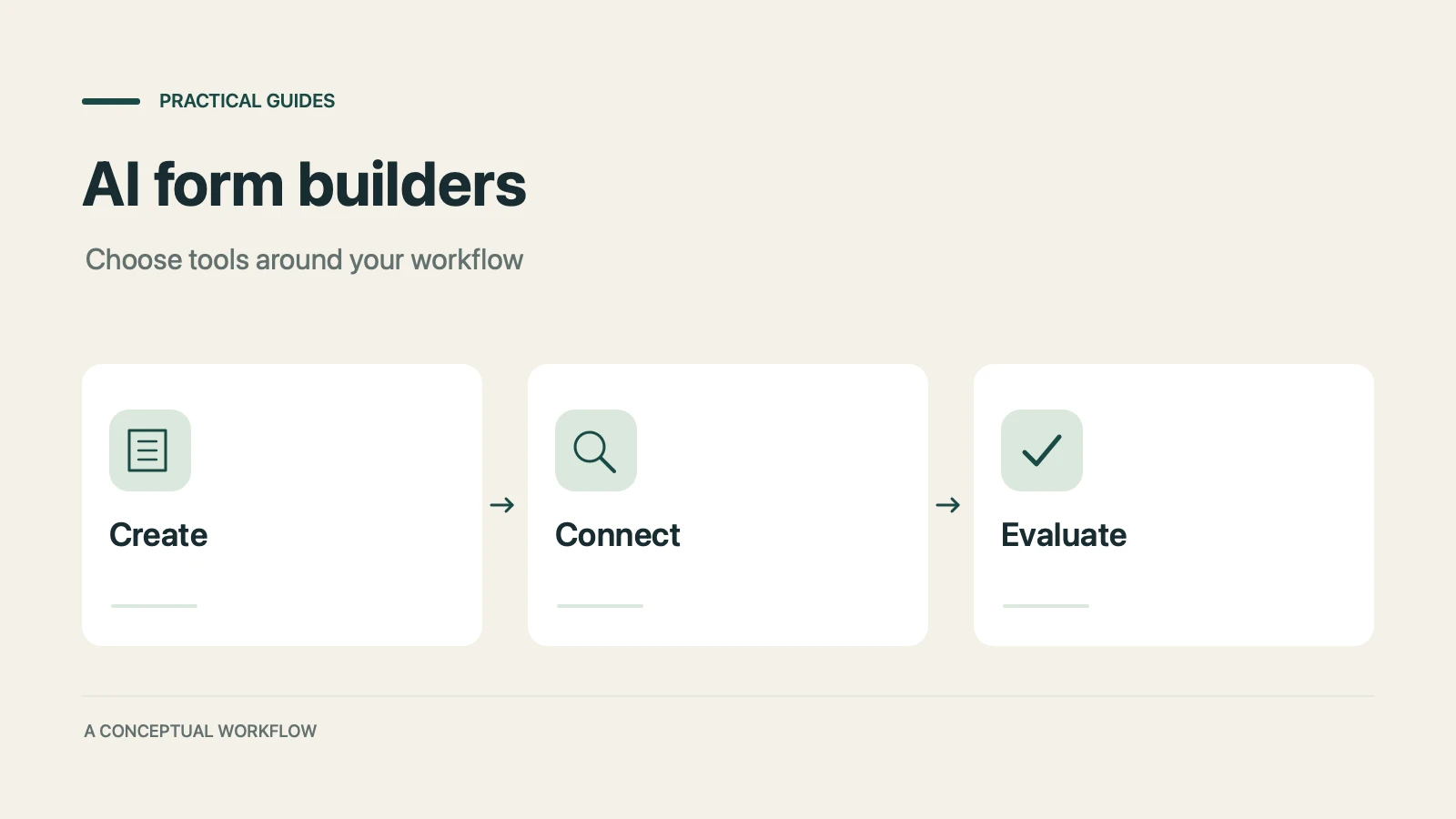
7 AI form builders compared on generation quality, scoring depth, integrations, and free plans: Dashform, Typeform, Jotform, Fillout, Heyflow, Tally, and involve.me.
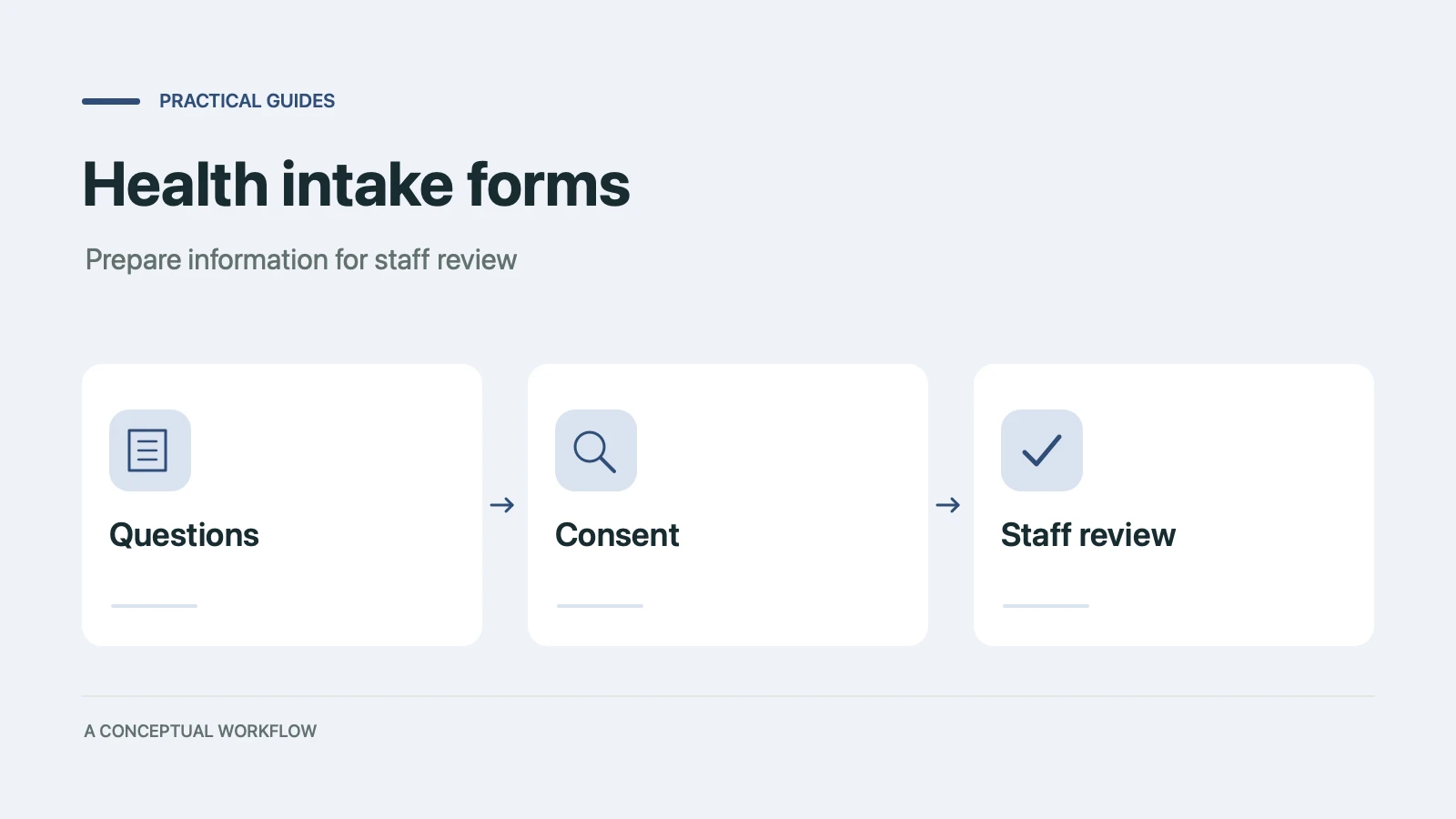
Draft intake questions for clinician review, distinguish administrative forms from validated assessments, and plan privacy and scheduling requirements.
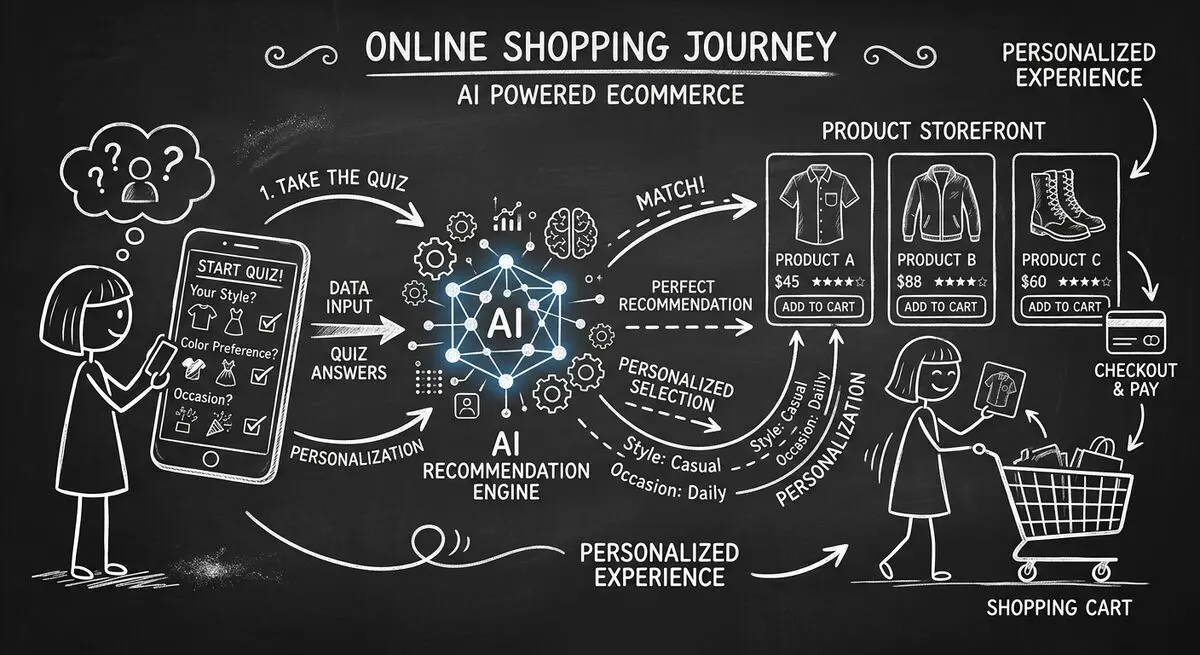
How to design an AI-assisted product quiz, map answers to recommendations, configure external tools, and measure the result for your store.
Try the world's first AI-native form and turn every response into action instantly.