This Contingency Removal Form walks buyers and sellers through formally waiving or satisfying contingencies tied to a real estate purchase agreement, in eight questions. It opens by collecting the full legal names of both the buyer(s) and seller(s), then the property address and the original purchase agreement date, so every submission is tied to a specific, identifiable transaction. The fifth question asks which contingency or contingencies are being removed — financing, inspection, appraisal, sale of buyer's property, or other — followed by an optional open-ended question to specify any contingency not on that list. The form then asks for the effective removal date before closing with a required acknowledgement question, where the buyer(s) confirm they understand the action may affect the purchase agreement. After submitting, respondents see a confirmation that their form was received and that a copy may be sent to relevant parties per their agreement.
Try the conversation below to see how this template works
Trusted by over 10,000 customers and growing
Conversations Started
Questions Answered
Forms Created
Relies on the buyer/seller name questions and the "Which contingency(ies) are being removed or waived with this form?" question to create a clear, documented record for their transaction files.
Depends on the "What is the original date of the Purchase Agreement?" question and the acknowledgement question to establish a timestamped, agreed-upon record of contingency waiver.
Uses the effective date question and the multiple-choice contingency list to formally communicate exactly which contingencies they are waiving and when, without ambiguity.

AI builds and refines your form through natural conversation no templates, no complex logic, no coding. From a simple text prompt or URL, Dashform generates intelligent flows that adapt automatically.
Dashform turns traditional form-filling into a two-way dialogue. The AI understands intent, remembers context, and asks relevant follow-up questions just like a real human conversation.
Every response is transformed into structured, meaningful, and ready-to-use data. Integrate with your favorite tools.
Everything you need to create amazing forms
Everything you need to know about this template
Don't see exactly what you need? Use our AI Form Generator to create a custom form in seconds. Just describe what you want, and AI will build it for you.
Explore more templates to find the perfect fit
 Feedback
Share feedback on your library visit — rate your experience and leave suggestions, complaints, or questions in under two minutes.
 Membership Registration
Register for a library membership by providing your contact details, membership type, and agreement to terms.
 Upload
Gather a new coaching client's goals, challenges, focus areas, and background before their very first session.
 Survey
Collect personal life histories covering family, migration, education, employment, and key turning points for societal research.
 Booking
Collect all the details needed to reserve a limousine, from pickup logistics to vehicle preference, in one clean form.
 Payment
Record loan repayments with borrower details, payment date, amount, method, and an optional reference number.
Learn how to get the most out of your forms and templates

Med spa website examples with clear service pages, strong calls to action, mobile-friendly layouts, and lead capture that works.
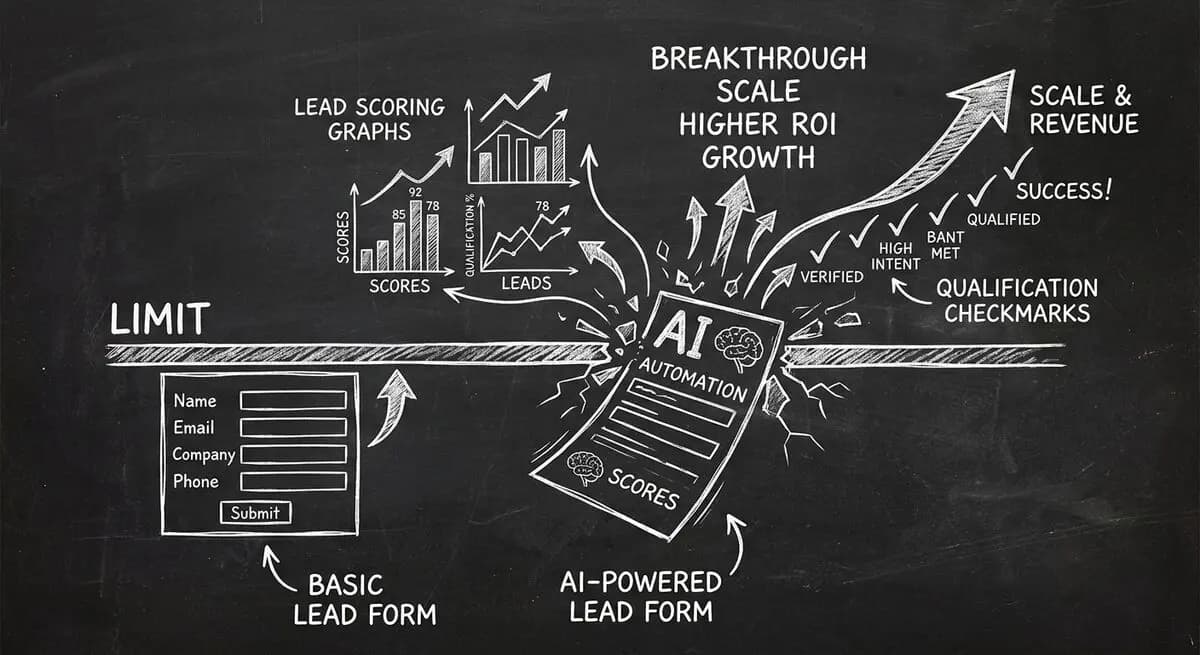
Compare Dashform and Tally for AI drafting, form logic, lead review, and integrations, with a practical checklist for evaluating a switch.

Weighing Typeform alternatives for lead generation? See how Dashform compares on AI drafting, quiz scoring, lead qualification and CRM handoff.
Try the world's first AI-native form and turn every response into action instantly.

