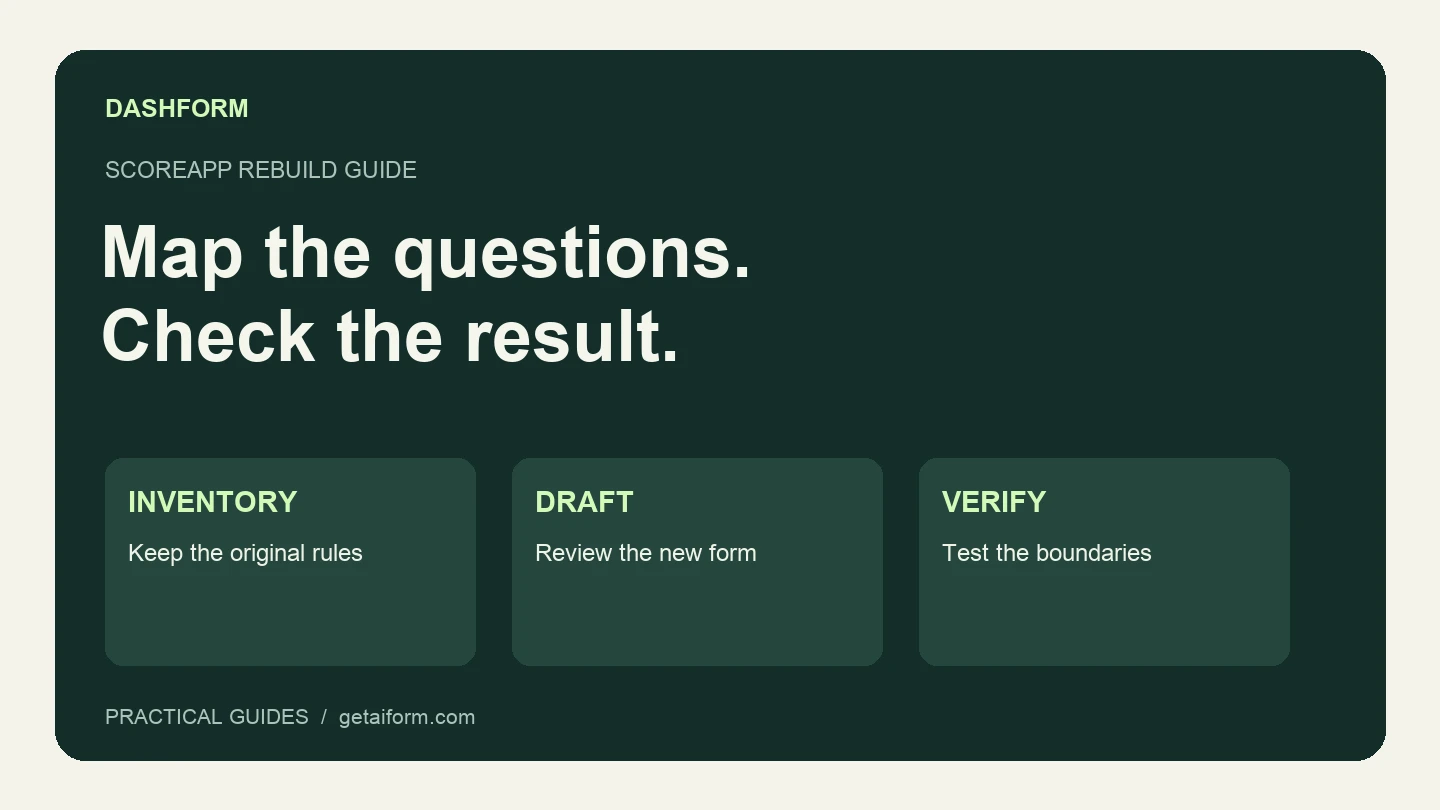
Rebuilding an assessment starts with its promise to the visitor. If the promise is “Tell us about your project and we'll recommend a next step,” you can map the questions and review criteria into a new intake workflow. If the promise is an exact score and a personalized PDF, you also need to reproduce those outputs.
This guide uses an original, fictional website-agency assessment to show the mapping. It is a manual rebuild, not a one-click ScoreApp importer. The examples are a build specification and arithmetic checks; they are not evidence that every ScoreApp result format transfers automatically.
Write down what has to survive the move
Before editing anything, make a copy of your own questions, answer choices, scoring rules, result text, and follow-up destinations. Record the respondent's experience as well as the data you need internally.
| Existing part | What to carry into the new workflow |
|---|---|
| Welcome page | The assessment's purpose and what the visitor will receive |
| Questions | Wording, options, required fields, and stable identifiers |
| Branches | The answer that triggers each branch and its destination |
| Scores | Points, weights, thresholds, and how missing answers are handled |
| Results | The text or report promised to each respondent |
| Follow-up | Owner, destination, timing, and field mapping |
| Historical responses | A retained export or continued access to the old system |
ScoreApp documents calculated scores, dynamic result pages, and PDF reporting on eligible plans. Keep those requirements explicit when using its feature comparison as your inventory.
Choose how the new assessment will be reviewed
Dashform's lead-scoring configuration accepts natural-language descriptions of hot, warm, and cold leads. That helps review fit, but it is not a promise to reproduce a mathematical scoring engine.
For a lead inquiry, our recommendation is to begin with a structured form, a neutral confirmation screen, and internal review. If exact numbers are essential, retain your deterministic scoring workflow or calculate the total in an explicitly configured external process. Verify that process before promising visitors a numerical result.
This distinction matters with the fictional rubric below:
| Signal | Answer | Points |
|---|---|---|
| Service fit | Website redesign or new website | 4 |
| Service fit | Site support | 2 |
| Service fit | Other | 0, manual review |
| Budget | At or above the agency's published minimum | 3 |
| Budget | Minimum not yet confirmed | 1.5, clarification needed |
| Budget | Below the minimum | 0 |
| Timing | Within the agency's stated availability | 2 |
| Timing | Flexible or undecided | 1 |
| Timing | Fixed deadline the agency cannot meet | 0, manual review |
| Approval | Decision-maker involved | 1 |
| Approval | Approval process unclear | 0 |
The example total is service fit + budget + timing + approval, out of ten points. For this example, eight to ten suggests a scoping conversation, five to seven suggests clarification, and anything lower suggests reviewing another option. A service mismatch, impossible deadline, or unknown budget overrides an automatic invitation regardless of the total. Replace these rules with your own offer.
Draft the questions in Dashform
Use the form generator with this brief:
Create a structured inquiry form called Website Project Fit.
Use these fields:
- Desired project outcome: required short text.
- Requested service: website redesign, new website, site support, other.
- Current website: optional URL.
- Budget: meets our published minimum, minimum not yet confirmed,
  or below our minimum. Link the actual offer when I provide it.
- Timing: within our availability, flexible or undecided,
  or a fixed deadline that needs checking.
- Approval: decision-maker involved or approval process unclear.
- Name and contact email.

Do not invent a price, availability, or numerical score calculation.
Use a confirmation saying the team will review the inquiry.
Save the form as an unpublished draft.
That budget wording is useful for demonstrating the mapping. Before sharing, replace it with plain budget ranges and the actual offer link so a visitor can answer without already knowing your internal criteria.
If you choose AI-assisted review, configure the criteria separately:
Hot: The requested service fits our offer, budget is confirmed to meet
our minimum, timing is feasible, and the decision-maker is involved.

Warm: The service could fit but budget, timing, or approval needs
clarification. Treat "not sure" as missing information.

Cold: The requested service is outside our offer or a confirmed
constraint cannot be met. Explain the mismatch using the answers.

Do not invent missing facts. Flag ambiguous inquiries for human review.
These descriptions approximate the business decision behind the rubric. They do not guarantee that an AI review will equal the point total. Use the points worksheet if you need exact arithmetic, and inspect AI classifications before relying on them.
Check the boundaries before changing a live link
For the numeric worksheet, these fictional answers have known expected results:
| Case | Point values | Total | Expected action |
|---|---|---|---|
| Redesign, confirmed budget, feasible timing, decision-maker involved | 4 + 3 + 2 + 1 | 10 | Scoping conversation |
| Site support, confirmed budget, flexible timing, approval unclear | 2 + 3 + 1 + 0 | 6 | Clarify fit and approval |
| Redesign, budget unknown, feasible timing, decision-maker involved | 4 + 1.5 + 2 + 1 | 8.5 | Clarify budget; do not auto-invite |
| Other service, confirmed budget, feasible timing, decision-maker involved | 0 + 3 + 2 + 1 | 6 | Manual service-fit review |
The third case catches a common error: a high total can hide a missing fact. The fourth shows why a service-fit override matters.
Test the form itself separately. Check required fields, skipped questions, back navigation, and the confirmation screen. Once you deliberately publish a test version, submit labeled examples and inspect the saved answers and any connected destination. An editor preview cannot prove that replies or integrations are working.
Move the entry point only after the replacement works
Keep the old assessment available while you check the new one. Rebuild each follow-up connection explicitly; creating a form does not transfer automations, historical responses, or an existing booking process.
When the required behaviors pass, update the website or campaign link and record the date. Compare the number of useful inquiries and the work needed to review them. Use the agency scorecard if you want a fuller rubric, or start the draft with the brief above.