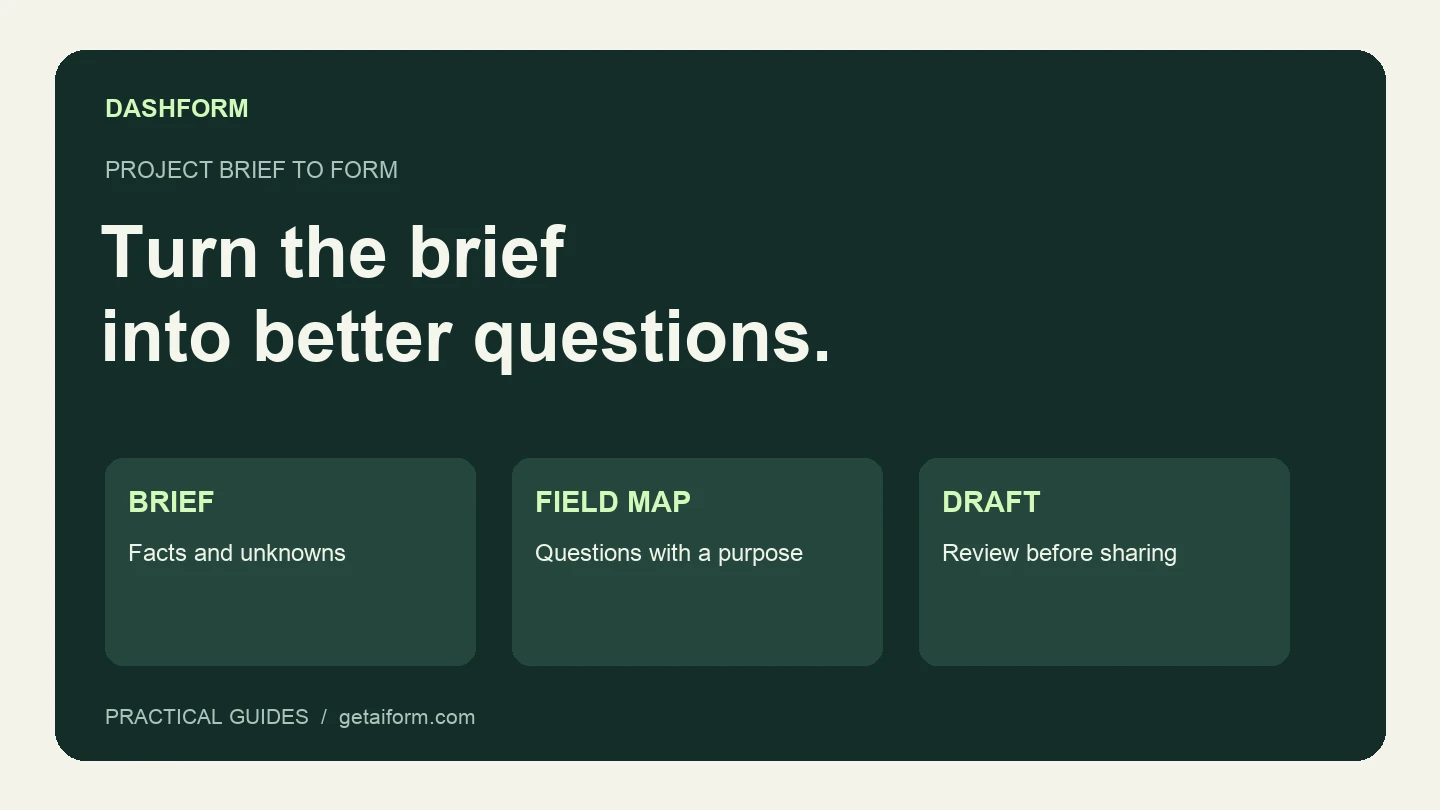
A project brief already contains much of what a useful intake form needs: the service, the audience, the unknowns, and the next decision. The work is deciding which of those unknowns the prospect should answer before a call.
This walkthrough uses a fictional website agency and a synthetic brief. You can copy both. It shows how to ask Claude Code to build and inspect a Dashform draft, then how to verify a published version. It does not claim that the example has collected real customer responses or improved conversion.
Start with this project brief
Save the following as client-intake-brief.md in the project Claude Code can access:
# Website agency intake brief

We offer website redesigns and new marketing websites for service businesses. We may consider ongoing site support after reviewing the request.

The form should help our team prepare a discovery call. We need to know the desired outcome, requested service, current website, budget range, preferred start, any fixed deadline, and approval process.

Our price list and availability are not supplied in this brief. Do not invent them. Leave budget bands for our review and allow "Not sure yet".

Collect name and email for follow-up. The current website is optional. Do not request account access, passwords, or confidential project documents.

End by saying that the team will review the inquiry before confirming next steps. Do not promise a meeting or a response time. Create a structured form and keep it unpublished for review.
The omitted pricing is intentional. A good draft should preserve an unknown rather than fill it with a plausible number. Add your real offer before you use the form with customers.
Connect the account and confirm the workspace
Follow the Dashform MCP setup guide to connect Claude Code and complete authentication. Ask it to list the organizations you can access and confirm the destination before it creates anything.
The public Dashform Agent Skills repository provides reusable instructions, but the live MCP connection supplies the available tools and their current schemas. A copied skill does not grant account access.
Ask for a field map before creating the form
Give Claude Code this first prompt:
Read client-intake-brief.md. Propose the form's questions, input types,
required fields, and confirmation text. For each question, explain
which decision it helps the agency make.
List missing business facts separately. Do not create a form yet.
The proposed map should look broadly like this:
| Brief requirement | Form field | Review point |
|---|---|---|
| Desired outcome | Short written answer | Ask what should improve, not only what pages are needed. |
| Requested service | Single choice | Include redesign, new website, support, and other. |
| Current website | Optional website field | A business without a site must still be able to continue. |
| Budget | Reviewed ranges plus “Not sure yet” | Do not publish invented prices. |
| Start and deadline | Timing choice and optional explanation | Separate preference from a fixed constraint. |
| Approval | Short written answer or reviewed choices | Ask who will be involved without demanding a job title. |
| Follow-up | Name and email | Keep unrelated contact fields out. |
Remove a proposed question if you cannot explain how it changes the first review. Detailed platform access, copy inventories, and internal stakeholders can wait until discovery or onboarding.
Create and read back the draft
After you review the map and supply the actual budget options, use:
Use the approved field map and the business facts I supplied.
Inspect the current Dashform tool schemas, then create a structured
form in the organization we confirmed. Keep it unpublished.
Do not configure integrations, send messages, or submit responses.
After creating it, read the saved form back and show its identifier,
publication status, question list, required flags, and confirmation text.
This uses the current separation between draft creation and publication. Review the saved result, not just the assistant's proposed questions. Check that the current website is optional, “not sure” remains available, and the confirmation text matches what your team will do.
For a targeted edit, say which question should change and require the rest to remain. In the current tool schema, providing a new steps array replaces the whole step list, so the assistant needs the current list before making an edit.
Keep classification separate from collecting answers
Begin with manual review if you are still defining a good inquiry. Once the criteria are clear, Dashform can use written hot, warm, and cold descriptions for AI lead review.
For this fictional agency, a supported service with a confirmed budget and feasible timing could be ready to discuss. A missing budget could need clarification. An unsupported service should be reviewed for a different next step.
These are judgments about the inquiry. If you need a repeatable numerical total, use the agency scorecard and an explicit deterministic calculation. Do not ask the assistant to label an AI classification as a measured probability of winning the project.
Publish deliberately, then check the response
When the draft is ready, identify the exact form to publish. Open the public URL returned by Dashform and work through the questions. Use a clearly labeled synthetic test and an email address you control when submitting a test response.
| Check | Passing evidence |
|---|---|
| The intended version is live | Public title and questions match the reviewed draft. |
| Optional fields behave correctly | A visitor without a current website can continue. |
| Uncertainty is handled | “Not sure yet” does not force an invented answer. |
| The response is saved | The dashboard contains the submitted answers for the correct form. |
| Confirmation is accurate | It describes review and the actual next step. |
| Any connected workflow works | The intended destination contains the mapped test record. |
Configure integrations separately if you need them. Creating and publishing a form does not establish a CRM connection or prove that a notification reached anyone.
Keep the brief alongside a short record of the form identifier, reviewed questions, and remaining changes. Next time the agency changes its offer, Claude Code can compare the brief with the saved draft and propose the specific edits. Start with the MCP setup guide, then use the two prompts above to create a form you can review.