An inquiry can have a healthy budget and still be a poor project for your agency. The service may be outside your offer, the deadline impossible, or the person filling out the form unable to involve whoever approves the work.
A useful scorecard makes those facts visible. It should help your team decide what to ask next, rather than produce a number everyone treats as a prediction of a sale.
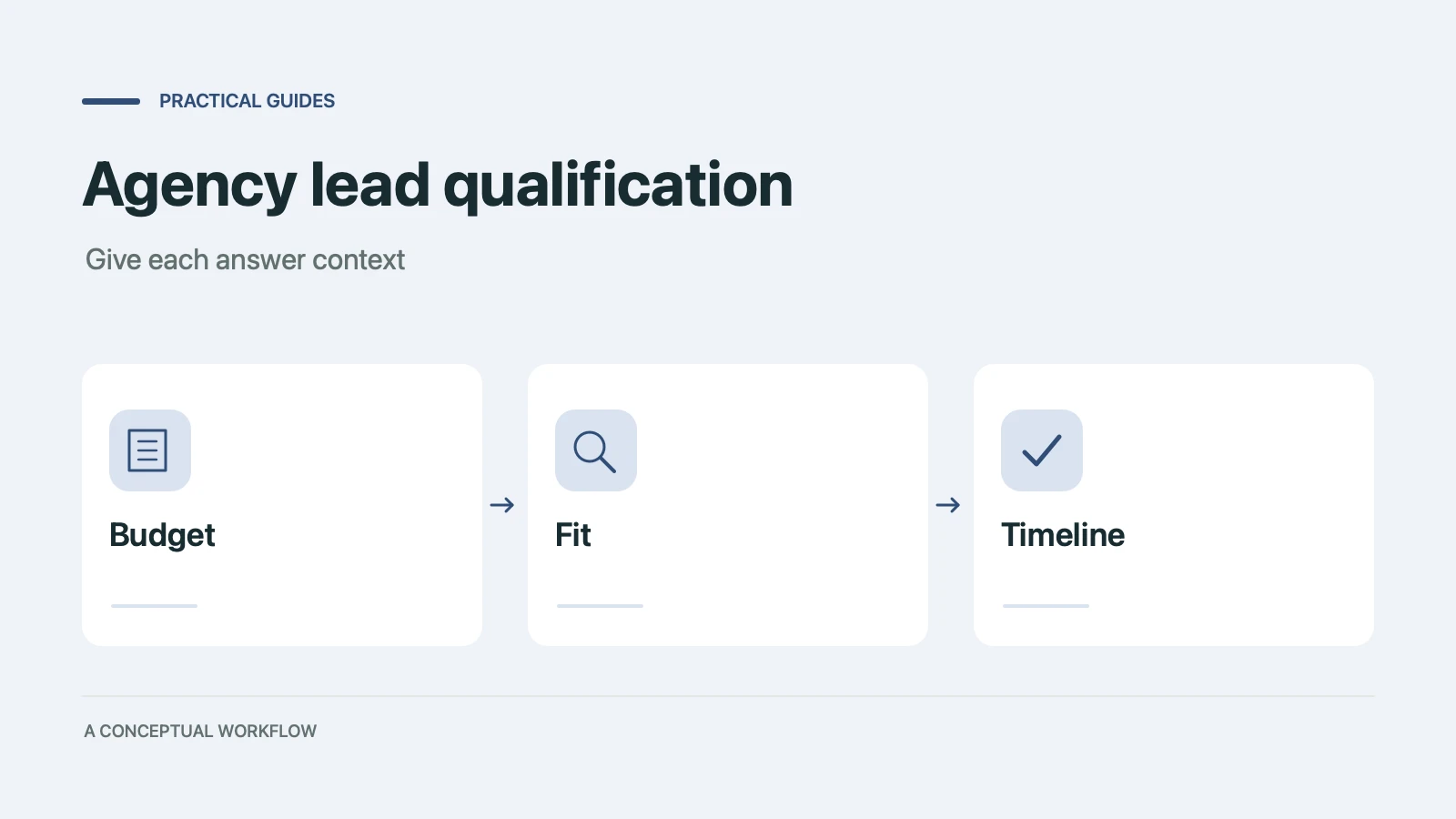
The rubric below is an original example for a small website agency. Its weights and thresholds are starting assumptions, not industry benchmarks. It scores project fit, not the person making the inquiry.
Copy the rubric, then replace its assumptions
For this example, assume the agency sells website redesigns and new websites, considers ongoing site support, and has a published project minimum and available start dates. Use your actual prices and capacity when you put it into practice.
| Signal | Answer | Points |
|---|---|---|
| Service fit | Redesign or new website within our offer | 4 |
| Service fit | Site support we may be able to handle | 2 |
| Service fit | Other service | 0 |
| Budget | Confirmed at or above our published minimum | 3 |
| Budget | Not yet confirmed | 1.5 |
| Budget | Confirmed below the minimum | 0 |
| Timeline | Fits our available start and delivery window | 2 |
| Timeline | Flexible or undecided | 1 |
| Timeline | Fixed date we cannot meet | 0 |
| Approval | Decision-maker involved | 1 |
| Approval | Approval process unclear | 0 |
Add one answer from each category. The maximum is 10 points. Name, email, writing style, and company prestige do not earn points.
The weighting makes service fit the largest factor because a large budget does not make an unfamiliar service deliverable. If your agency has a different constraint, change the weights and document why.
Set overrides before thresholds
Use these example actions:
| Rule | Action |
|---|---|
| Requested service is outside the offer | Manual review; do not automatically invite |
| Fixed deadline cannot be met | Clarify whether timing can change |
| Budget is unknown | Clarify budget before treating the inquiry as ready |
| No override and 8–10 points | Review for a scoping call |
| No override and 5–7.5 points | Ask a focused follow-up question |
| No override and 0–4.5 points | Review a smaller offer, later timing, or another provider |
Apply overrides first. Without them, a visitor can accumulate enough points in the other categories to hide the very fact that makes the project unsuitable.
For a new service, you may not know the right budget bands yet. Leave the budget answer open and review it manually until you have a real offer. A made-up minimum merely makes the scorecard look precise.
Work through four fictional inquiries
A. A redesign ready for discussion. The project is within the offer, the budget meets the minimum, the timeline is feasible, and the decision-maker is involved. The score is 4 + 3 + 2 + 1 = 10. Review it for a scoping call. You still need to confirm scope and capacity.
B. Support work with an unclear approval process. The service earns 2, budget 3, flexible timing 1, and approval 0. The total is 6. A useful reply asks what ongoing support includes and who approves it.
C. A promising redesign with no confirmed budget. Service 4, budget 1.5, timing 2, approval 1 gives 8.5. The unknown-budget override wins. Ask whether the published minimum fits before sending the project down a ready-to-book path.
D. An unsupported service with a large budget. Service 0, budget 3, timing 2, approval 1 gives 6. The service mismatch takes priority. Explain what your agency does and check whether the visitor actually needs one of those services.
These examples also make good checks when you put the rubric into a spreadsheet or another deterministic calculation. The same answers should give the same total every time.
Ask questions the prospect can answer
Internal labels such as “service fit” are for your team. On the form, ask:
- What would you like the website project to achieve?
- Which service are you looking for?
- What is your current website, if you have one?
- What budget range are you considering? Include “Not sure yet.”
- When would you like to start, and is there a fixed deadline?
- Who will be involved in approving the project?
- What name and email should we use to follow up?
Show your actual offer or minimum near the budget question. Let the visitor explain a fixed deadline rather than merely selecting “urgent.” The launch of a product and a preference for moving quickly create different planning problems.
Turn the questions into a Dashform draft
Paste this into the form generator:
Draft a structured website-agency inquiry form with the seven questions
in this brief. Use clear service options and budget ranges that I supply.
Allow "Not sure yet" for budget and timing.
Keep the current website optional. Collect a contact email.
Explain that the team will review the inquiry before confirming next steps.
Do not promise a price, delivery date, or appointment.
Do not display a calculated score to the visitor.
Save the form as a draft for review.
Dashform's AI lead scoring uses written hot, warm, and cold criteria. You can describe the decisions behind this scorecard in those fields, but treat the result as an AI review. It is not an implementation of this exact ten-point sum.
For precise totals, use the table in a spreadsheet or a deterministic process you configure and test. Keep the raw answers beside the total so a reviewer can understand it. For AI-assisted review, use criteria such as:
Hot: Supported service, confirmed budget fit, feasible timing,
and an involved decision-maker.
Warm: Potential service fit with budget, timeline, or approval unclear.
Cold: A confirmed mismatch with our service, minimum, or capacity.
Never infer a missing budget or deadline. Explain the evidence and
flag missing information for a human reviewer.
Review the generated questions, test the four example inquiries, and check the saved responses after you publish. A neutral confirmation screen is enough to begin; automated booking should wait until your rules handle the exceptions.
Adjust the rubric from actual decisions
After the team reviews a batch of real inquiries, compare its decisions with the suggested next steps. Record disagreements and their reasons. Did “support” include work you actually want? Did a fixed deadline turn out to be flexible? Was the budget question confusing?
Change the question or criterion that caused the disagreement. Keep the previous version and date so you can tell whether the next batch is more useful. Avoid tuning weights to a handful of wins and calling the result a validated model.
For the surrounding handoff process, see client intake for agencies. For the full brief to send after the first call, see our web design client questionnaire. To build the questionnaire now, start a Dashform draft.