The Event Liability Form opens with a welcome screen explaining why the release is required before anyone can take part. It then collects the participant's full legal name and date of birth to create an accurate record of who is signing, followed by an emergency contact's name and phone number so organizers can act quickly if something goes wrong. The two core legal questions ask participants to explicitly acknowledge inherent event risks and agree to release the organizers and sponsors from liability — each presented as a single-choice confirmation so nothing can be skipped or left ambiguous. A final date question locks in the exact day the agreement was made. After submitting, participants see a confirmation screen thanking them and confirming their acknowledgment has been received.
Try the conversation below to see how this template works
Trusted by over 10,000 customers and growing
Conversations Started
Questions Answered
Forms Created
They rely on the risk acknowledgment question to ensure every athlete has explicitly accepted the physical hazards of participation before the event begins.
They use the liability release question to protect organizers, sponsors, and their representatives from claims arising out of the event, covering a broad range of potential incidents.
They depend on the emergency contact questions to have actionable information on hand if a participant needs urgent assistance during the event.

AI builds and refines your form through natural conversation no templates, no complex logic, no coding. From a simple text prompt or URL, Dashform generates intelligent flows that adapt automatically.
Dashform turns traditional form-filling into a two-way dialogue. The AI understands intent, remembers context, and asks relevant follow-up questions just like a real human conversation.
Every response is transformed into structured, meaningful, and ready-to-use data. Integrate with your favorite tools.
Everything you need to create amazing forms
Everything you need to know about this template
Don't see exactly what you need? Use our AI Form Generator to create a custom form in seconds. Just describe what you want, and AI will build it for you.
Explore more templates to find the perfect fit
 Registration
Register prospective candidates by capturing their contact details, education, experience level, and role interests for your talent pool.
 Event Registration
Register for a talent show audition slot by sharing your contact details, act, and scheduling preferences.
 Tracking Log
Log tank condition, corrosion, leaks, and maintenance needs for fuel and chemical industry inspections.
 Checklist
Log a task with its owner, assignee, priority, category, due date, and current status — all in one tidy form.
 Progress Tracking
Log new tasks, update progress, and record ownership and deadlines in one tidy seven-question form.
 Tracking Log
Log tasks with priority, ownership, due dates, and status in one quick, structured form.
Learn how to get the most out of your forms and templates
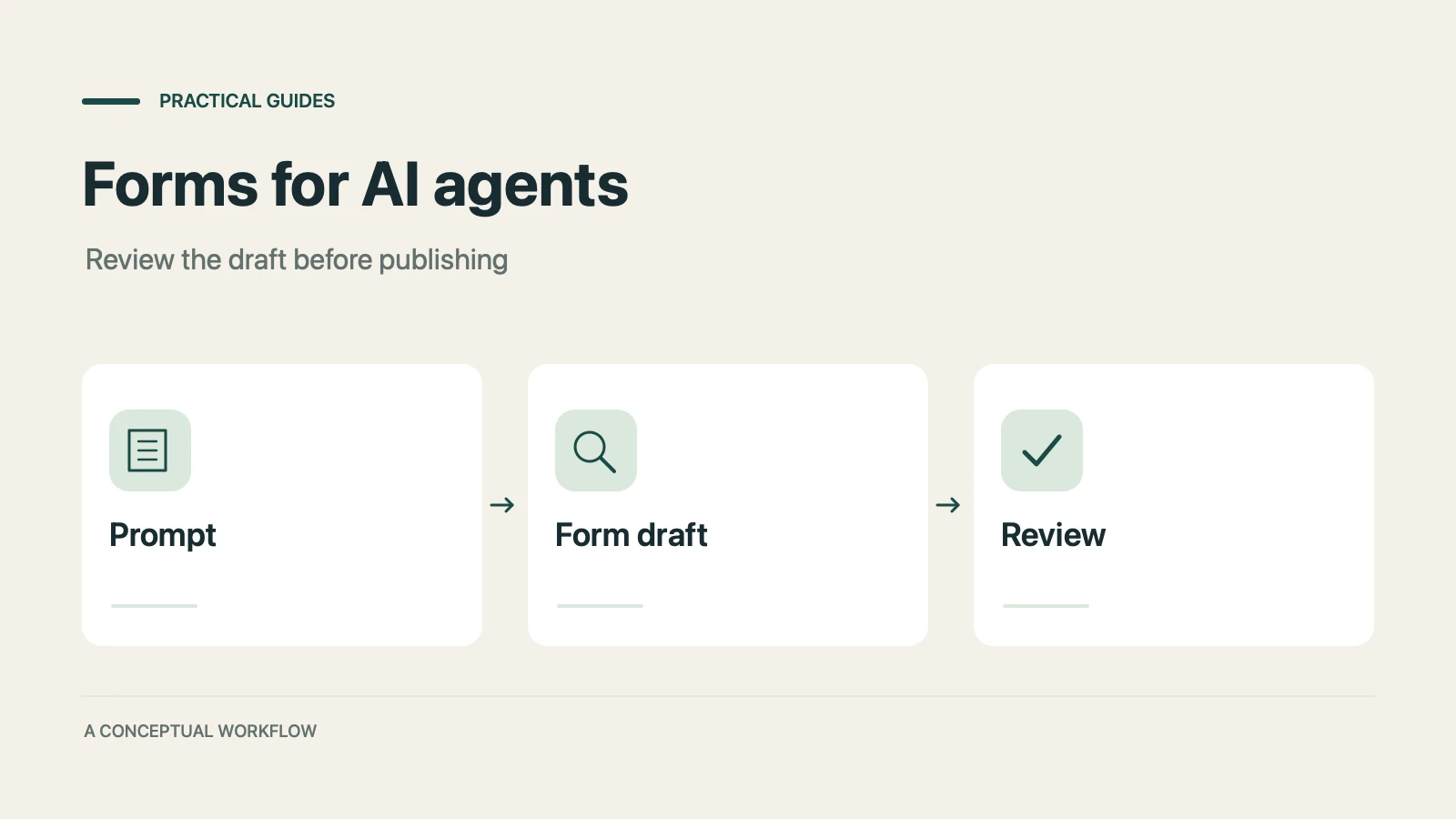
A practical guide to evaluating terminal-based Dashform workflows, checking current commands, reviewing drafts, and publishing with explicit authorization.
Use Dashform's MCP connection in a compatible AI client to draft and edit forms, review the saved result, and publish when ready.
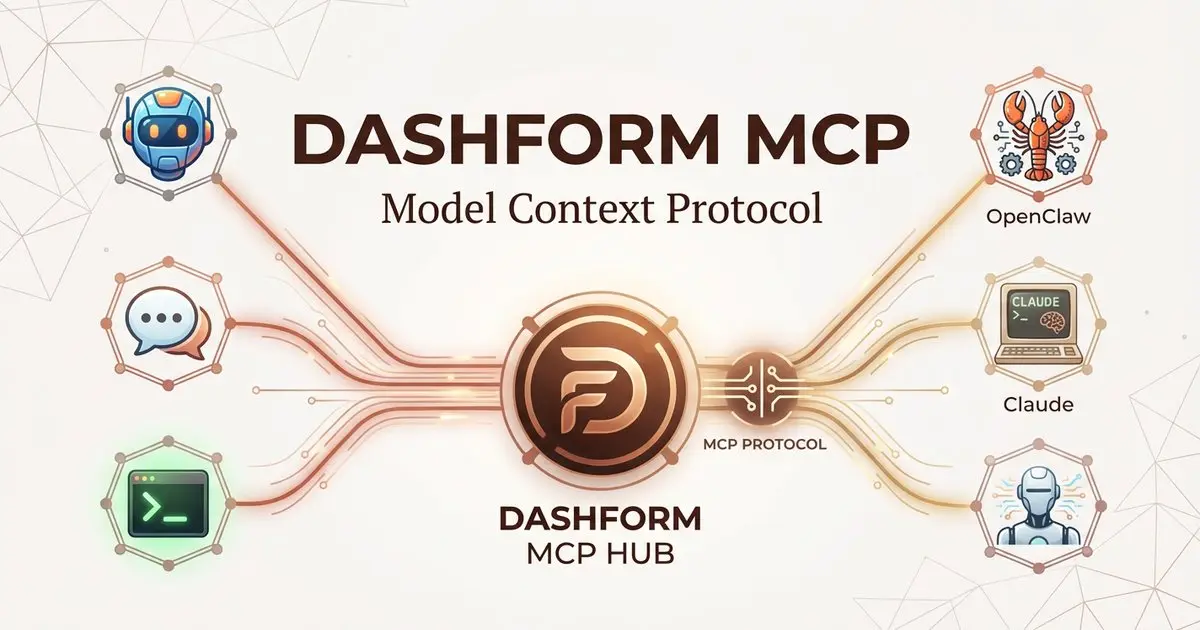
Dashform supports MCP. Connect OpenClaw, Claude Code, LangChain, or any MCP agent to build forms, surveys, and quiz funnels through getaiform.com/api/mcp.
Try the world's first AI-native form and turn every response into action instantly.

