This form collects everything an audition organiser needs to schedule and prepare for each performer. It opens by asking for full name, email address, and best contact phone number so the team can reach out with slot confirmations. Next, performers choose their primary talent category — from singing and dancing to comedy, magic, and more — and describe their act, giving organisers a clear picture of what to expect on stage. The scheduling question then lets each person pick from six morning or afternoon slots across Monday, Wednesday, and Tuesday. A final optional question invites performers to flag any special equipment or stage setup needs before they submit. After submitting, respondents see a thank-you screen confirming that the team will be in touch shortly with audition details.
Try the conversation below to see how this template works
Trusted by over 10,000 customers and growing
Conversations Started
Questions Answered
Forms Created
They rely on the talent category and act description questions to group acts sensibly and plan a balanced running order.
They use the scheduling question to spread auditions across available slots and the special requirements question to arrange equipment in advance.
They depend on the contact questions to confirm audition times directly with each employee performer ahead of the show.

AI builds and refines your form through natural conversation no templates, no complex logic, no coding. From a simple text prompt or URL, Dashform generates intelligent flows that adapt automatically.
Dashform turns traditional form-filling into a two-way dialogue. The AI understands intent, remembers context, and asks relevant follow-up questions just like a real human conversation.
Every response is transformed into structured, meaningful, and ready-to-use data. Integrate with your favorite tools.
Everything you need to create amazing forms
Everything you need to know about this template
Don't see exactly what you need? Use our AI Form Generator to create a custom form in seconds. Just describe what you want, and AI will build it for you.
Explore more templates to find the perfect fit
 Equipment Request
Request programming equipment — computers, monitors, software, and more — with specs, quantity, reason, and urgency in one form.
 Checklist
A structured check-in form to log project status, progress, accomplishments, blockers, and next steps in one place.
 Assessment
Document project outcomes, team performance, lessons learned, and final deliverables in one structured closure report.
 File Upload
Record project outcomes, three budget figures, an optional evidence link, and the names of the Project Head and report preparer.
 Quote
Collect project details, budget, and timeline from prospective clients so your team can prepare and send an accurate estimate.
 Request
Collect names, promo codes, and purchase proof to verify and process customer discount or reward redemptions.
Learn how to get the most out of your forms and templates
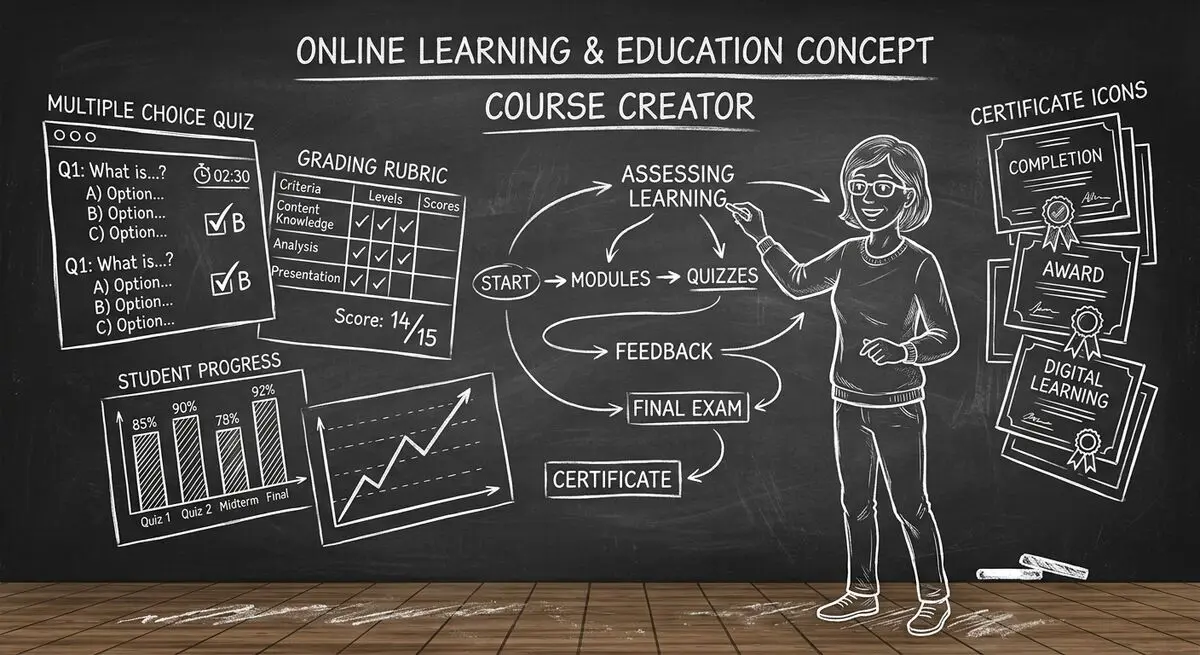
6 AI drafting tools for course creators, with suggestions for reviewing quiz questions, gathering feedback, and collecting enrollment information.
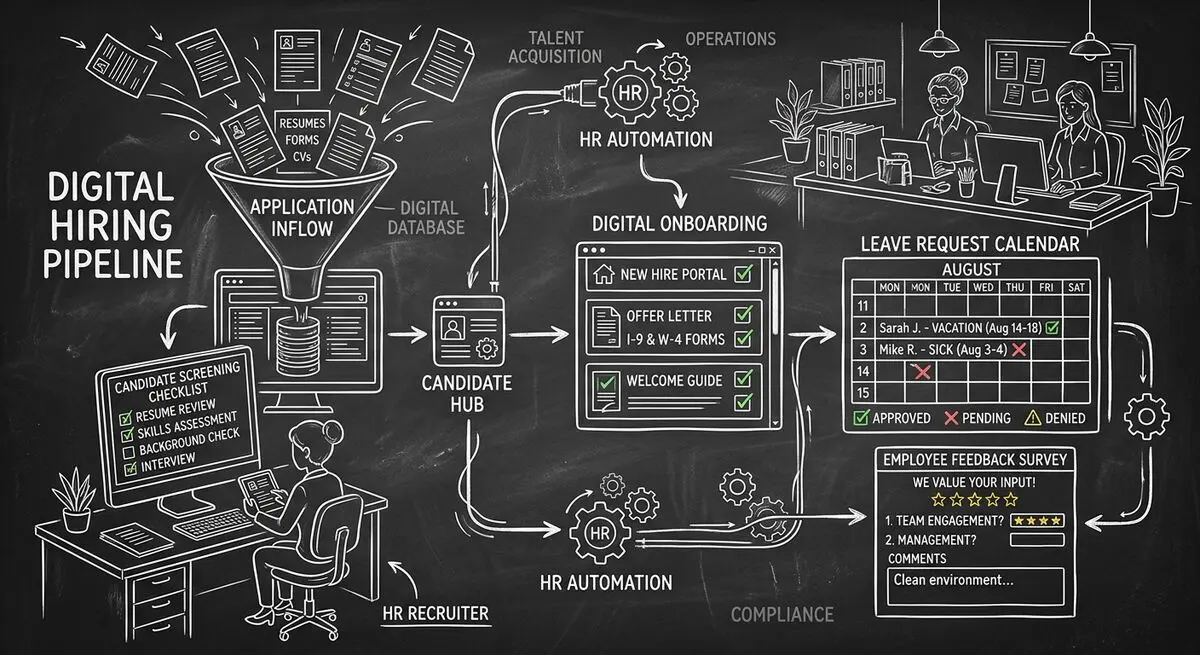
Six Dashform generator starting points for applications, onboarding forms, leave requests, surveys, and feedback, with human review and integration setup.
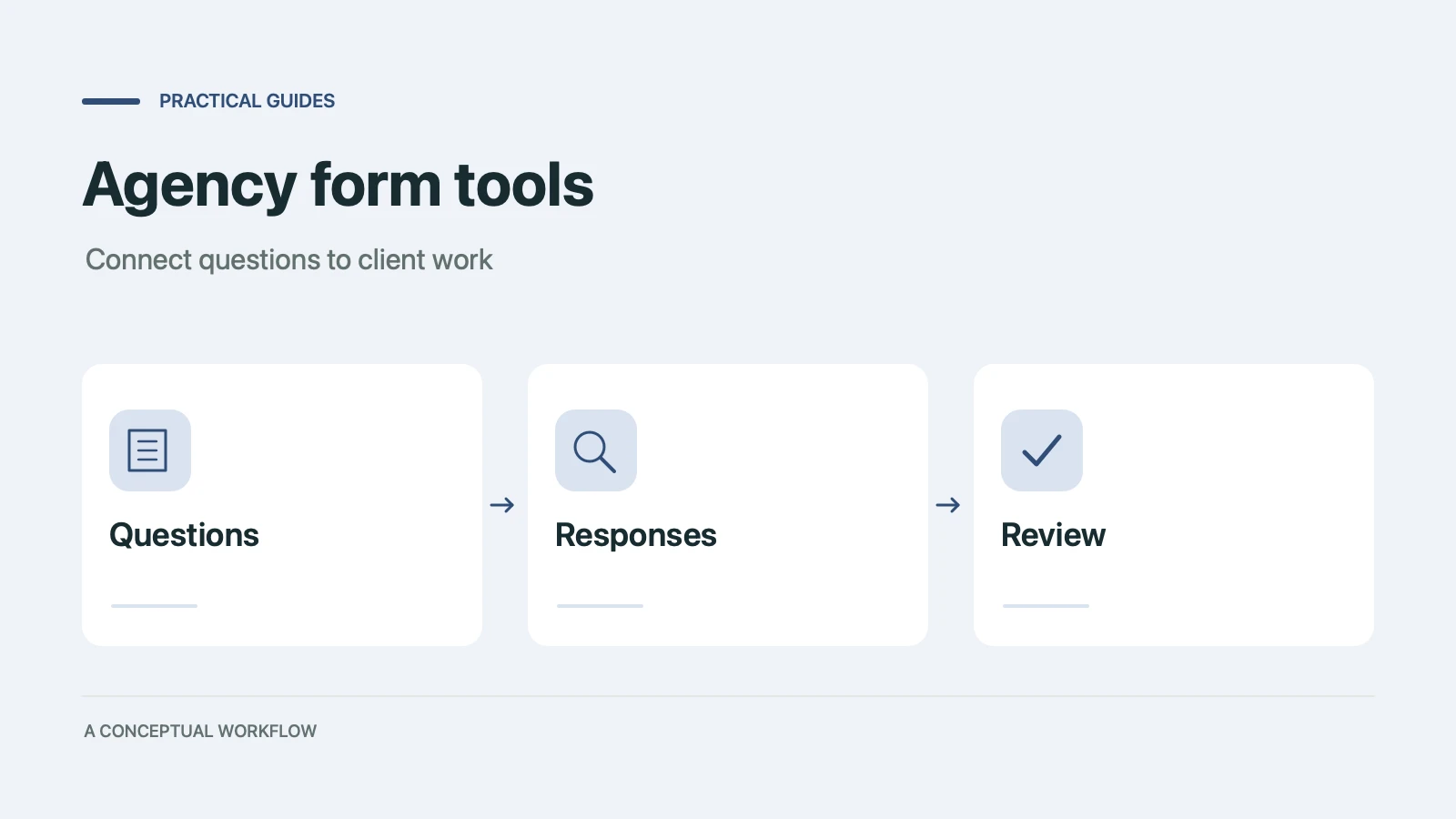
Use six Dashform generator entry points to draft client quizzes, surveys, intake forms, and feedback forms, then review and test the workflow.
Try the world's first AI-native form and turn every response into action instantly.

