The Task Entry Form opens with a welcome screen explaining that it's for logging new tasks, updating progress, or recording completed objectives. Respondents then work through seven questions in order: naming the task, describing it, setting its priority (high, medium, or low), marking its current status (not started, in progress, blocked, or completed), identifying who's responsible, estimating a completion date, and adding any extra notes. Each question builds a complete picture of a single task so project owners can track what's happening, who owns it, and when it's due. After submitting, respondents see a confirmation screen thanking them and confirming their entry has been recorded.
Try the conversation below to see how this template works
Trusted by over 10,000 customers and growing
Conversations Started
Questions Answered
Forms Created
Relies on the priority and status questions to get a consistent, filterable snapshot of every task across the team without chasing updates by email.
Uses the "Who is primarily responsible for this task?" and "When is this task estimated to be completed?" questions to keep ownership and deadlines visible when the team can't sync in person.
Depends on the "Please provide a brief description of the task?" and additional notes questions to capture client-specific context alongside each task's status and priority.

AI builds and refines your form through natural conversation no templates, no complex logic, no coding. From a simple text prompt or URL, Dashform generates intelligent flows that adapt automatically.
Dashform turns traditional form-filling into a two-way dialogue. The AI understands intent, remembers context, and asks relevant follow-up questions just like a real human conversation.
Every response is transformed into structured, meaningful, and ready-to-use data. Integrate with your favorite tools.
Everything you need to create amazing forms
Everything you need to know about this template
Don't see exactly what you need? Use our AI Form Generator to create a custom form in seconds. Just describe what you want, and AI will build it for you.
Explore more templates to find the perfect fit
 Agreement
Capture both parties' details, agreed services, deliverables, timeline, pricing, and success metrics in one SEO contract form.
 Assessment
Nine questions across technical SEO, content, and links to show you where your search rankings are strongest and where to focus next.
 Consent
Collect client details, scope of work, dates, payment structure, and formal agreement consent before a project begins.
 Agreement
Collect client contact details, informed consent, financial goals, and an electronic signature before coaching begins.
 Checklist
Record the shift date and time, actual attendees, task completion, observations, and the condition left for the next shift.
 Other
Collect scenes, locations, cast and crew call times, equipment, and shoot-day notes in one structured form.
Learn how to get the most out of your forms and templates
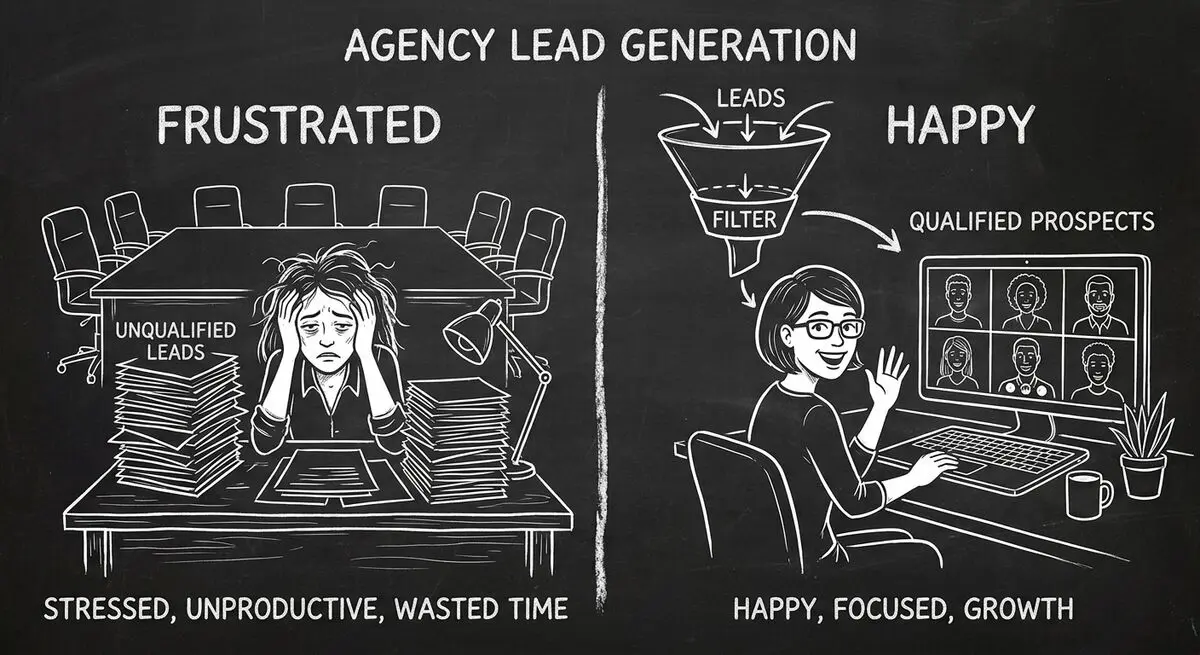
An illustrative playbook for a B2B content agency swapping its contact form for an AI quiz funnel: the questions, scoring, routing, and 60-day metrics.
AI lead form tools compared: Dashform, Typeform, Jotform, Fillout, Heyflow, Tally, and involve.me on drafting, scoring, integrations, and best use.
Draft intake questions for clinician review, distinguish administrative forms from validated assessments, and plan privacy and scheduling requirements.
Try the world's first AI-native form and turn every response into action instantly.

