


Generate Forms and Surveys Directly Inside ChatGPT
That means you can now create professional forms and surveys without leaving ChatGPT. No new tabs. No complex setup. No templates to start from.
Just type @Dashform in a conversation and your form is generated instantly.
Quick Summary
Dashform is now available as a ChatGPT App, allowing you to generate professional forms and surveys directly inside ChatGPT.
- Create forms instantly by typing @Dashform
- No need to switch tabs or use external tools
- Generate structured, ready-to-use surveys in seconds
- Refine forms naturally through conversation
- Ideal for feedback, NPS, lead capture, and event registration
Form creation becomes as simple as describing what you need.
What Are ChatGPT Apps?
ChatGPT Apps are powerful tools that run directly inside ChatGPT, extending what ChatGPT can do beyond conversation.
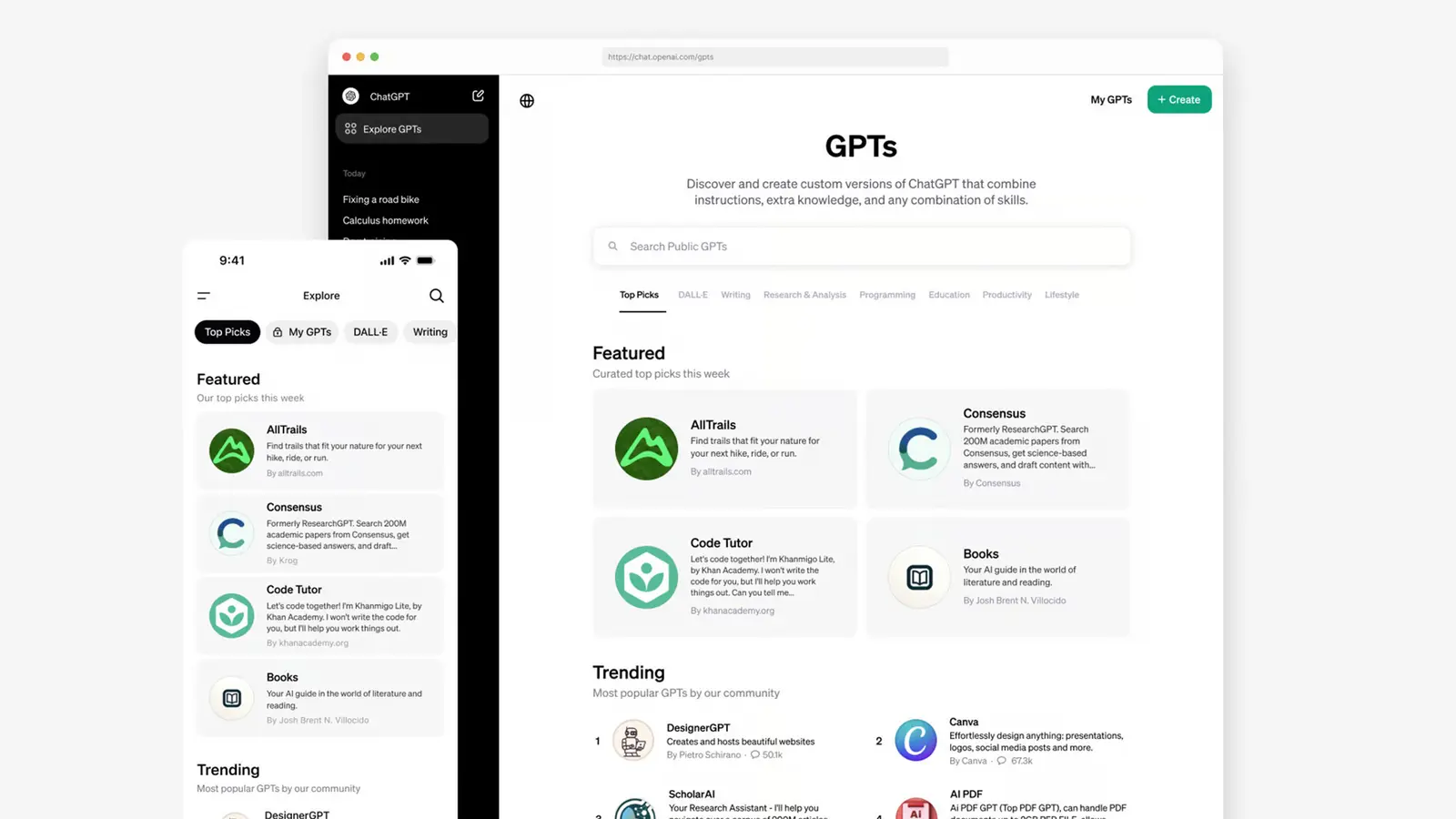
Instead of switching between different websites and SaaS tools, you can now:
- Search
- Create
- Analyze
- Generate content all within one chat interface.
Apps are tightly integrated into ChatGPT’s workflow, which means:
- They understand natural language
- They respond in real time
- They feel like part of the conversation, not an external tool
Dashform is built specifically for this experience.
What Is Dashform?
Dashform is an AI-native form and survey generator.
You describe what you need in plain English, and Dashform automatically creates:
- Well-structured questions
- Clear and logical answer options
- Professional wording
- Ready-to-use forms for real-world scenarios
Common use cases include:
- Customer feedback forms
- NPS & satisfaction surveys
- Lead generation & contact forms
- Event registration forms
- Market research surveys
- Education & onboarding questionnaires
No blank pages. No guessing what to ask. Just describe your goal — Dashform handles the rest.
How to Connect Dashform in ChatGPT
Updated October 8, 2026. Follow the ChatGPT custom MCP server setup:
- Open ChatGPT Plugins on the web.
- Choose Add, then Add custom MCP server.
- Name it Dashform and enter
https://getaiform.com/api/mcpunder Server URL. - Choose OAuth, review the warning, and select Create as a plugin.
- Install the plugin and sign in to your Dashform account when prompted.
- Select @Dashform in a conversation and describe the form you want.
How to Use Dashform in ChatGPT. It’s That Simple!
Step 1: Mention Dashform in Chat
Type @Dashform in your ChatGPT conversation.
Step 2: Describe the Form You Want
For example:
- “Create a student satisfaction survey for a university course”
- “Generate an NPS survey for an e-commerce brand”
- “I need a SaaS lead capture form for my landing page”
- “Build an event registration form for an offline workshop”
Within seconds, Dashform returns a complete, structured form you can immediately use.
After connecting, you can work through conversation.
Why Using Dashform Inside ChatGPT Matters
This is where the real magic happens.
Instead of:
Think → open a tool → configure → edit → repeat
You now:
Think → say it → get the form
Inside ChatGPT, you can:
- Refine your form by continuing the conversation
- Regenerate for a different audience
- Adjust tone, length, or structure instantly
Dashform turns form creation into a natural dialogue, not a task.
Try It Now!
- Go to ChatGPT Apps to find Dashform
- Start a chat and type @Dashform
- Describe the form you need
Your first form might take less than 10 seconds.
If forms and surveys are part of your work, this is the smartest way to create them.
🚀 Dashform brings AI-native forms to the ChatGPT App ecosystem.
Related Reading
Dashform CLI: The First Form Builder Made for AI Agents
Dashform Agent Skills: Create AI Forms in Claude Code





