

The Task Log Form opens with a welcome screen encouraging respondents to manage and track their tasks for smoother operations. It then walks through six questions: a description of the task, its priority level (high, medium, or low), who is responsible, the due date, the current status (from 'Not Started' through to 'Completed' or 'On Hold'), and a final optional space for extra notes or context. Each question builds a complete picture of a task — what it is, how urgent it is, who owns it, when it's due, and where it stands — giving whoever runs the log everything they need at a glance. After submitting, respondents see an end screen confirming their tasks have been logged and encouraging them to keep tracking their progress.
Try the conversation below to see how this template works
Trusted by over 10,000 customers and growing
Conversations Started
Questions Answered
Forms Created
Relies on the "What is the current status of this task?" and "What is the priority level for this task?" questions to keep a real-time overview of where every task stands across a project.
Uses the "Who is responsible for completing this task (if applicable)?" question to track ownership clearly without needing a dedicated project management tool.
Depends on the "When is this task due?" and "Please add any additional notes or details about the task." questions to maintain a personal, detail-rich task log across multiple clients or projects.

AI builds and refines your form through natural conversation no templates, no complex logic, no coding. From a simple text prompt or URL, Dashform generates intelligent flows that adapt automatically.
Dashform turns traditional form-filling into a two-way dialogue. The AI understands intent, remembers context, and asks relevant follow-up questions just like a real human conversation.
Every response is transformed into structured, meaningful, and ready-to-use data. Integrate with your favorite tools.
Everything you need to create amazing forms
Everything you need to know about this template
Don't see exactly what you need? Use our AI Form Generator to create a custom form in seconds. Just describe what you want, and AI will build it for you.
Explore more templates to find the perfect fit
 Waiver
Collect participant details, emergency contacts, and signed risk and liability acknowledgements before any event or activity.
 Waiver
Collect passenger and trip details, emergency contacts, and choices about operator-supplied risk information, rules, and waiver terms.
 Rsvp
RsvpA six-question RSVP form that collects attendance, guest count, and dietary needs for any party or event.
 Rsvp
RsvpCollect guest attendance, plus-ones, dietary needs, and special requests in one tidy RSVP form.
 General Application
Collect patient and emergency contact details, allergy and medication notes, relevant conditions, and a treatment-consent response for admission review.
 Patient Feedback
A six-question clinic feedback form covering care quality, staff, and facilities — with space for open-ended suggestions.
Learn how to get the most out of your forms and templates
Considering Dashform as a Heyflow alternative? Compare lead qualification, AI assistance, tracking requirements, and a practical pilot before switching.
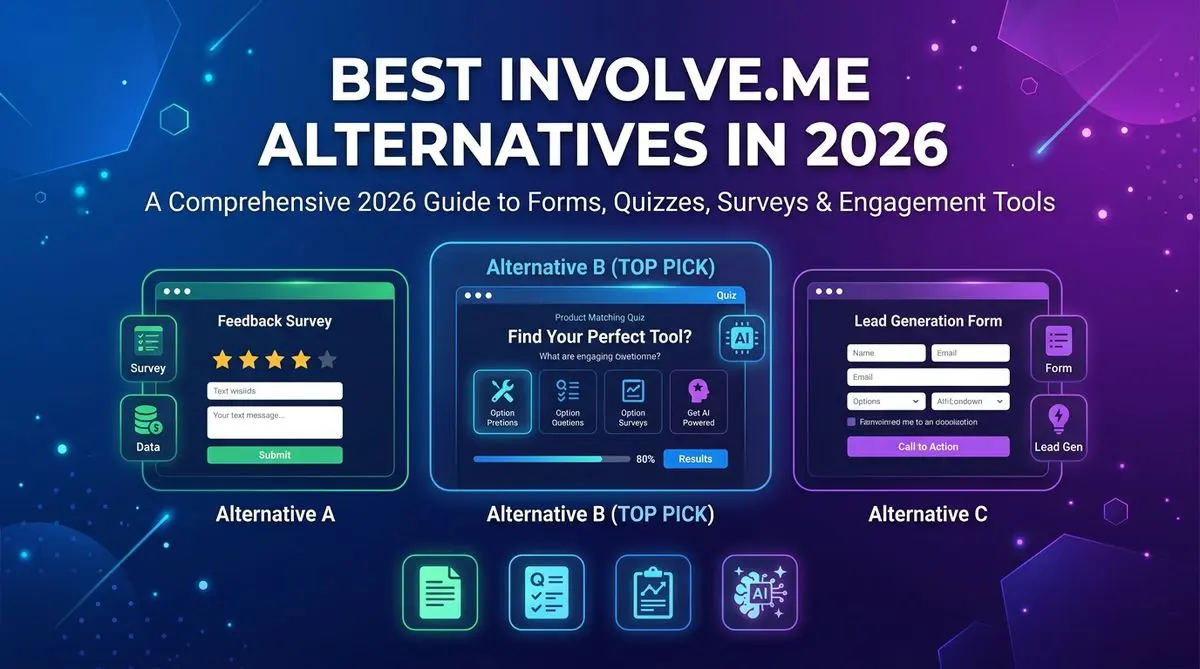
7 involve.me alternatives compared on AI quiz generation, lead scoring, pricing, and templates. Includes Outgrow, LeadQuizzes, Dashform, and 4 others — head-to-head ranking.

LeadQuizzes' interface is dated and its plans cap responses. 7 alternatives with AI quiz generation, automatic lead scoring, and modern UX, compared.
Try the world's first AI-native form and turn every response into action instantly.