

This seven-question form collects the essentials needed to add a candidate to a prospective talent pool. It opens by asking for a full legal name and primary email address — both required to identify and reach the candidate — before an optional phone number field for those happy to be called directly. Two structured questions then establish the candidate's background: highest level of education and years of relevant professional experience, letting the owner quickly filter profiles by qualification level. The form closes with a required open-ended question about areas of interest or desired roles, giving candidates space to describe where they want to work, and an optional LinkedIn link for a fuller picture. After submitting, candidates see a confirmation telling them their profile will be reviewed and that the team will be in touch if a suitable opportunity comes up.
Try the conversation below to see how this template works
Trusted by over 10,000 customers and growing
Conversations Started
Questions Answered
Forms Created
Relies on the "How many years of relevant professional experience do you have?" and "What is your highest level of education completed?" questions to pre-filter a growing candidate database without a lengthy screening call.
Uses the "Please describe your primary areas of interest or desired roles." question to match candidates across multiple client briefs as new vacancies come in.
Captures contact details and LinkedIn profiles early so hiring managers can move quickly when a role opens up, without starting the sourcing process from scratch.

AI builds and refines your form through natural conversation no templates, no complex logic, no coding. From a simple text prompt or URL, Dashform generates intelligent flows that adapt automatically.
Dashform turns traditional form-filling into a two-way dialogue. The AI understands intent, remembers context, and asks relevant follow-up questions just like a real human conversation.
Every response is transformed into structured, meaningful, and ready-to-use data. Integrate with your favorite tools.
Everything you need to create amazing forms
Everything you need to know about this template
Don't see exactly what you need? Use our AI Form Generator to create a custom form in seconds. Just describe what you want, and AI will build it for you.
Explore more templates to find the perfect fit
 Consent
Collect clear, documented photo and media consent from individuals or parents and guardians of minors.
 Professions
Request a photography session by sharing your session type, date, location, group size, and any special requirements.
 Consent
A six-question health screening form that checks key physical activity risk factors before someone joins a class.
 Course Registration
Register for an upcoming physics course by sharing your contact details, academic background, and preferred course level.
 Patient Feedback
Collect patient ratings on experience, therapist quality, and facility comfort, plus treatment effectiveness and likelihood to recommend.
 Travel
Collect passenger details, travel dates, route, and cabin preference so your team can find and confirm the best flight options.
Learn how to get the most out of your forms and templates
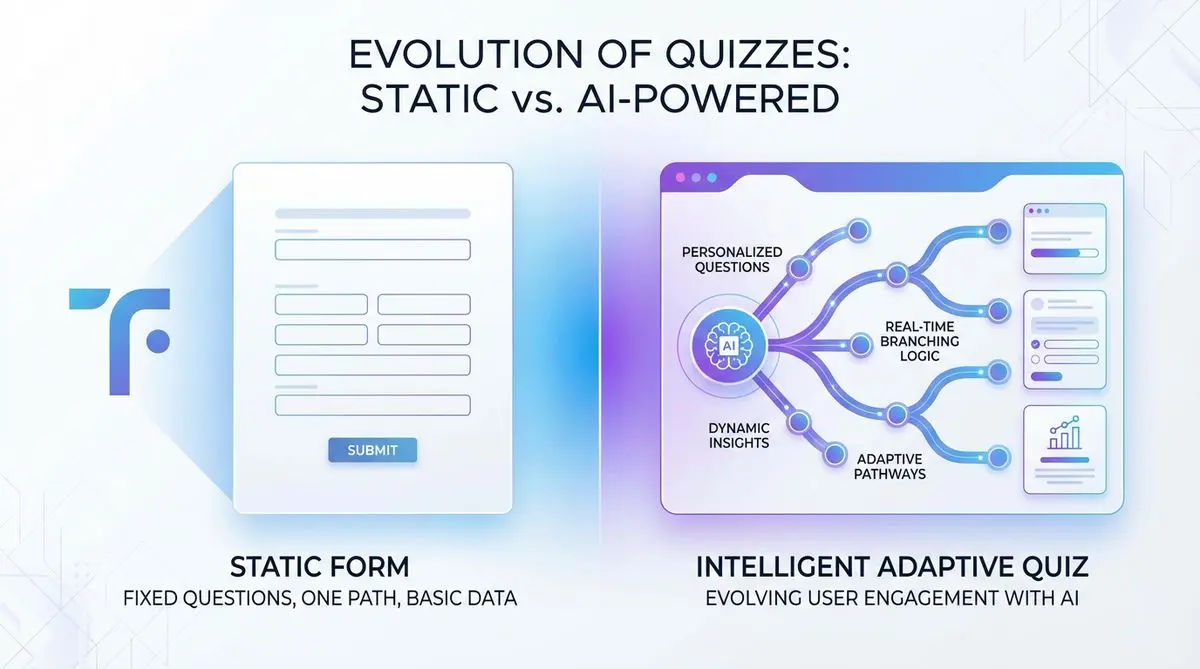
Compare Dashform and Typeform for question drafting, qualification, results, and configured CRM or scheduling handoffs.

Eight Botox marketing ideas to evaluate: dedicated landing pages, consultation requests, seasonal promotions, local SEO, and configured follow-ups.
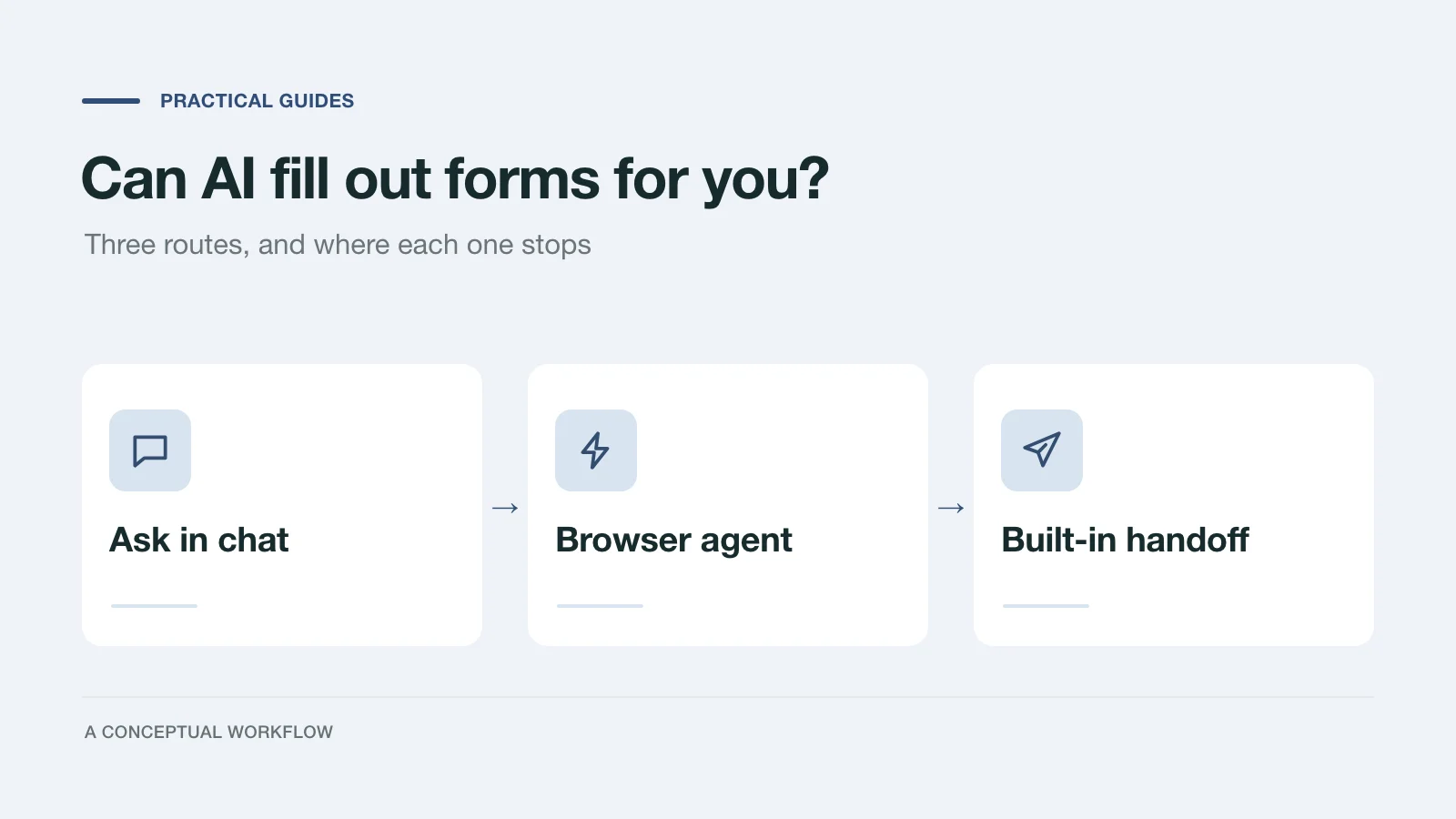
Yes, in three different ways: answers you paste in, a browser agent that clicks for you, or a form built for assistants. What each one handles and where it stops.
Try the world's first AI-native form and turn every response into action instantly.