The Tank Inspection Form opens by asking the inspector to identify the tank, provide the inspection date, and enter their full name — establishing a clear, traceable record before any findings are logged. It then moves through four condition questions: overall tank condition on a five-point scale from 'Excellent' to 'Critical', visible corrosion (internal or external), whether a leak or release was detected, and whether maintenance or repair is recommended. A final optional comments field lets the inspector flag anything that doesn't fit neatly into the structured questions. After submitting, the respondent sees a confirmation screen thanking them for completing the inspection and noting that their records support safer operations and compliance.
Try the conversation below to see how this template works
Trusted by over 10,000 customers and growing
Conversations Started
Questions Answered
Forms Created
Relies on the "Was any leak or release detected during the inspection?" question to create a dated, named record of release events that supports regulatory reporting.
Uses the "Is there any visible corrosion on the tank (internal/external)?" and "Is maintenance or repair recommended based on findings?" questions together to document structural risk and formally trigger repair workflows.
Depends on the tank identifier, date, and inspector name questions to produce signed, timestamped inspection records that can be handed directly to a site owner or compliance auditor.

AI builds and refines your form through natural conversation no templates, no complex logic, no coding. From a simple text prompt or URL, Dashform generates intelligent flows that adapt automatically.
Dashform turns traditional form-filling into a two-way dialogue. The AI understands intent, remembers context, and asks relevant follow-up questions just like a real human conversation.
Every response is transformed into structured, meaningful, and ready-to-use data. Integrate with your favorite tools.
Everything you need to create amazing forms
Everything you need to know about this template
Don't see exactly what you need? Use our AI Form Generator to create a custom form in seconds. Just describe what you want, and AI will build it for you.
Explore more templates to find the perfect fit
 General Request
Submit a support query with full context, urgency, and your preferred contact method so the right team member can respond promptly.
 Consent
Designate an agent and define their powers with this seven-question Durable Power of Attorney form.
 General Request
Request an e-book reader loan by specifying your preferred model, start date, and how long you need it.
 Signup
A quick five-question entry form for an Easter giveaway, collecting contact details and rule agreement.
 Quiz
A five-question Easter quiz covering traditions, symbols, and personal favourites — great for seasonal engagement.
 Survey
Gather sales performance data and personal Easter engagement in one short survey.
Learn how to get the most out of your forms and templates
When splitting a form into steps helps conversion and when it doesn't, the research and psychology behind it, and a playbook to build one in any builder.
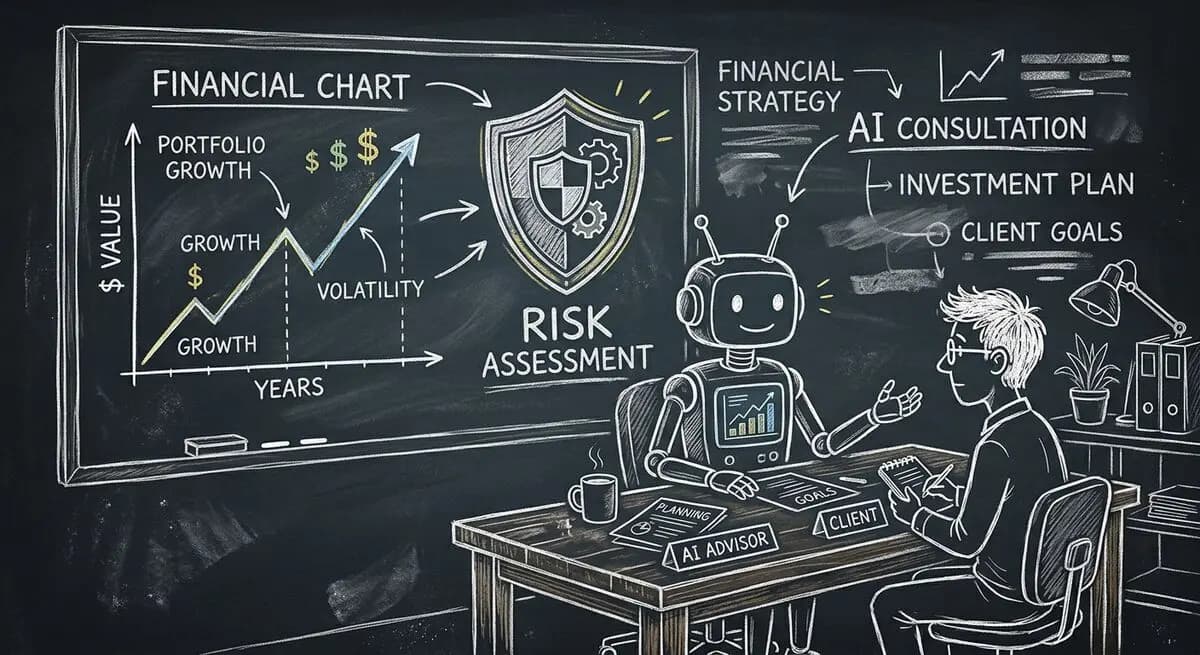
A proposed financial advisory intake workflow using Dashform and a separately configured OpenClaw agent, with advisor review and clear integration limits.

How solo and mid-size firms can use OpenClaw and Dashform to qualify case intake around the clock, so consultations go to viable cases. Step-by-step setup.
Try the world's first AI-native form and turn every response into action instantly.

