



8 Law Firm Intake Form Templates to Qualify Clients and Save Billable Hours (2026)
Law firms lose an average of $108,000 per attorney per year to inefficient intake processes, according to the 2025 Clio Legal Trends Report. When potential clients have to wait days for a response or struggle through confusing PDF intake packets, they call the next firm on their list. In legal services, 79% of clients choose the first firm that responds to their inquiry.
AI-powered intake forms from Dashform help law firms qualify leads instantly, collect comprehensive case information before the first meeting, and reduce non-billable administrative time by up to 70%. Here are 8 essential templates for modern law practices.
Client Intake Efficiency by Practice Area
| Practice Area | Avg. Fields Needed | Traditional Completion Time | AI Form Completion Time | Qualification Rate |
|---|---|---|---|---|
| Personal Injury | 35-45 | 22 min | 9 min | 72% |
| Family Law | 40-55 | 28 min | 12 min | 68% |
| Estate Planning | 30-40 | 18 min | 8 min | 81% |
| Criminal Defense | 25-35 | 15 min | 7 min | 75% |
| Business/Corporate | 45-60 | 32 min | 14 min | 64% |
| Immigration | 50-70 | 38 min | 16 min | 59% |
All templates mentioned in this article are available in our template gallery. You can also create custom forms instantly with our AI form generator.
Client Intake Form
Try Dashform's Client Intake Form template to see how it works.
The cornerstone of every law firm's client acquisition process. This AI-powered intake form adapts questions based on practice area, collecting contact information, case summary, conflict check details, and fee agreement preferences. The conversational format puts prospective clients at ease during a stressful time.
Law firms using AI intake forms convert 42% of inquiries to consultations, compared to 18% for firms relying on email or phone-only intake.
Case Management Form
Try Dashform's Case Management Form template to see how it works.
Track case progress, document key dates, record evidence, and manage task assignments. This form serves as the central hub for case information, reducing the time attorneys spend searching for details across multiple systems.
Structured case management forms reduce time spent searching for information by 45%, directly increasing billable hours capacity.
Case Evaluation Questionnaire
Try Dashform's Case Evaluation Questionnaire template to see how it works.
Help potential clients describe their legal situation in detail before the initial consultation. AI-guided questions cover incident details, damages, prior legal actions, statute of limitations considerations, and desired outcomes.
Detailed case evaluation questionnaires help attorneys prepare for consultations 3x faster and qualify leads with 85% accuracy before the first meeting.
Client Consent Form
Try Dashform's Client Consent Form template to see how it works.
Obtain informed consent for representation with forms that clearly explain fee structures, scope of representation, communication expectations, and client responsibilities. The conversational format ensures clients understand each provision before agreeing.
Firms using digital consent forms report 67% fewer client complaints about unexpected fees or scope misunderstandings.
Power of Attorney Form
Try Dashform's Power of Attorney Form template to see how it works.
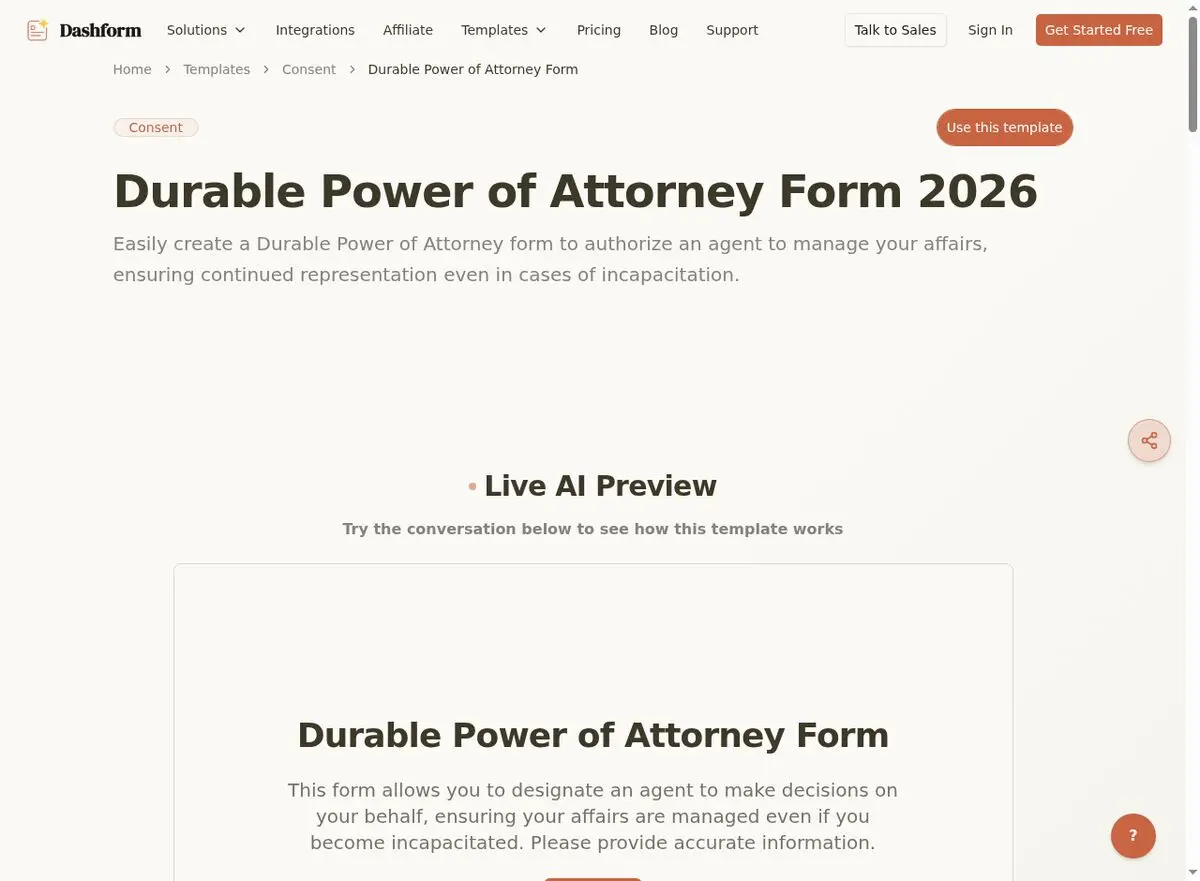
Guide clients through the power of attorney process with clear, jargon-free explanations of each authority being granted. Cover financial powers, healthcare decisions, and specific limitations in an accessible conversational format.
AI-guided POA forms reduce follow-up questions by 58% because clients understand what they're signing before they reach your office.
Case Report Form
Try Dashform's Case Report Form template to see how it works.
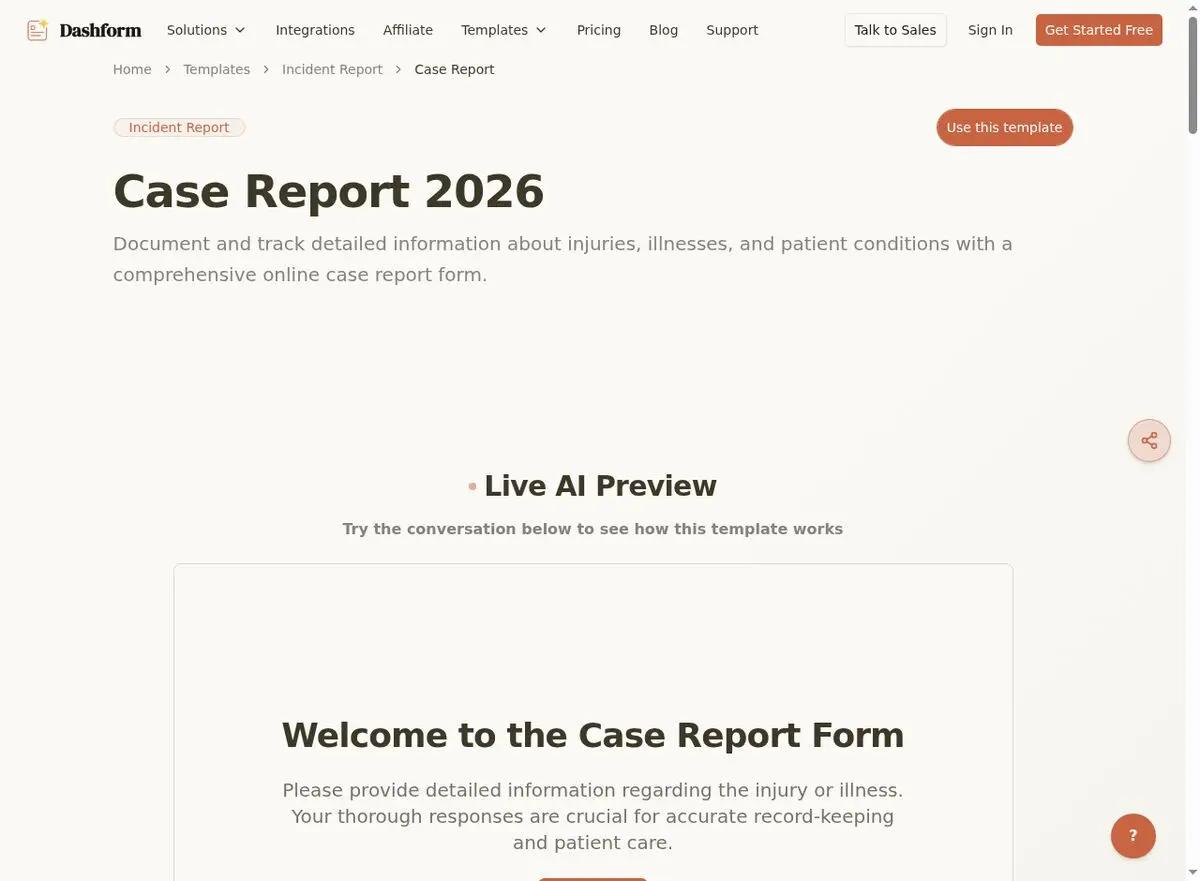
Document case outcomes, key findings, and lessons learned. Essential for building your firm's knowledge base, improving future case strategy, and meeting regulatory reporting requirements.
Firms that systematically document case outcomes improve their win rate by 12% over three years through pattern recognition and strategy refinement.
Engagement Letter Form
Try Dashform's Engagement Letter Form template to see how it works.
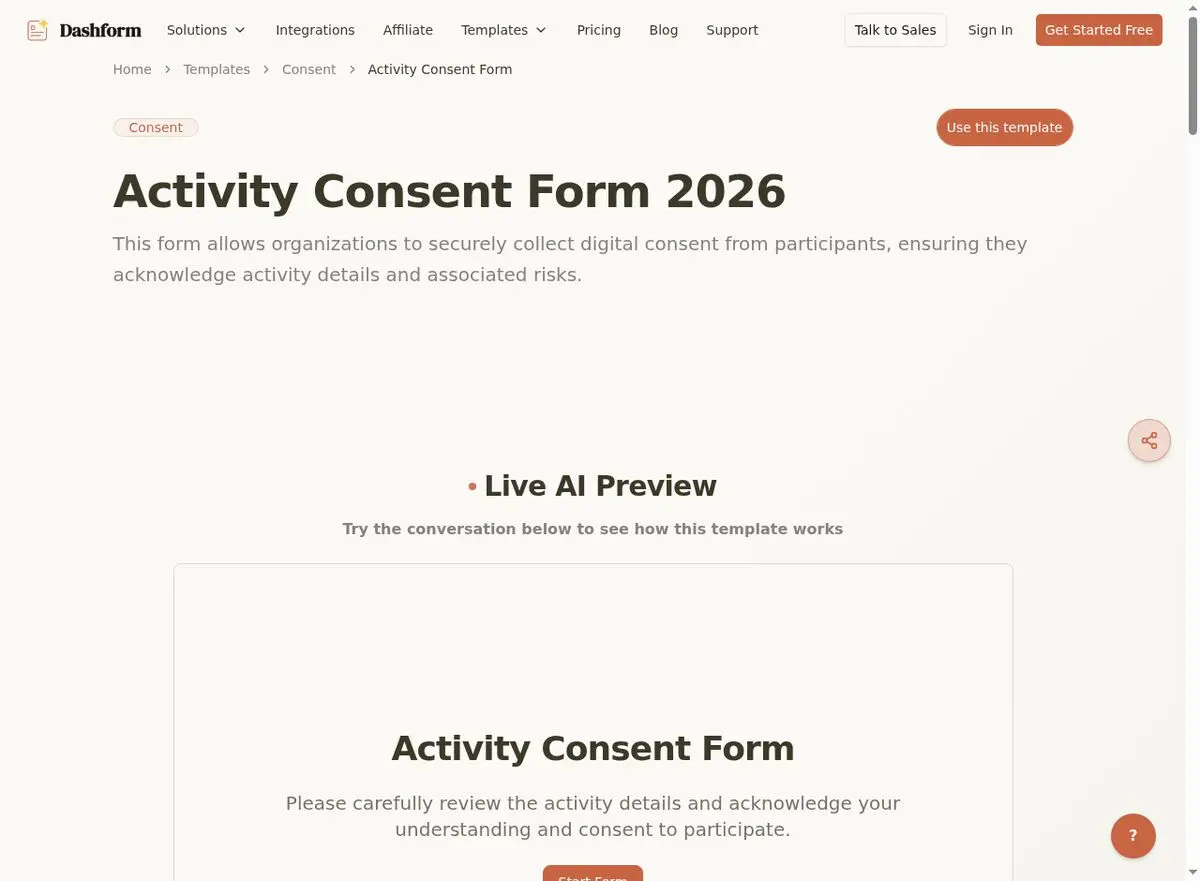
Formalize the attorney-client relationship with comprehensive engagement letters that cover retainer terms, billing rates, expense policies, termination procedures, and dispute resolution mechanisms.
Digital engagement letters with e-signature reduce the time from consultation to signed engagement by 72%, getting cases started faster.
Legal Consultation Request Form
Try Dashform's Legal Consultation Request Form template to see how it works.
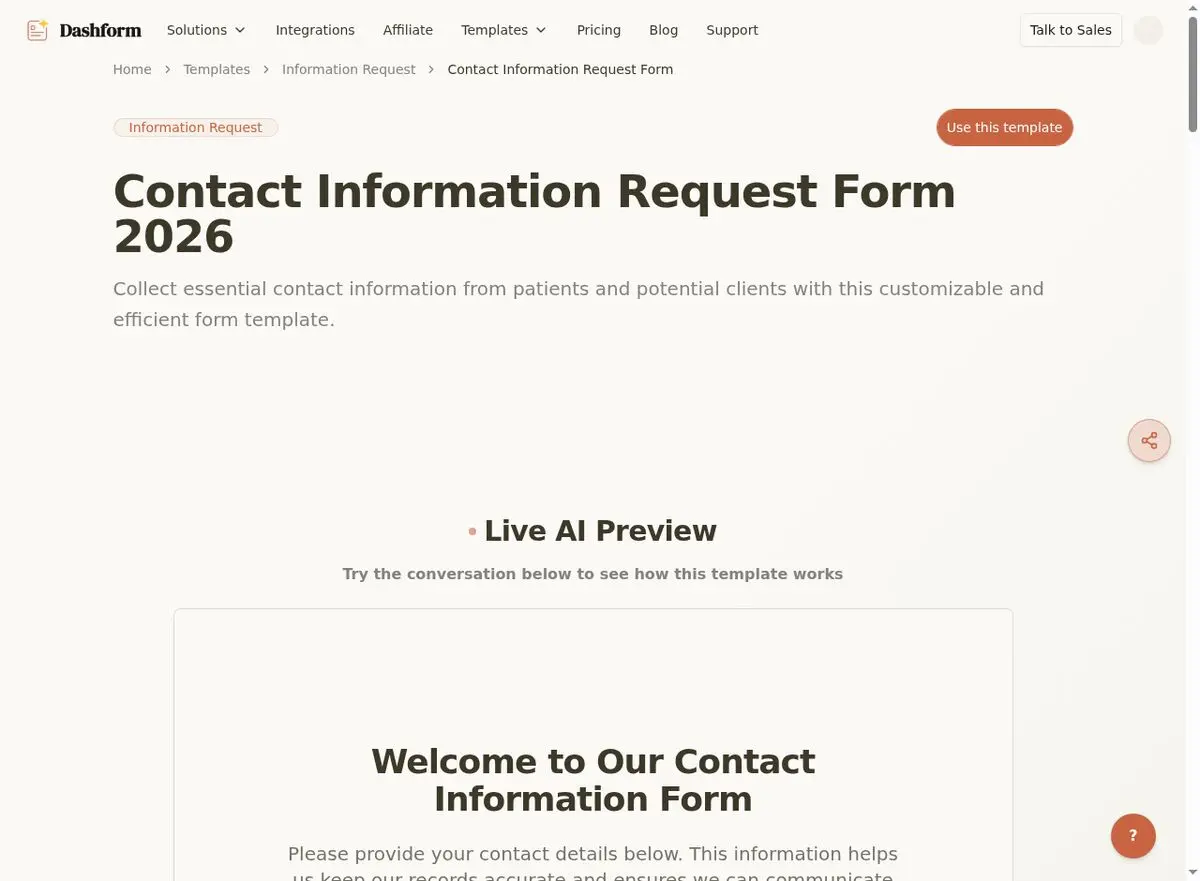
Capture initial inquiries from your website with a professional consultation request form. Collect case type, urgency level, preferred consultation time, and a brief description of the legal matter. AI auto-responses keep leads warm while attorneys review.
Law firms with instant auto-response consultation forms capture 3.8x more leads than firms with simple contact pages.
Explore more industry form templates: Therapist Intake Forms | Event Planning Forms | Contractor Form Templates | Photography Form Templates.
Frequently Asked Questions
Is client data secure with AI forms?
Yes. Dashform uses bank-level encryption for data in transit and at rest. You can configure data retention policies to comply with your jurisdiction's bar requirements and your firm's information governance policies.
Can I use these forms for conflict checks?
The intake form collects all necessary conflict check information (opposing parties, related entities, prior representations). You can integrate form submissions with your conflict check system via webhooks.
Do digital signatures on these forms hold up in court?
Digital signatures collected through Dashform comply with the ESIGN Act and UETA. Each signature includes timestamp, IP address, and authentication details that establish legal validity.
The American Bar Association (ABA) reports that 75% of law firms now use some form of client intake technology. For legal tech trends, see Clio's Legal Trends Report.
Conclusion
Every minute spent on administrative intake is a minute not spent on billable work. These 8 templates modernize your firm's client intake process, helping you qualify leads faster, reduce non-billable time, and deliver a client experience that sets you apart from competitors still using paper forms. Start with Dashform's free legal templates and reclaim those lost billable hours.





