

The Activity Consent Form opens with a prompt asking respondents to review the activity details carefully before proceeding. It then collects the participant's full name and today's date to timestamp the consent, followed by the "What is the name of the activity you are consenting to?" question and the "Please briefly describe the activity." question, which together create a clear record of exactly what is being agreed to. The "I acknowledge that I understand the nature of the activity and am aware of the potential risks involved." question and the "Do you voluntarily agree to participate in this activity?" question confirm informed, willing consent — the two pillars any consent record needs. Optional emergency contact fields round out the form so organizers have someone to call if needed. After submitting, respondents see a thank-you screen confirming their participation is valued.
Try the conversation below to see how this template works
Trusted by over 10,000 customers and growing
Conversations Started
Questions Answered
Forms Created
Rely on the risk acknowledgement question and voluntary agreement question to document that each athlete understood and accepted the physical demands before training or competing.
Use the open-ended activity name and description questions to keep a precise record of exactly which event each consent form covers, especially when running multiple sessions.
Depend on the optional emergency contact fields to have a trusted adult on file for every participating student, alongside the dated consent record.

AI builds and refines your form through natural conversation no templates, no complex logic, no coding. From a simple text prompt or URL, Dashform generates intelligent flows that adapt automatically.
Dashform turns traditional form-filling into a two-way dialogue. The AI understands intent, remembers context, and asks relevant follow-up questions just like a real human conversation.
Every response is transformed into structured, meaningful, and ready-to-use data. Integrate with your favorite tools.
Everything you need to create amazing forms
Everything you need to know about this template
Don't see exactly what you need? Use our AI Form Generator to create a custom form in seconds. Just describe what you want, and AI will build it for you.
Explore more templates to find the perfect fit
 Satisfaction Survey
Five quick questions to gauge subscriber satisfaction, content preferences, and ideal send frequency for your newsletter.
 Rsvp
RsvpCollect attendee details, guest counts, and dietary needs for a non-profit charity dinner in one tidy form.
 Consent
Outline the parties, proposed authority, dates, limits, and revocation terms before separate legal review or notarization.
 Professions
Collects health history, goals, diet preferences, and lifestyle habits so a nutrition coach can prepare a personalised plan before the first session.
 General Survey
A ten-question health intake form covering eating habits, blood sugar, inflammation, hydration, and lifestyle factors.
 Checklist
Step through every offboarding task, confirm completion, and capture a contact for any follow-up — all in one tidy checklist.
Learn how to get the most out of your forms and templates

Many coaches start with ScoreApp for client scoring, but outgrow scoring-only workflows as their business scales. This article explores common ScoreApp alternatives and what modern coaches should look for beyond simple assessments.
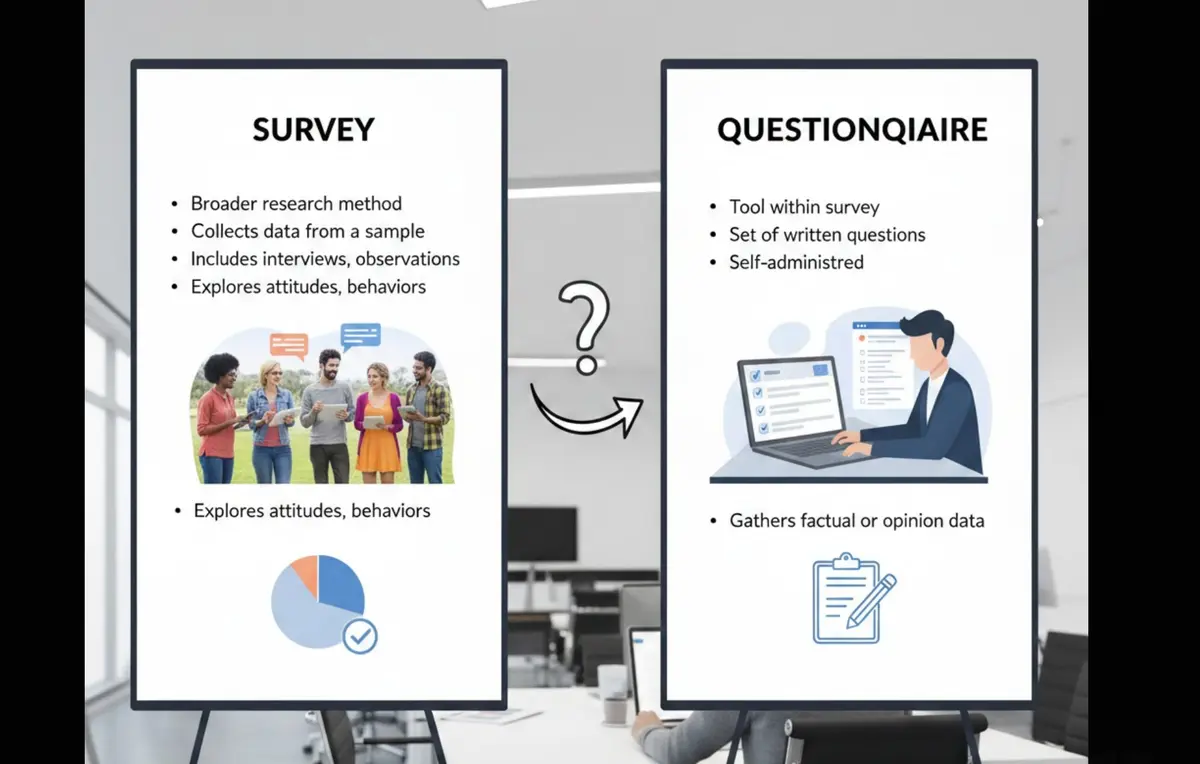
Survey vs questionnaire: understand the key differences, use cases, and decision framework to choose the right approach for research, customer feedback, or internal workflows.

Five proposed agency services to evaluate beyond a generic AI pitch: technical readiness audits, intake forms, attribution, specialization, and supported agent workflows.
Try the world's first AI-native form and turn every response into action instantly.