
8 Contractor Form Templates for Estimates, Jobs, and Follow-Up
A project inquiry needs an owner, a clear scope, and a next step. Forms can keep those details together when requests arrive through different channels.
Use these eight Dashform templates as starting points for your own contractor workflows. Review their fields and confirmation messages before publishing.
All templates mentioned in this article are available in our template gallery. You can also draft custom forms with our AI form generator.
Construction Lead Generation Form
Try Dashform's Construction Lead Generation Form template live.
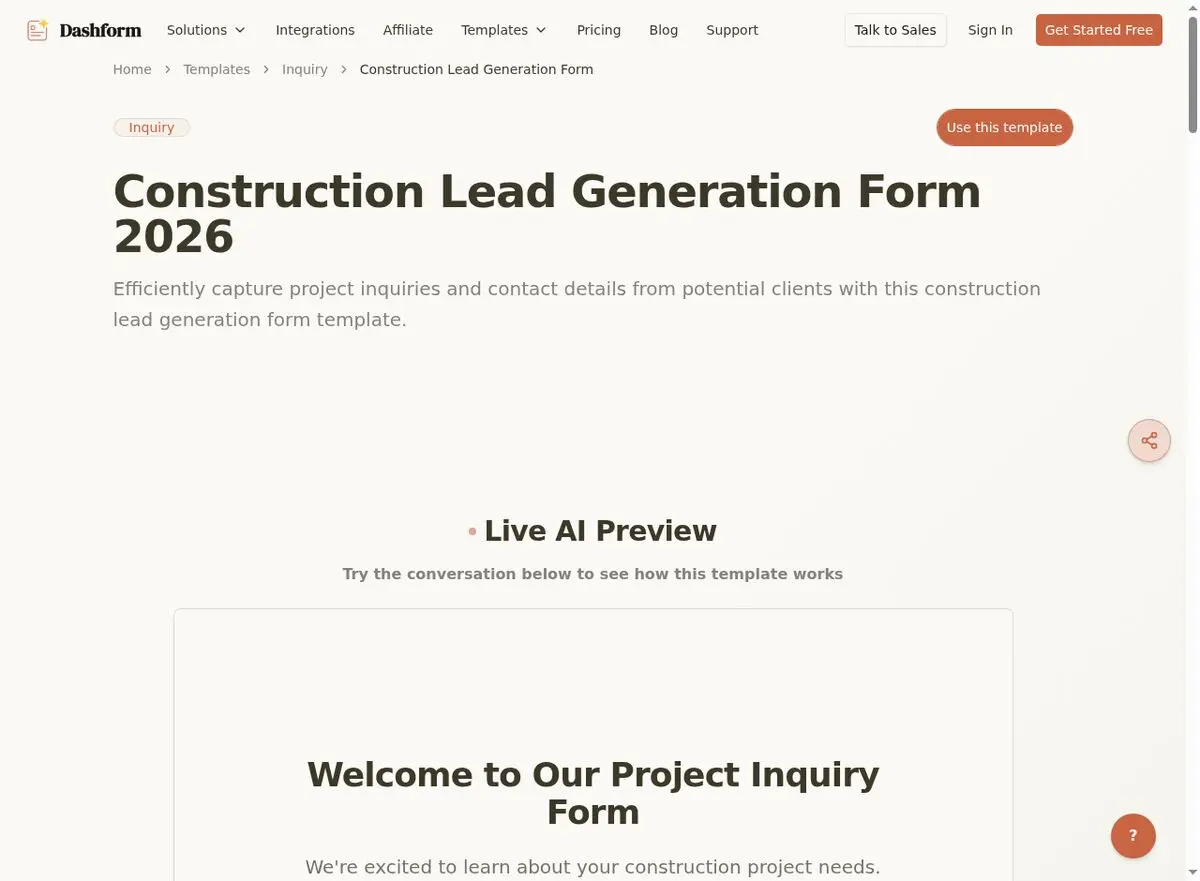
Capture detailed project information from potential clients: project type, scope, timeline, budget range, and property details. If you use an AI Funnel, configure its brief and follow-up questions around the project types you handle.
Configure lead scoring criteria for budget and timeline fit, then review the hot, warm, or cold verdict alongside the actual answers.
Quote Request Form
Try Dashform's Quote Request Form template live.
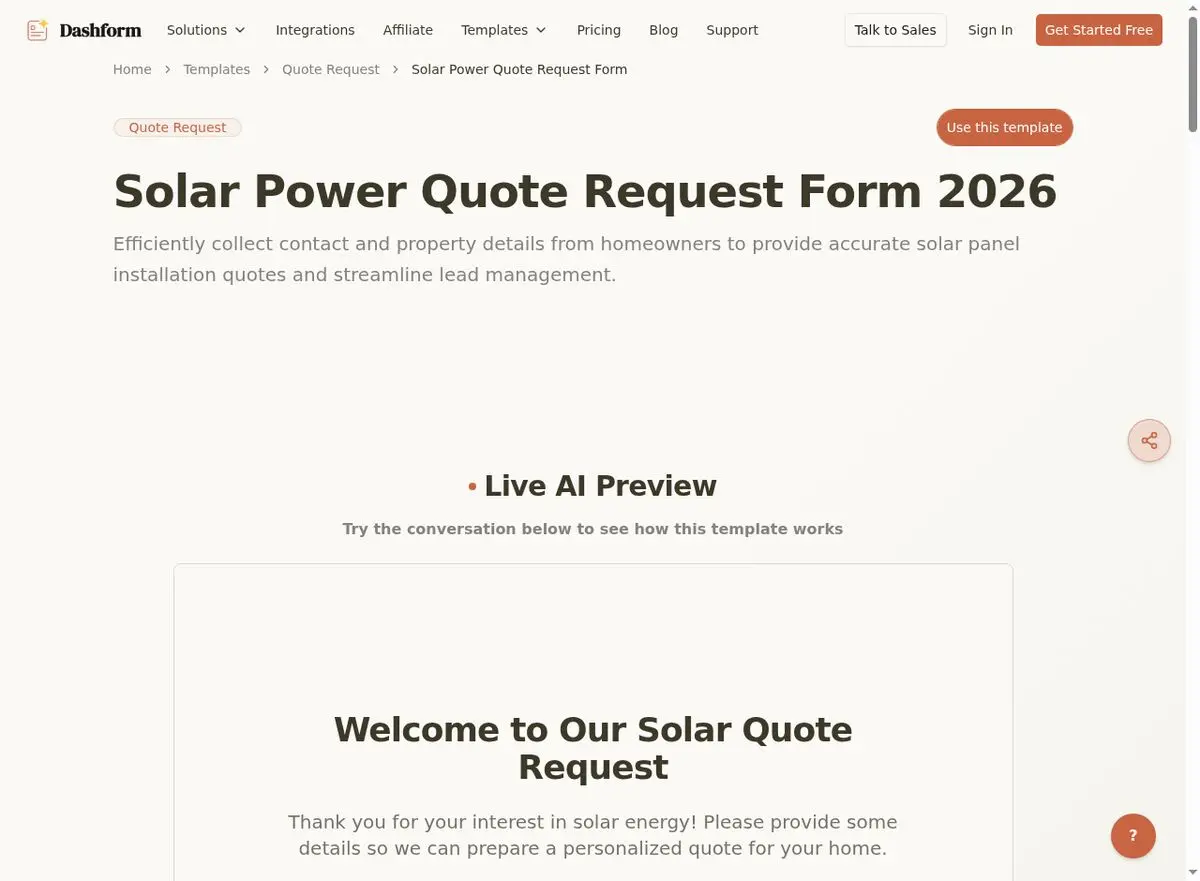
Let potential clients request detailed quotes with all the information you need to provide accurate estimates. Covers project specifications, site conditions, existing systems, and preferred scheduling for site visits.
Ask which details still require a site visit before preparing an estimate. A form cannot verify site conditions.
Service Work Order Form
Try Dashform's Service Work Order Form template live.
Create detailed work orders that capture scope, materials, labor hours, and client approvals. Check the saved answers for legibility and completeness; use a separately configured calculation or estimating tool for totals.
Record the agreed scope and keep any required approval documents with the job record.
Inspection Checklist Form
Try Dashform's Inspection Checklist Form template live.
Adapt the checklist to the inspection procedure your qualified team uses. Include observations, areas that could not be inspected, photos where appropriate, and follow-up actions.
A completed checklist records observations; it does not certify code compliance or replace a professional inspection.
Maintenance Request Form
Try Dashform's Maintenance Request Form template live.
Enable property managers and homeowners to submit maintenance requests with detailed descriptions, photos, and urgency levels. Configure and test a Destination or external dispatch workflow before relying on automatic routing.
Give residents your actual urgent-contact instructions and explain when the team reviews routine requests.
Project Completion Form
Try Dashform's Project Completion Form template live.
Document project completion with final inspection results, punch list items, warranty information, and client sign-off. Creates a professional record for your files and the client's peace of mind.
A professional completion form shows clients the job was handled thoroughly from start to finish, and is a natural moment to ask for a review.
Subcontractor Work Order Form
Try Dashform's Subcontractor Work Order Form template live.
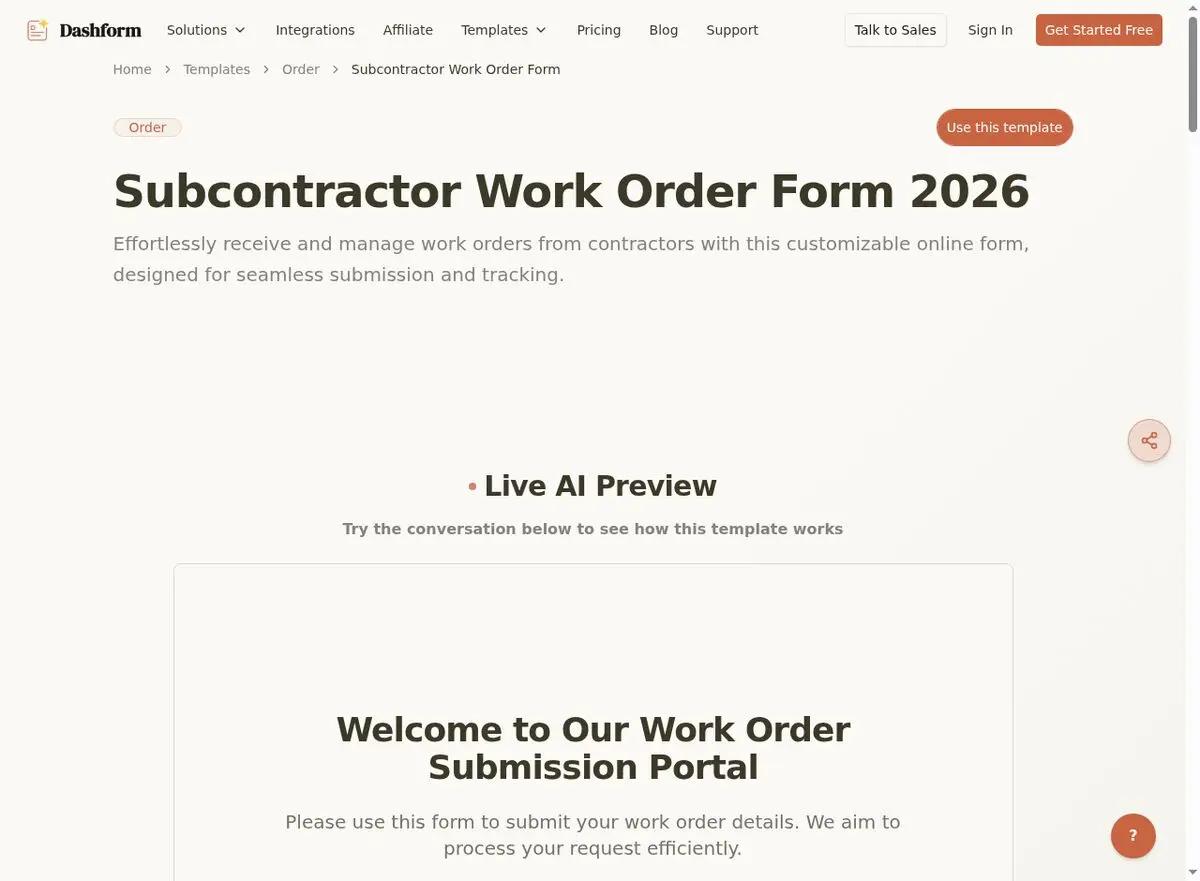
Manage subcontractor relationships with clear work orders that define scope, payment terms, insurance requirements, and timeline expectations. Essential for general contractors managing multiple trades.
Review the terms with the subcontractor and define who approves scope changes.
Change Order Form
Try Dashform's Change Order Form template live.
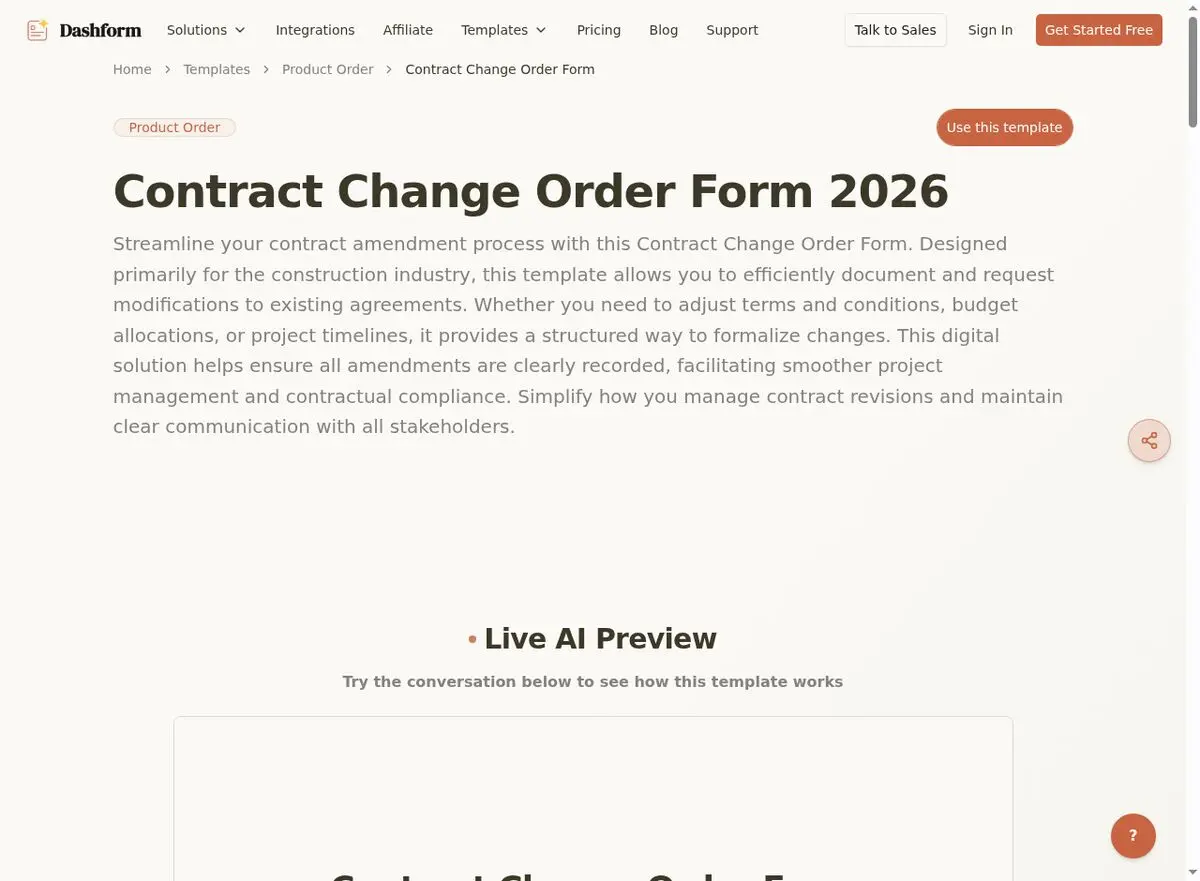
Document scope changes, cost adjustments, and timeline modifications with client approval. Make the proposed change distinct from the original scope and identify who must approve it.
Use a reviewed approval process for change orders; a form reply alone should not be represented as a binding signature or permission to begin work.
Explore more industry form templates: Therapist Intake Forms | Event Planning Forms.
Frequently Asked Questions
Can clients fill out these forms on a job site?
Clients can open a published form on a phone or tablet with internet access. Test your chosen form mode, uploads, and question layout on the devices used at your job sites.
Can I add my company logo and branding?
Absolutely. Dashform lets you customize colors, logos, and messaging to match your brand. Professional-looking forms build trust with potential clients.
How do I get notified when someone submits a form?
Configure email, Slack, or webhook Destinations to receive completed replies. For a CRM or project management tool, check the available connector or build and test an external automation.
Conclusion
Choose the template for your next recurring task, remove unnecessary fields, and test the handoff to whoever owns the job. Get started with Dashform's free contractor templates today.