

This case report form opens with a welcome screen asking for detailed, thorough responses to support accurate record-keeping and patient care. It then moves through eight questions: the patient's full name and onset date come first to anchor the record, followed by a description of the primary injury or illness and a symptom list, then the official diagnosis and any treatments or interventions provided. The form closes with the "Are there any other relevant co-existing conditions?" question — a single yes-or-no choice — paired with an optional follow-up for describing those conditions if they exist. After submitting, respondents see a short end screen thanking them for completing the form and confirming their reply has been recorded.
Try the conversation below to see how this template works
Trusted by over 10,000 customers and growing
Conversations Started
Questions Answered
Forms Created
Rely on the "State the official diagnosis for the patient's condition." question to formally document confirmed diagnoses alongside observed symptoms in a single structured record.
Use the onset date and primary injury description questions to establish a clear timeline and nature of workplace injuries for compliance and reporting purposes.
Depend on the "Are there any other relevant co-existing conditions?" question and its follow-up to flag complicating factors that affect care planning and resource allocation.

AI builds and refines your form through natural conversation no templates, no complex logic, no coding. From a simple text prompt or URL, Dashform generates intelligent flows that adapt automatically.
Dashform turns traditional form-filling into a two-way dialogue. The AI understands intent, remembers context, and asks relevant follow-up questions just like a real human conversation.
Every response is transformed into structured, meaningful, and ready-to-use data. Integrate with your favorite tools.
Everything you need to create amazing forms
Everything you need to know about this template
Don't see exactly what you need? Use our AI Form Generator to create a custom form in seconds. Just describe what you want, and AI will build it for you.
Explore more templates to find the perfect fit
 Waiver
Collect patient consent for medical treatment, specific procedures, or health record release, with scope and validity controls.
 Event Registration
Collect guest identity, contact details, stay dates, room type, and special requests before arrival.
 Checklist
A quick staff form for logging, locating, and prioritising hotel maintenance issues by type and urgency.
 Food Order
Let hotel guests order meals to their room by selecting menu items, flagging dietary needs, and choosing a delivery time.
 Job Application
A straightforward hotel job application covering contact details, desired position, availability, and résumé link.
 Invoice
Collect client details, project descriptions, hours, rates, and payment terms before preparing an hourly invoice.
Learn how to get the most out of your forms and templates
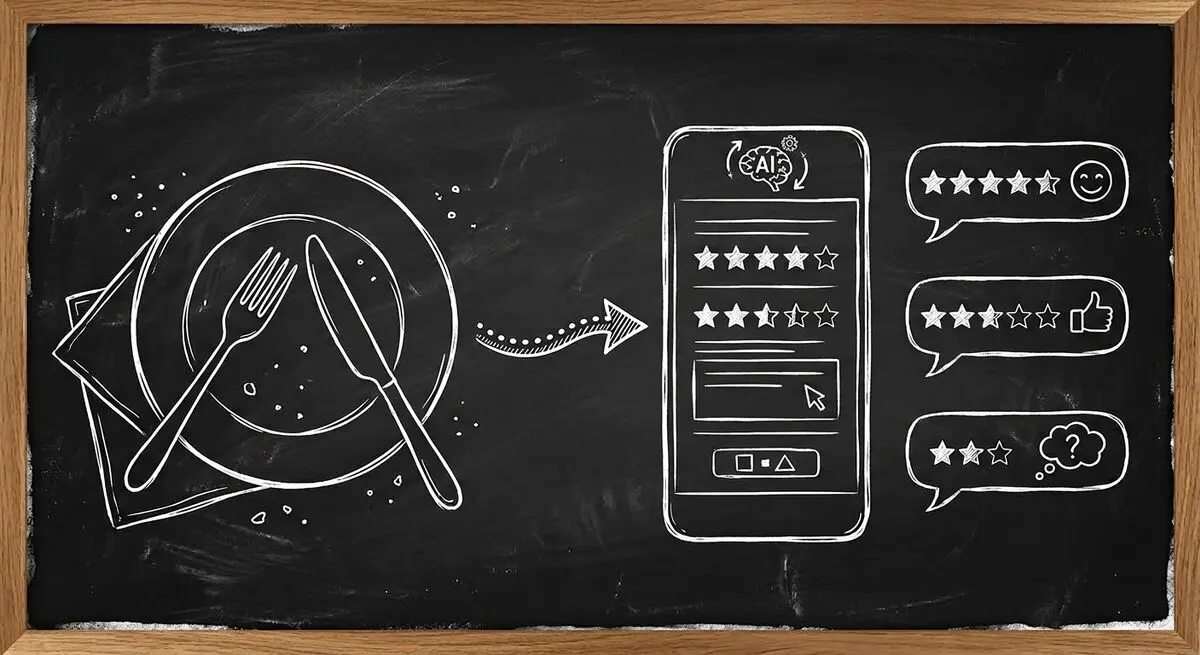
How restaurants use AI-powered feedback forms to capture customer sentiment in real time, resolve problems before they become public reviews, and bring guests back. A complete setup guide with QR code strategy.

Learn proven restaurant reputation management tips for handling online reviews. Discover how to respond to feedback professionally, manage negative reviews, and use AI-powered feedback forms to protect and grow your restaurant’s reputation.
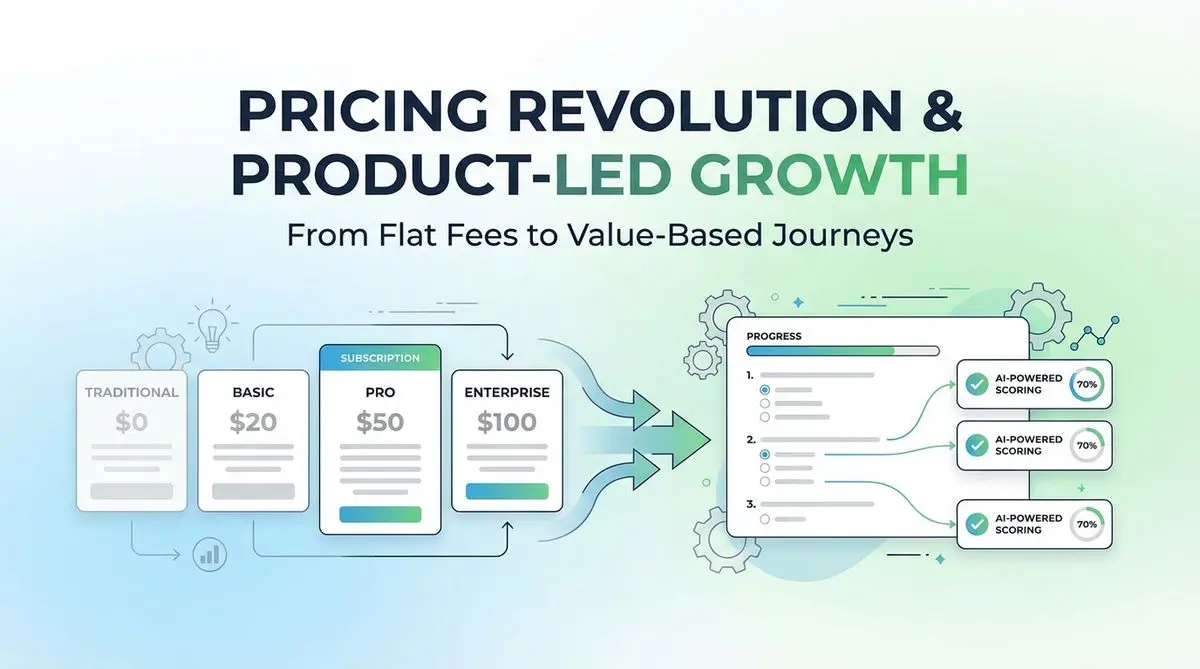
A proposed SaaS intake quiz can collect use case, budget, and timeline before a trial. Test its effect on signups, activation, and paying customers.
Try the world's first AI-native form and turn every response into action instantly.