

This six-question form captures everything needed to log and prioritize a single task. It opens by asking for the task name and an optional description, giving the owner both a clear label and any background context. A required single-choice question then assigns a priority level — urgent, important, or low — followed by a deadline date so nothing slips through without a target. The form closes with two accountability fields: who owns the task, and its current status (not started, in progress, completed, or on hold). After submitting, respondents see a confirmation screen telling them their prioritized task has been created and encouraging them to stay focused on high-impact work.
Try the conversation below to see how this template works
Trusted by over 10,000 customers and growing
Conversations Started
Questions Answered
Forms Created
Relies on the "What is the priority level for this task?" and "Who is responsible for completing this task?" questions to delegate work clearly and keep the whole team aligned on what matters most.
Uses the "What is the deadline for completing this task?" and "What is the current status of this task?" questions to self-manage a personal workload without a dedicated project tool.
Depends on the "What is the current status of this task?" question to monitor whether each item is not started, in progress, on hold, or done across multiple team members at a glance.

AI builds and refines your form through natural conversation no templates, no complex logic, no coding. From a simple text prompt or URL, Dashform generates intelligent flows that adapt automatically.
Dashform turns traditional form-filling into a two-way dialogue. The AI understands intent, remembers context, and asks relevant follow-up questions just like a real human conversation.
Every response is transformed into structured, meaningful, and ready-to-use data. Integrate with your favorite tools.
Everything you need to create amazing forms
Everything you need to know about this template
Don't see exactly what you need? Use our AI Form Generator to create a custom form in seconds. Just describe what you want, and AI will build it for you.
Explore more templates to find the perfect fit
 General Request
Submit an office supplies request with delivery details, item list, urgency level, and optional context for your team.
 Onboarding
Collect the business details, goals, platforms, and audience info a social media agency needs to kick off a new client engagement.
 Donation
A seven-question form that collects donor details, gift amount, frequency, and display preferences for secure online giving.
 General Survey
Collect contact details, experience, salary expectations, and motivation from job applicants in one structured form.
 Payment
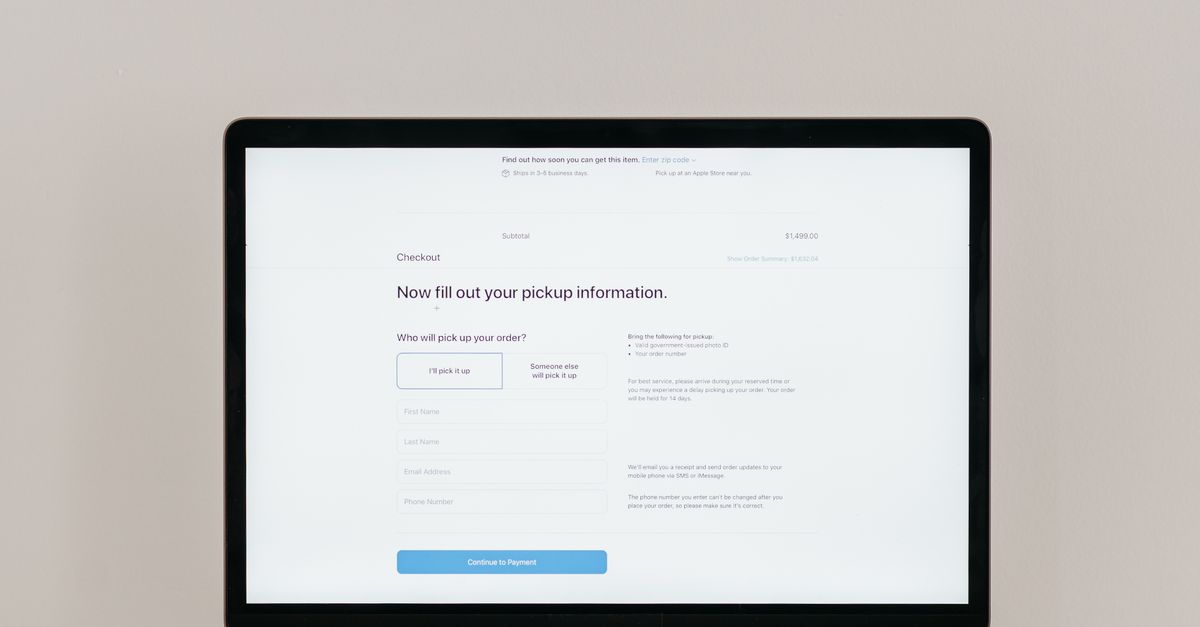
Collect payment request details and a preferred payment method for follow-up by the billing team.
 Survey
A five-question survey capturing brand perception, product priorities, and social issue awareness to map public sentiment.
Learn how to get the most out of your forms and templates
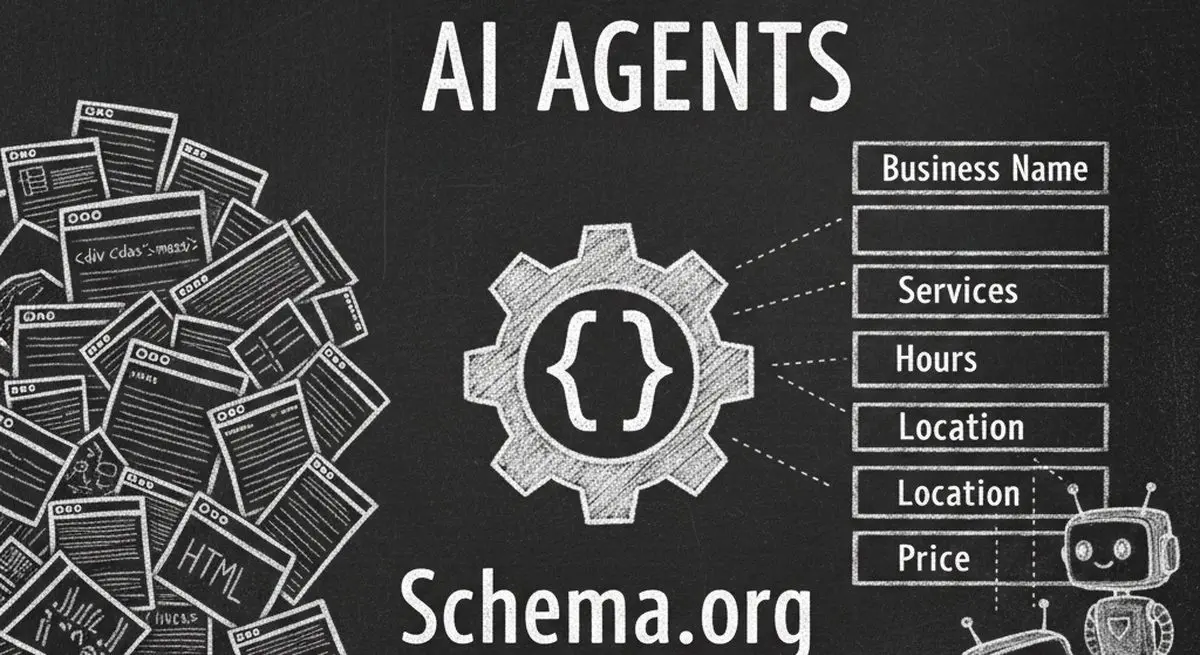
Review seven Schema.org types for describing business information accurately. Structured data can aid parsing, but does not guarantee discovery, citations, or bookings.

Many coaches start with ScoreApp for client scoring, but outgrow scoring-only workflows as their business scales. This article explores common ScoreApp alternatives and what modern coaches should look for beyond simple assessments.
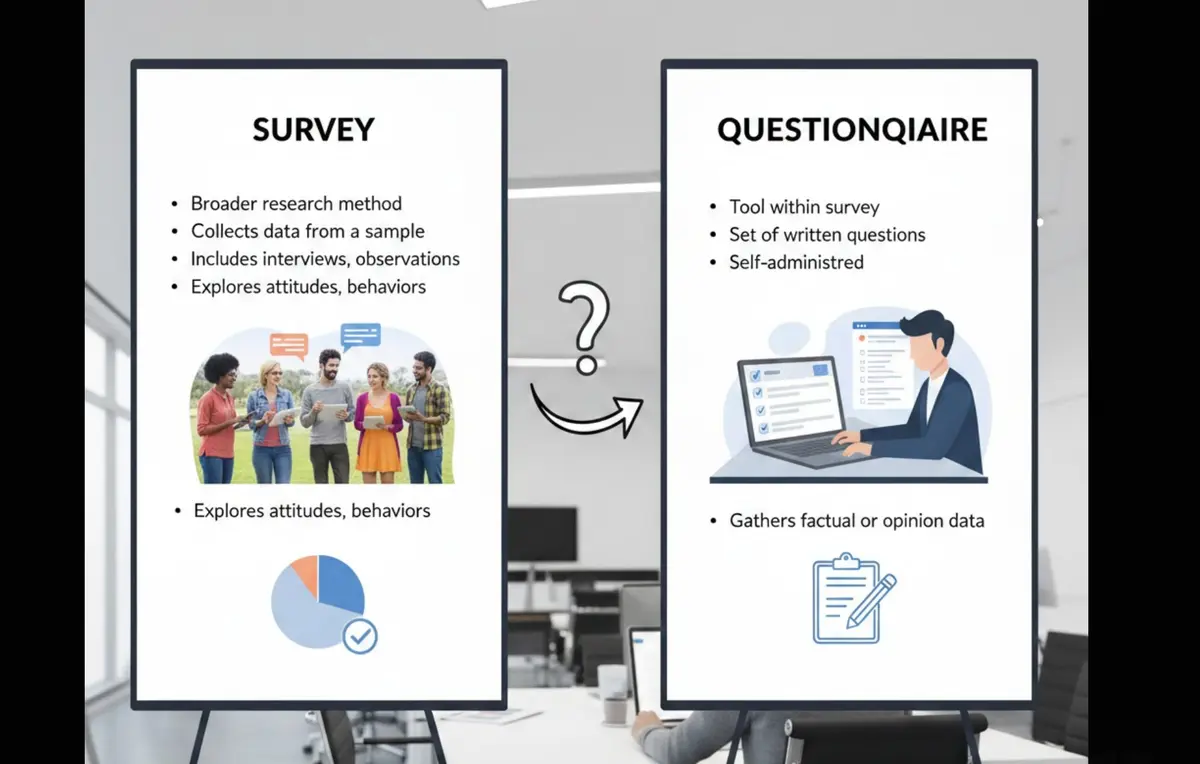
Survey vs questionnaire: understand the key differences, use cases, and decision framework to choose the right approach for research, customer feedback, or internal workflows.
Try the world's first AI-native form and turn every response into action instantly.