This form opens by asking for the requester's full name and department, establishing who is making the request and where to route it. It then collects the delivery address and work email so supplies reach the right place and the requester stays informed. The heart of the form is the "Please list the office supplies you are requesting, including quantity for each item." question, followed by an optional reason for the request and a required urgency level — low, medium, or high — so procurement teams can prioritise the queue. A final optional notes field lets requesters flag any special specifications before submitting. After sending, respondents see a confirmation that their request has been received and will be processed shortly.
Try the conversation below to see how this template works
Trusted by over 10,000 customers and growing
Conversations Started
Questions Answered
Forms Created
Relies on the "What is the urgency of this request?" and delivery address questions to batch, prioritise, and route multiple supply orders across the organisation.
Uses the delivery address field and the optional reason question to request home-office supplies and explain the remote setup context without needing a separate conversation.
Depends on the "Which department do you belong to?" and "Please list the office supplies you are requesting, including quantity for each item." questions to track spending and supplies by team.

AI builds and refines your form through natural conversation no templates, no complex logic, no coding. From a simple text prompt or URL, Dashform generates intelligent flows that adapt automatically.
Dashform turns traditional form-filling into a two-way dialogue. The AI understands intent, remembers context, and asks relevant follow-up questions just like a real human conversation.
Every response is transformed into structured, meaningful, and ready-to-use data. Integrate with your favorite tools.
Everything you need to create amazing forms
Everything you need to know about this template
Don't see exactly what you need? Use our AI Form Generator to create a custom form in seconds. Just describe what you want, and AI will build it for you.
Explore more templates to find the perfect fit
 Rsvp
Collect speaker confirmations, session details, logistical needs, and terms agreement in one tidy form.
 General Application
Collect applicant details and confirm all required documents before a sports academy admission is reviewed.
 Waiver
A pre-participation liability waiver capturing identity, emergency contacts, risk acknowledgement, and health disclosures.
 Donation
Record a charity donation pledge, preferred giving frequency, anonymity preference, and cause notes for follow-up.
 Employee Information
A structured leave request form for employees to submit time-off details, leave type, dates, and reasons for manager review.
 Hr
Collect name, role, department, contact info, start date, shift, and employment status for every staff member.
Learn how to get the most out of your forms and templates
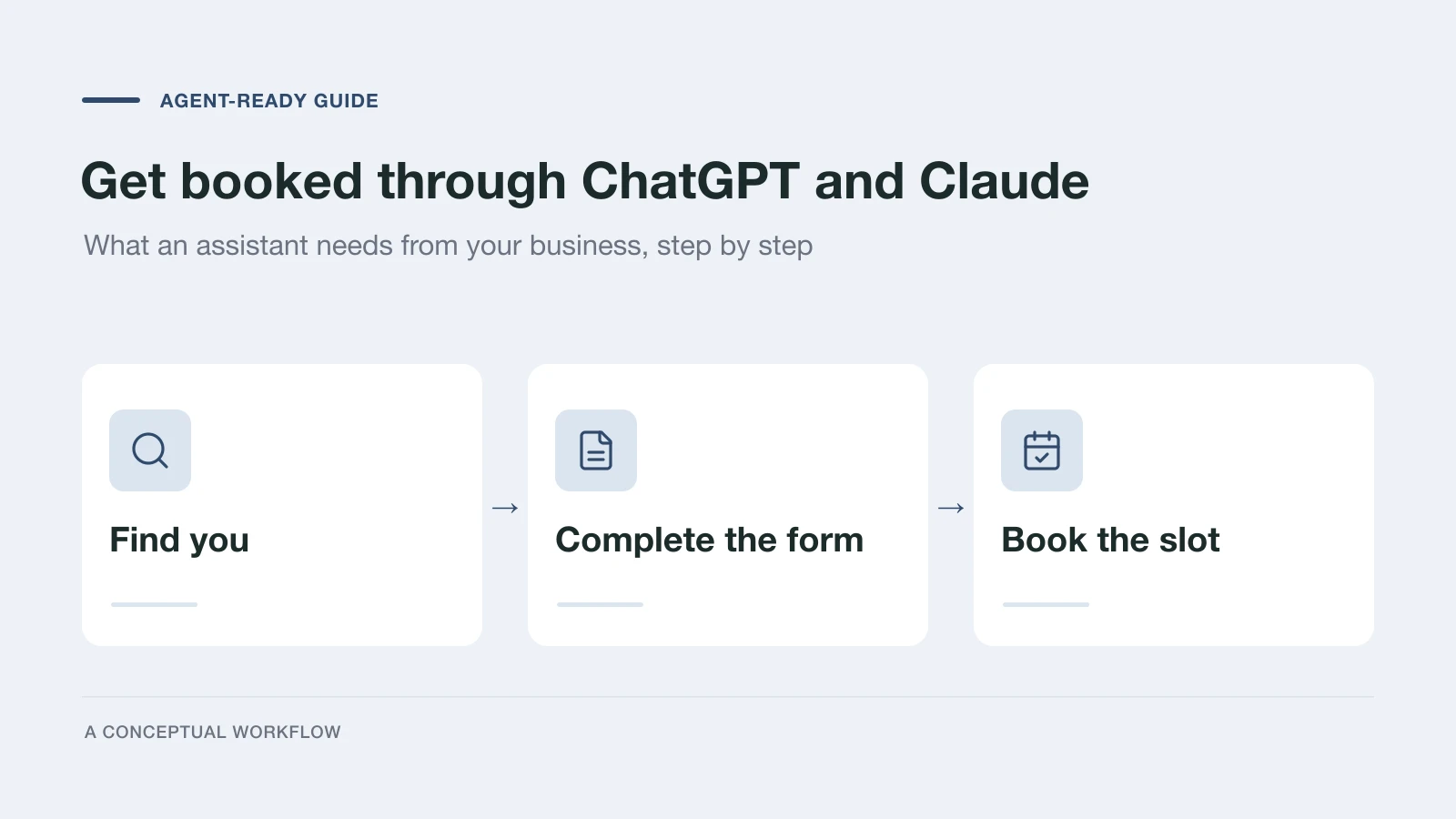
What ChatGPT and Claude need before they can recommend your business and send a booking request: crawler access, clear facts, and a form they can complete.
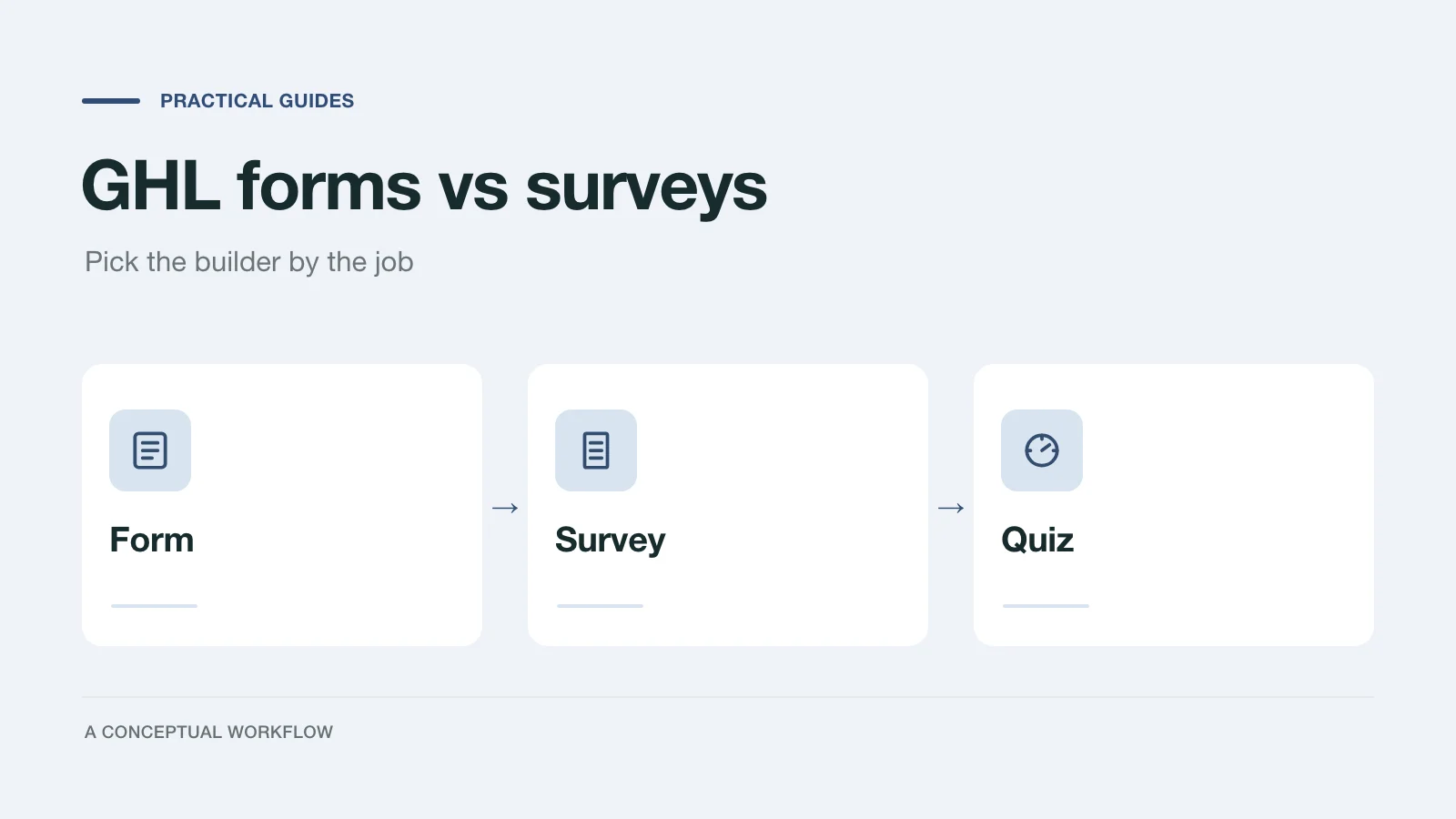
What GoHighLevel Forms and Surveys each do, where their conditional logic stops, and a decision table for lead capture, qualification, booking and quizzes.
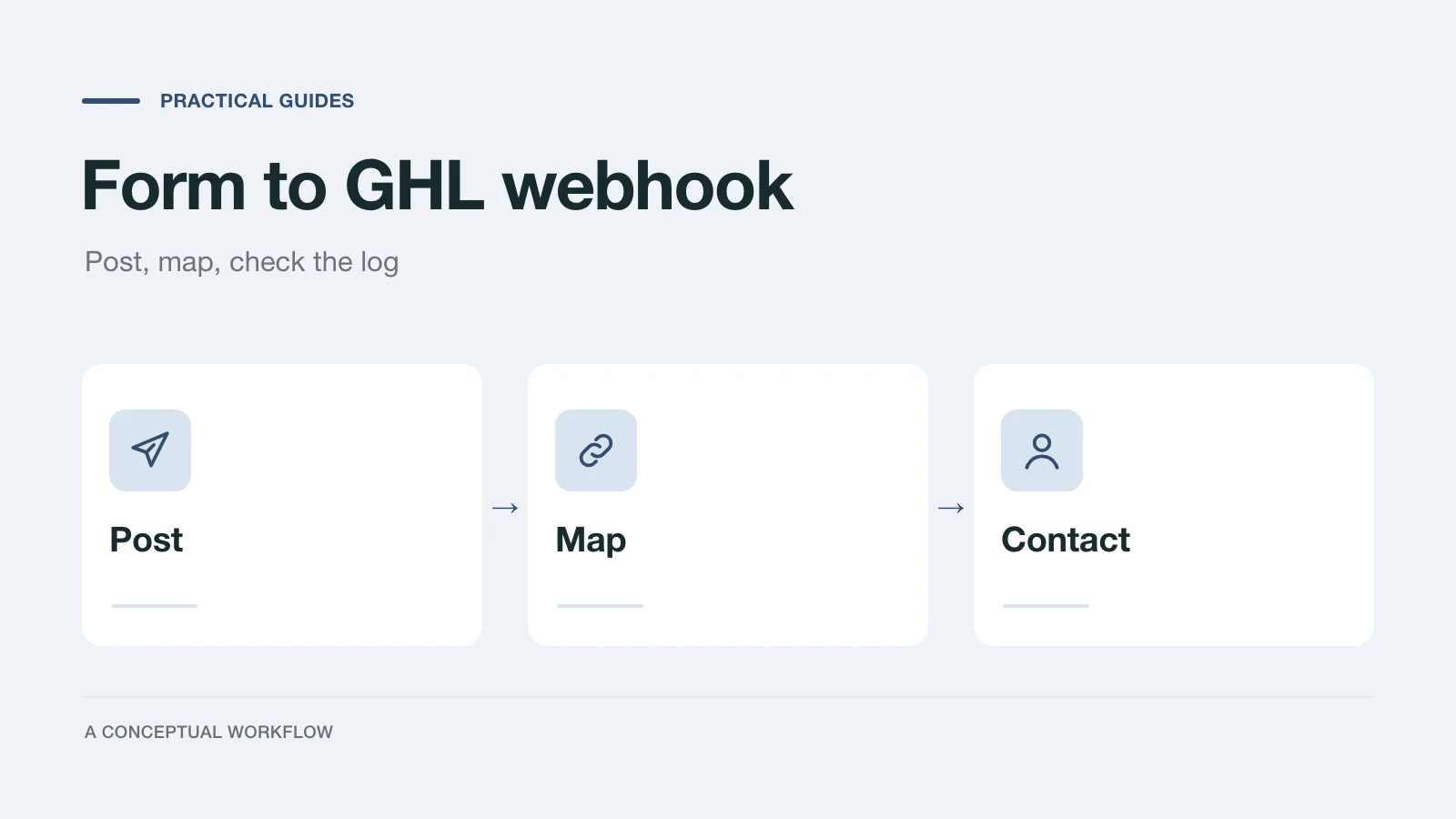
Set up GoHighLevel's Inbound Webhook trigger for an outside form: the URL, the cost, a payload GHL can map, contact field mapping, and retries.
Try the world's first AI-native form and turn every response into action instantly.

