This social media marketing client onboarding form opens by asking for the business name and primary contact details, establishing who the agency is working with before anything else. It then moves into strategy: the "What are your primary goals for social media marketing?" question and the "Which social media platforms are you currently active on or wish to focus on?" question give the agency a clear picture of direction and channels from the start. The "Could you describe your ideal target audience (demographics, interests, behaviors)?" question adds the audience insight needed to shape content and targeting, while the optional competitor and brand-guidelines questions help the team understand the competitive landscape and existing creative constraints. After submitting, respondents see a confirmation screen thanking them and letting them know the team will review their answers and be in touch about next steps.
Try the conversation below to see how this template works
Trusted by over 10,000 customers and growing
Conversations Started
Questions Answered
Forms Created
Rely on the "What are your primary goals for social media marketing?" and "Which social media platforms are you currently active on or wish to focus on?" questions to align strategy and channel focus before work begins.
Use the "Who is the primary contact person for this project (Name, Title, Email, Phone)?" question to capture every detail needed to reach the right stakeholder from day one.
Depend on the "Could you describe your ideal target audience (demographics, interests, behaviors)?" question to ground campaign recommendations in the client's actual audience rather than assumptions.

AI builds and refines your form through natural conversation no templates, no complex logic, no coding. From a simple text prompt or URL, Dashform generates intelligent flows that adapt automatically.
Dashform turns traditional form-filling into a two-way dialogue. The AI understands intent, remembers context, and asks relevant follow-up questions just like a real human conversation.
Every response is transformed into structured, meaningful, and ready-to-use data. Integrate with your favorite tools.
Everything you need to create amazing forms
Everything you need to know about this template
Don't see exactly what you need? Use our AI Form Generator to create a custom form in seconds. Just describe what you want, and AI will build it for you.
Explore more templates to find the perfect fit
 Checklist
Collect a couple's ceremony songs, reception playlist, first dance, special dances, and music style in one shareable form.
 Contact
Collect wedding venue inquiries with contact details, date, guest count, services, budget, and vision, so your events team can reply with availability.
 Tracking Log
Track income, fixed and variable expenses, savings goals, and budget adherence in one simple weekly check-in.
 Request
Submit a weekly timesheet adjustment request with all the details HR needs to process it accurately.
 Assessment
Reflect on eight areas of personal finance through self-ratings and choices, with an optional goal question for coaching context.
 Assessment
Rate eight life areas from 1–10 and pinpoint the one change that would move the needle most.
Learn how to get the most out of your forms and templates
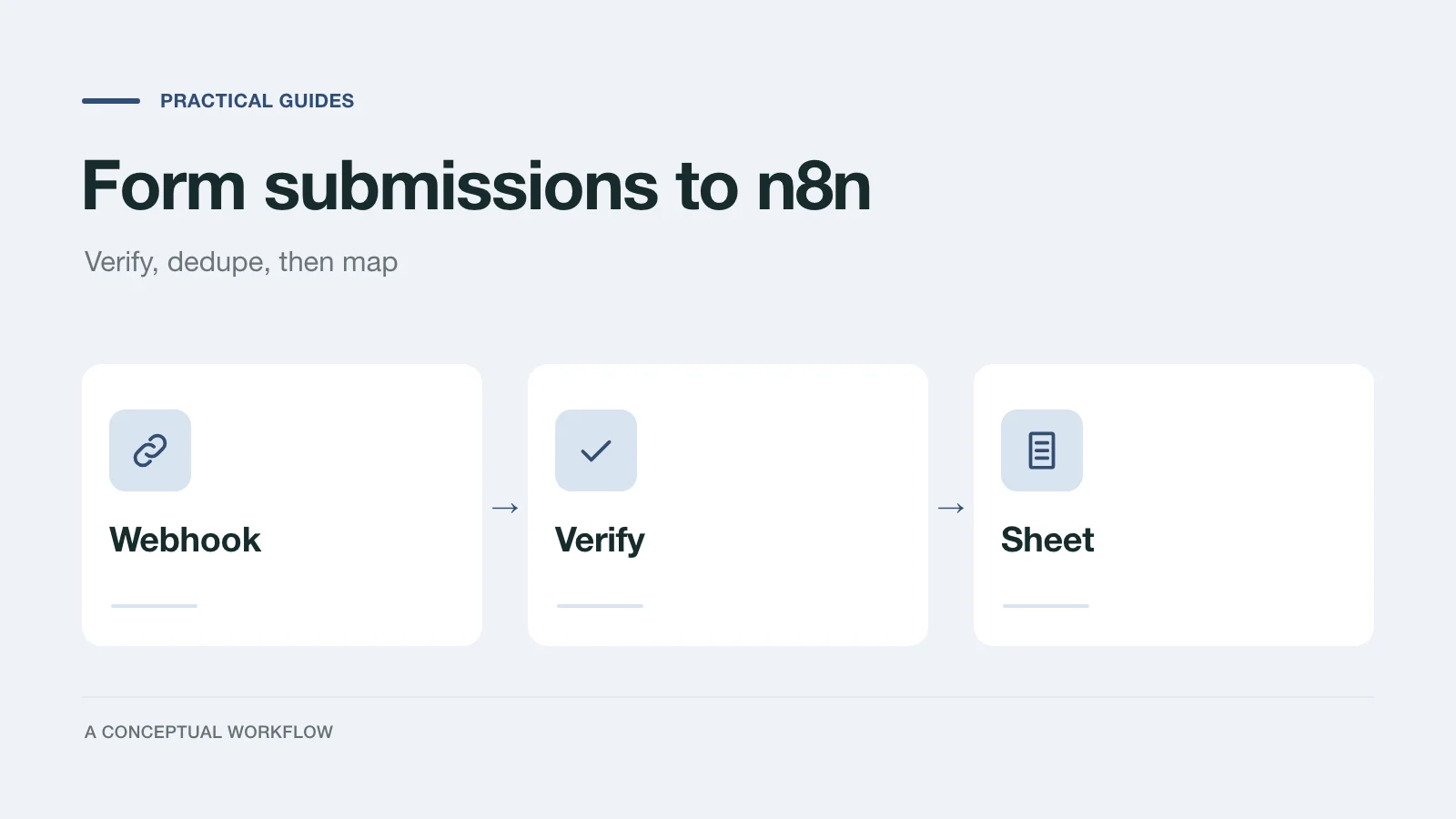
Choose between n8n's Form Trigger and a Webhook node, then build a signed, deduplicated n8n workflow that maps each form submission into a sheet.
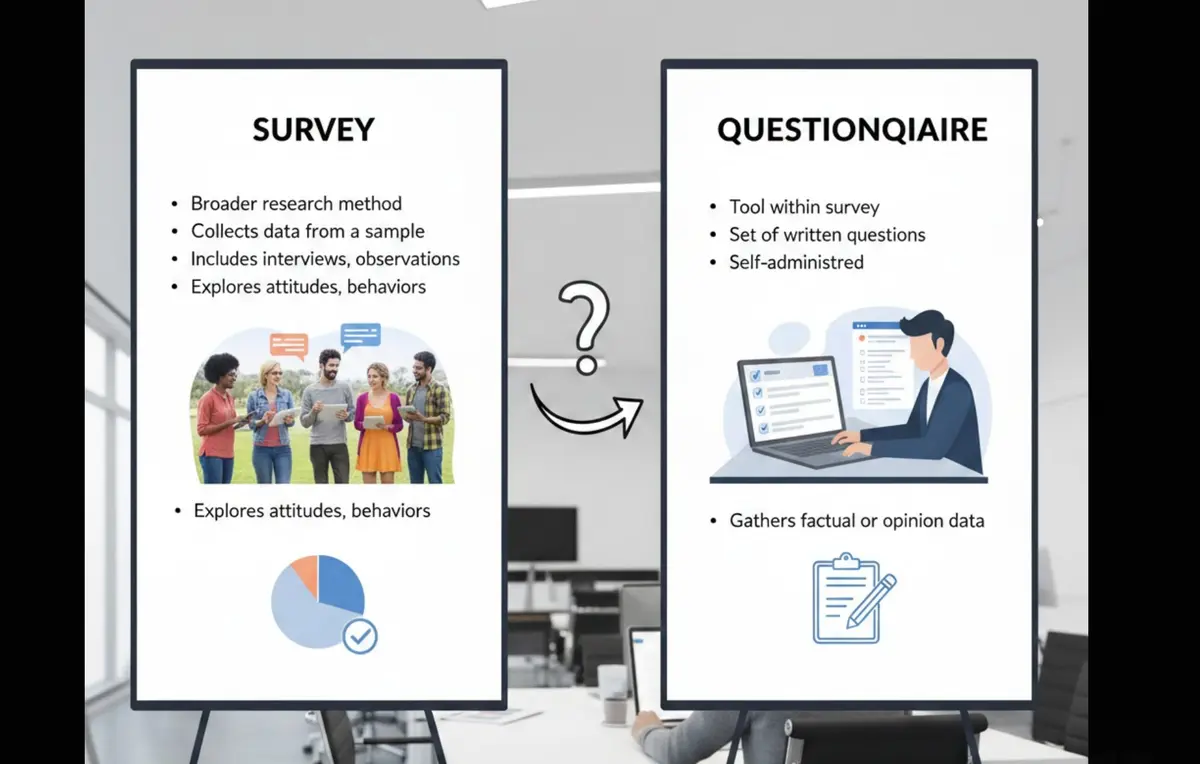
Survey vs questionnaire: the key differences, use cases, and a decision framework for picking the right one for research, feedback, or internal workflows.
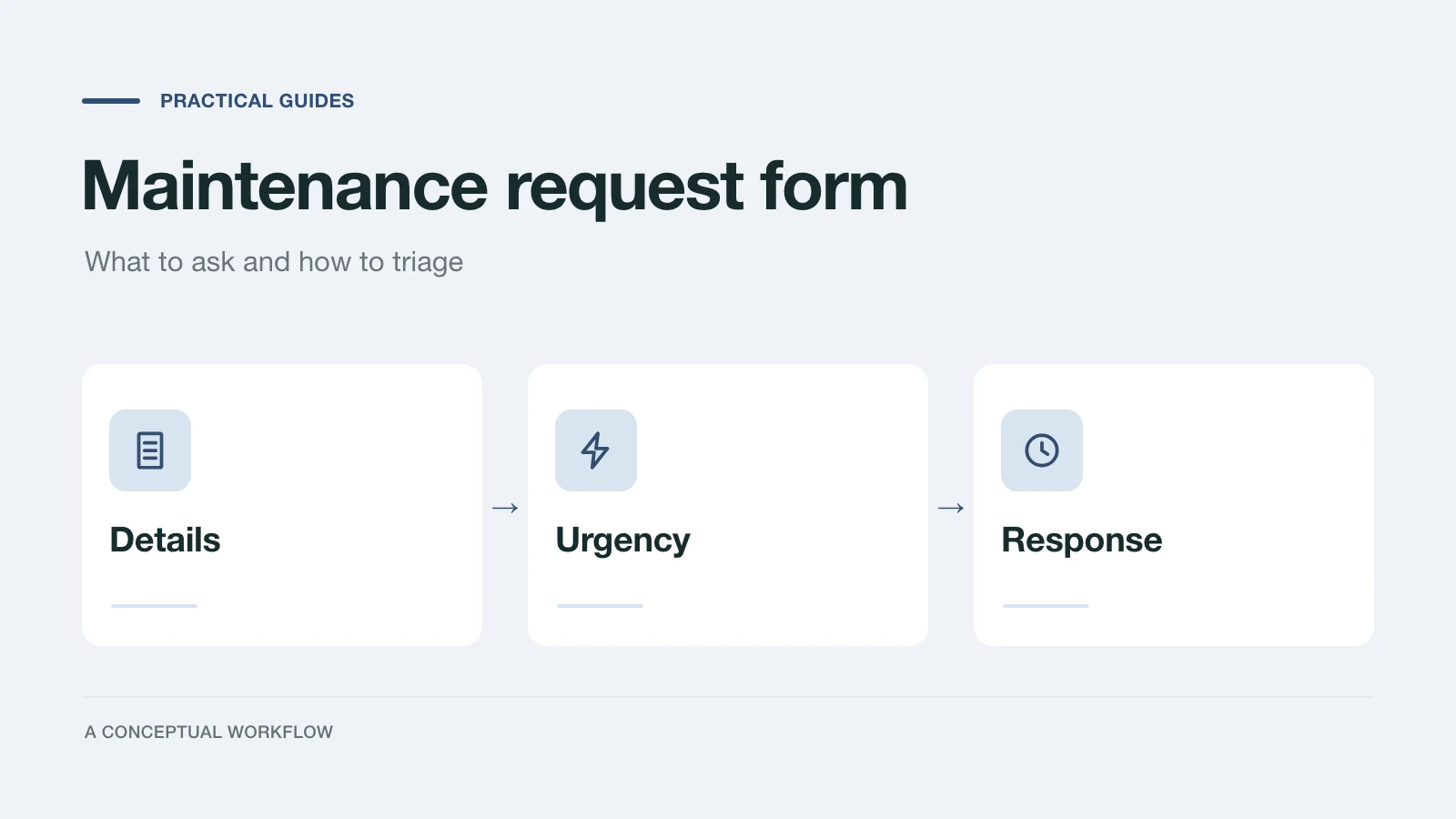
Copy a tenant maintenance request form field list, an emergency, urgent and routine triage rule set, and response templates for each tier.
Try the world's first AI-native form and turn every response into action instantly.

