


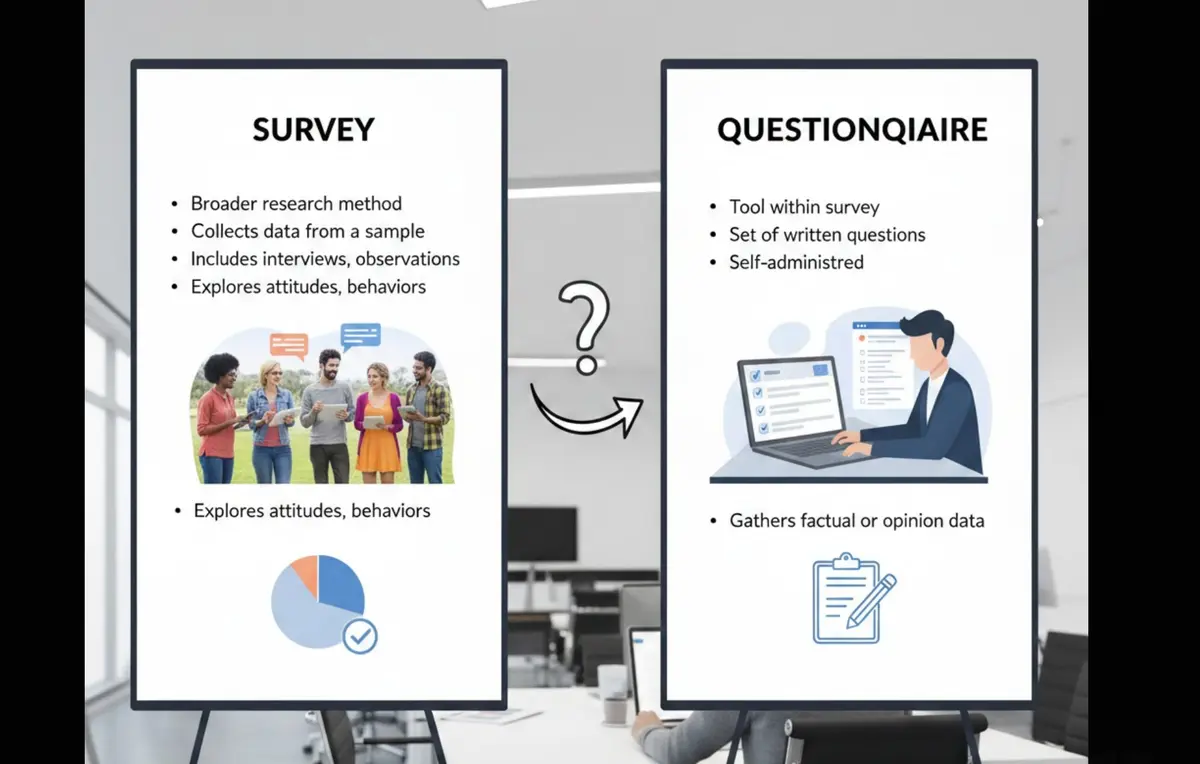
A survey is a research process used to collect insights from a target group, while a questionnaire is the set of questions used inside a survey. In short: 👉 All surveys contain questionnaires, but not all questionnaires are surveys.
Surveys measure trends, behaviors, and opinions at scale. Questionnaires simply gather information often without statistical analysis.
If your business wants cleaner data, better response rates, and automated workflows, you should know when to use each one.
Survey vs Questionnaire: Key Differences
| Aspect | Survey | Questionnaire |
|---|---|---|
| Purpose | Collect + analyze data | Collect responses only |
| Analysis | Statistical analysis built-in | Requires separate analysis |
| Question Types | Mixed (open + closed) | Usually closed-ended |
| Length | Can be extensive | Usually shorter |
| Distribution | Multiple channels | Single channel typically |
| Response Rate | Varies (10-30%) | Higher (40-60%) |
| Best Tool | Dashform AI Survey Generator | Dashform AI Form Builder |
Quick Summary
A survey is a complete research process, while a questionnaire is simply a set of questions used to collect information.
- Surveys include sampling, methodology, and data analysis
- Questionnaires focus on gathering structured inputs
- Use surveys for insights, trends, and decision-making
- Use questionnaires for operational data collection
- Choosing the right one improves clarity, accuracy, and workflow efficiency
Understanding the difference helps businesses collect cleaner data and design smarter research processes.
Survey vs Questionnaire: The Key Difference
Both terms are often mixed up especially in marketing, HR, UX research, and customer feedback workflows.
But the difference is simple:
| Feature | Survey | Questionnaire |
|---|---|---|
| Definition | A research method/process | A list of questions |
| Purpose | Understand patterns, measure results | Collect data or input |
| Includes analysis? | Yes — statistics, insights, reporting | No — it’s the raw input |
| Tools required | Usually requires analysis tools | Any form builder / AI form |
| Example | Employee satisfaction study | Employee info form |
👉 Think of a questionnaire as the “content,” and a survey as the “full project” including sampling, distribution, and analysis.
For a deeper academic definition, see Harvard’s guide to survey methodology.
When Should You Use a Survey?
Use a survey when your goal is to discover trends, measure sentiment, or compare data across groups. Surveys are ideal for:
- Market research
- Product-market fit studies
- Employee engagement measurement
- Customer satisfaction benchmarking
- Academic or policy research
A survey has multiple moving parts: participant sampling, methodology, question design, and data analysis.
If you want to automate part of the process, Dashform AI Form can generate research-ready question flows for you.
When Should You Use a Questionnaire?
Choose a questionnaire when you only need information — not full analysis. Examples:
- Client onboarding intake
- Feedback forms
- Event registration
- Medical history forms
- Product feature request forms
A questionnaire doesn’t aim to prove anything; it simply collects structured inputs.
You can generate questionnaires automatically using Dashform templates.
How to Tell Which One You Need (Simple Framework)
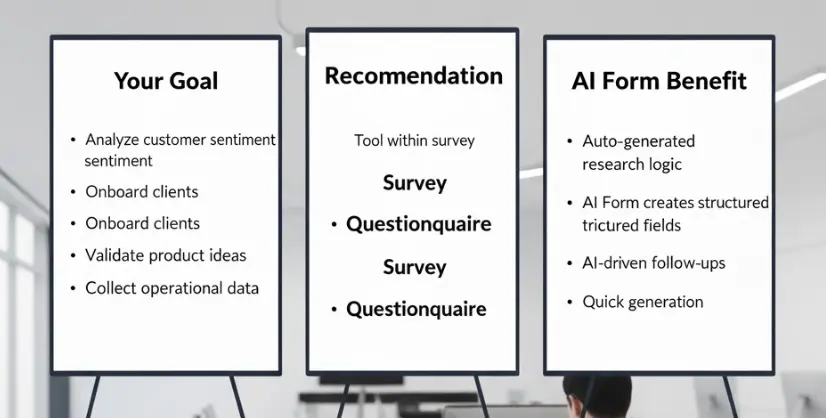
Use this 3-step decision flow:
Step 1 Ask: Do I need insights or just information?
- Insights → Survey
- Information → Questionnaire
Step 2 Ask: Do I need statistical validity?
- Yes → Survey
- No → Questionnaire
Step 3 Ask: Will the results drive decisions?
- Decision-making → Survey
- Operational workflow → Questionnaire
Real-World Examples (AI cannot auto-invent these, but we can)
📌 Example 1 — HR Team
- Survey: Annual employee engagement survey to measure morale
- Questionnaire: New hire onboarding form collecting basic details
📌 Example 2 — SaaS Product Team
- Survey: Feature satisfaction survey after release
- Questionnaire: Bug report form for customer support
📌 Example 3 — Marketing Agency
- Survey: Brand perception survey for a new client
- Questionnaire: Campaign briefing form
Next Step
If you want to build a research-grade survey or a clean questionnaire without spending hours writing questions:
👉 Try Dashform AI Form: it automatically generates survey logic, follow-up questions, branding, and layout. Start free!





