This online donation form opens with a brief welcome explaining that contributions support the organization's mission, then collects the donor's name and email address upfront so the team can identify and follow up with each supporter. The "How much would you like to donate?" question lets donors choose their own amount, followed by the option to make it a recurring monthly gift — placed here so frequency is decided right after the amount. Donors can then attach a personal message, choose whether their name is listed publicly or kept anonymous, and optionally provide a mailing address for records. After submitting, donors see a warm thank-you message confirming their contribution has been received.
Try the conversation below to see how this template works
Trusted by over 10,000 customers and growing
Conversations Started
Questions Answered
Forms Created
The anonymous-display and recurring-gift questions give nonprofits exactly the donor preferences they need to manage acknowledgments and billing cycles.
The personal message question lets supporters share why they're giving, adding a human layer that campaign organizers can highlight in updates.
The open-ended donation amount and optional address field keep the form accessible to donors of all levels without requiring unnecessary personal details.

AI builds and refines your form through natural conversation no templates, no complex logic, no coding. From a simple text prompt or URL, Dashform generates intelligent flows that adapt automatically.
Dashform turns traditional form-filling into a two-way dialogue. The AI understands intent, remembers context, and asks relevant follow-up questions just like a real human conversation.
Every response is transformed into structured, meaningful, and ready-to-use data. Integrate with your favorite tools.
Everything you need to create amazing forms
Everything you need to know about this template
Don't see exactly what you need? Use our AI Form Generator to create a custom form in seconds. Just describe what you want, and AI will build it for you.
Explore more templates to find the perfect fit
 Membership Registration
Register for the Game Dev Club by sharing your skills, interests, academic year, and what you hope to get out of membership.
 Course Registration
Register for computer tuition by selecting your course, preferred schedule, and sharing a little about your experience.
 Attendance
A seven-question entry log that records employee identity, department, visit purpose, and policy confirmation before granting premises access.
 Job Application
Collect applicant contact details, a CV, data-processing consent, and the source of a job referral.
 Consent
Collect informed GDPR consent and acknowledgment from respondents in five structured steps.
 Contact
A clean six-question form for capturing general inquiries, including contact details, subject, message, and preferred follow-up method.
Learn how to get the most out of your forms and templates
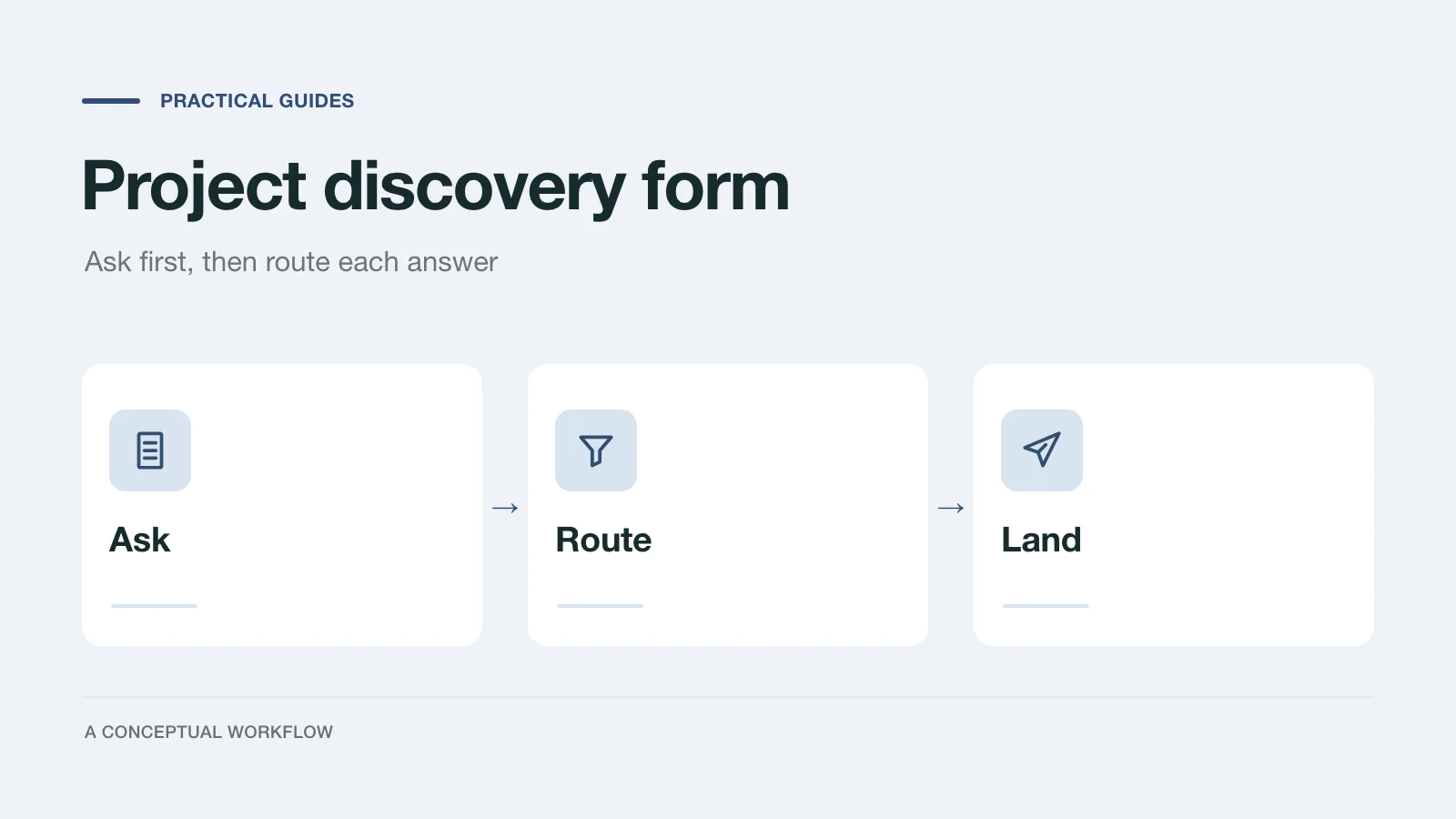
Copy a project discovery form grouped by purpose, see which questions to leave optional, and route each answer to a call, a follow-up, or a polite no.
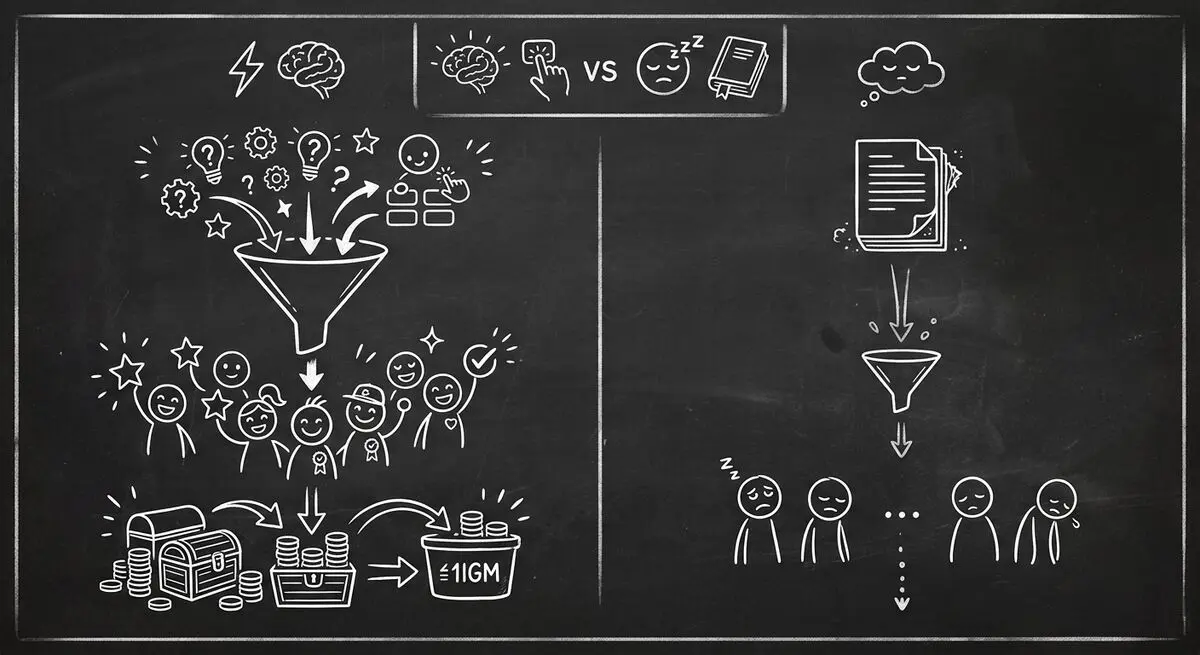
Compare quiz funnels and downloadable resources, interpret platform-specific conversion data, and design a test using your own audience.
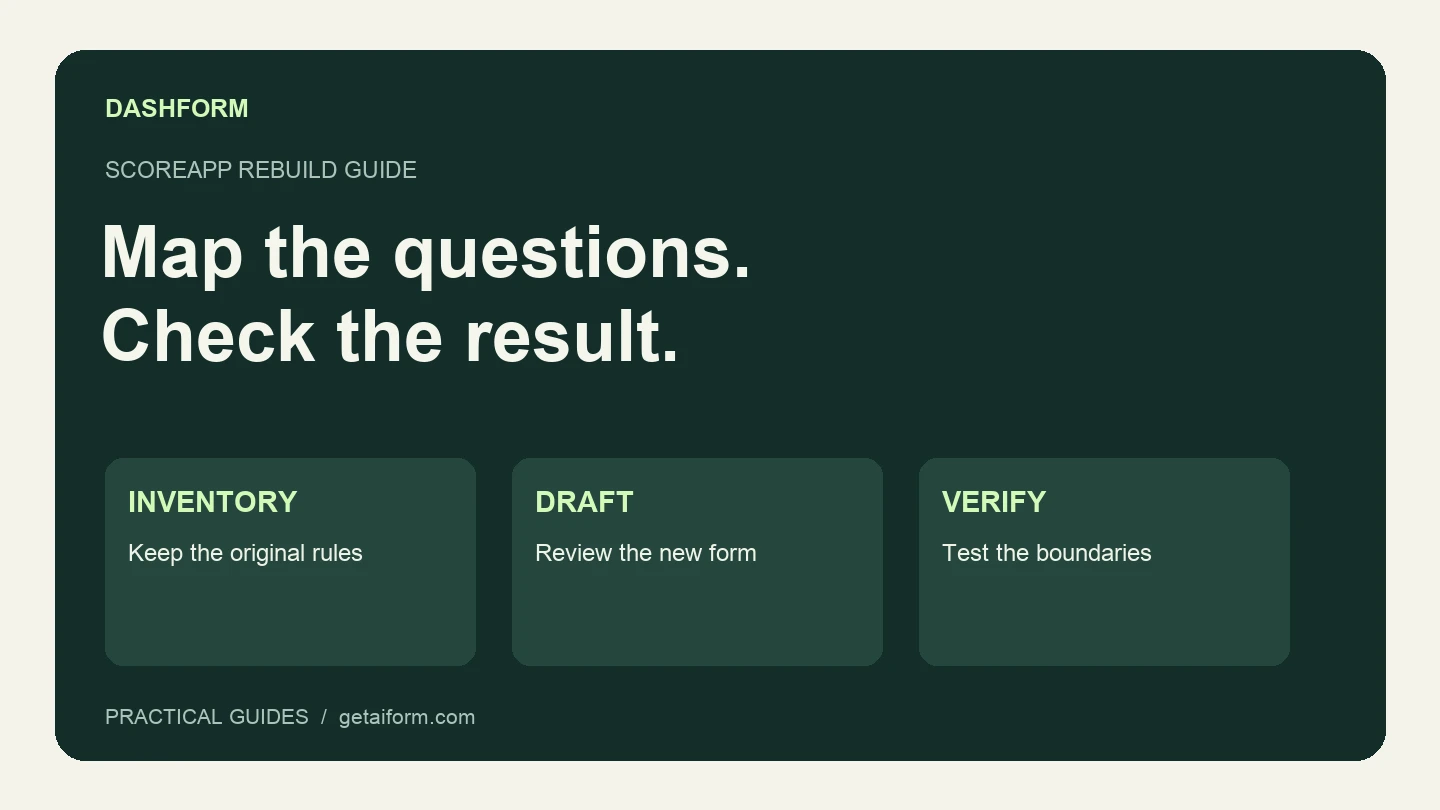
Map an existing ScoreApp assessment into a Dashform intake workflow, with a copyable brief, scoring worksheet, test cases, and clear migration limits.
Try the world's first AI-native form and turn every response into action instantly.

