

This eight-question payment request form identifies the payer through the "Full Name", "Email Address", and optional "Phone Number" questions. "Payment Purpose" and an optional reference number explain what the requested payment is for, while "Payment Amount (USD)" and "Billing Address" provide billing context. The final "Preferred Payment Method" question records whether the respondent wants a payment link, bank-transfer instructions, or another arrangement. The end screen confirms that the details were recorded and explicitly says no payment was taken. Card numbers and payment credentials are not requested.
Try the conversation below to see how this template works
Trusted by over 10,000 customers and growing
Conversations Started
Questions Answered
Forms Created
Uses the purpose, amount, and optional reference fields to identify a payment request before sending payment instructions.
Pairs the Event Registration purpose with contact details so staff can follow up about registration fees.
Records a prospective donor’s intended amount and payment-method preference for a separate payment conversation.

AI builds and refines your form through natural conversation no templates, no complex logic, no coding. From a simple text prompt or URL, Dashform generates intelligent flows that adapt automatically.
Dashform turns traditional form-filling into a two-way dialogue. The AI understands intent, remembers context, and asks relevant follow-up questions just like a real human conversation.
Every response is transformed into structured, meaningful, and ready-to-use data. Integrate with your favorite tools.
Everything you need to create amazing forms
Everything you need to know about this template
Don't see exactly what you need? Use our AI Form Generator to create a custom form in seconds. Just describe what you want, and AI will build it for you.
Explore more templates to find the perfect fit
 Quote Request
Collect property details, cleaning needs, and scheduling preferences for a provider to review before preparing a proposal.
 Evaluation Survey
Guide clients through a structured, professional close to a project while collecting satisfaction ratings and actionable feedback.
 Client Intake
Gather client hobbies, interests, and communication preferences to tailor your services to each individual.
 Checklist
Document clinical inventory items by condition, quantity, location, and department, with a staff sign-off on accuracy.
 Attendance
Submit a correction to a recorded clock-in, clock-out, break start, or break end time for payroll and attendance accuracy.
 Order
OrderCollect garment type, size, color, quantity, shipping address, and payment method in one clean order form.
Learn how to get the most out of your forms and templates
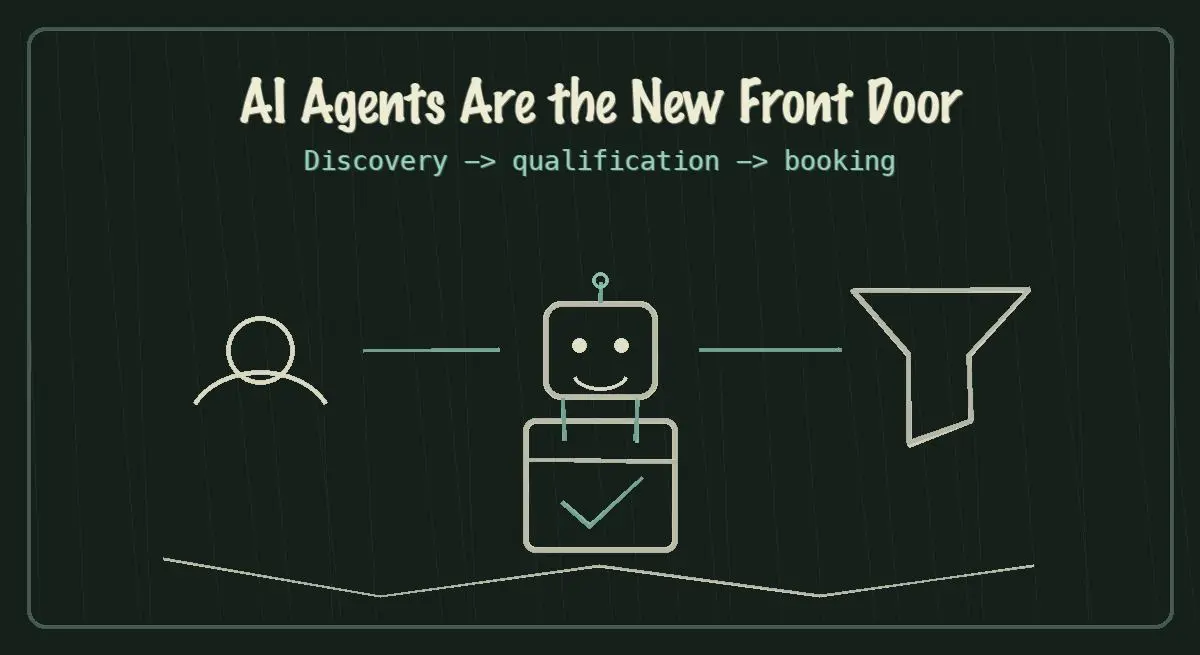
AI agents are becoming the new front door for local service discovery. Learn how to make your business discoverable, qualified, and bookable in 2026.
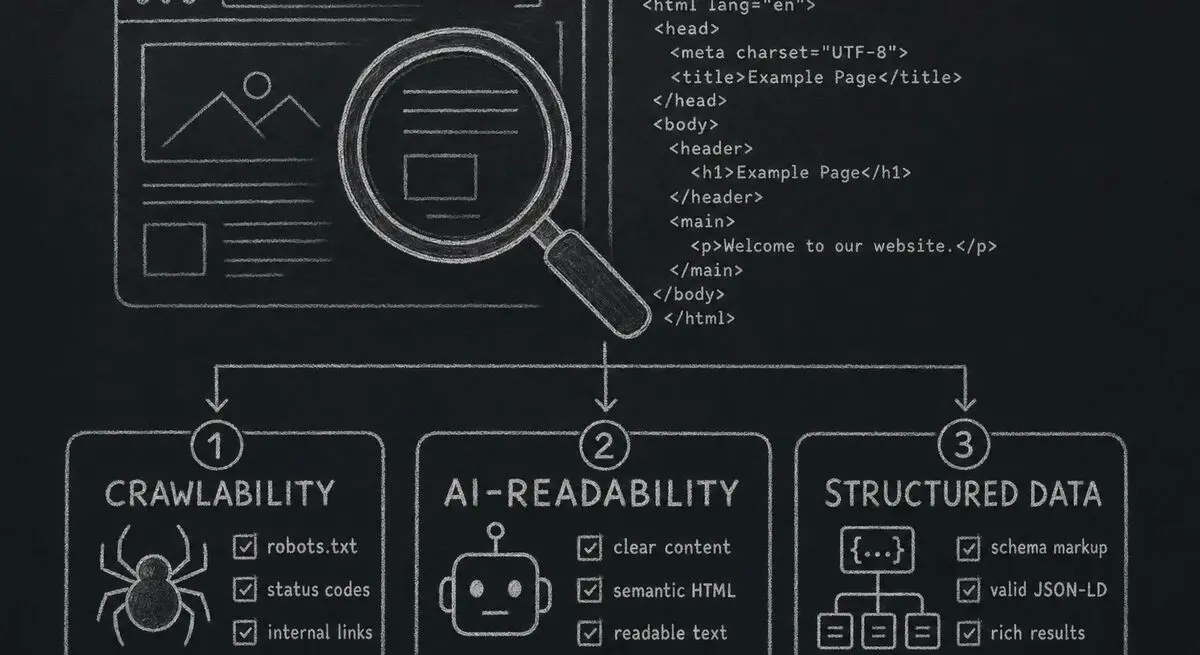
How Dashform computes technical agent readiness, groups its checks into Readiness Layers, and presents Findings without predicting traffic or revenue.

Add a header image in Google Forms and review Dashform's logo, theme, and step-background options for branded forms.
Try the world's first AI-native form and turn every response into action instantly.