

The Online Interview Questionnaire Form opens with a brief welcome explaining its purpose, then walks applicants through nine questions in a logical hiring sequence. It starts with contact details — full name, email, and phone number — before moving into role-specific information: the position applied for, years of relevant experience, salary expectations, and availability to start. The final two questions shift to motivation and dialogue, asking why the applicant is interested in the role and organisation, and giving them an optional space to ask their own questions. After submitting, applicants see a confirmation screen thanking them and confirming their responses were received.
Try the conversation below to see how this template works
Trusted by over 10,000 customers and growing
Conversations Started
Questions Answered
Forms Created
Relies on the "Which position are you applying for?" and "How many years of relevant experience do you have in this field?" questions to triage a high volume of applicants across multiple roles from one shared form.
Uses the "What are your salary expectations for this role?" and "When would you be available to start?" questions to quickly match candidates to client vacancies before making any introductions.
Depends on the "Why are you interested in this position and our organization?" question to judge cultural fit and genuine motivation without the overhead of a formal multi-stage screening process.

AI builds and refines your form through natural conversation no templates, no complex logic, no coding. From a simple text prompt or URL, Dashform generates intelligent flows that adapt automatically.
Dashform turns traditional form-filling into a two-way dialogue. The AI understands intent, remembers context, and asks relevant follow-up questions just like a real human conversation.
Every response is transformed into structured, meaningful, and ready-to-use data. Integrate with your favorite tools.
Everything you need to create amazing forms
Everything you need to know about this template
Don't see exactly what you need? Use our AI Form Generator to create a custom form in seconds. Just describe what you want, and AI will build it for you.
Explore more templates to find the perfect fit
 Other
OtherOrganize patient, insurer, provider, service-date, diagnosis-code, and procedure-fee details for clinician billing review.
 Assessment
Evaluate a support staff member's performance across communication, problem-solving, teamwork, and attendance in eight questions.
 Consent
Collect a legally structured sworn statement with identity details, a formal affirmation, and an electronic signature.
 Assessment
Collect patient symptoms, onset timing, fever, breathing concerns, and exposure history before a medical appointment.
 Order
OrderCollect t-shirt style, sizes, colors, design details, and delivery date in one tidy order form.
 Registration
Register prospective candidates by capturing their contact details, education, experience level, and role interests for your talent pool.
Learn how to get the most out of your forms and templates
Use Dashform's MCP connection in a compatible AI client to draft and edit forms, review the saved result, and publish when ready.
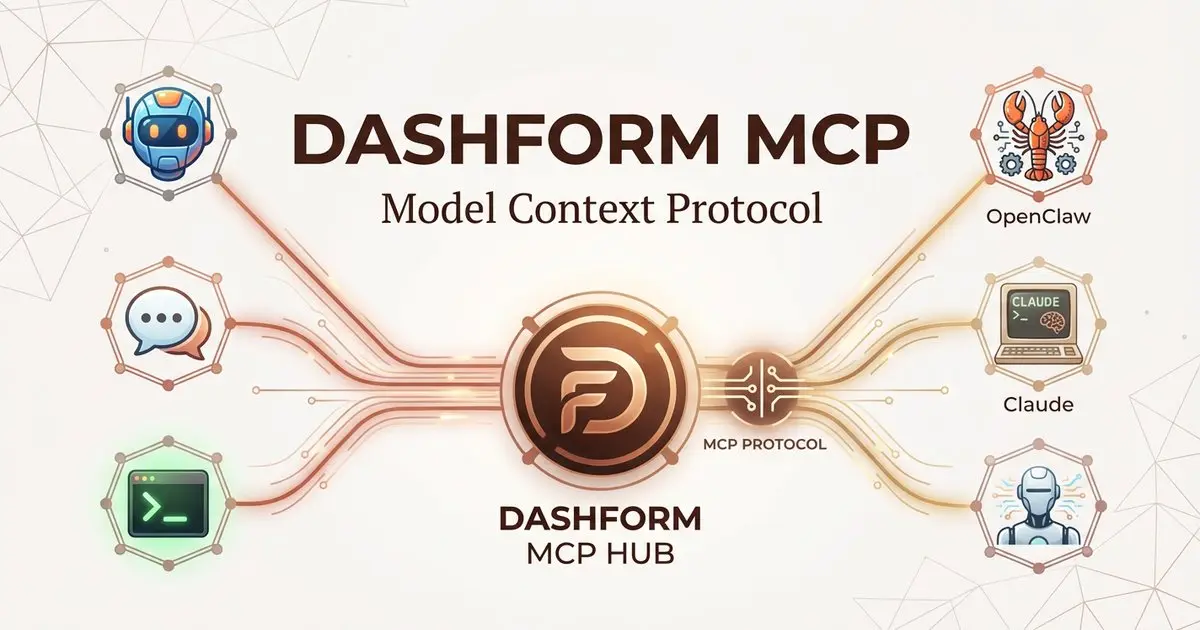
Dashform now supports the Model Context Protocol (MCP). Connect OpenClaw, Claude Code, LangChain, or any MCP-compatible AI agent to create AI-powered forms, surveys, and quiz funnels programmatically through getaiform.com/api/mcp.
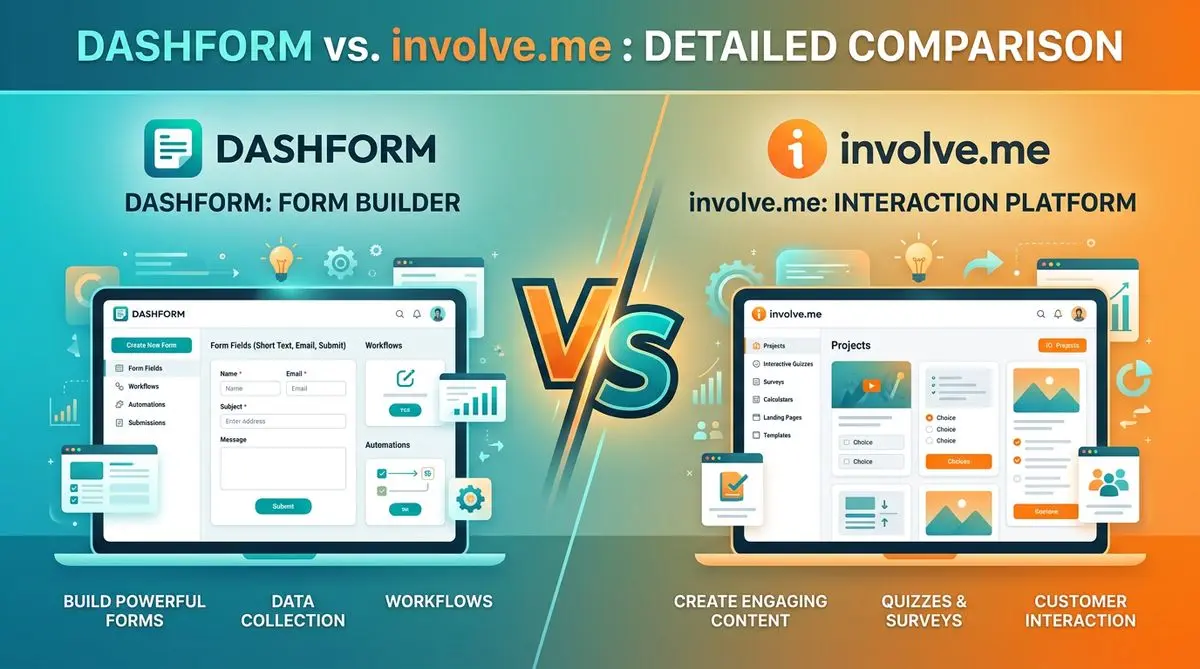
Dashform and involve.me side by side: pricing, AI generation, lead scoring, templates, and integrations, and which fits marketers, coaches, and agencies.
Try the world's first AI-native form and turn every response into action instantly.