The flight itinerary questionnaire asks for the passenger name and an existing booking reference before the outbound flight number, departure and arrival airports, and departure date and time. Return-flight details and special notes are optional, allowing a one-way trip or a trip with connections. It organizes entered travel details without validating airline reservations. The preview closes without creating or emailing a travel document; the traveler or travel coordinator must separately verify the booking and prepare the itinerary.
Try the conversation below to see how this template works
Trusted by over 10,000 customers and growing
Conversations Started
Questions Answered
Forms Created
Relies on the outbound flight questions and the return flight question to capture every leg of a client's journey in one structured submission.
Uses the booking reference question alongside the special notes question to keep seat assignments and other company travel policy details on record.
Uses the passenger-name field to compare the entered spelling with identification and booking records before preparing group travel documents.

AI builds and refines your form through natural conversation no templates, no complex logic, no coding. From a simple text prompt or URL, Dashform generates intelligent flows that adapt automatically.
Dashform turns traditional form-filling into a two-way dialogue. The AI understands intent, remembers context, and asks relevant follow-up questions just like a real human conversation.
Every response is transformed into structured, meaningful, and ready-to-use data. Integrate with your favorite tools.
Everything you need to create amazing forms
Everything you need to know about this template
Don't see exactly what you need? Use our AI Form Generator to create a custom form in seconds. Just describe what you want, and AI will build it for you.
Explore more templates to find the perfect fit
 Tracking Log
Log tank condition, corrosion, leaks, and maintenance needs for fuel and chemical industry inspections.
 Checklist
Log a task with its owner, assignee, priority, category, due date, and current status — all in one tidy form.
 Progress Tracking
Log new tasks, update progress, and record ownership and deadlines in one tidy seven-question form.
 Tracking Log
Log tasks with priority, ownership, due dates, and status in one quick, structured form.
 Professions
Gather style, placement, size, and budget details from tattoo clients before their first studio appointment.
 Payment
Collect client details, tattoo descriptions, scheduling preferences, and deposit payment method in one tidy pre-appointment form.
Learn how to get the most out of your forms and templates

How to design an AI-assisted product quiz, map answers to recommendations, configure external tools, and measure the result for your store.
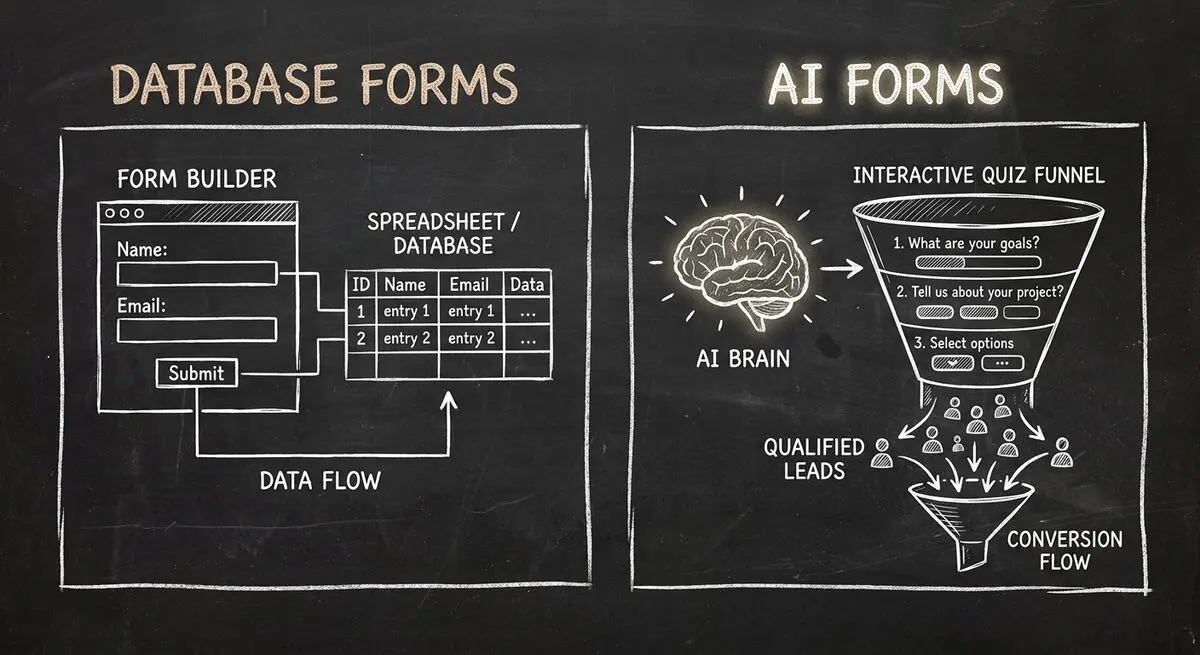
Compare Dashform and Fillout for lead intake, AI drafting, qualification, database connections, and the handoffs to test before switching.

FormHug vs Dashform on AI quiz funnels, lead scoring, and pricing. Where FormHug excels and where switching makes sense for agencies and coaches.
Try the world's first AI-native form and turn every response into action instantly.

