The Tattoo Deposit Form opens with a welcome screen thanking the client for choosing the studio, then collects contact details through the "What is your full name?" and "What is your email address?" questions, with an optional "What is your phone number? (Optional)" question for those happy to share it. The "Please describe your tattoo idea, including placement, size, and any specific elements you'd like." question is the heart of the form, giving the artist everything needed to prepare before the appointment, while the "What is your preferred appointment date or timeframe?" question lets the studio schedule accurately. The "I understand that this deposit is non-refundable and will be applied to the total cost of my tattoo." question requires explicit agreement before the client reaches the payment-preference question, and the final "How would you prefer to pay your deposit?" question lets them choose between card, PayPal, or bank transfer. After submitting, clients see a confirmation screen letting them know their details have been received and that the studio will be in touch to confirm the appointment. The form records a preferred payment method but does not collect a deposit.
Try the conversation below to see how this template works
Trusted by over 10,000 customers and growing
Conversations Started
Questions Answered
Forms Created
Relies on the tattoo description question to gather design, placement, and size details upfront, cutting down back-and-forth before the session.
Uses the scheduling and contact questions together to confirm bookings and follow up with clients without a separate intake step.
Use the requested date and deposit acknowledgement to discuss limited appointment slots before arranging payment separately.

AI builds and refines your form through natural conversation no templates, no complex logic, no coding. From a simple text prompt or URL, Dashform generates intelligent flows that adapt automatically.
Dashform turns traditional form-filling into a two-way dialogue. The AI understands intent, remembers context, and asks relevant follow-up questions just like a real human conversation.
Every response is transformed into structured, meaningful, and ready-to-use data. Integrate with your favorite tools.
Everything you need to create amazing forms
Everything you need to know about this template
Don't see exactly what you need? Use our AI Form Generator to create a custom form in seconds. Just describe what you want, and AI will build it for you.
Explore more templates to find the perfect fit
 Assessment
Assess your lead generation strategy across sources, quality, nurturing, conversion rates, and scoring in eight questions.
 Agreement
Gather property, landlord, tenant, rent, deposit, and duration details for review before drafting a lease.
 Request
Formally request or document changes to an existing lease agreement, for either landlords or tenants.
 Professions
Gather contact details, case background, urgency flags, and communication preferences before a legal consultation.
 Waiver
A digital liability waiver collecting participant details, emergency contacts, and risk acknowledgements before swimming lessons begin.
 Feedback
Share feedback on your library visit — rate your experience and leave suggestions, complaints, or questions in under two minutes.
Learn how to get the most out of your forms and templates
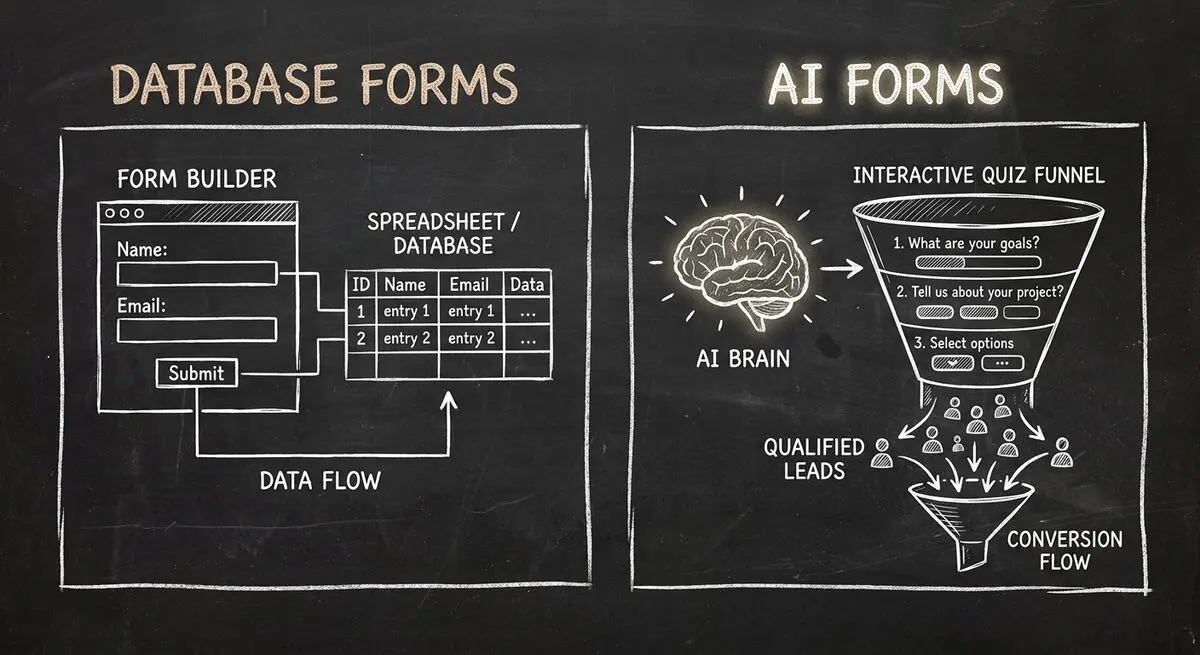
Compare Dashform and Fillout for lead intake, AI drafting, qualification, database connections, and the handoffs to test before switching.
FormHug vs Dashform on AI quiz funnels, lead scoring, and pricing. Where FormHug excels and where switching makes sense for agencies and coaches.

GoHighLevel alternatives such as Dashform, HubSpot, and ClickFunnels compared: best uses, AI features, pros and cons, and which fits your business.
Try the world's first AI-native form and turn every response into action instantly.

