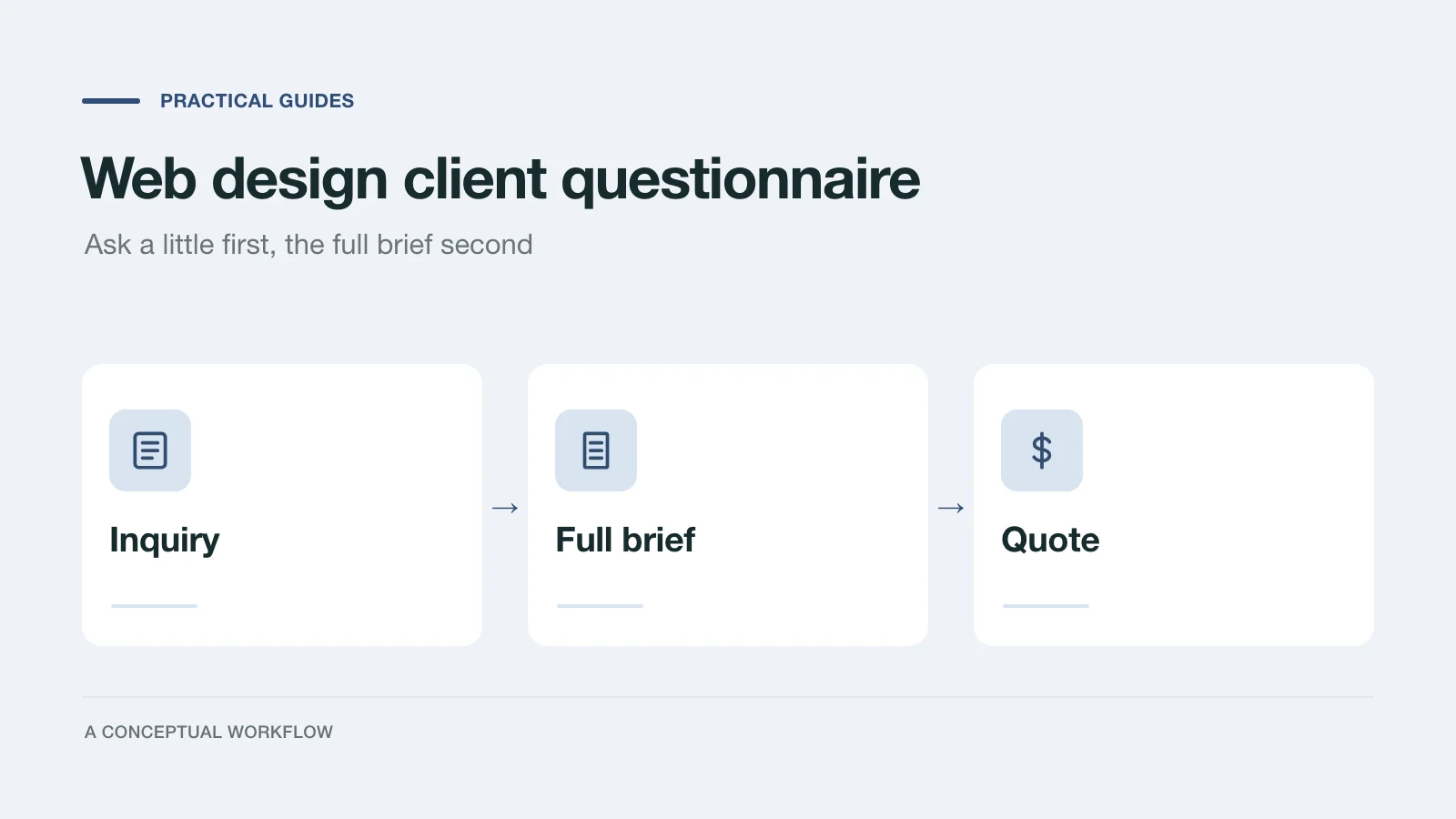
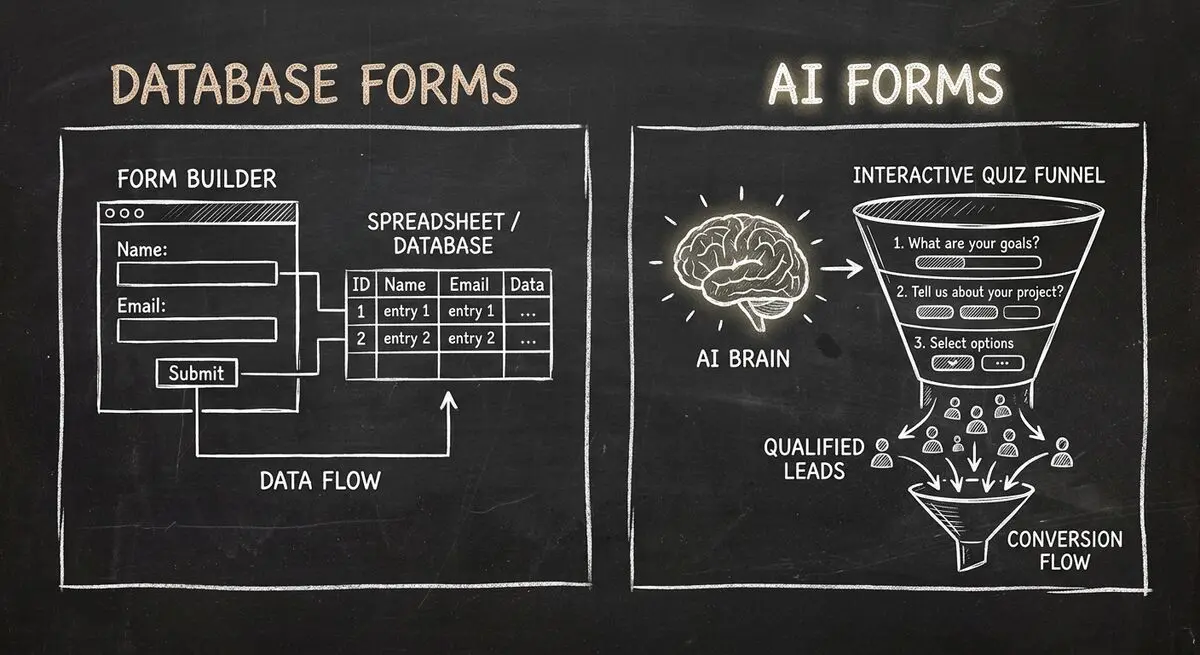
Compare the Intake Workflow You Need
Fillout and Dashform can both be evaluated for lead intake. Start with the questions, review process, and database handoff you need rather than assuming a database connection conflicts with lead generation.
This guide describes what to test in Dashform and Fillout. It does not report a controlled conversion or speed comparison.
Dashform vs Fillout: Feature Comparison
| Feature | Dashform | Fillout |
|---|---|---|
| AI Form Generation | Drafts from a prompt | AI form builder and editing |
| Quiz outcomes | Authored Endings and Result Sections | Multiple endings and quiz scoring; check plan requirements |
| Lead Qualification | Hot, warm, and cold criteria on completed replies | AI steps in Workflows; test the desired evaluation |
| Conditional Logic | Authored branches; AI Funnel follow-ups | Conditional logic and calculations |
| Airtable/Notion | Native Destinations for reply delivery | Check the database actions required by your workflow |
| Free Plan | Yes | Yes (pricing) |
| Best For | Lead gen and conversion | Data collection |
Where Fillout Excels (And Where It Does Not)
Fillout's Form Agent can edit fields, pages, logic, and calculations. Its pricing comparison lists scheduling, calculations, and multiple-ending features by plan. Test the specific database operations you need: creating a record, updating an existing record, and prefilling from stored data are different requirements.
For lead intake, compare the generated questions, resulting outcomes, scoring setup, and delivery behavior. Do not infer that Fillout lacks AI or quiz functionality.
Draft and Review a Dashform Intake
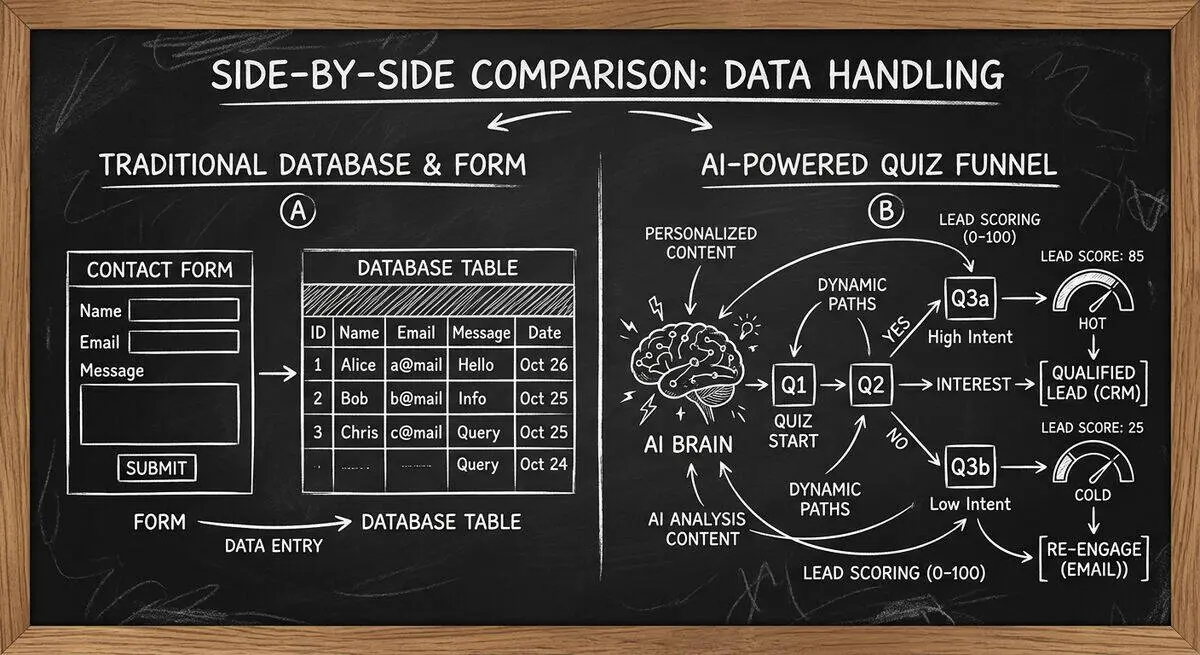
Dashform combines AI-assisted drafting, form modes, completed replies, and lead review. Measure conversion results with your own audience.
With Dashform's AI quiz generator, you describe your business and target audience in plain text. Review the draft, then configure:
- Personalized questions that adapt based on previous answers
- Lead Scoring criteria that assign hot, warm, or cold verdicts to completed replies
- Outcome-based result pages that show different recommendations to different segments
- Destinations for reply delivery; any calendar or nurture sequence needs an explicitly configured external workflow
Interactive content like quizzes gives visitors something back for their answers, which a passive form does not.
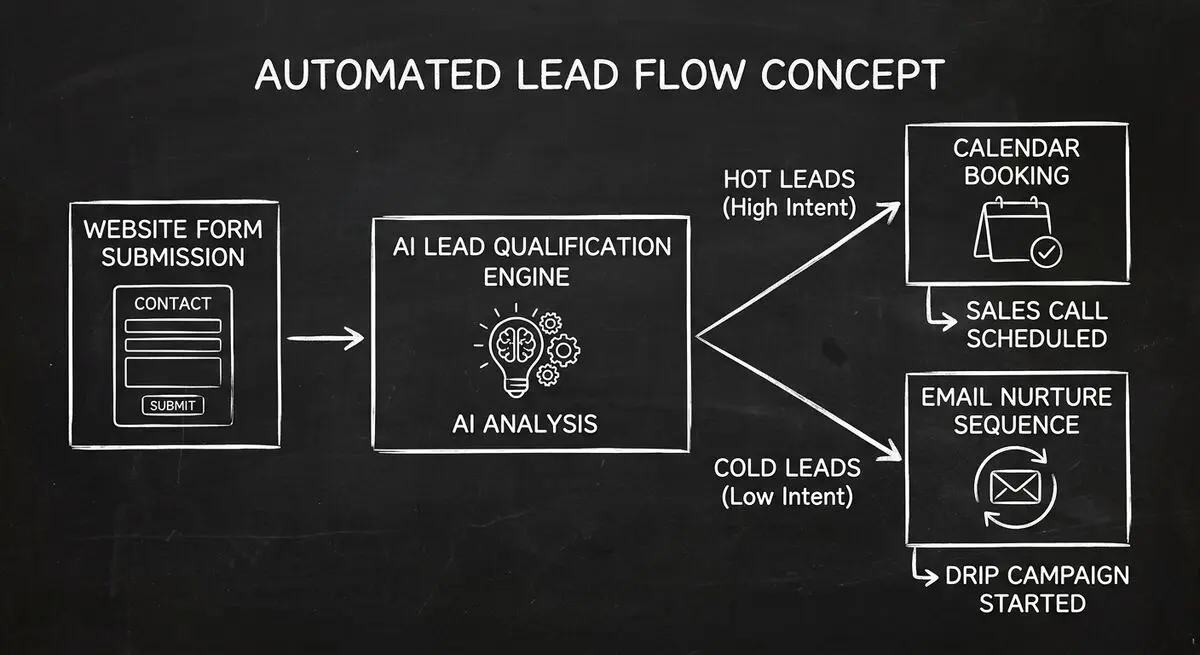
Collecting Data vs Converting Leads
Both tools collect information. Inspect whether the saved answers, evaluation, and configured handoff support your team's next decision.
When to Stay With Fillout
Fillout is the right choice if:
- Your primary workflow revolves around Airtable or Notion and you need bidirectional data sync.
- You are collecting structured data for internal operations, not lead generation.
- Your team has existing automation workflows in Make or Zapier that depend on Fillout's webhook outputs.
- Its AI drafting, logic, and workflow features satisfy your requirements.
When to Switch to Dashform
Dashform is the better choice if:
- You need forms that generate and qualify leads, not just collect data.
- You want to draft questions with AI and review them in the Form Editor.
- You need quiz funnels with branching logic, scoring, and personalized outcome pages.
- You want to automate lead routing using configured conditions and reviewed reply data.
- You are a coach, agency, SaaS company, or service business that depends on lead quality over lead quantity.

How to Migrate From Fillout to Dashform
Step 1: Identify Your Lead Gen Forms
Review your Fillout forms and identify which ones are used for lead generation versus internal data collection. Keep Fillout for data workflows. Move lead gen forms to Dashform.
Step 2: Generate AI-Powered Alternatives
For each lead gen form, use Dashform's AI form builder to generate a quiz funnel version. Describe your target audience, review the draft, and test the branches and Endings.
Step 3: Set Up Lead Scoring and Routing
Write hot, warm, and cold criteria. Configure a supported CRM Destination, and set up any calendar handoff in an external scheduler. Test each delivery and exception path.
Step 4: A/B Test Against Your Fillout Forms
Use an external experiment setup to compare the forms under comparable traffic conditions. Define completion and lead quality in advance, and collect enough observations for your decision.
Frequently Asked Questions
Can I use Dashform with Airtable like I do with Fillout?
Dashform has native Airtable, Notion, and Google Sheets Destinations for completed replies. Configure the Connection and field mapping, and test delivery. Do not assume that sending a reply also provides database prefill or bidirectional updates.
Is Dashform free like Fillout?
Check Dashform's current pricing and usage allowances against your expected reply volume and required features.
How does AI form generation actually work?
Describe your business, audience, and questions to create a draft. Review the questions, configure branches and Endings, and set Lead Scoring criteria separately before publishing.
What if I need both data collection and lead generation?
You can keep an existing Fillout workflow while piloting Dashform for another form. Choose based on tested requirements and avoid creating conflicting records in connected systems.
Does Dashform support conditional logic?
Dashform Logic Funnels use authored branches. AI Funnels can ask follow-up questions from the configured brief. Lead Scoring evaluates completed replies; it is not a live numeric score that drives every question path.
The Bottom Line
Keep the workflow that meets your requirements. If you want to evaluate conversational intake, configurable lead verdicts, or agent-assisted form filling, try a Dashform draft and compare the saved reply and handoff.