The Biographical Information Form opens with a notice that the details collected are for official records and verification, setting a clear expectation of accuracy before respondents begin. It then works through nine questions in a logical sequence: personal identity first (full legal name, date of birth, place of birth, and country of citizenship), then current status (marital status and residential address), and finally background history (education and employment). The optional "Languages spoken (list all languages and proficiency level)" question closes the form, since it is supplementary rather than essential. After submitting, respondents see a confirmation that their information has been received and that they will be contacted only if clarification is needed.
Try the conversation below to see how this template works
Trusted by over 10,000 customers and growing
Conversations Started
Questions Answered
Forms Created
Relies on the identity cluster — full legal name, date of birth, place of birth, and country of citizenship — to build a verified personal profile required for applications and background checks.
Uses the "Employment history (list most recent employers, positions, and dates of employment)" and "Education history (list institutions attended, degrees earned, and graduation years)" questions to pre-populate personnel files before a new hire's first day.
Depends on the "Education history (list institutions attended, degrees earned, and graduation years)" question alongside marital status and residential address to build complete applicant or member records for official registration.

AI builds and refines your form through natural conversation no templates, no complex logic, no coding. From a simple text prompt or URL, Dashform generates intelligent flows that adapt automatically.
Dashform turns traditional form-filling into a two-way dialogue. The AI understands intent, remembers context, and asks relevant follow-up questions just like a real human conversation.
Every response is transformed into structured, meaningful, and ready-to-use data. Integrate with your favorite tools.
Everything you need to create amazing forms
Everything you need to know about this template
Don't see exactly what you need? Use our AI Form Generator to create a custom form in seconds. Just describe what you want, and AI will build it for you.
Explore more templates to find the perfect fit
 Consent
Collect documented, step-by-step informed consent from interview participants before the session begins.
 Quiz
A seven-question technical quiz that screens software developer candidates on experience, languages, CS fundamentals, and Git skills.
 Request
Collect applicant contact details, role, sourcing channel, and scheduling preferences ahead of a job interview.
 Information Request
Eight questions that map an investor's experience, goals, risk tolerance, and interest level in your company.
 Job Application
Collect invigilator applications with contact details, experience, qualifications, availability, and a declaration of accuracy.
 Payment
Collect all the billing details a finance team needs to process an invoice — from contact info to payment terms.
Learn how to get the most out of your forms and templates
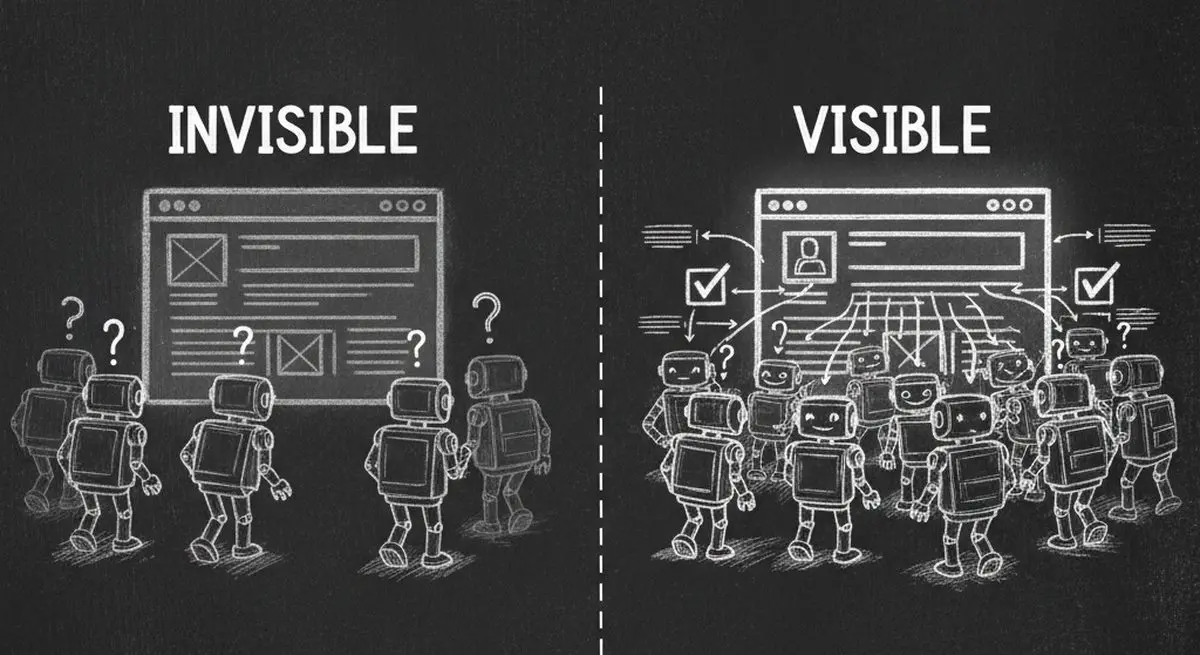
Inspect five potential barriers to agent access, understand the limits of an AX Score, and test changes to your website.

How automated form workflows cut manual work and improve data accuracy, and how Dashform uses AI to generate forms, map fields, and automate your tools.
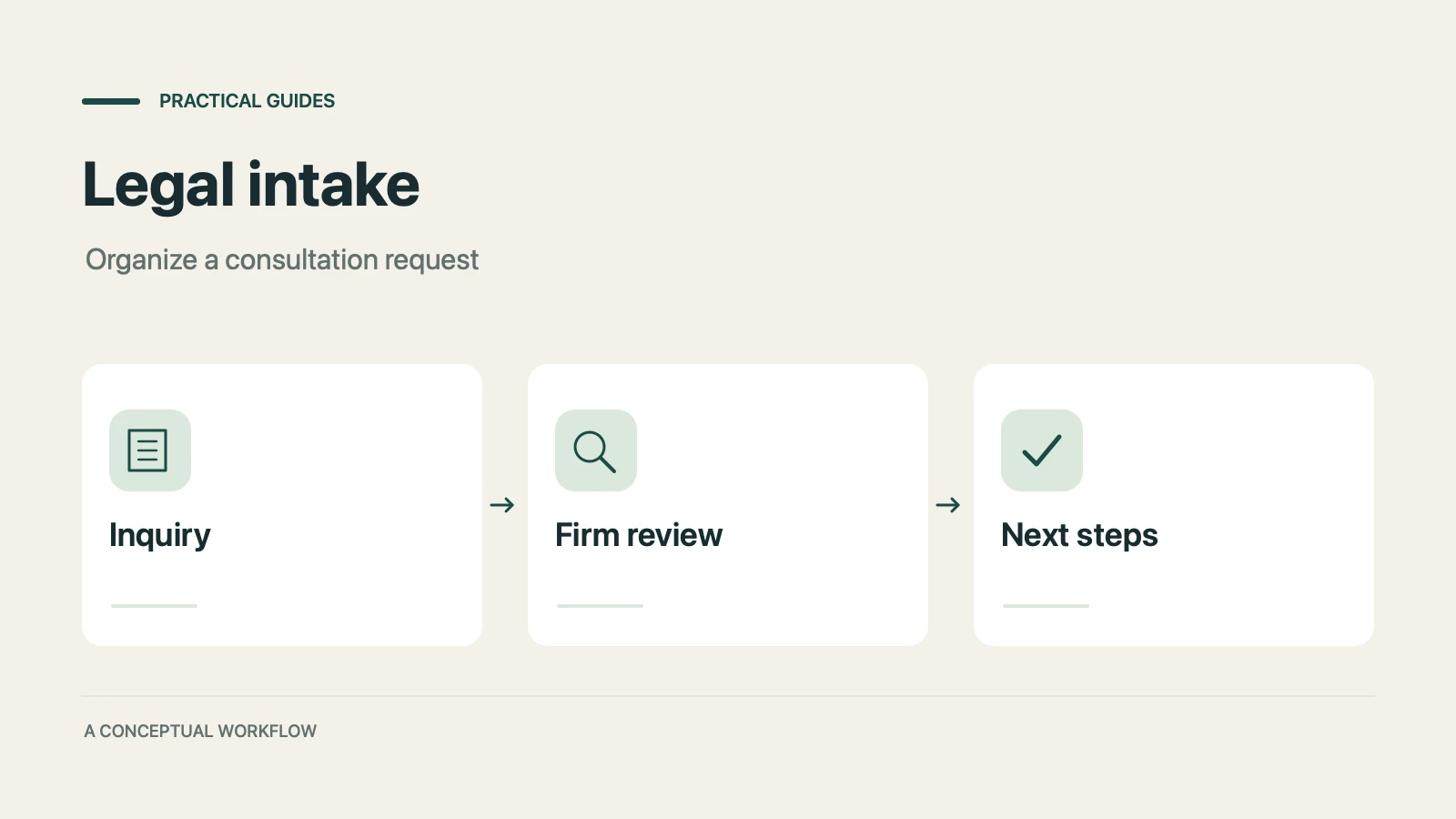
A proposed personal injury intake workflow for inquiries, attorney reviews, and feedback, with limits on legal decisions, records, signatures, and tools.
Try the world's first AI-native form and turn every response into action instantly.

