This form opens with a welcome screen asking applicants to provide details that help schedule their interview efficiently, then collects contact information across the first three questions: full name, email address, and an optional phone number. The fourth question asks which position the applicant is applying for, keeping submissions tied to a specific role, while the fifth asks how they heard about the opportunity — with options covering the company website, LinkedIn, job boards, referrals, and other sources — so recruiters can track which channels are working. The sixth and final question invites applicants to suggest preferred interview dates and times, reducing the back-and-forth of scheduling. After submitting, respondents see a confirmation screen letting them know their information has been received and will be reviewed shortly.
Try the conversation below to see how this template works
Trusted by over 10,000 customers and growing
Conversations Started
Questions Answered
Forms Created
They rely on the "Which position are you applying for?" question to sort incoming requests by role and route each applicant to the right hiring manager without extra back-and-forth.
They use the "How did you hear about this job opportunity?" question to track which sourcing channels — job boards, LinkedIn, or referrals — are delivering the most applicants across multiple clients.
They depend on the "Please indicate your preferred dates and times for an interview. (Optional)" question to let applicants propose availability upfront, cutting down on the scheduling messages that come with a lean HR setup.

AI builds and refines your form through natural conversation no templates, no complex logic, no coding. From a simple text prompt or URL, Dashform generates intelligent flows that adapt automatically.
Dashform turns traditional form-filling into a two-way dialogue. The AI understands intent, remembers context, and asks relevant follow-up questions just like a real human conversation.
Every response is transformed into structured, meaningful, and ready-to-use data. Integrate with your favorite tools.
Everything you need to create amazing forms
Everything you need to know about this template
Don't see exactly what you need? Use our AI Form Generator to create a custom form in seconds. Just describe what you want, and AI will build it for you.
Explore more templates to find the perfect fit
 Checklist
A quick staff form for logging, locating, and prioritising hotel maintenance issues by type and urgency.
 Food Order
Let hotel guests order meals to their room by selecting menu items, flagging dietary needs, and choosing a delivery time.
 Job Application
A straightforward hotel job application covering contact details, desired position, availability, and résumé link.
 Invoice
Collect client details, project descriptions, hours, rates, and payment terms before preparing an hourly invoice.
 Booking
Collect guest details, stay dates, and terms agreement for a property booking request in one tidy form.
 Application
A straightforward rental application covering identity, contact info, move-in date, employment, income, and occupancy.
Learn how to get the most out of your forms and templates
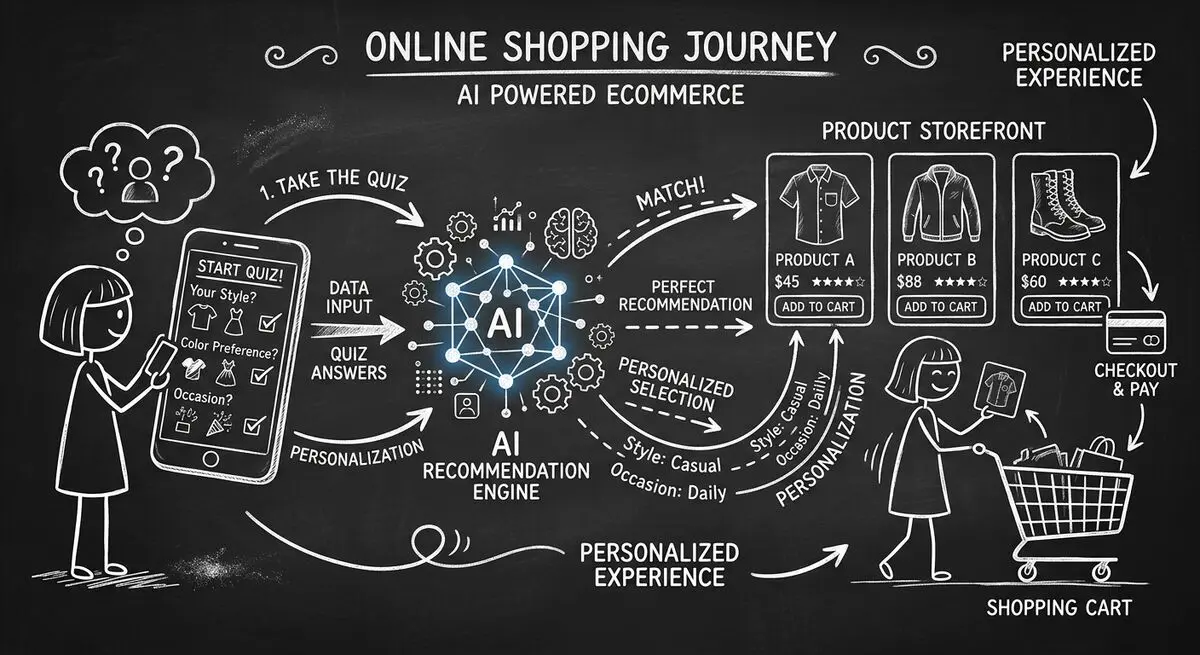
How to design an AI-assisted product quiz, map answers to recommendations, configure external tools, and measure the result for your store.
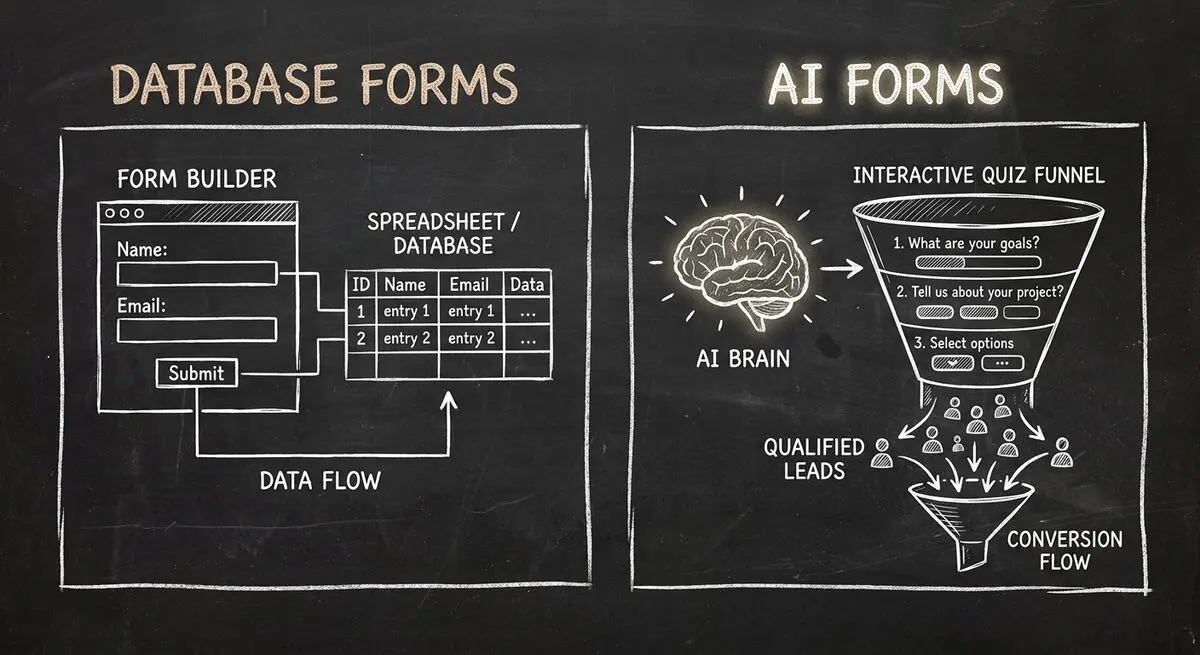
Compare Dashform and Fillout for lead intake, AI drafting, qualification, database connections, and the handoffs to test before switching.
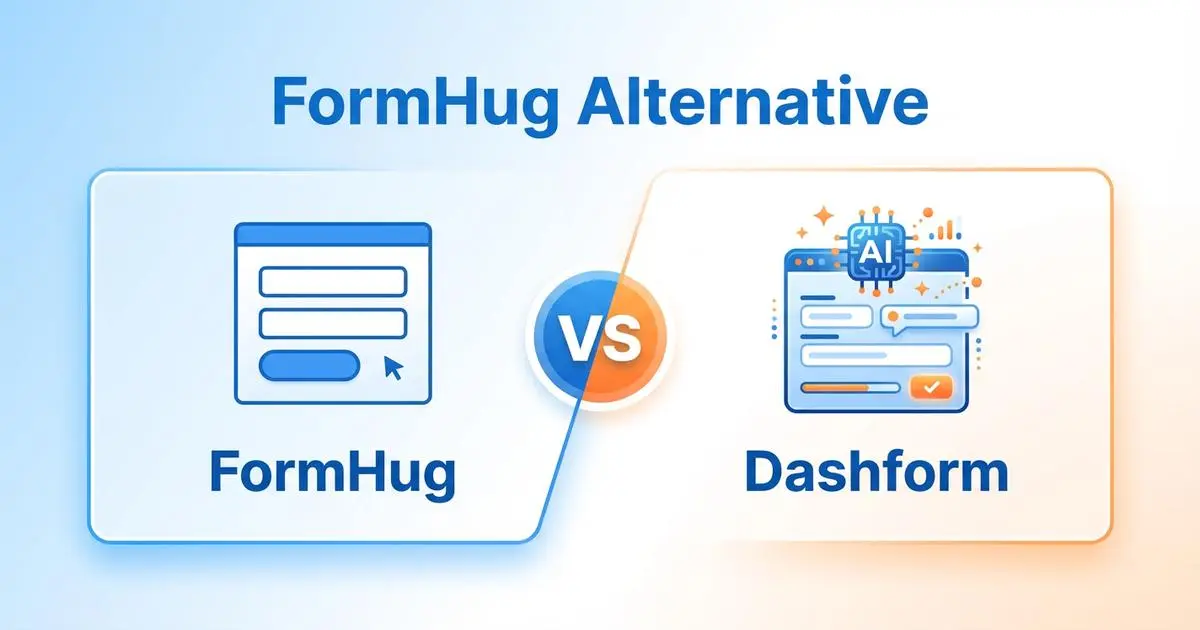
FormHug vs Dashform on AI quiz funnels, lead scoring, and pricing. Where FormHug excels and where switching makes sense for agencies and coaches.
Try the world's first AI-native form and turn every response into action instantly.

