AI-Powered Legal Intake Forms for Personal Injury Firms: An Illustrative Walkthrough
This walkthrough follows an illustrative personal injury firm with several offices handling auto accidents, slip-and-fall cases, medical malpractice, and workers' compensation claims. It is a fictional planning scenario, not a Dashform customer, and it reports no results. It shows where each Dashform tool fits in legal intake so you can plan your own rollout.
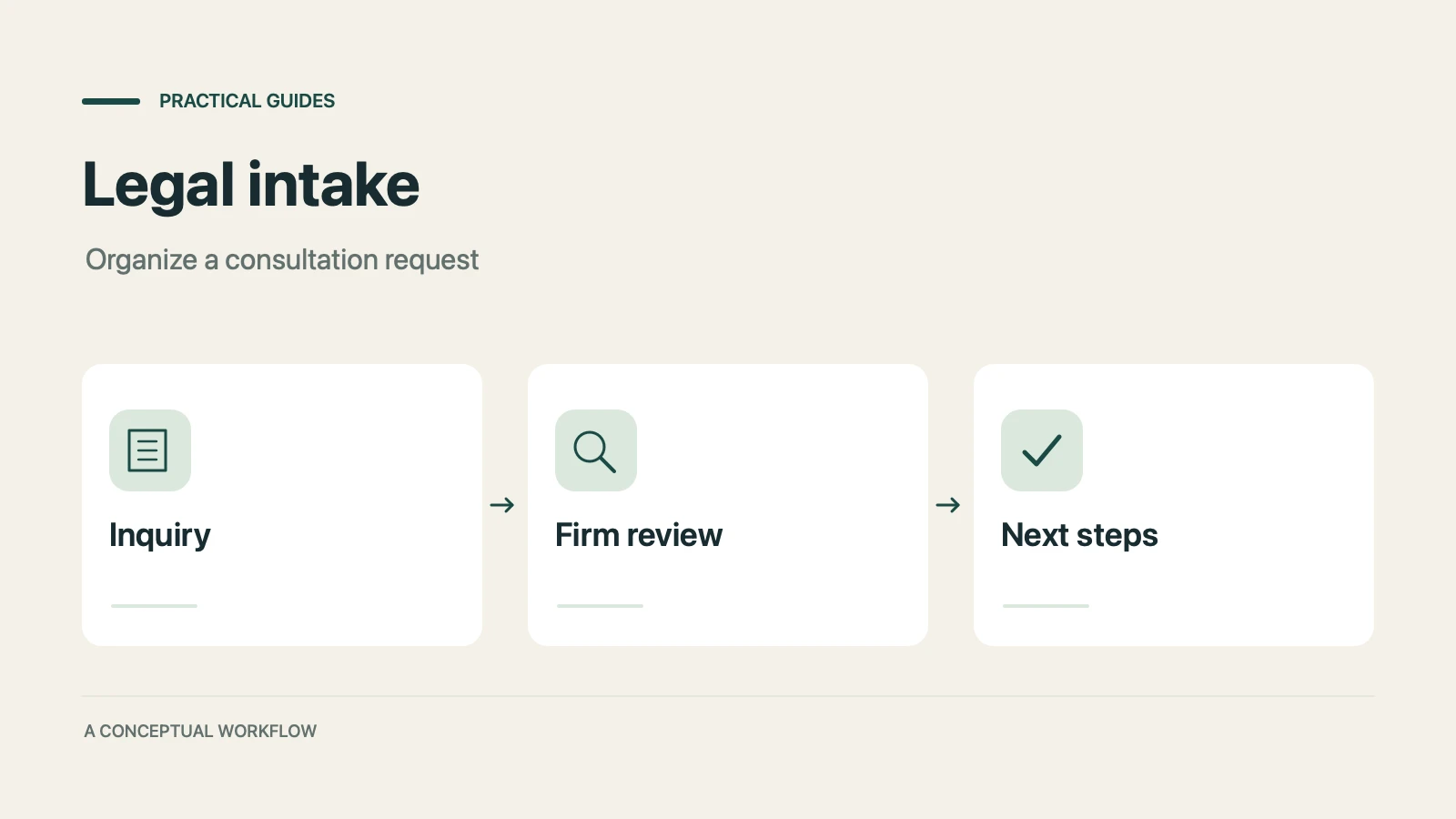
Assume the firm wants a consistent way to gather initial inquiries and prepare staff for a conversation. The proposed forms support that administrative work. Attorneys remain responsible for conflicts, deadlines, case assessment, advice, and acceptance of representation.
The Challenge: Preparing Inquiries for Human Review
Before changing the website, review where the firm's intake process loses information or leaves people uncertain about what happens next. The pilot could address these gaps:
- A generic contact form omits basic incident context that staff need for their initial conversation.
- Staff repeatedly ask for facts that could be collected through a short, attorney-approved inquiry form.
- Supporting documents and detailed intake packets arrive through separate channels and require a clear review owner.
- Prospective clients do not know how to prepare for an appointment or request a change.
- The firm lacks a consistent way to ask about service quality and record follow-up.
The Start Step should use firm-approved language explaining that sending an inquiry does not establish representation and that the form is not monitored for emergencies or deadline advice. Give visitors a direct contact option.
The Plan: 4 Dashform AI Tools for Legal Client Acquisition
Use four Dashform tools to draft inquiry, intake, preparation, and feedback forms. Review each form before Publish, and name the person or external system responsible for its next step.
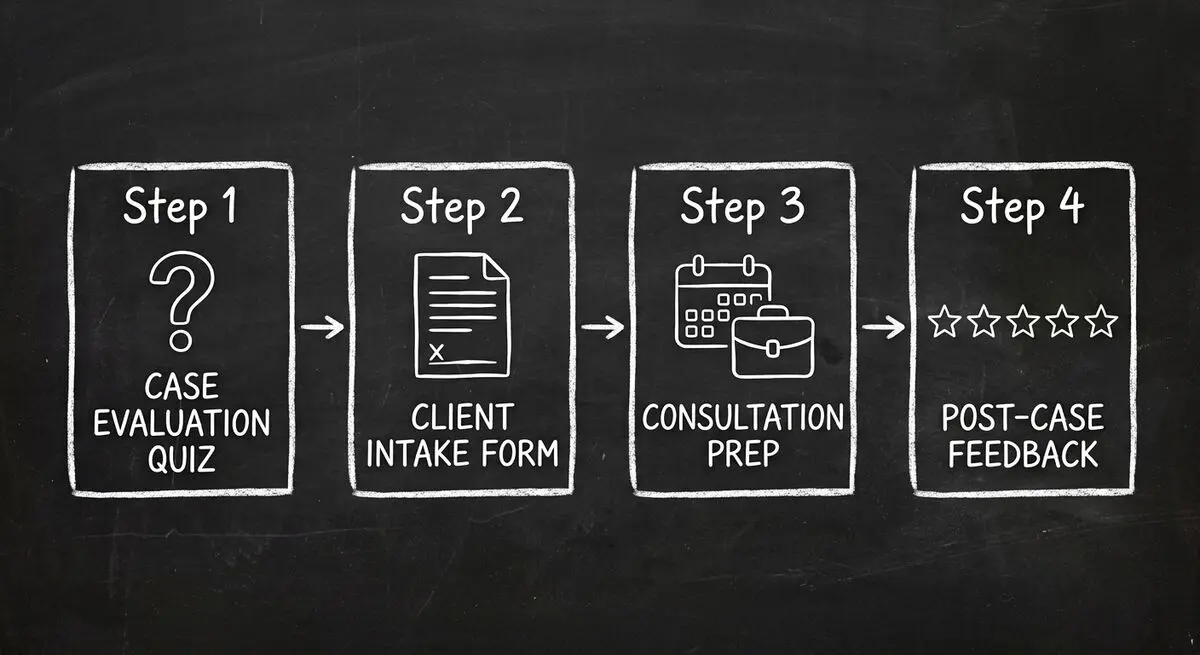
Tool 1: AI Quiz Generator for an Initial Inquiry
Use the AI Quiz Generator to draft a form titled 'Tell Our Intake Team About Your Inquiry.' Attorneys should choose the minimum questions needed: incident type, date and location, a short description, contact details, and preferred contact method.
A proposed Logic Funnel could work as follows:
- Author Branches that ask relevant factual questions for an auto accident or a premises incident. Branches organize information; they do not determine whether a claim is legally viable.
- Use answer-based Endings to acknowledge receipt and explain the firm's review process. An Ending may link to an external scheduling page if the firm approves that path. The scheduling service confirms availability and appointments.
- Give every respondent a way to reach staff. Do not automatically reject inquiries, calculate a case-viability score, estimate compensation, or declare a claim timely or untimely from form answers.
Optional native Lead Scoring evaluates a Completed Reply against staff follow-up criteria and assigns Hot, Warm, or Cold after completion. This administrative Verdict is independent of the answer-based Ending and is not a legal case verdict. Attorneys must review inquiries regardless of that label before making legal or representation decisions.
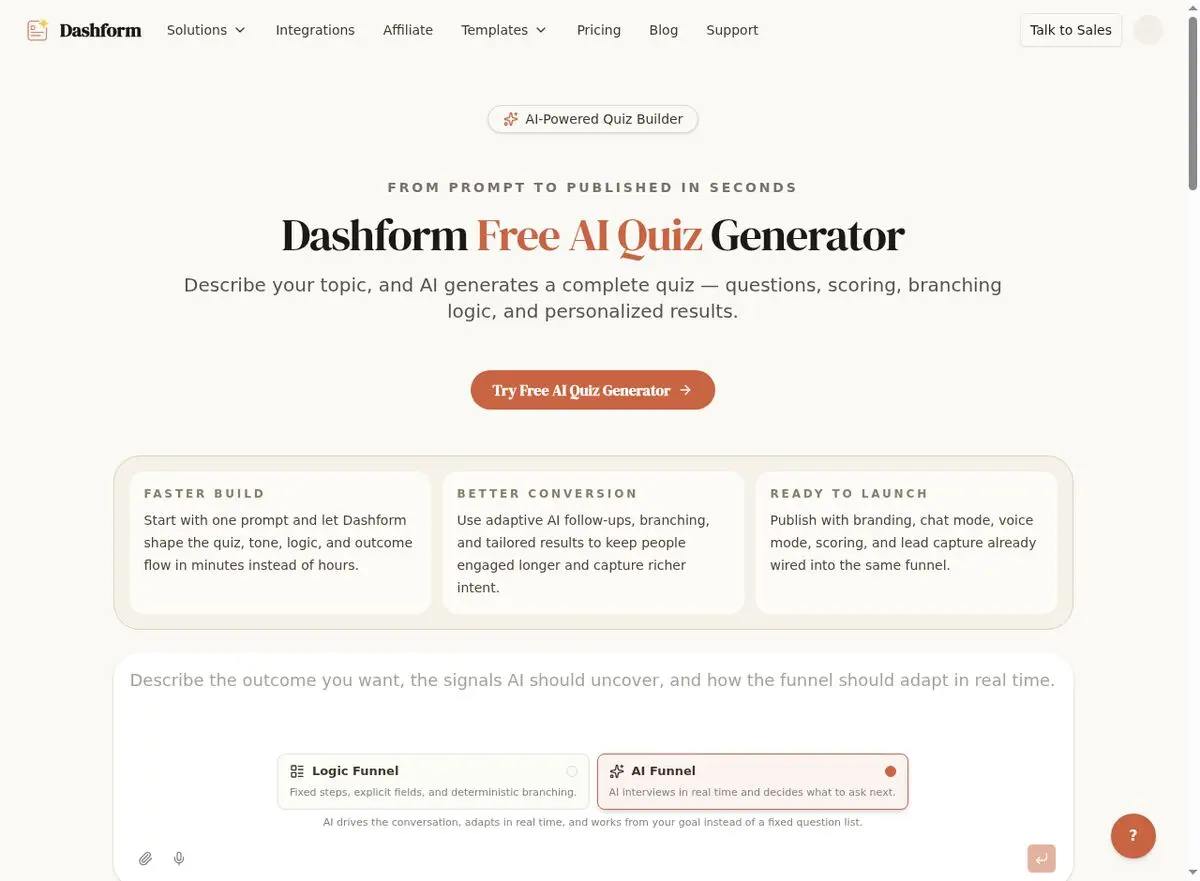
What to measure: website conversion and the share of leads that are qualified, before and after the quiz replaces the contact form.
Tool 2: AI Form Generator for Digital Client Intake
Use the AI Form Generator to draft a structured intake form for attorney review. Before collecting confidential records, assess the storage, access, retention, and contractual requirements of Dashform and every receiving service. Use the firm's approved document system where that assessment has not been completed.
The proposed intake design should address:
- Conditional sections based on case type. An auto accident client sees questions about vehicles involved, police reports, and insurance claims. A slip-and-fall client sees questions about the property owner, incident location, and witnesses.
- An attorney-selected minimum of medical information, collected only through an approved channel when necessary.
- A link to the firm's approved document channel for photos, police reports, medical records, and insurance correspondence; do not assume a generic upload field satisfies confidentiality requirements.
- Retainer agreements and required authorizations handled through a separately approved signature service.
Staff must review submissions for missing or inconsistent information; a completed form does not establish a complete case file. What to measure: intake time and how many intake forms arrive incomplete.
Tool 3: AI Consultation Form for Pre-Meeting Preparation
Between scheduling and the consultation, the firm sends a preparation form built with the AI Consultation Form Tool. As a proposed schedule, staff or a separately configured scheduling/messaging service could send its link 24 hours before a consultation. The external scheduler confirms appointments. The form could ask clients to:
- Confirm their appointment time and preferred meeting format (in-person, video call, or phone).
- List their top 3 questions for the attorney.
- Provide any additional details or documents not covered in the initial intake.
- Indicate whether they need staff to contact them about preparation; keep medical updates in the approved confidential channel.
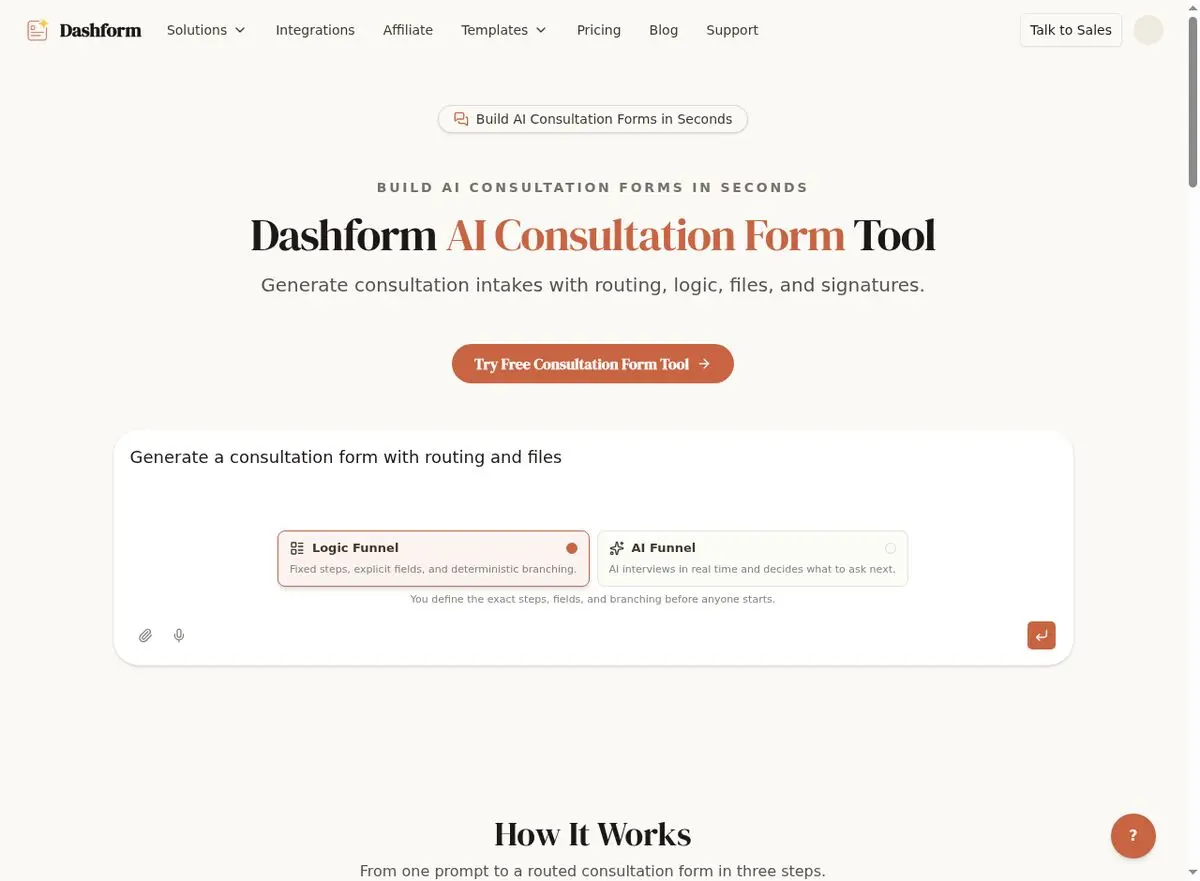
Test whether the preparation form helps clients understand the appointment; do not assume that completing it causes better attendance. What to measure: no-show rate, for clients who completed the form and for those who didn't.
Tool 4: AI Feedback Form for Client Reviews and Testimonials
The AI Feedback Form Generator can draft a service-feedback form. Staff can send its link after closure, or configure a supported case-management trigger and external messaging service with the required contact permission. Generating a form does not create that automation.
The proposed feedback workflow includes:
- Case-specific questions about communication quality, attorney responsiveness, settlement satisfaction, and overall experience.
- An authored recommendation question and a neutral review invitation offered consistently. Configure an email or Slack Destination condition for answers needing attention, then assign staff to monitor delivery and follow up.
- Optional testimonial text and a separate permission request reviewed by the firm for applicable confidentiality and advertising rules.
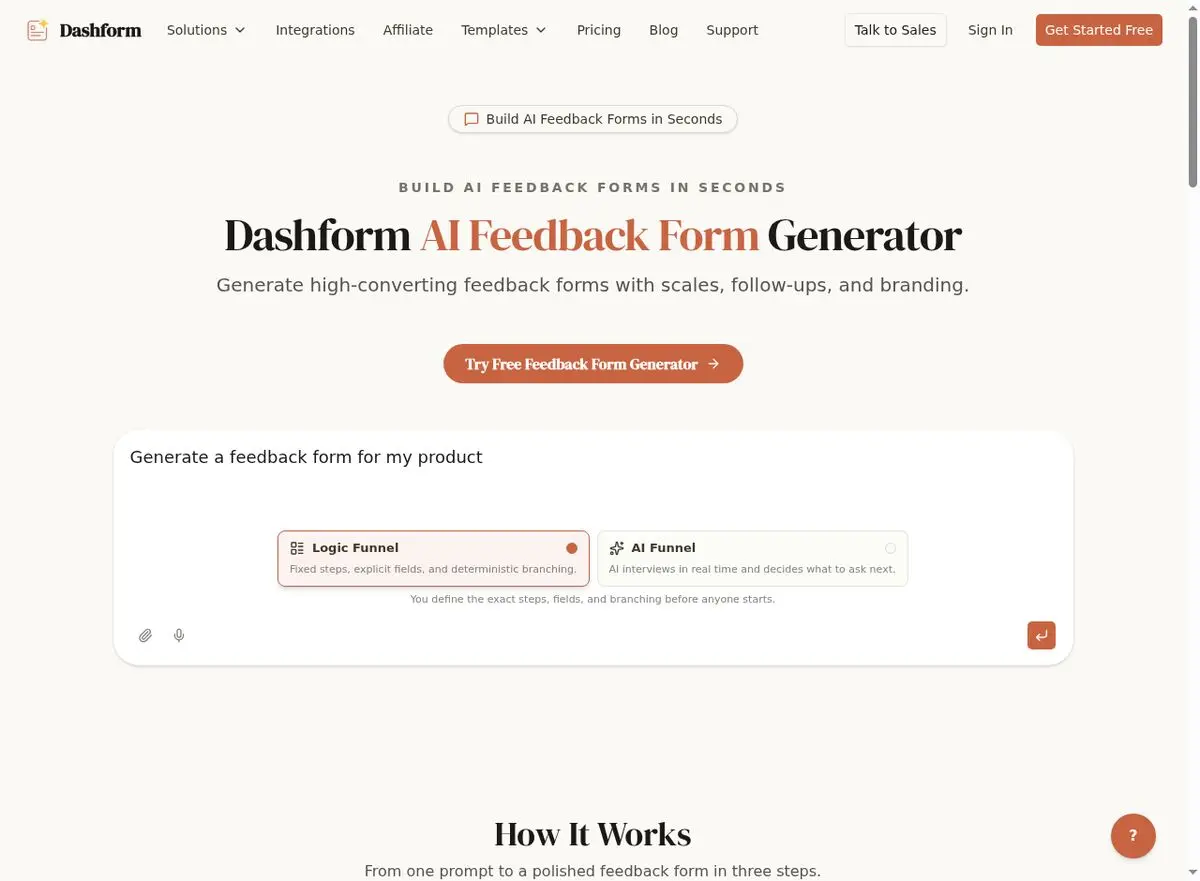
What to measure: survey response rate, review volume, and average rating. Testimonials collected with explicit permission are also useful for advertising — check your state bar's rules on attorney advertising before using them.
What Each Tool Changes
| Tool | What It Changes | What to Measure |
|---|---|---|
| AI Quiz Generator | Inquiry questions prepare staff review | Website conversion, lead quality |
| AI Form Generator | Approved intake and document channels | Intake time, incomplete forms |
| AI Consultation Form | Optional appointment preparation | No-show rate |
| AI Feedback Form | Service feedback with assigned follow-up | Reviews, testimonials |
Rollout Plan
Pilot the Dashform inquiry form first, then decide whether approved intake, preparation, and feedback forms are useful. Drafts from templates require attorney review. External document, scheduling, messaging, and signature workflows may need technical support and must be tested separately.
Track intake effort, completeness, attendance, signed matters, and acquisition cost alongside changes in traffic and case mix. A before-and-after difference alone does not establish that the forms caused it.
Key Takeaways for Law Firms and Legal Practices
- Collect context for human review. Attorneys decide suitability and representation; an intake label must not reject a case automatically.
- Use approved intake channels. Staff verify what information is missing before the consultation.
- Offer preparation information before consultations and measure whether clients find it useful.
- Collect optional service feedback, assign a follow-up owner, and review any testimonial permission before use.
Frequently Asked Questions
Is this law firm a real Dashform customer?
No. The firm in this article is a fictional planning scenario, not a Dashform customer, and the walkthrough reports no results. It shows how the tools fit into legal intake so you can plan your own rollout and measure your own numbers.
Does a firm need to hire developers to implement Dashform?
Staff can draft and edit forms using templates. Attorneys must review intake wording and professional obligations, and administrators or developers may be needed for external case-management, scheduling, messaging, or signature workflows. Confirm supported actions and test each connection before relying on it.
Can Dashform handle sensitive legal client information?
The firm must assess whether Dashform and every receiving service meet its confidentiality, access, retention, and contractual requirements before collecting sensitive records. Start with minimal inquiry information. Use an approved external service for signed retainers and authorizations; Dashform does not provide native signature capture.
What types of law firms can benefit from this approach?
Different practices can adapt structured inquiry forms to their services, subject to attorney review. This example concerns personal injury intake. No form result should decide case viability, filing deadlines, conflicts, or whether the firm will represent someone.
How does a case evaluation quiz compare to live chat?
An authored inquiry form asks a consistent set of questions, while a staffed chat may clarify questions during the conversation. Either can collect information for attorney review. Test accessibility, completion, and staff workload without presenting either format as an automated legal evaluation.
Build Your Firm's Intake Funnel
Whether you run a solo practice or a multi-office firm, the same tools are available today. Start with the AI Quiz Generator to draft an inquiry form for attorney review, then assess any additional intake and feedback workflow.
Get started with Dashform for free and see how AI-powered forms can work for your legal practice.