



Most teams don’t realize how much time they lose to forms — collecting answers, rewriting information, waiting for approvals, fixing mistakes, and passing files from tool to tool.
But with automated form workflows, everything moves faster. Some companies see up to 90% less manual paperwork within the first month, and employees say automation helps them do more meaningful work instead of tedious admin.
Dashform was built for this exact moment. To turn every form into momentum, every answer into an action, and every workflow into progress.
Quick Summary
Automated form workflows reduce manual admin by moving data across tools and approvals without human intervention.
- Dashform generates entire forms and workflow logic from a simple prompt
- AI follow-up questions ensure clean, complete submissions
- Built-in integrations automatically route data to Slack, Notion, Airtable, and more
- Auto-mapping removes manual field configuration
- AI Mode and Normal Mode provide flexibility for different compliance needs
Dashform turns traditional form building into intelligent, end-to-end workflow automation.
What Automated Form Workflows Are and How Dashform Improves Them
Automated form workflows move information across tools, people, and decisions — without manual intervention.
Traditional tools require you to:
- build the form
- write your own logic
- map fields manually
- wire everything into automation apps
- debug every step
Dashform removes most of this overhead.
How Dashform Reinvents Automated Workflows
AI Generates Your Entire Form & Workflow
Instead of manually building forms like in Microsoft Forms or Formstack. Dashform lets you start with a prompt:
“Create an onboarding workflow for new freelance designers.”
Dashform automatically produces:
- all questions
- validations
- branching logic
- follow-up AI questions
- recommended workflow automations
- suggested integrations
You go from idea → working workflow in minutes.
AI Follow-Up Questions Ensure Clean, Complete Data
Most automation workflows fail because of:
- missing fields
- vague answers
- incomplete data
Dashform fixes this using AI follow-up logic, similar to Typeform’s Logic features but fully automated.
If a user answers "ASAP," Dashform asks:
“What date should we use?”
If they say “low budget,” Dashform follows with:
“Please provide your expected range.”
This reduces workflow errors dramatically.
Dashform Moves Data Everywhere It Needs to Go
Dashform integrates natively with:
- Notion
- Google Sheets
- Airtable
- Slack
- Webhooks & APIs
Dashform can automatically:
- create tasks
- send notifications
- tag leads
- update databases
- generate PDF summaries
- trigger approval flows
Dashform Auto-Fill Chrome Plugin Extends Your Workflow Outside Dashform
Many business workflows involve external forms like:
- government applications
- school forms
- job portals
- onboarding systems
- CRM web forms
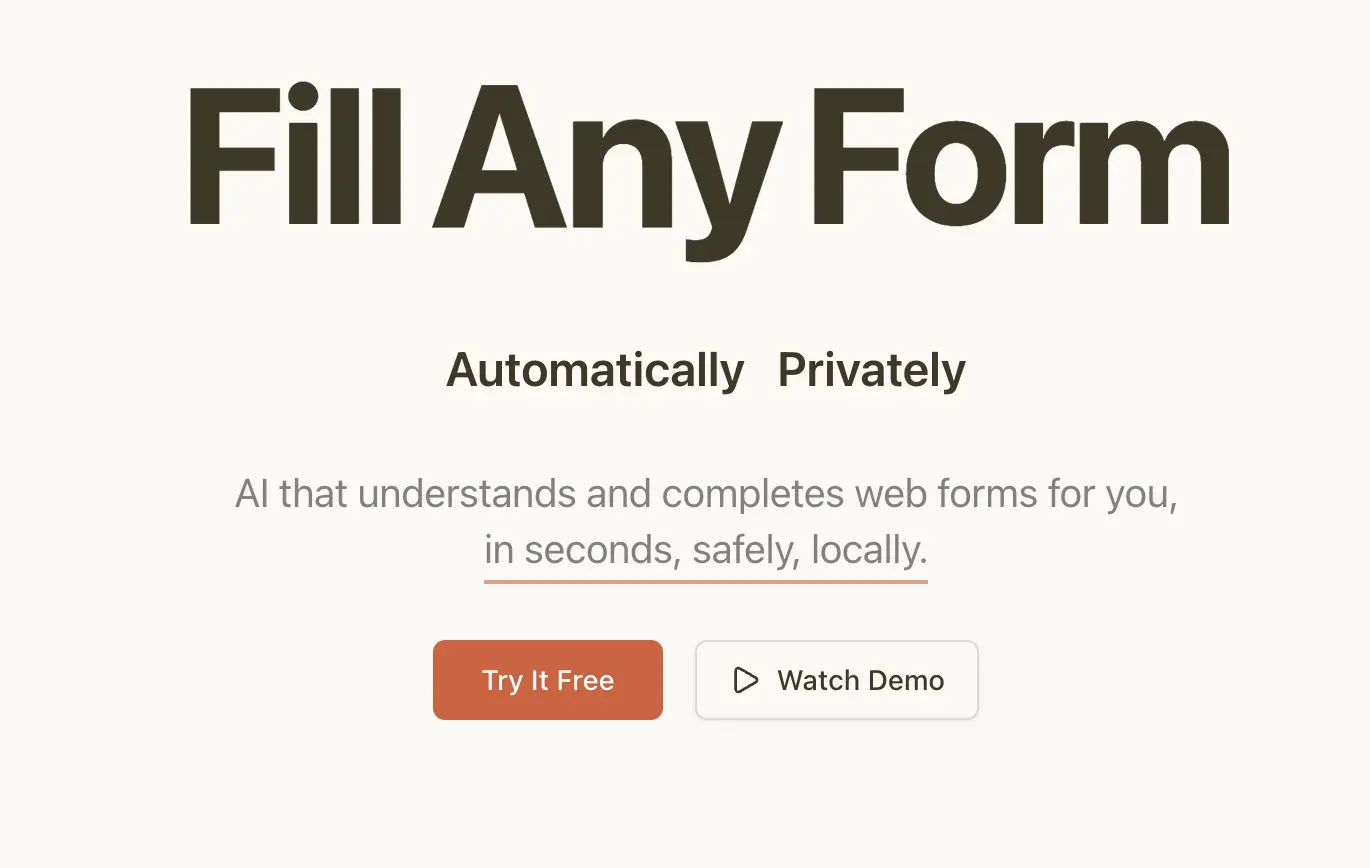
Dashform’s Auto-Fill Plugin allows you to fill any form online with one click — similar to but smarter than Chrome AutoFill. This makes your workflow portable across the entire web.
AI Mode vs Normal Mode = Full Workflow Control
Some workflows need flexibility. Some require strict, compliant structure.
Dashform offers both:
- AI Mode → conversational, adaptive flows
- Normal Mode → structured, fixed, predictable
This gives you the control that corporate tools like Power Apps try to provide but without complexity.
Dashform Dashboards & Audit Trails Show Workflow Health
Dashform auto-generates:
- submission logs
- processing timelines
- workflow status
- bottleneck detection
- error alerts
Functionally similar to enterprise workflow monitoring like: Power BI dashboards
How Dashform Helps You Build Workflows Step-by-Step
1. Define Goals — Dashform Helps You Map Them
Dashform analyzes your prompt and suggests:
- workflow design
- required questions
- approval paths
- integration options
- potential bottlenecks
2. Create Your Form — Dashform Generates It Automatically
Unlike manual creation in:
- Typeform
- Google Forms
- Formstack
Dashform creates:
- questions
- follow-up logic
- field types
- conditional branching
- validations
- brand styling
3. Build the Workflow — Dashform Suggests the Actions
Dashform evaluates your form and recommends:
- “Send this to Slack”
- “Trigger approval > $1000”
- “Sync to Airtable”
- “Create CRM record”
You don’t need to manually configure paths like in Power Automate or Make.
4. Field Mapping — Dashform Auto-Maps Everything
Traditional tools require manual field mapping. Dashform uses AI to auto-map fields to actions.
5. Test & Launch — Dashform Simulates Your Workflow
Dashform simulates:
- responses
- logic branches
- data flow
- integration calls
- approval chains
Similar to testing in Make.com or Power Automate but instant and automatic.
Tips & Best Practices with Dashform
- Begin with simple workflows
- Use AI follow-ups for clean submissions
- Use dashboards to identify bottlenecks
- Use auto-fill for external workflow steps
- Sync to tools your team already uses





