

This eight-question form collects everything needed to assess an invigilator application in one go. It opens with contact details — full legal name, email, and phone number — so the reviewer can identify and reach the applicant, then moves to experience and qualifications: a free-text field for previous invigilation history (dates and institutions included) and a required field for relevant certifications such as safeguarding or first aid. Two multiple-choice questions follow, capturing the applicant's general availability across weekday and weekend slots and any preference for exam type, from academic to practical. The form closes with a declaration question asking the applicant to confirm the accuracy of everything submitted before they can proceed. After submitting, applicants see a confirmation screen thanking them and letting them know they will be contacted if their application progresses.
Try the conversation below to see how this template works
Trusted by over 10,000 customers and growing
Conversations Started
Questions Answered
Forms Created
The availability and exam-type preference questions let coordinators quickly match invigilators to specific sessions and assessment formats across their schedule.
The experience question — asking for dates and institutions — gives academic administrators the detail they need to verify a candidate's background against internal requirements.
The qualifications question and the 'Professional Certifications' option in the exam-type question help providers confirm that invigilators meet the standards their regulated assessments demand.

AI builds and refines your form through natural conversation no templates, no complex logic, no coding. From a simple text prompt or URL, Dashform generates intelligent flows that adapt automatically.
Dashform turns traditional form-filling into a two-way dialogue. The AI understands intent, remembers context, and asks relevant follow-up questions just like a real human conversation.
Every response is transformed into structured, meaningful, and ready-to-use data. Integrate with your favorite tools.
Everything you need to create amazing forms
Everything you need to know about this template
Don't see exactly what you need? Use our AI Form Generator to create a custom form in seconds. Just describe what you want, and AI will build it for you.
Explore more templates to find the perfect fit
 Document Submission
Collect shareable document links with a document category, sender contact details, and optional notes.
 Evaluation
Audit any document for compliance, accuracy, completeness, and clarity in seven focused questions.
 Tracking Log
Log your dog's vaccinations, owner details, and vet information in one organized health record.
 Donation
Explore a donation pledge with an intended amount, giving frequency, and a separate choice about email updates.
 General Request
Submit a support query with full context, urgency, and your preferred contact method so the right team member can respond promptly.
 Consent
Designate an agent and define their powers with this seven-question Durable Power of Attorney form.
Learn how to get the most out of your forms and templates

A guide to sharing and closing Google Forms, checking the controls available in your account, and comparing Dashform sharing workflows.
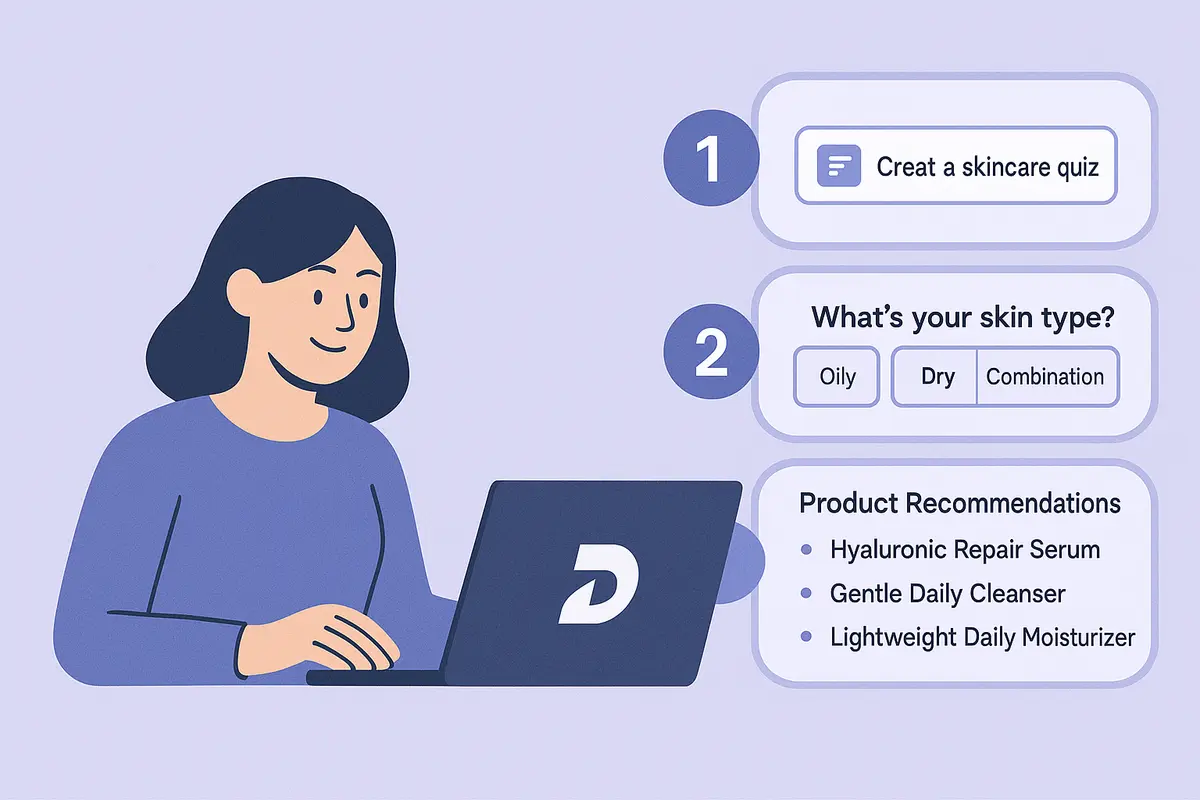
Learn how to create a high-converting AI product recommendation quiz using Dashform. This step-by-step guide shows how to generate personalized quizzes with conditional logic, branding, and CRM integrations — no coding required.

How realtors can use AI agent funnels to receive pre-qualified buyer leads, with budget, timeline, and preferences already collected, and the setup to get there.
Try the world's first AI-native form and turn every response into action instantly.