

The Invoice Request Form opens with a welcome screen that sets expectations for a smooth submission, then walks respondents through ten questions in a logical billing order. It starts by collecting the submitter's identity — "Your Full Name" and "Your Email Address" — followed by the optional "Company or Business Name" for sole traders or agency staff who may invoice under a business. The date, recipient, service description, and total amount questions give the finance team everything needed to build or verify the invoice, while "Preferred Payment Method" and "Payment Terms" capture how and when the submitter expects to be paid. The optional "Additional Notes or Special Instructions" question closes the form so respondents can flag anything unusual without it being required. After submitting, respondents see a thank-you screen explaining that the billing details are ready for finance-team review. The form does not send an automatic confirmation email.
Try the conversation below to see how this template works
Trusted by over 10,000 customers and growing
Conversations Started
Questions Answered
Forms Created
Relies on the "Description of Goods or Services Provided", "Total Invoice Amount (USD)", and "Payment Terms" questions to submit a complete, self-contained invoice request without back-and-forth emails.
Depends on the "Bill To (Client or Company Name)", "Invoice Date", and "Preferred Payment Method" questions to receive structured, consistent data that feeds directly into payment processing workflows.
Uses the optional "Company or Business Name" and "Additional Notes or Special Instructions" questions to handle invoices across multiple clients and flag project-specific billing arrangements.

AI builds and refines your form through natural conversation no templates, no complex logic, no coding. From a simple text prompt or URL, Dashform generates intelligent flows that adapt automatically.
Dashform turns traditional form-filling into a two-way dialogue. The AI understands intent, remembers context, and asks relevant follow-up questions just like a real human conversation.
Every response is transformed into structured, meaningful, and ready-to-use data. Integrate with your favorite tools.
Everything you need to create amazing forms
Everything you need to know about this template
Don't see exactly what you need? Use our AI Form Generator to create a custom form in seconds. Just describe what you want, and AI will build it for you.
Explore more templates to find the perfect fit
 Agreement
Collect tutor and student details, lesson frequency, hourly rate, payment method, and formal agreement in one short form.
 Survey
Gauge viewer sentiment, creative preferences, and ad recall across five focused questions about TV advertising.
 Leave Request
Request early departure with dates, proposed departure and scheduled end times, requested hours, reason, and manager-discussion status.
 Hr
HrLog uniform issuances to staff by capturing items, sizes, quantities, and a distribution date in one tidy record.
 Satisfaction Survey
Collect structured user feedback on satisfaction, ease of use, useful features, and likelihood to recommend.
 Survey
Gather first impressions, usability ratings, and improvement ideas from product testers in six focused questions.
Learn how to get the most out of your forms and templates
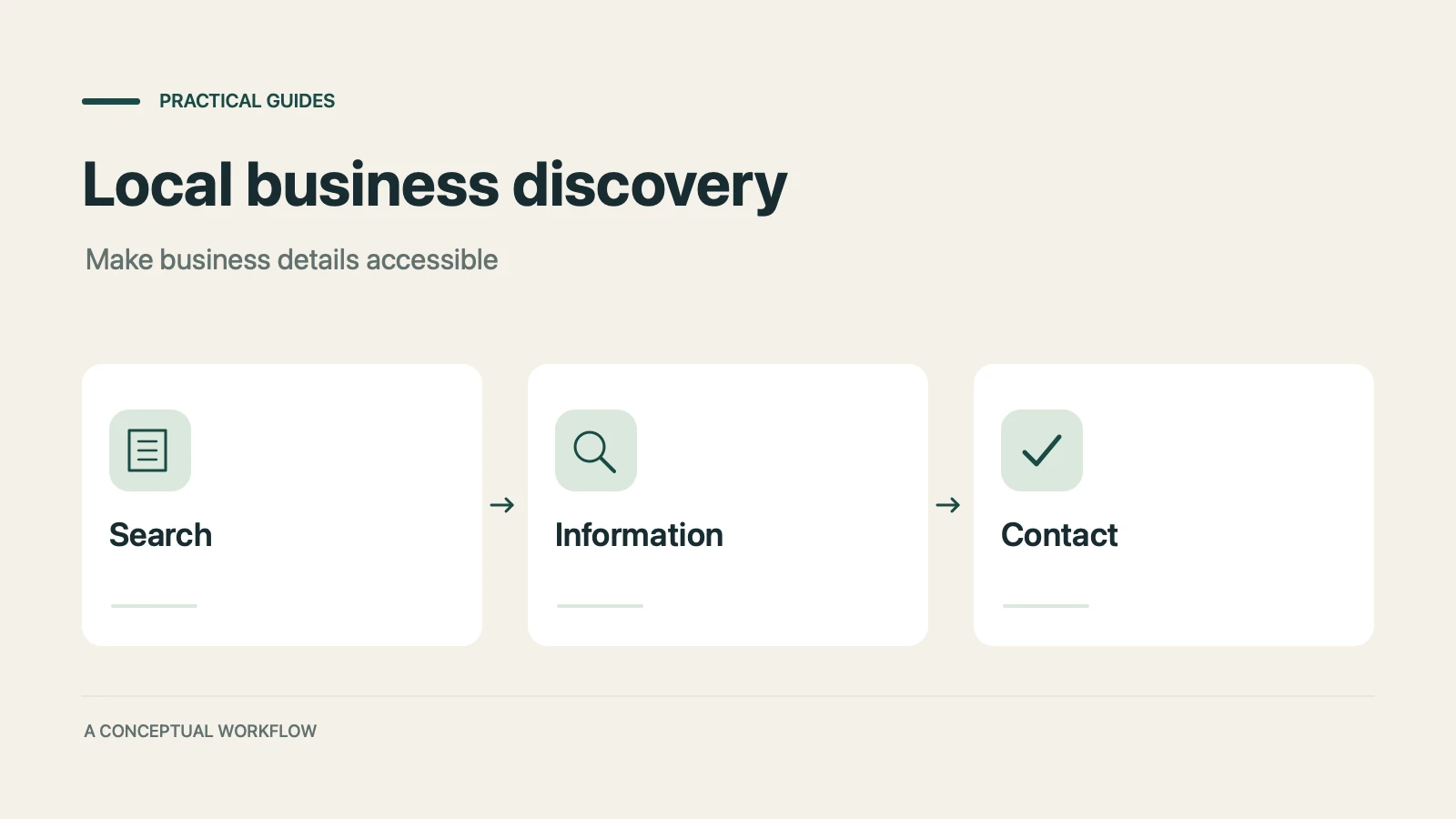
Many consumers now ask AI assistants for local recommendations as well as Google. Where that discovery happens, why traditional SEO alone cannot reach it, and how to make your business visible to AI agents.

GPT-5.4 can operate a computer the way a person does. How computer use AI agents can automate each stage of your sales funnel, from lead capture to client onboarding, without replacing your existing tools.

How home service companies can use AI quiz funnels to pre-qualify HVAC, plumbing, and electrical jobs, so dispatchers spend their time on real jobs. Implementation playbook.
Try the world's first AI-native form and turn every response into action instantly.