

The Interview Consent Form walks a participant through seven questions before an interview begins, confirming informed consent step by step. It opens by checking whether the participant understands the interview's purpose and data use, then verifies that participation is voluntary and can be withdrawn at any time. Two further questions address anonymity and recording consent, so the interviewer has a clear, documented record of exactly what the participant agreed to. The form closes by asking the participant to type their full legal name as a binding acknowledgement, with an optional email field for any follow-up. After submitting, participants see a thank-you screen confirming their consent has been received.
Try the conversation below to see how this template works
Trusted by over 10,000 customers and growing
Conversations Started
Questions Answered
Forms Created
Rely on the data-use and anonymity questions to meet ethics board requirements for documented, informed participant consent.
Use the recording consent question to get explicit, on-record permission before audio or video capture begins.
Lean on the typed legal name and voluntary-participation questions to create a lightweight but auditable consent trail for user interviews.

AI builds and refines your form through natural conversation no templates, no complex logic, no coding. From a simple text prompt or URL, Dashform generates intelligent flows that adapt automatically.
Dashform turns traditional form-filling into a two-way dialogue. The AI understands intent, remembers context, and asks relevant follow-up questions just like a real human conversation.
Every response is transformed into structured, meaningful, and ready-to-use data. Integrate with your favorite tools.
Everything you need to create amazing forms
Everything you need to know about this template
Don't see exactly what you need? Use our AI Form Generator to create a custom form in seconds. Just describe what you want, and AI will build it for you.
Explore more templates to find the perfect fit
 Hr
HrOrganize an employee incident, prior warnings, corrective action, and review date for separate HR review and documentation.
 Job Application
A ten-question job application covering contact details, role preferences, work eligibility, and recent experience.
 Evaluation
Collect player and staff feedback on season performance, team cohesion, coaching, and areas for improvement.
 Checklist
Track equipment inspections by category, item condition, and any missing or damaged gear — with optional supervisor sign-off.
 Service Booking
Book watersports equipment hire in minutes — kayaks, paddleboards, wetsuits, and more.
 Tracking Log
Track business equipment with fields for condition, location, value, serial number, and assigned responsibility.
Learn how to get the most out of your forms and templates
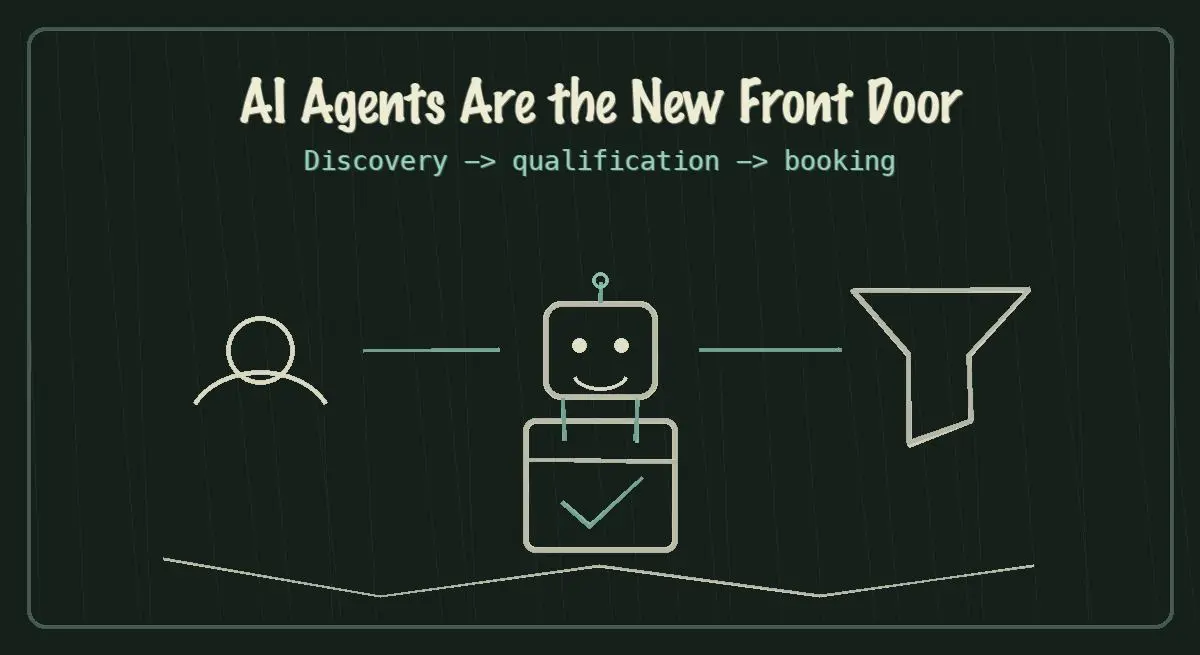
AI agents are becoming the new front door for local service discovery. Learn how to make your business discoverable, qualified, and bookable in 2026.
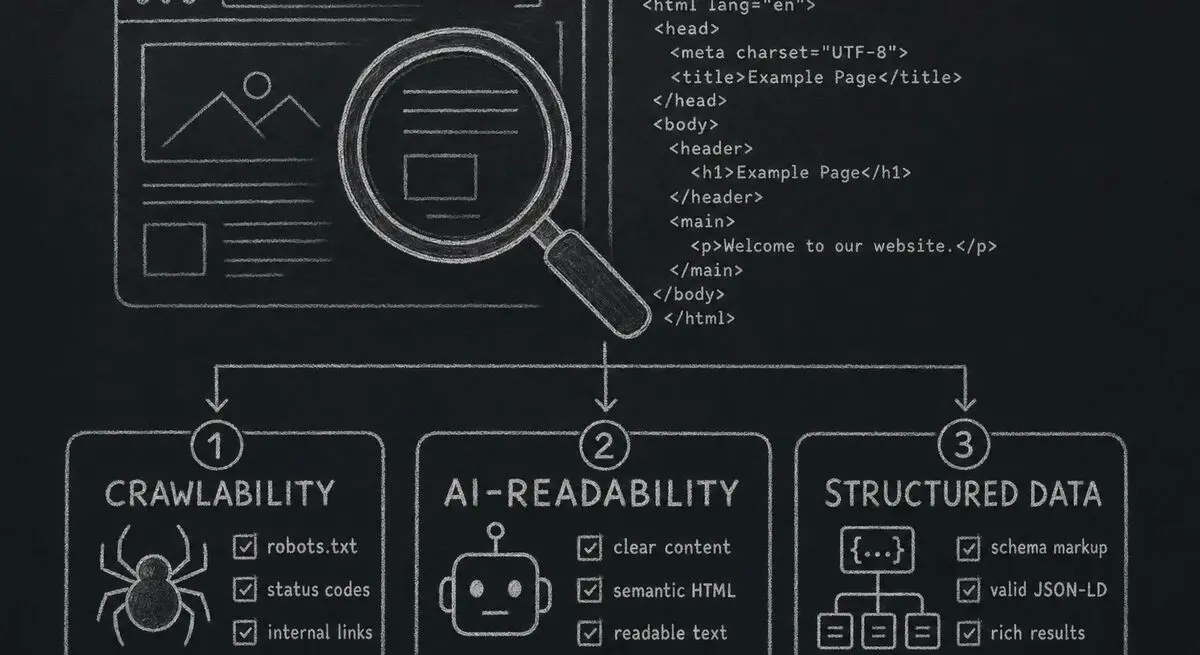
How Dashform computes technical agent readiness, groups its checks into Readiness Layers, and presents Findings without predicting traffic or revenue.
Add a header image in Google Forms and review Dashform's logo, theme, and step-background options for branded forms.
Try the world's first AI-native form and turn every response into action instantly.