This seven-question form collects every musical detail a couple wants at their wedding, from ceremony to last dance. It opens by asking for the couple's names, then works through the event in chronological order: ceremony songs, reception music, the first dance, special dances like parent dances, and any must-play or must-avoid tracks. It closes with the "What overall music style fits your wedding vision?" question, which gives the DJ or band a single anchor — classic, modern, mixed, or a specific genre — to guide every choice in between. After submitting, couples see a confirmation screen telling them their preferences have been recorded and prompting them to share the results directly with their DJ or musicians.
Try the conversation below to see how this template works
Trusted by over 10,000 customers and growing
Conversations Started
Questions Answered
Forms Created
Relies on the "What overall music style fits your wedding vision?" question and the must-play/avoid question to build a set that matches the couple's taste without back-and-forth emails.
Uses the ceremony question's processional, recessional, and unity ceremony prompts alongside the first dance and special dances questions to prepare the exact repertoire needed for each moment.
Sends this form early in the planning process to gather every musical preference in one place, then shares the completed responses directly with the couple's chosen performer.

AI builds and refines your form through natural conversation no templates, no complex logic, no coding. From a simple text prompt or URL, Dashform generates intelligent flows that adapt automatically.
Dashform turns traditional form-filling into a two-way dialogue. The AI understands intent, remembers context, and asks relevant follow-up questions just like a real human conversation.
Every response is transformed into structured, meaningful, and ready-to-use data. Integrate with your favorite tools.
Everything you need to create amazing forms
Everything you need to know about this template
Don't see exactly what you need? Use our AI Form Generator to create a custom form in seconds. Just describe what you want, and AI will build it for you.
Explore more templates to find the perfect fit
 Inquiry
Let visitors request a personalized product demo by sharing their contact details, area of interest, and any questions in advance.
 Client Intake
Collect patients' dental and medical history before their appointment, covering medications, allergies, conditions, and past treatments.
 Professions
Collect contact details, insurance info, visit reason, and medical history from new dental patients before their first appointment.
 Report
A structured daily form for department managers to report activities, issues, payroll updates, and notes in one place.
 Payment
Outline payer, payee, deposit amount, purpose, date, and method for a receipt prepared separately.
 Tracking Log
Record and track asset depreciation by logging acquisition details, useful life, salvage value, and depreciation method.
Learn how to get the most out of your forms and templates
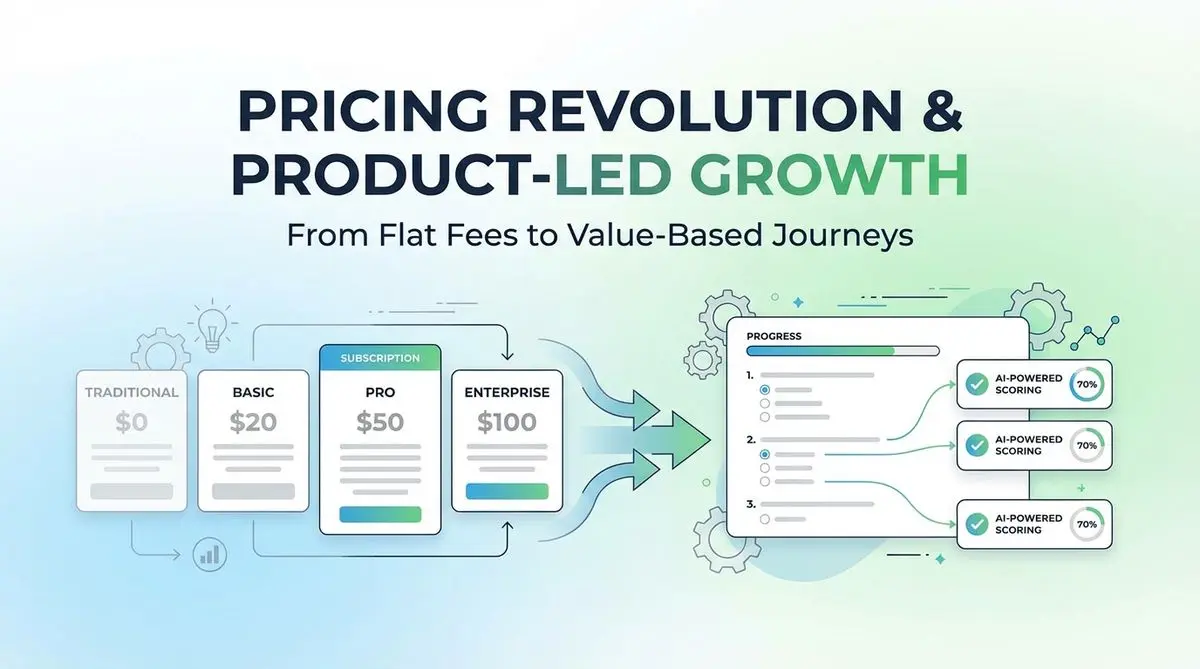
A proposed SaaS intake quiz can collect use case, budget, and timeline before a trial. Test its effect on signups, activation, and paying customers.
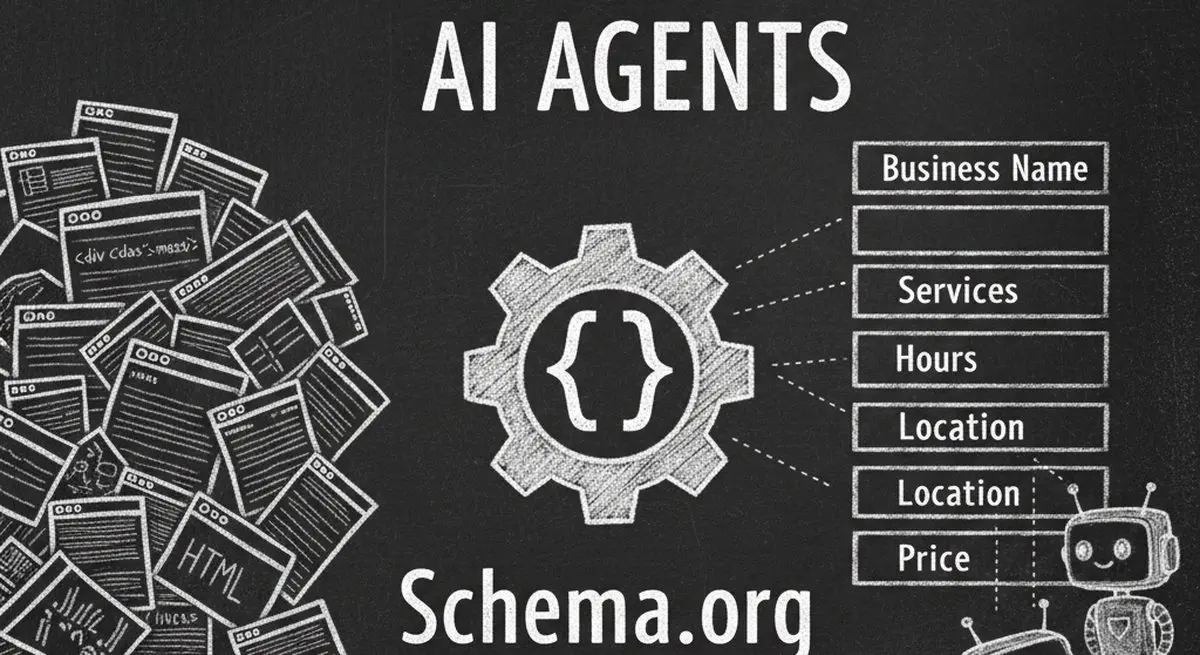
Seven Schema.org types for describing business details accurately. Structured data can aid parsing, but won't guarantee discovery, citations, or bookings.

Many coaches start with ScoreApp but outgrow scoring-only workflows as they scale. Common ScoreApp alternatives and what to look for beyond assessments.
Try the world's first AI-native form and turn every response into action instantly.

