

This product demo request form opens with a welcome screen inviting visitors to schedule a personalized demonstration, then collects contact details across six questions: name and email address (both required), followed by an optional phone number and company name to help the sales team prepare. The form then asks which product or solution the visitor wants to see, so the right demo can be arranged, and closes with an optional question inviting them to flag specific areas or questions they'd like covered. After submitting, respondents see a confirmation screen letting them know the sales team will review their request and be in touch shortly to book the demo.
Try the conversation below to see how this template works
Trusted by over 10,000 customers and growing
Conversations Started
Questions Answered
Forms Created
The "Which product or solution are you interested in demonstrating?" question ensures the right product specialist or demo environment is lined up before the call.
The optional company name and phone number questions give account executives the context they need to personalize their outreach and route the lead efficiently.
The "Do you have any specific questions or areas you'd like us to focus on during the demo? (Optional)" question lets prospects flag their pain points upfront, making each demo more targeted and relevant.

AI builds and refines your form through natural conversation no templates, no complex logic, no coding. From a simple text prompt or URL, Dashform generates intelligent flows that adapt automatically.
Dashform turns traditional form-filling into a two-way dialogue. The AI understands intent, remembers context, and asks relevant follow-up questions just like a real human conversation.
Every response is transformed into structured, meaningful, and ready-to-use data. Integrate with your favorite tools.
Everything you need to create amazing forms
Everything you need to know about this template
Don't see exactly what you need? Use our AI Form Generator to create a custom form in seconds. Just describe what you want, and AI will build it for you.
Explore more templates to find the perfect fit
 Evaluation Survey
Collect structured ratings and open feedback on a presenter's content, delivery, and overall impact.
 File Upload
Submit a press release with contact details, industry category, and regional targeting in one straightforward form.
 Other
OtherCollect every detail needed for a professional press release, from headline and embargo date to boilerplate and media contact.
 Agreement
Collect customer contact info, property details, surface selections, and scheduling preferences for a pressure washing booking.
 Other
OtherOutline an account, current and proposed rates, effective date, reason, and notice period before drafting a customer letter.
 Quote Request
Request an accurate printing quote by sharing your paper size, orientation, quantity, and color mode preferences.
Learn how to get the most out of your forms and templates
Connect Claude Code to Dashform, create and inspect a form draft, and understand the difference between reusable skills, MCP access, and publishing.
Compare Dashform and ScoreApp for coaching and agency assessments, including current pricing, scoring differences, and what to check before switching.
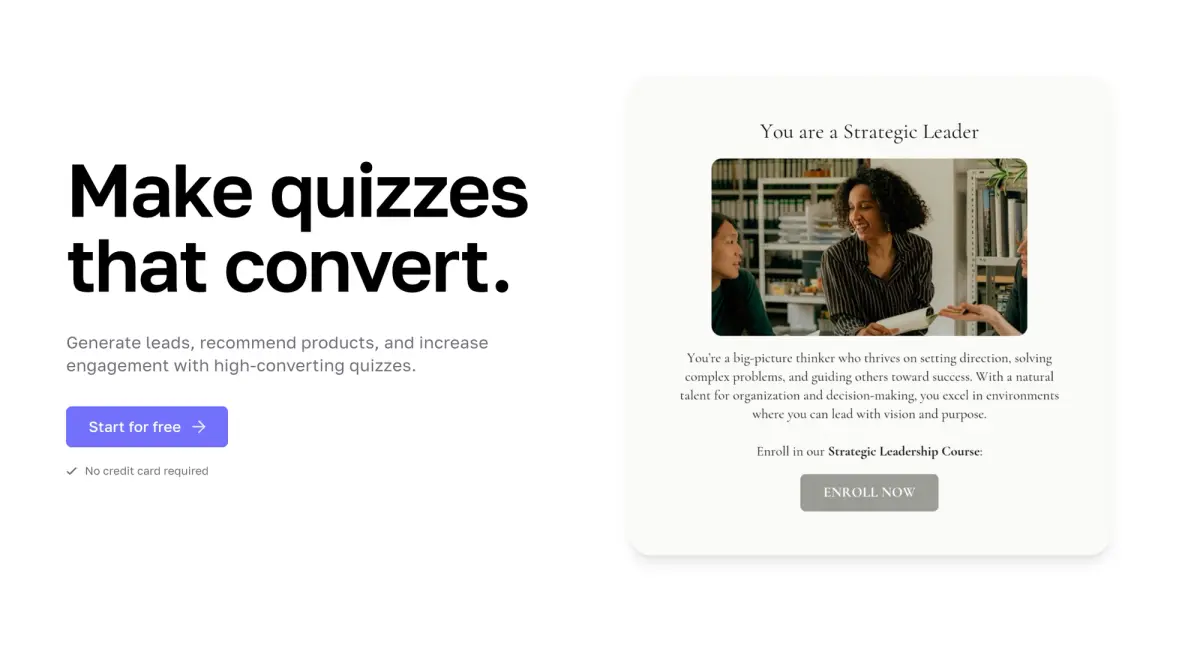
Interact's quiz builder is solid, but its features are spread across paid tiers. Compare Interact and Dashform side by side: AI quiz generation, scoring, branding, and free plan.
Try the world's first AI-native form and turn every response into action instantly.