

This nine-question dental intake form opens by collecting a patient's full legal name and date of birth to create an accurate record, then asks for the primary reason for today's visit so the dental team can prepare before the appointment. The last dental visit question accepts an approximate date, Never, or Unknown, while the following two open-ended questions on current medications and known allergies flag anything that could affect treatment safety. Patients then select relevant medical conditions — such as diabetes, heart disease, or a bleeding disorder — and prior dental treatments, from fillings to implants. An optional final text question lets patients describe treatments not listed in the choices. After submitting, patients see a confirmation screen thanking them for their time and explaining how the information supports their upcoming care.
Try the conversation below to see how this template works
Trusted by over 10,000 customers and growing
Conversations Started
Questions Answered
Forms Created
Relies on the "What is the primary reason for your dental visit today?" question and the two multiple-choice questions to prepare the team for each patient's specific needs before they arrive.
Depends heavily on the "Are you currently taking any medications (prescription or over-the-counter)? Please list them." question and the medical conditions question to assess surgical risk upfront.
Uses the "Have you had any significant dental treatments in the past? Select all that apply." question — particularly the fillings, crowns/bridges, and implants options — to understand the structural history of a new patient's teeth.

AI builds and refines your form through natural conversation no templates, no complex logic, no coding. From a simple text prompt or URL, Dashform generates intelligent flows that adapt automatically.
Dashform turns traditional form-filling into a two-way dialogue. The AI understands intent, remembers context, and asks relevant follow-up questions just like a real human conversation.
Every response is transformed into structured, meaningful, and ready-to-use data. Integrate with your favorite tools.
Everything you need to create amazing forms
Everything you need to know about this template
Don't see exactly what you need? Use our AI Form Generator to create a custom form in seconds. Just describe what you want, and AI will build it for you.
Explore more templates to find the perfect fit
 Event Registration
Register for an upcoming dinner seminar by sharing your contact info, dietary needs, and attendance plans.
 General Application
Collect Discord mod applications with questions on experience, availability, rule enforcement judgment, and tool familiarity.
 Issue Report
Report a Discord user for spam, harassment, inappropriate content, impersonation, or other rule violations.
 Consent
Collect diver consent, certification level, medical info, and emergency contact details before any diving activity.
 Survey
Collect age, gender, ethnicity, inclusion satisfaction, and open-ended suggestions to guide your diversity initiatives.
 Agreement
Outline an event, performance hours, equipment arrangements, fees, and cancellation terms for a separately prepared DJ agreement.
Learn how to get the most out of your forms and templates
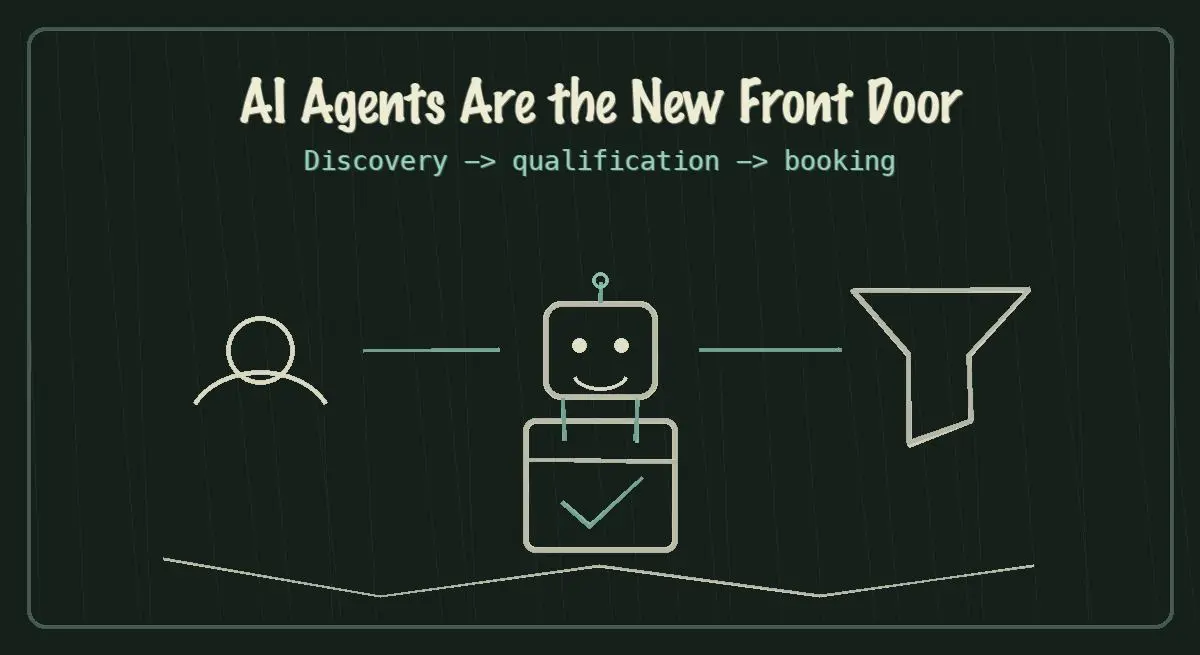
AI agents are becoming the new front door for local service discovery. Learn how to make your business discoverable, qualified, and bookable in 2026.
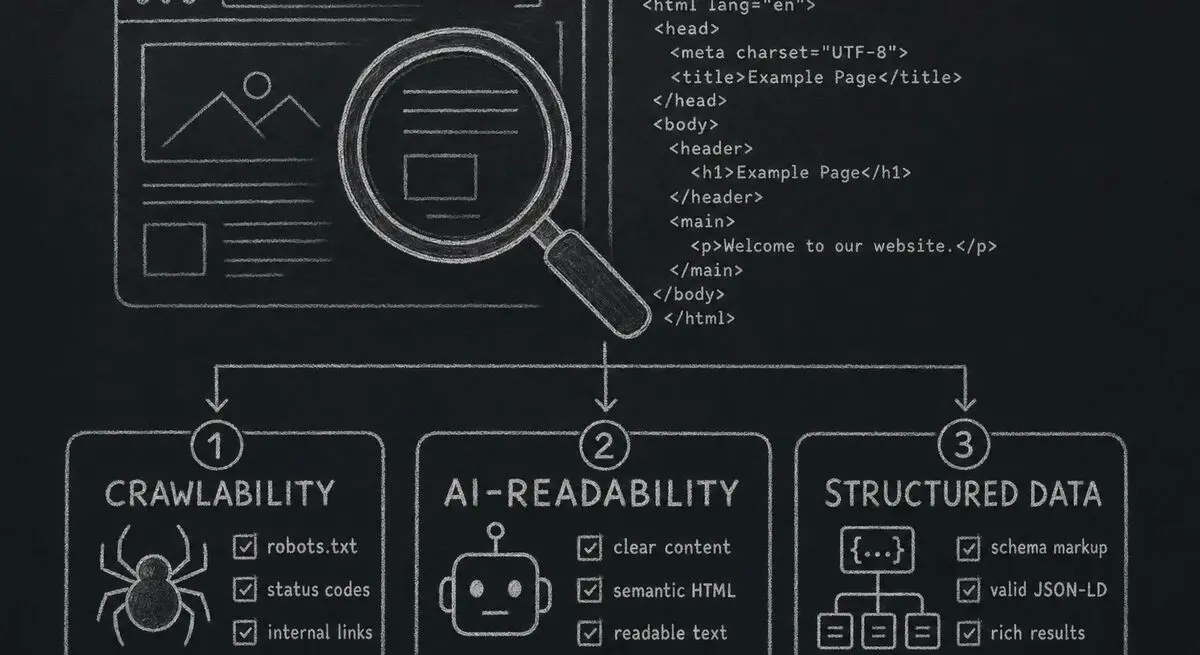
How Dashform computes technical agent readiness, groups its checks into Readiness Layers, and presents Findings without predicting traffic or revenue.

Add a header image in Google Forms and review Dashform's logo, theme, and step-background options for branded forms.
Try the world's first AI-native form and turn every response into action instantly.