

The Depreciation Form opens with a welcome screen explaining how systematic depreciation tracking supports financial records and tax management, then walks through eight questions. It starts by identifying the asset with the "What is the name or description of the asset?" question and the optional "Please provide the asset ID or serial number, if applicable." question, so records stay searchable and audit-ready. The "When was the asset acquired?" and "What was the original cost of the asset?" questions establish the starting point for any depreciation calculation, followed by the "What is the estimated useful life of the asset in years?" and "What is the estimated salvage value of the asset at the end of its useful life?" questions to define the calculation's boundaries. The "Which depreciation method will be used for this asset?" question lets the owner choose from four standard accounting methods, and the optional "What is the current book value of the asset as of today's date?" question captures where the asset stands right now. After submitting, respondents see a confirmation that their depreciation records have been successfully updated.
Try the conversation below to see how this template works
Trusted by over 10,000 customers and growing
Conversations Started
Questions Answered
Forms Created
They rely on the "Which depreciation method will be used for this asset?" question to ensure each asset is recorded under the correct accounting treatment across a client's entire portfolio.
They use the original cost, useful life, and salvage value questions together to build a clear picture of asset value over time for tax and planning purposes.
They depend on the "What is the current book value of the asset as of today's date?" question to bring existing assets onto the schedule without recalculating from acquisition.

AI builds and refines your form through natural conversation no templates, no complex logic, no coding. From a simple text prompt or URL, Dashform generates intelligent flows that adapt automatically.
Dashform turns traditional form-filling into a two-way dialogue. The AI understands intent, remembers context, and asks relevant follow-up questions just like a real human conversation.
Every response is transformed into structured, meaningful, and ready-to-use data. Integrate with your favorite tools.
Everything you need to create amazing forms
Everything you need to know about this template
Don't see exactly what you need? Use our AI Form Generator to create a custom form in seconds. Just describe what you want, and AI will build it for you.
Explore more templates to find the perfect fit
 Client Intake
Gather client details, reputation concerns, objectives, and reporting preferences to kick off a tailored reputation management strategy.
 Hr
HrA five-question workplace survey that measures job satisfaction, work-life balance, and how valued employees feel by their manager and company.
 Hr
HrCollect employee policy-review status, agreement or disagreement, and questions about reporting procedures and consequences.
 Performance Evaluation
Assess employee performance across five key competencies with structured 0–10 ratings from a named evaluator.
 Hr
HrCollect employee preferences on tasks, satisfaction, perks, and workplace improvements in one short form.
 Agreement
Collect signed acknowledgment of laptop usage policies, tie it to a specific device, and confirm each employee's key responsibilities.
Learn how to get the most out of your forms and templates
How solo and mid-size firms can use OpenClaw and Dashform to qualify case intake around the clock, so attorneys spend consultations on viable cases. Step-by-step setup.
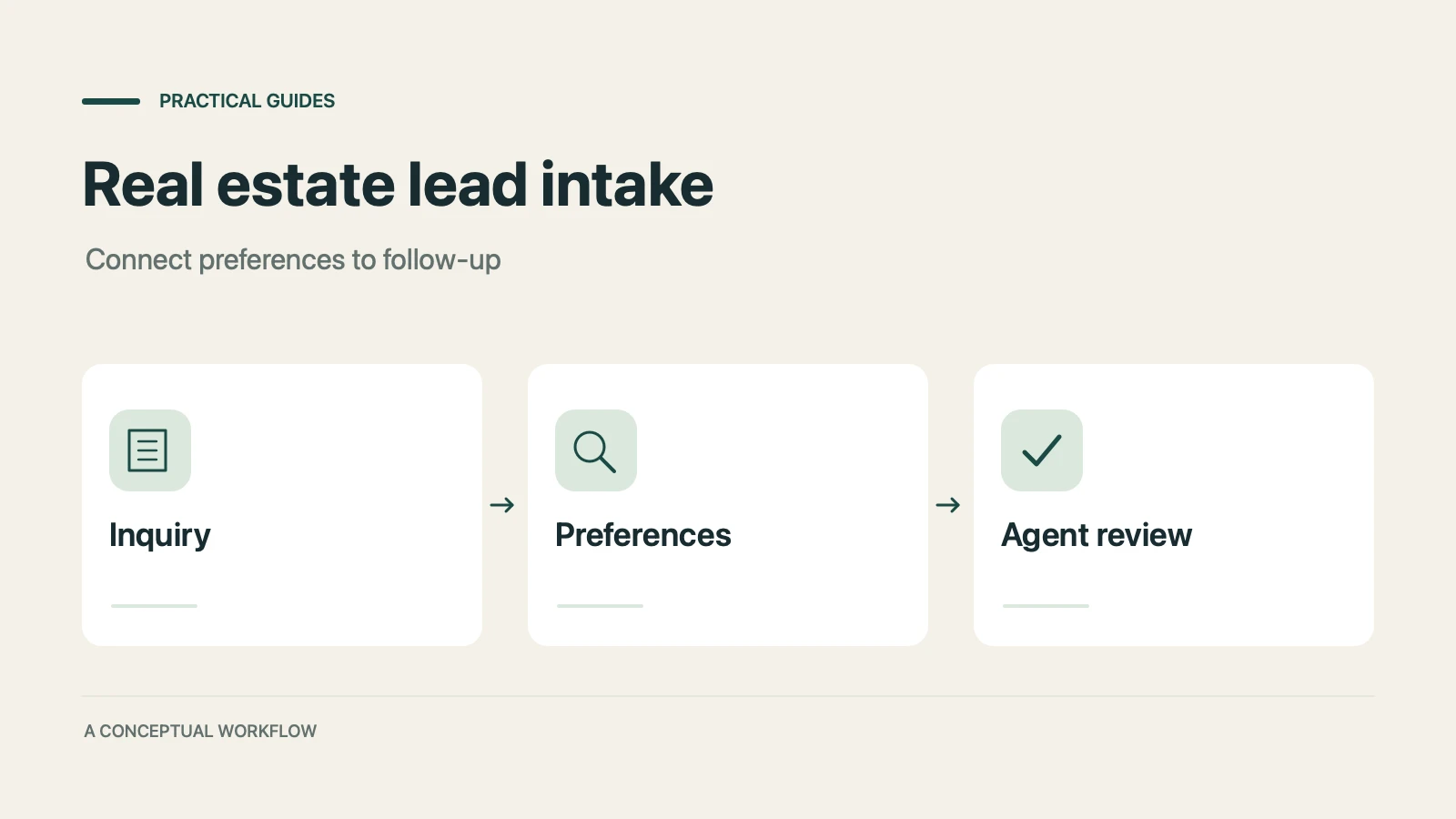
How real estate teams can use OpenClaw and Dashform to qualify inbound leads around the clock and fill calendars with serious buyers.

How hotels and tour operators can use OpenClaw AI agents with Dashform preference forms to personalize bookings, offer relevant upsells, and follow up after each trip.
Try the world's first AI-native form and turn every response into action instantly.