

The Departmental Report Form opens with a welcome screen that sets expectations for a thorough daily update, then asks seven questions in a logical order: the report date and department name come first to anchor every submission, followed by optional questions covering activities and achievements, internal issues and obstacles, and payroll updates, before closing with manager contact details and a free-text notes field. The optional questions are placed after the required ones so submitters can skip what doesn't apply without interrupting their flow. After submitting, respondents see a confirmation screen thanking them and noting that their input supports decision-making across the organization.
Try the conversation below to see how this template works
Trusted by over 10,000 customers and growing
Conversations Started
Questions Answered
Forms Created
Relies on the "Please list the key activities, achievements, or progress made by your department today." question to give leadership a daily snapshot of output without requiring a written narrative email.
Depends on the "Provide any payroll-related updates or information relevant to your department (e.g., new hires, leave requests, timesheet issues)." question to catch staffing changes and timesheet issues before they cause processing delays.
Uses the "Describe any internal issues, challenges, or obstacles encountered today. Include potential solutions or support needed." question to spot blockers early and allocate support across departments.

AI builds and refines your form through natural conversation no templates, no complex logic, no coding. From a simple text prompt or URL, Dashform generates intelligent flows that adapt automatically.
Dashform turns traditional form-filling into a two-way dialogue. The AI understands intent, remembers context, and asks relevant follow-up questions just like a real human conversation.
Every response is transformed into structured, meaningful, and ready-to-use data. Integrate with your favorite tools.
Everything you need to create amazing forms
Everything you need to know about this template
Don't see exactly what you need? Use our AI Form Generator to create a custom form in seconds. Just describe what you want, and AI will build it for you.
Explore more templates to find the perfect fit
 Request
Submit a weekly timesheet adjustment request with all the details HR needs to process it accurately.
 Assessment
Reflect on eight areas of personal finance through self-ratings and choices, with an optional goal question for coaching context.
 Assessment
Rate eight life areas from 1–10 and pinpoint the one change that would move the needle most.
 Application
Apply for a new wholesale account or update existing business details with this structured eight-question application form.
 Agreement
Collect buyer details, product interests, order volume, pricing tier, and delivery terms to set up a wholesale partnership.
 Agreement
Capture a married couple's shared wishes for beneficiaries, asset distribution, executors, and guardianship in one guided form.
Learn how to get the most out of your forms and templates
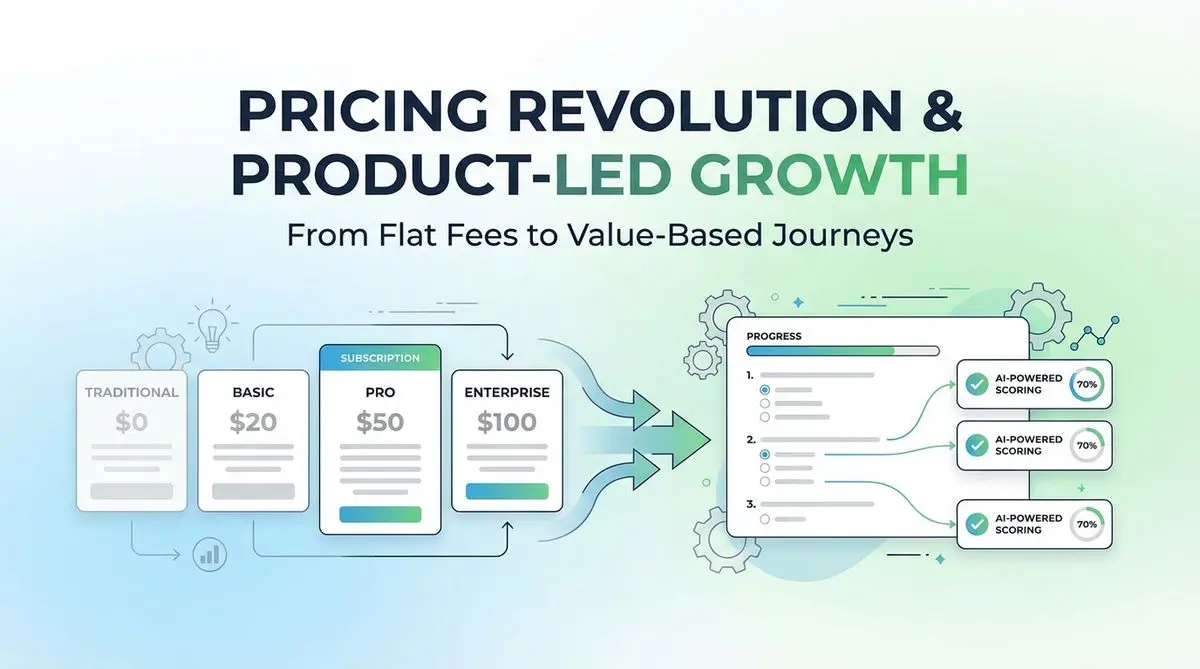
A proposed SaaS intake quiz can collect use case, budget, and timeline before a trial. Test its effect on signups, activation, and paying customers.
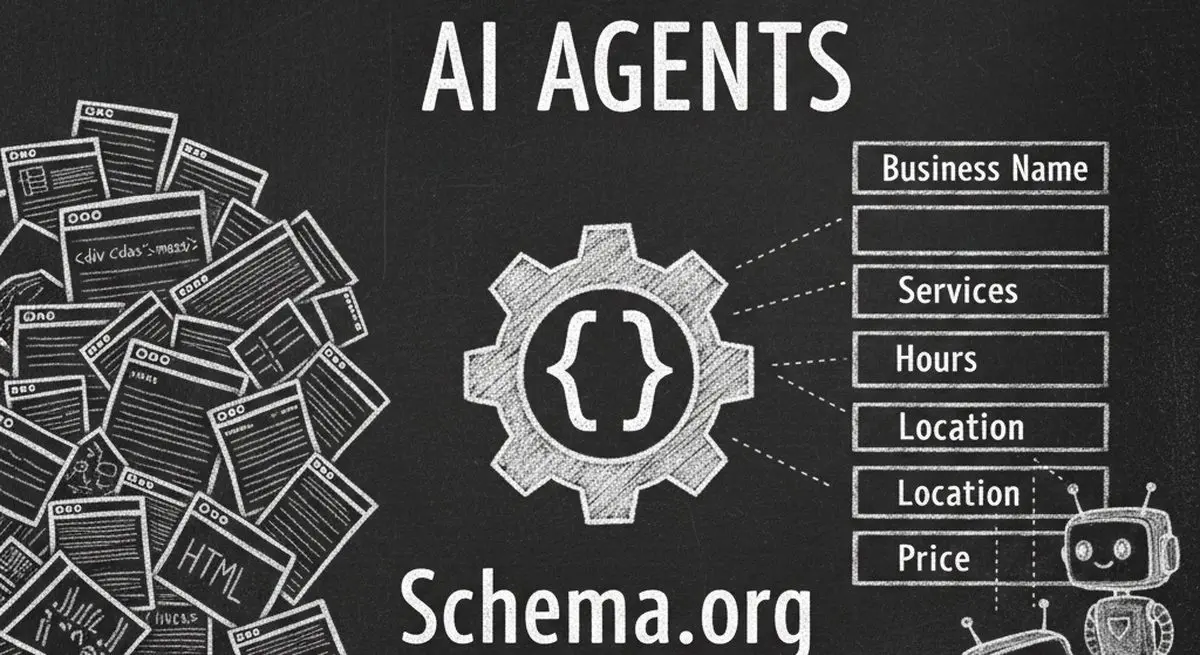
Review seven Schema.org types for describing business information accurately. Structured data can aid parsing, but does not guarantee discovery, citations, or bookings.

Many coaches start with ScoreApp for client scoring, but outgrow scoring-only workflows as their business scales. This article explores common ScoreApp alternatives and what modern coaches should look for beyond simple assessments.
Try the world's first AI-native form and turn every response into action instantly.