

This form collects a complete training record for a single employee, opening with three identification questions — full name, ID or badge number, and department — so every submission is tied to the right person and team. It then asks for the course name, training type, completion date, and instructor, giving the form owner everything needed to log what was taught, when, and by whom. The "What is the completion status?" question pins down whether the employee passed, failed, is still in progress, or hasn't started, while the optional credential question captures certification numbers and expiration dates for roles that require them. After submitting, respondents see a confirmation that the record has been saved to the employee's personnel file.
Try the conversation below to see how this template works
Trusted by over 10,000 customers and growing
Conversations Started
Questions Answered
Forms Created
Rely on the name, ID number, and department questions to file each record against the correct employee without ambiguity.
Use the 'Safety Training' and 'Compliance Training' options alongside the completion date to maintain an audit-ready log of mandatory training.
Track progress across cohorts using the "What is the completion status?" question, and capture credential details for employees earning professional certifications.

AI builds and refines your form through natural conversation no templates, no complex logic, no coding. From a simple text prompt or URL, Dashform generates intelligent flows that adapt automatically.
Dashform turns traditional form-filling into a two-way dialogue. The AI understands intent, remembers context, and asks relevant follow-up questions just like a real human conversation.
Every response is transformed into structured, meaningful, and ready-to-use data. Integrate with your favorite tools.
Everything you need to create amazing forms
Everything you need to know about this template
Don't see exactly what you need? Use our AI Form Generator to create a custom form in seconds. Just describe what you want, and AI will build it for you.
Explore more templates to find the perfect fit
 Event Registration
Register your household for a personalized Santa visit, complete with gift delivery, this holiday season.
 Tracking Log
Log vehicle weights, material descriptions, and operator details for accurate scale records and billing.
 Assessment
Collect developmental milestones, social-emotional ratings, and parent contact details in one structured early childhood assessment.
 Education
A structured scholarship application covering contact info, academics, financial need, achievements, and career goals.
 Membership Application
A straightforward application for students to express interest in joining a school club, with parent contact details included.
 Consent
Lets parents grant permission and share key details for student services like transportation, lunch, and after-school care.
Learn how to get the most out of your forms and templates
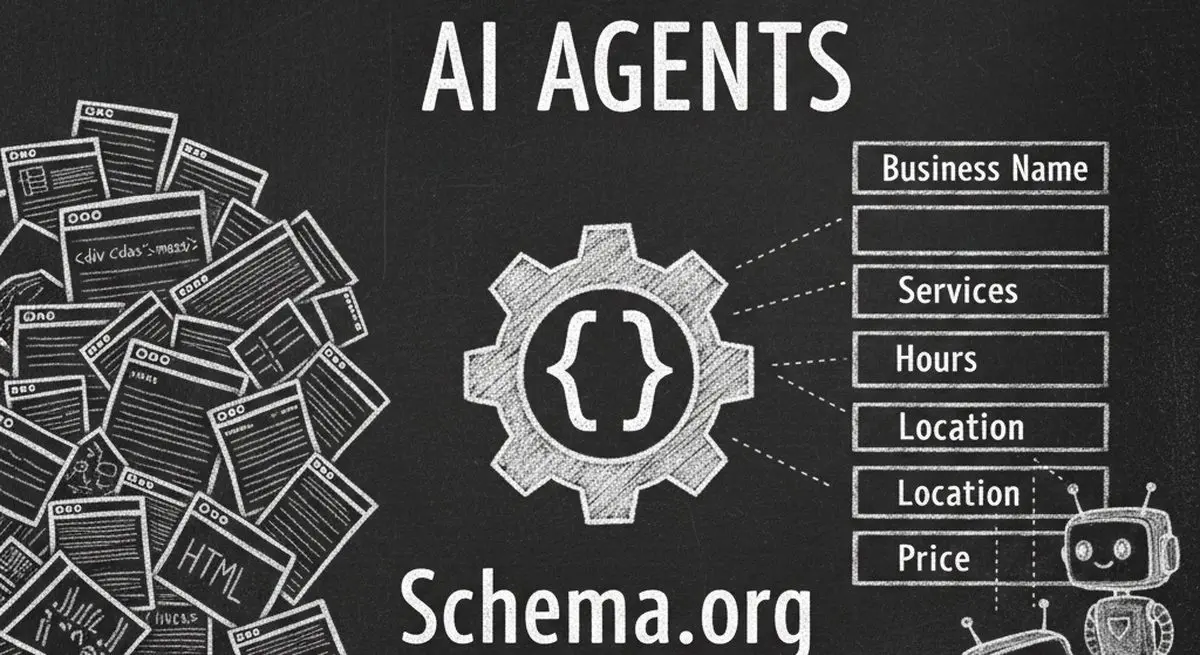
Review seven Schema.org types for describing business information accurately. Structured data can aid parsing, but does not guarantee discovery, citations, or bookings.

Many coaches start with ScoreApp for client scoring, but outgrow scoring-only workflows as their business scales. This article explores common ScoreApp alternatives and what modern coaches should look for beyond simple assessments.
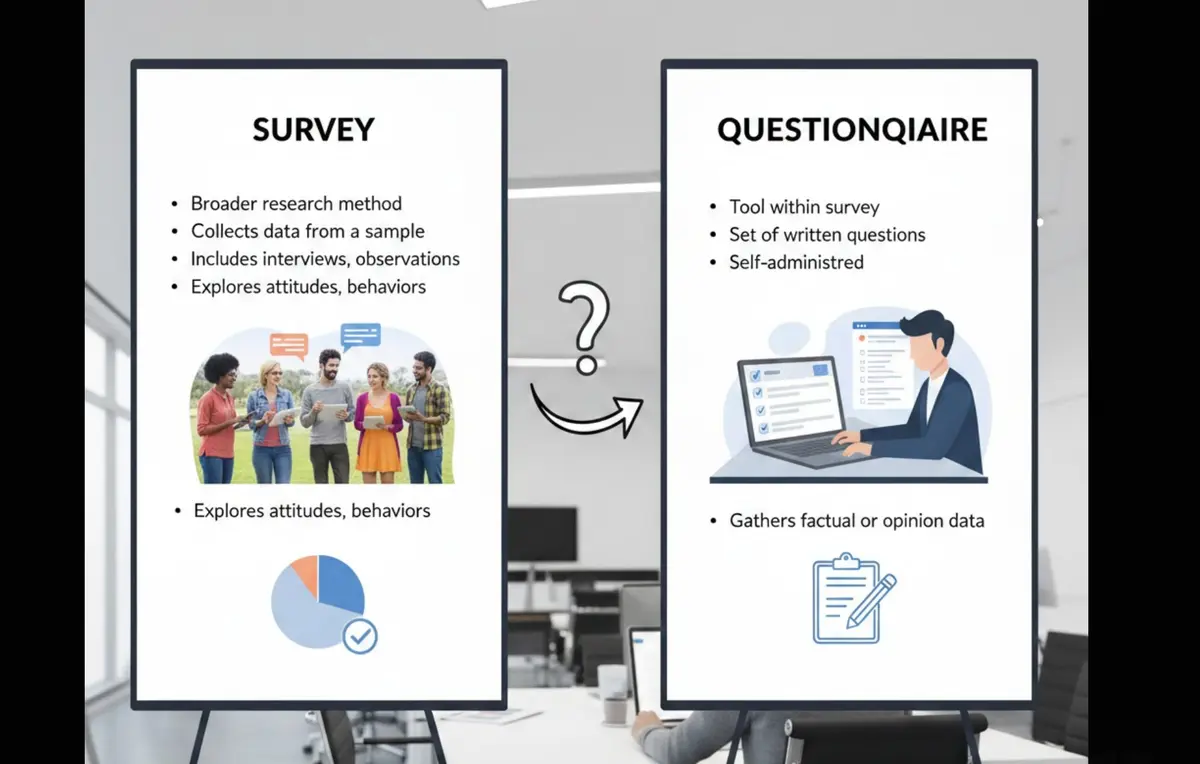
Survey vs questionnaire: understand the key differences, use cases, and decision framework to choose the right approach for research, customer feedback, or internal workflows.
Try the world's first AI-native form and turn every response into action instantly.