The Early Childhood Assessment Form opens by collecting the child's full name and date of birth to anchor every response to a specific child's record. It then moves through developmental questions: a multiple-choice checklist of five physical, language, and social milestones the child has reached, a rating of socio-emotional development, and an open-ended question for any areas needing extra support or enrichment. A single-choice question on overall developmental progress gives the assessor a clear summary judgment before the form closes with the parent or guardian's name and contact details so staff can follow up. After submitting, respondents see a thank-you screen confirming that their input will be used to support the child's development and learning.
Try the conversation below to see how this template works
Trusted by over 10,000 customers and growing
Conversations Started
Questions Answered
Forms Created
Rely on the milestone checklist and the socio-emotional rating question to build a structured picture of each child's development before planning classroom activities or interventions.
Use the overall-impression single-choice question alongside the optional support question to quickly flag which children may need further clinical assessment or specialist referral.
Depend on the child's name and date of birth questions at the start, and the parent or guardian contact questions at the end, to create accurate intake records and stay in touch with families.

AI builds and refines your form through natural conversation no templates, no complex logic, no coding. From a simple text prompt or URL, Dashform generates intelligent flows that adapt automatically.
Dashform turns traditional form-filling into a two-way dialogue. The AI understands intent, remembers context, and asks relevant follow-up questions just like a real human conversation.
Every response is transformed into structured, meaningful, and ready-to-use data. Integrate with your favorite tools.
Everything you need to create amazing forms
Everything you need to know about this template
Don't see exactly what you need? Use our AI Form Generator to create a custom form in seconds. Just describe what you want, and AI will build it for you.
Explore more templates to find the perfect fit
 Complaint
A ten-question form for logging complaints with full incident details, prior resolution attempts, and urgency level.
 Quiz
Practice conditional logic with delivery, AND, OR, and fallback scenarios, then compare your reasoning with an ending answer guide.
 Event Registration
Collect attendee details, ticket choice, dietary needs, and optional add-ons in one smooth conference sign-up flow.
 Information Request
Collect verified personal details and explicit data-use consent from individuals in one secure, structured form.
 Inquiry
Capture construction project inquiries with contact details, project type, description, timeline, and referral source.
 Progress Tracking
A structured weekly or periodic update form for construction teams to report phase, progress, challenges, next steps, and schedule status.
Learn how to get the most out of your forms and templates
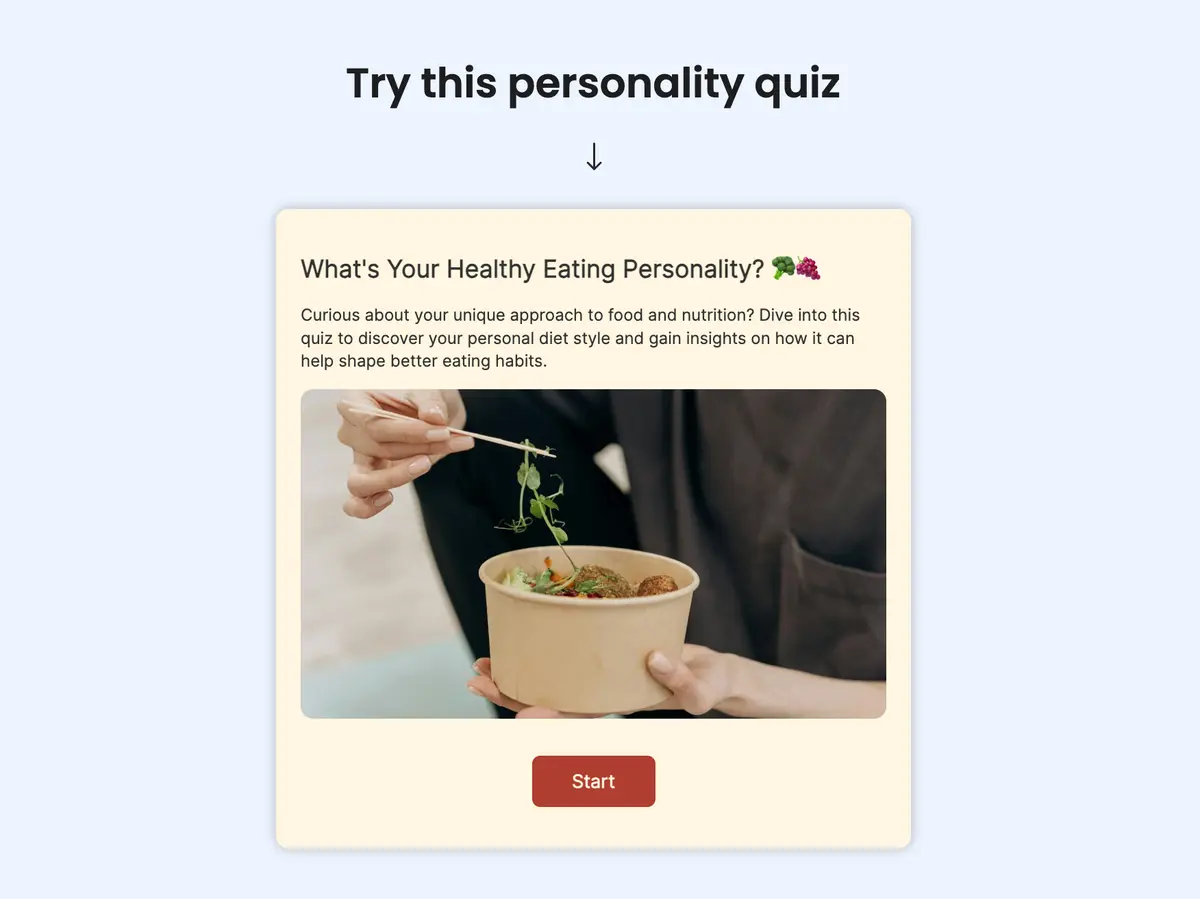
Compare Dashform quiz authoring with your Opinion Stage workflow: AI-assisted drafts, configurable branches, Endings, themes, and plan allowances.
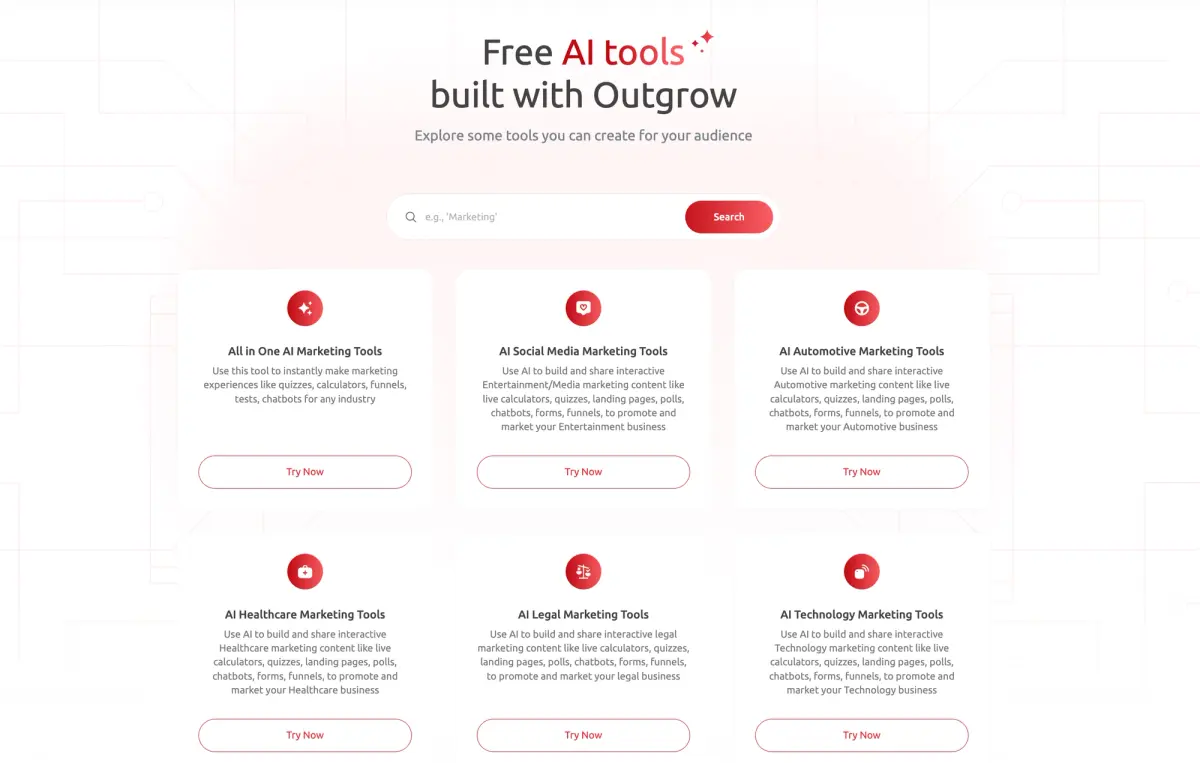
Dashform vs Outgrow on drafting workflow, qualification needs, branding, and current plan allowances. Test what your campaign needs before switching.
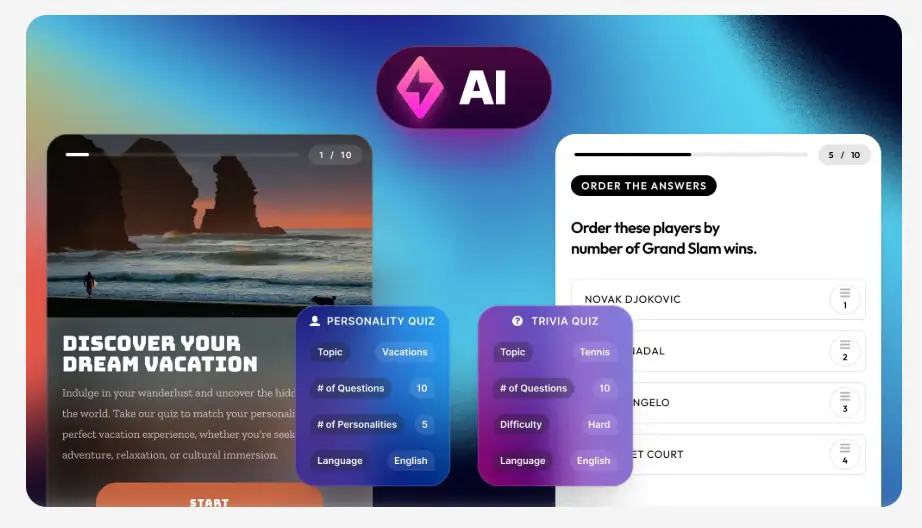
Evaluate Dashform and Riddle for quiz drafting, question logic, result content, branding, and publishing with a practical workflow checklist.
Try the world's first AI-native form and turn every response into action instantly.

