

The Santa Visit Registration Form opens by collecting the parent or guardian's full name, contact email, and phone number — the essentials needed to confirm and coordinate the visit. It then asks for the full home address where Santa will arrive and the number of children in the household (from one to five or more), so organizers can plan accordingly. An optional question invites parents to list each child's name and age, helping Santa personalize the experience, followed by optional fields for a preferred visit date and any special instructions about the visit or gifts. After submitting, respondents see a warm confirmation message letting them know their registration was received and that a magical visit is on its way.
Try the conversation below to see how this template works
Trusted by over 10,000 customers and growing
Conversations Started
Questions Answered
Forms Created
Relies on the address, child count, and preferred date questions to schedule and route Santa's visits efficiently across multiple households.
Uses the names-and-ages and special instructions questions to make sure Santa arrives knowing exactly who he's visiting and what would delight each child.
Depends on the contact email and phone questions to coordinate volunteer Santas and keep families informed of any scheduling changes.

AI builds and refines your form through natural conversation no templates, no complex logic, no coding. From a simple text prompt or URL, Dashform generates intelligent flows that adapt automatically.
Dashform turns traditional form-filling into a two-way dialogue. The AI understands intent, remembers context, and asks relevant follow-up questions just like a real human conversation.
Every response is transformed into structured, meaningful, and ready-to-use data. Integrate with your favorite tools.
Everything you need to create amazing forms
Everything you need to know about this template
Don't see exactly what you need? Use our AI Form Generator to create a custom form in seconds. Just describe what you want, and AI will build it for you.
Explore more templates to find the perfect fit
 Membership Registration
Collect contact details, attendance history, and ministry interests from people joining your church community.
 Event Registration
Register for an upcoming church service or event, including date choice, group size, and any accessibility or childcare needs.
 Request
Let students formally submit concerns and suggestions to their Class Council with this structured petition form.
 Quote Request
Collect property details, cleaning needs, and scheduling preferences for a provider to review before preparing a proposal.
 Evaluation Survey
Guide clients through a structured, professional close to a project while collecting satisfaction ratings and actionable feedback.
 Client Intake
Gather client hobbies, interests, and communication preferences to tailor your services to each individual.
Learn how to get the most out of your forms and templates

Med spa website examples with clear service pages, strong calls to action, mobile-friendly layouts, and lead capture that works.
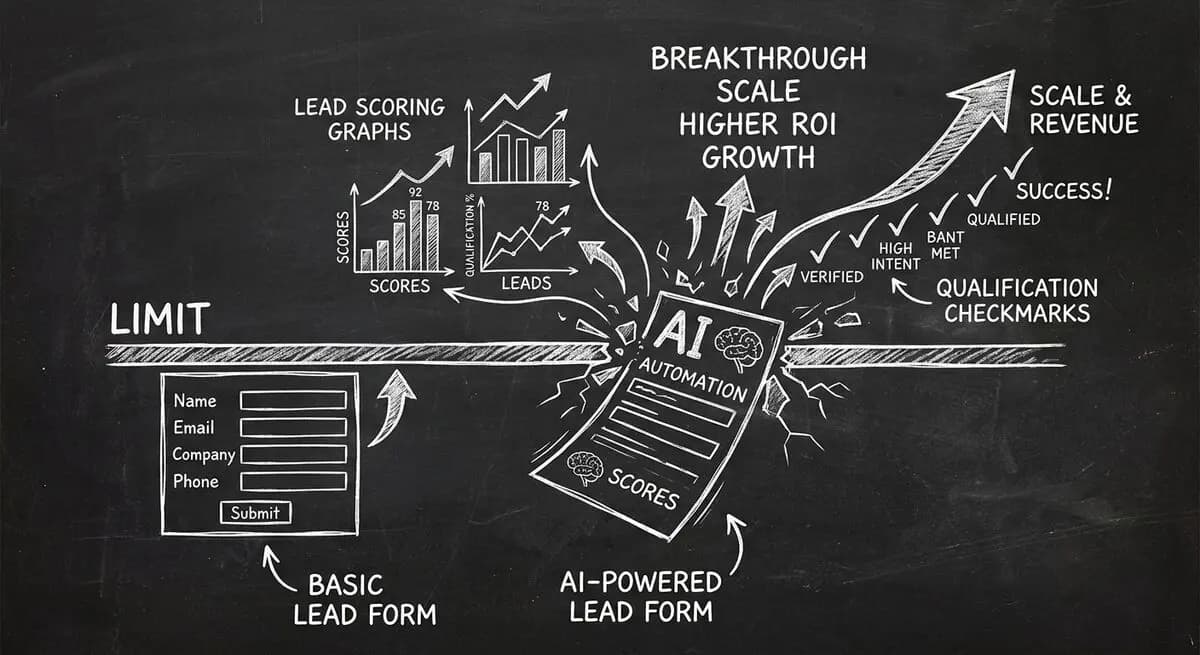
Compare Dashform and Tally for AI drafting, form logic, lead review, and integrations, with a practical checklist for evaluating a switch.
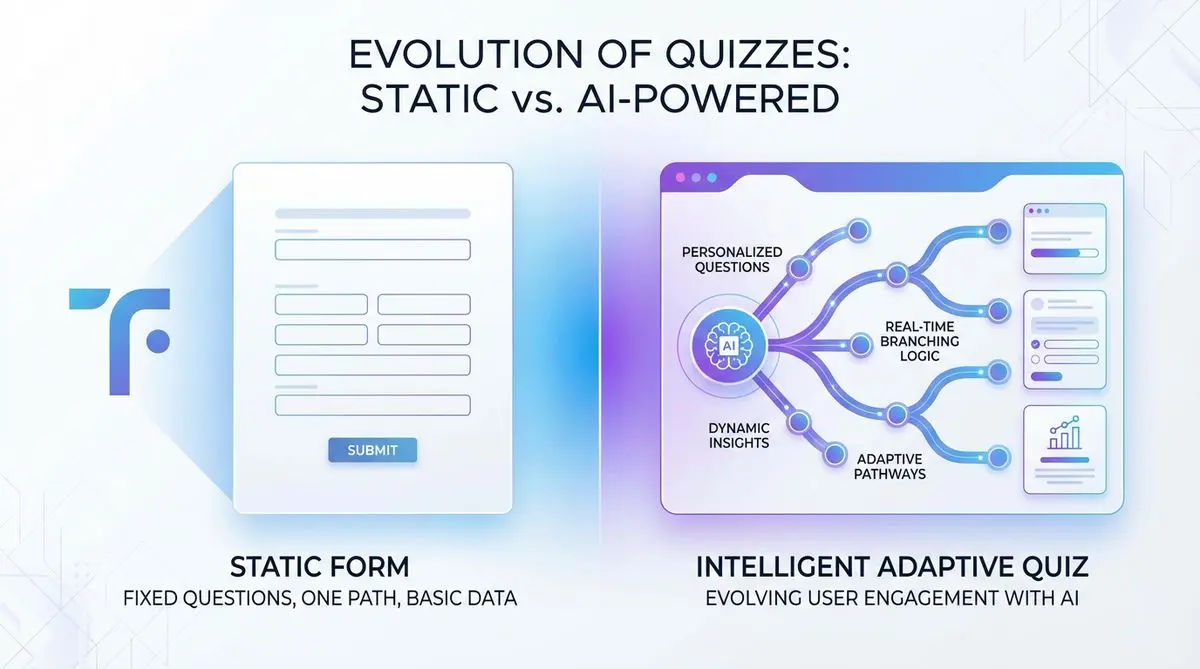
Compare Dashform and Typeform for question drafting, qualification, results, and configured CRM or scheduling handoffs.
Try the world's first AI-native form and turn every response into action instantly.